Shutdown Command In Cmd Comment Pirater Un Ordinateur A Distance Avec Cmd AUTOMASITES Comandos Shutdown Del Cmd Para Apagar El Ordenador De Windows Ionos How To Shut Down Windows 10 PC Using Command Prompt Ask Caty What Is The Shutdown Command In Windows How To Shutdown Restart Schedule Windows 10 With CMD TechWiser Web Jul 11 2021 nbsp 0183 32 1 Open the Start menu and type in Command Prompt in the search box Then click on Run as administrator to open it with admin rights 2 Type in the following command and press Enter shutdown s Your PC will power off after a minute If you wish to modify the timeframe after which the PC should turn off then use the following
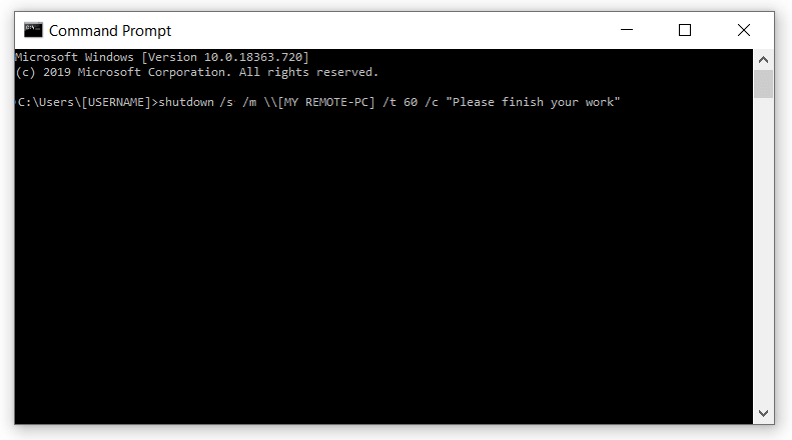
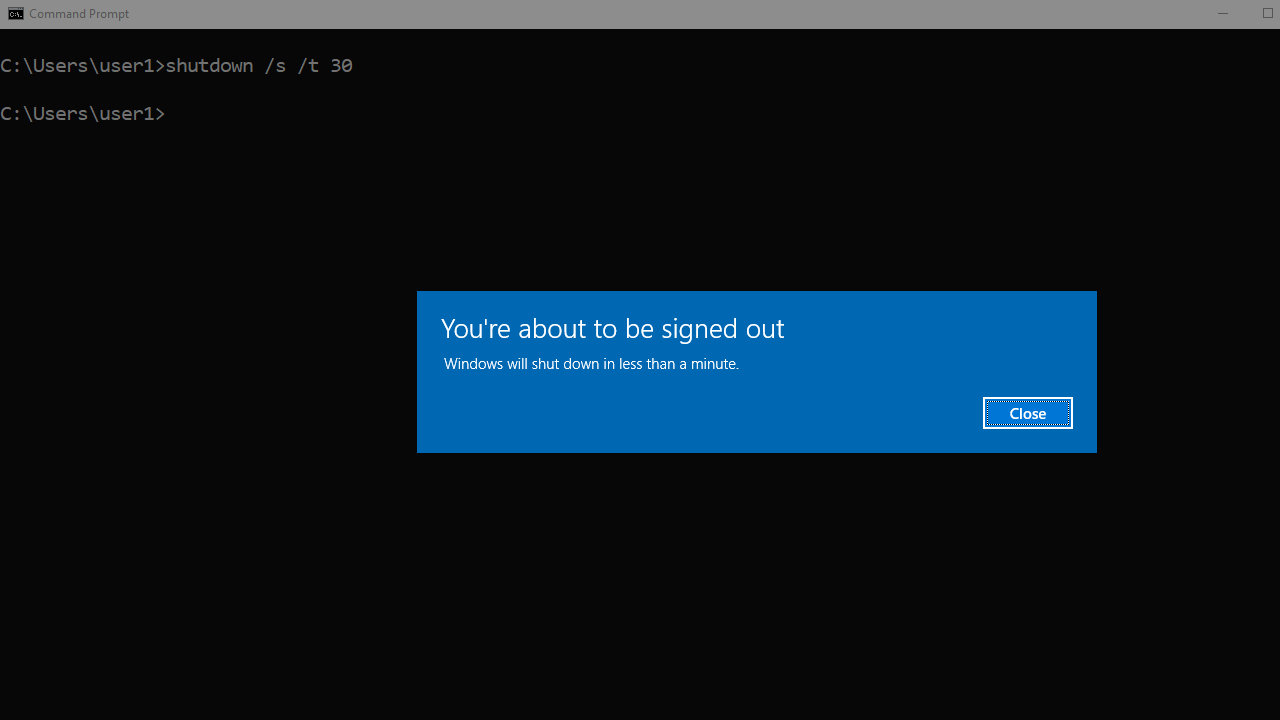
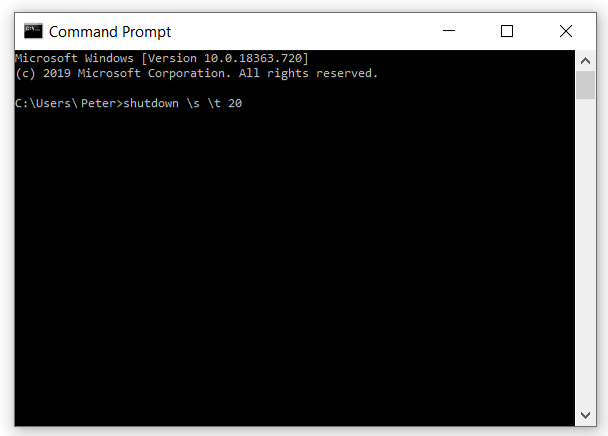
Web Dec 23 2021 nbsp 0183 32 The shutdown command is a Command Prompt command that powers off restarts logs off or hibernates your computer The same one can be used to remotely shut down or restart a computer you have access to over a network In some ways it s similar to the logoff command Shutdown Command Availability Maddy Price Lifewire Web May 15 2018 nbsp 0183 32 If you want to shut down your computer immediately instead type shutdown s t 00 into Command Prompt To shut down your computer a set number of seconds or minutes from the current time type shutdown s t where quot quot is the number of seconds e g quot 06 quot for six seconds quot 60 quot for a minute quot 120 quot for two minutes etc
How To Shutdown Restart Schedule Windows 10 With CMD TechWiser Shutdown A Computer Using Run Command How To Shutdown Computer Using How To Shutdown Remote Computer Using Cmd Shutdown Or Restart Windows How To Force Shutdown Windows 10 11 How To Shutdown Windows 10 With CMD Timer Shutdown Command Prompt How To Restart Shutdown Using CMD How To Remotely Shut Down Windows 10 With CMD Command Line Windows How To Shutdown Ubuntu Server Ubuntu Shutdown Command Command Line How Do I Shutdown Restart Logoff Windows Via A Bat
Shutdown Command In Cmd
 Shutdown Command In Cmd
https://www.ionos.fr/digitalguide/fileadmin/DigitalGuide/Screenshots_2020/shutdown-via-cmd-example-with-more-complex-syntax.png
Web SHUTDOWN exe Shutdown the computer Syntax SHUTDOWN shutdown option s m Computer other options shutdown options i Display the GUI must be the first option l Log off
Templates are pre-designed files or files that can be utilized for numerous functions. They can conserve time and effort by offering a ready-made format and design for creating various sort of material. Templates can be utilized for individual or expert tasks, such as resumes, invites, flyers, newsletters, reports, presentations, and more.
Shutdown Command In Cmd

Cmd To Shutdown Windows 7 8 10 Shutdown Windows Using Command Prompt

Shutdown A Computer Using Run Command How To Shutdown Computer Using

How To Shutdown Remote Computer Using Cmd Shutdown Or Restart Windows
How To Force Shutdown Windows 10 11
How To Restart Shutdown Using CMD

How To Remotely Shut Down Windows 10 With CMD Command Line Windows
Web Sep 16 2020 nbsp 0183 32 Windows shutdown via command explanation and advantages The first step call up the command prompt for shutdown commands Shutdown via CMD entry this is how the command lines work The most important commands for shutdowns via CMD Additional shutdown options
Web Oct 5 2023 nbsp 0183 32 shutdown r m myremoteserver t 60 c quot Reconfiguring myapp exe quot f d p 4 1 To restart the remote computer myremoteserver in 5 minutes due to a security update and include a custom reason in the shutdown event tracker type shutdown r t 300 e c quot Security Update quot m myremoteserver Related links Command Line Syntax Key

Web Dec 29 2022 nbsp 0183 32 How to shutdown windows from the command prompt To shutdown Windows use the shutdown command with the s key shutdown s Reboot Windows from the CMD In order to reboot your computer use the r parameter After running it Windows will be will gracefully restarted shutdown r

Web Dec 14 2022 nbsp 0183 32 To shut down the computer manually with Command Prompt use these steps Open Start Search for Command Prompt right click the top result and select the Run as administrator option Type

Web Oct 1 2020 nbsp 0183 32 This bat on getting executed by a simple double click or other methods should initiate the shutdown process Open Command Prompt cmd and type shutdown s or shutdown s The above command will schedule a shutdown the Windows machine should be scheduled to shutdown within a minute of executing this command
[desc-11] [desc-12]
[desc-13]