Restart Command In Cmd How To Shut Down Or Restart Another Computer Using CMD 6 Steps C mo Reiniciar Servicios En Linux 4 Pasos con Fotos Checkout These New CMD Commands To Use Hi Tech Gazette How To Restart Using Command Prompt YouTube How To Properly Reboot Restart A Windows Computer To restart Windows through Command Prompt using the shutdown command open Command Prompt and enter this shutdown r The r parameter specifies that it should restart the computer instead of just shut it down which is what happens when s is used
Shutdown cmdlet switches Restart your local computer using Command Line Restart your computer Restart computer after time delay Cancel a computer restart Forcefully restart your computer Add custom message while restarting computer Shutdown computer Restart remote computer using Command Line Closing words Click on the Open menu You can use the Run as Administrator option to open a command prompt in administrator privileges cmd restart reboot windows with Shutdown r command Use the following command to restart the computer shutdown r Press Enter Use the shutdown r cmd command to restart computer
How To Properly Reboot Restart A Windows Computer How To Shutdown Remote Computer Using Cmd Shutdown Or Restart Windows Restart Windows Using Cmd And PowerShell ShellGeek How To Shutdown Ubuntu From Terminal Linux Shutdown Command Example How To Restart IIS In Cmd Windows Shutdown Timer Command Corehety Comparison Of Review Command Vs TabIt NewTab Startup Buffer 22 Best CMD Commands For Windows 2021 GeekDost Complete List Of Cmd Commands For Windows 10 8 7 Vista And Xp Command
Restart Command In Cmd
 Restart Command In Cmd
https://www.wikihow.com/images/thumb/5/54/Shut-Down-or-Restart-Another-Computer-Using-CMD-Step-2.jpg/aid7614033-v4-728px-Shut-Down-or-Restart-Another-Computer-Using-CMD-Step-2.jpg
You can press the Windows key S and type cmd right click on the command prompt and select run as administrator Click yes if UAC prompt for permission to run the application with administrative permissions Turn off the computer with the shutdown command You can shut down or turn off your computer using the shutdown
Templates are pre-designed files or files that can be used for different purposes. They can save time and effort by providing a ready-made format and design for creating various sort of content. Templates can be used for personal or professional projects, such as resumes, invites, flyers, newsletters, reports, discussions, and more.
Restart Command In Cmd
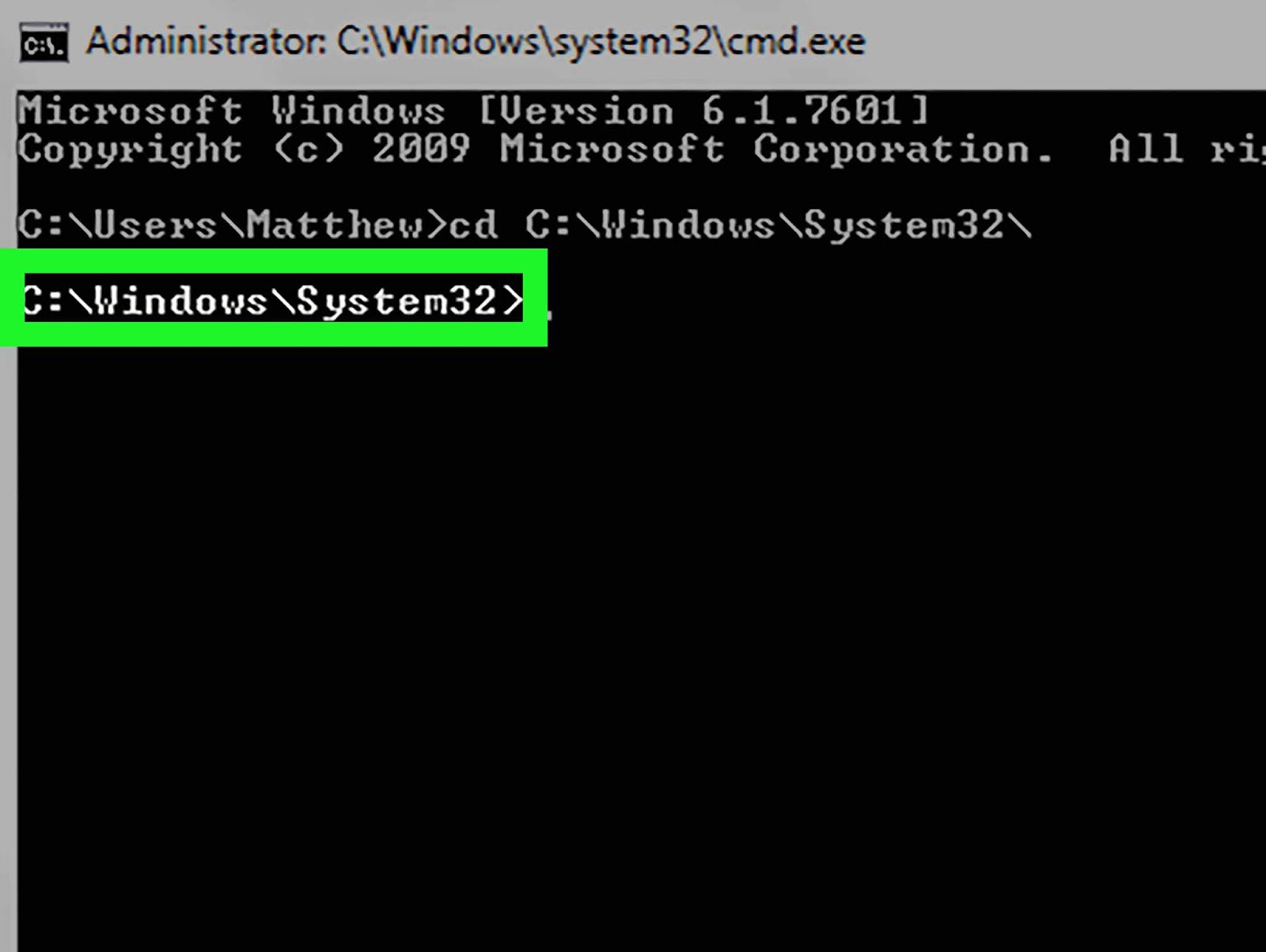
How To Restart Shutdown Using CMD

How To Shutdown Remote Computer Using Cmd Shutdown Or Restart Windows
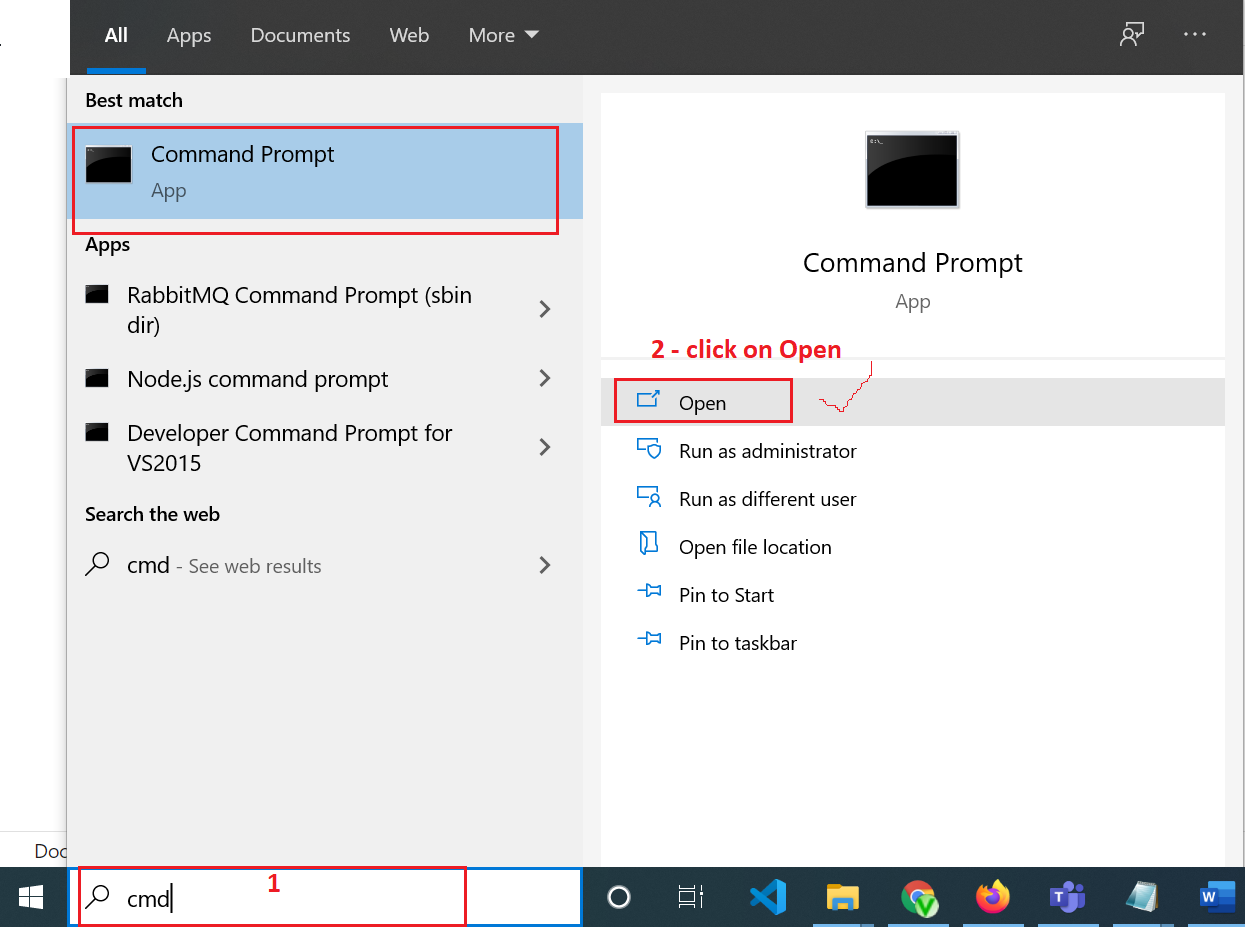
Restart Windows Using Cmd And PowerShell ShellGeek
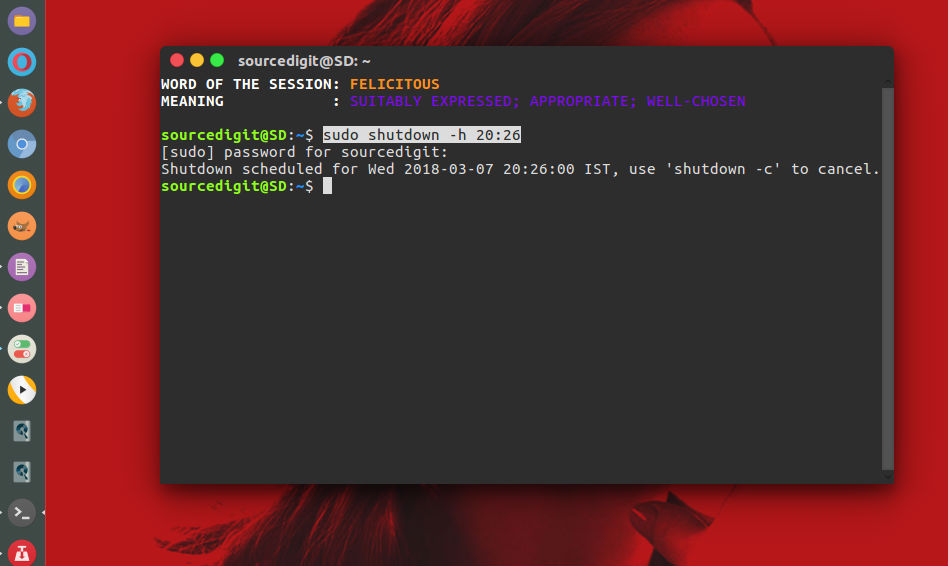
How To Shutdown Ubuntu From Terminal Linux Shutdown Command Example

Windows Shutdown Timer Command Corehety

Comparison Of Review Command Vs TabIt NewTab Startup Buffer

We can reboot a Windows computer from command line using the in built shutdown command Below you can find syntax of this command for various use cases The below commands work on Windows 7 Windows 8 Windows 10 and all other server editions Command to reboot windows computer shutdown r

1 Press Win S This opens the Windows Search bar 2 Type cmd A list of search results will appear 3 Right click Command Prompt It s at the top of the list 4 Click Run as administrator The command prompt will appear inside a terminal window 5 Type shutdown r at the command prompt 6 Press Enter A confirmation message

Thankfully Windows provides a CMD command to restart the operating system from the command line interface The shutdown command s r option reboot windows For example if you execute the following command in CMD Windows will restart after a warning message Usually after 30 seconds shutdown r

Open the Start menu and type in Command Prompt in the search box Then click on Run as administrator to open it with admin rights 2 Type in the following command and press Enter shutdown s Your PC will power off after a minute If you wish to modify the timeframe after which the PC should turn off then use the following

Open the Run window by pressing the Windows Key R keys type cmd in the box and then select the OK button to open the Command Prompt Once in the Command Prompt type the actual restart command shutdown r Press the Enter key to proceed Your PC will now begin the restart process within the next minute
[desc-11] [desc-12]
[desc-13]