Reset Command In Cmd Reset Pc From Command Prompt Windows 10 Racksubtitle Checkout These New CMD Commands To Use Hi Tech Gazette 5 Useful CMD Commands That A Windows User Should Know Wikigain Fix WiFi Not Working Issue On Windows 10 Easily Driver Easy PassMoz How To Reset Windows Server 2012 Password Without CD Or DVD Intro How to Reset Windows 10 From Command Prompt Easier Way to Reset How To Desktop 90 4K subscribers Subscribed 756 212K views 2 years ago In Windows 10 it you
This section will outline how to use Command Prompt to reset Windows 10 and perform a fresh start We ll discuss the two ways to reset PC using CMD Way 1 How to Start System Restore From the Command Prompt Enter rstrui exe into Command Prompt to start the System Restore utility from the command line By Tim Fisher Updated on June 8 2023
PassMoz How To Reset Windows Server 2012 Password Without CD Or DVD Batch File Why Does cmd k Reset clear delete Command History Top 31 Best Command Prompt Tricks Hacks Codes You Should Try 22 Best CMD Commands For Windows 2021 GeekDost Reset Windows 10 Local Admin Password With Command Prompt Getting Error Message Running The Contributed Command Failed ITecNote QTEXT Command In CAD Free Download Website Of Autocad Blocks For Designer How To Hide Any Drive In Windows Using Cmd Command Prompt Vrogue How To Reset Windows 10 Via CMD Command Prompt
Reset Command In Cmd
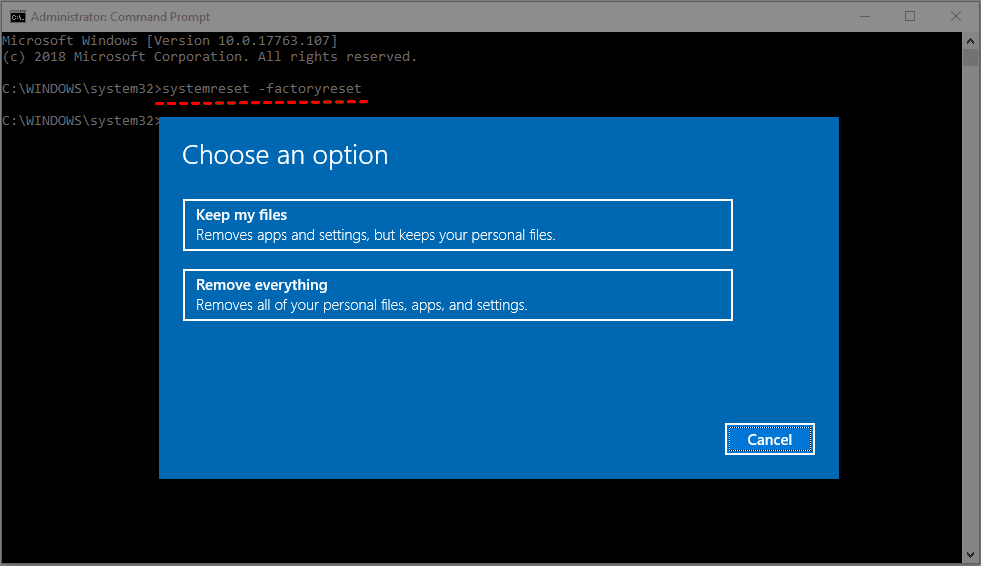 Reset Command In Cmd
https://www.ubackup.com/screenshot/en/others/cmd/factory-reset-windows-10-command-prompt.png
Open PowerShell or Command Prompt and run as administrator type the following commands by pressing enter at the end of each command line netsh winsock
Templates are pre-designed files or files that can be utilized for different functions. They can save time and effort by providing a ready-made format and layout for producing various type of material. Templates can be utilized for personal or expert jobs, such as resumes, invites, flyers, newsletters, reports, presentations, and more.
Reset Command In Cmd
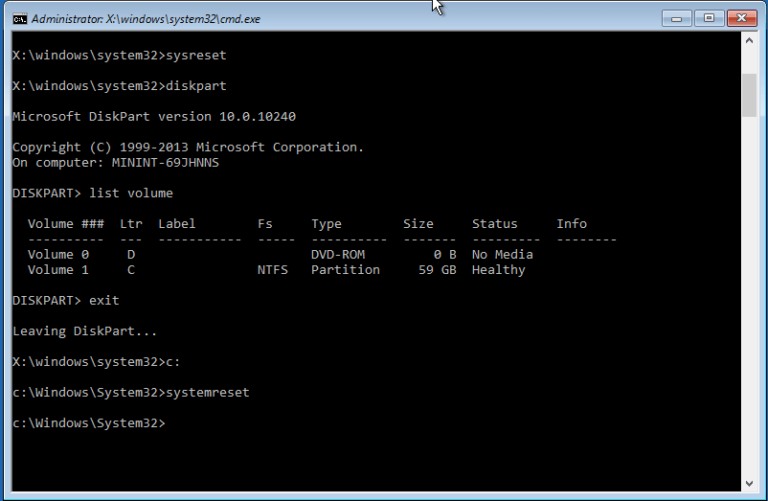
How To Reset Windows 10 Via CMD Command Prompt 1 Tech

Batch File Why Does cmd k Reset clear delete Command History
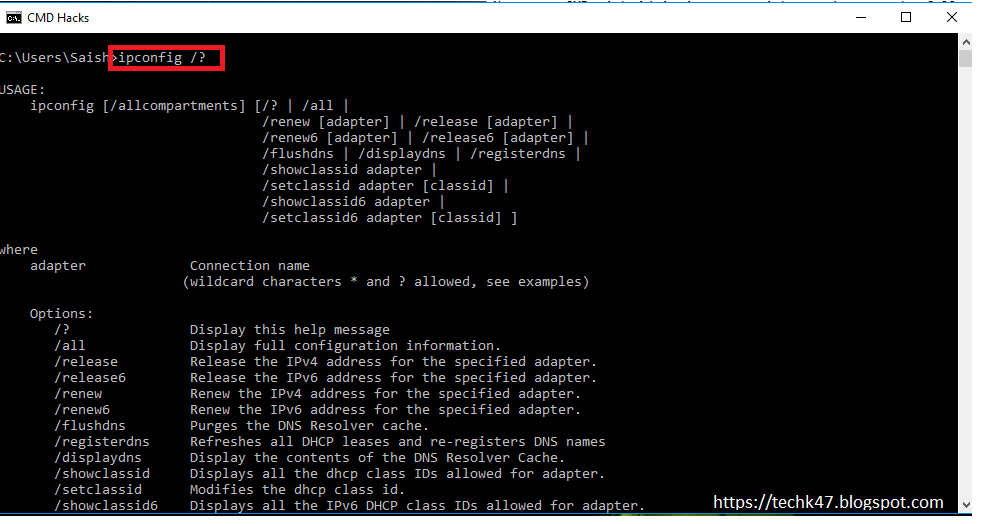
Top 31 Best Command Prompt Tricks Hacks Codes You Should Try
22 Best CMD Commands For Windows 2021 GeekDost

Getting Error Message Running The Contributed Command Failed ITecNote

QTEXT Command In CAD Free Download Website Of Autocad Blocks For Designer
Method 1 Perform Windows 10 reset from command line 1 Open an elevated command prompt If your Windows 10 is

Reset PC from Command Prompt Open the start menu Search for cmd Right click on the Command Prompt and select Run as Administrator In the command prompt
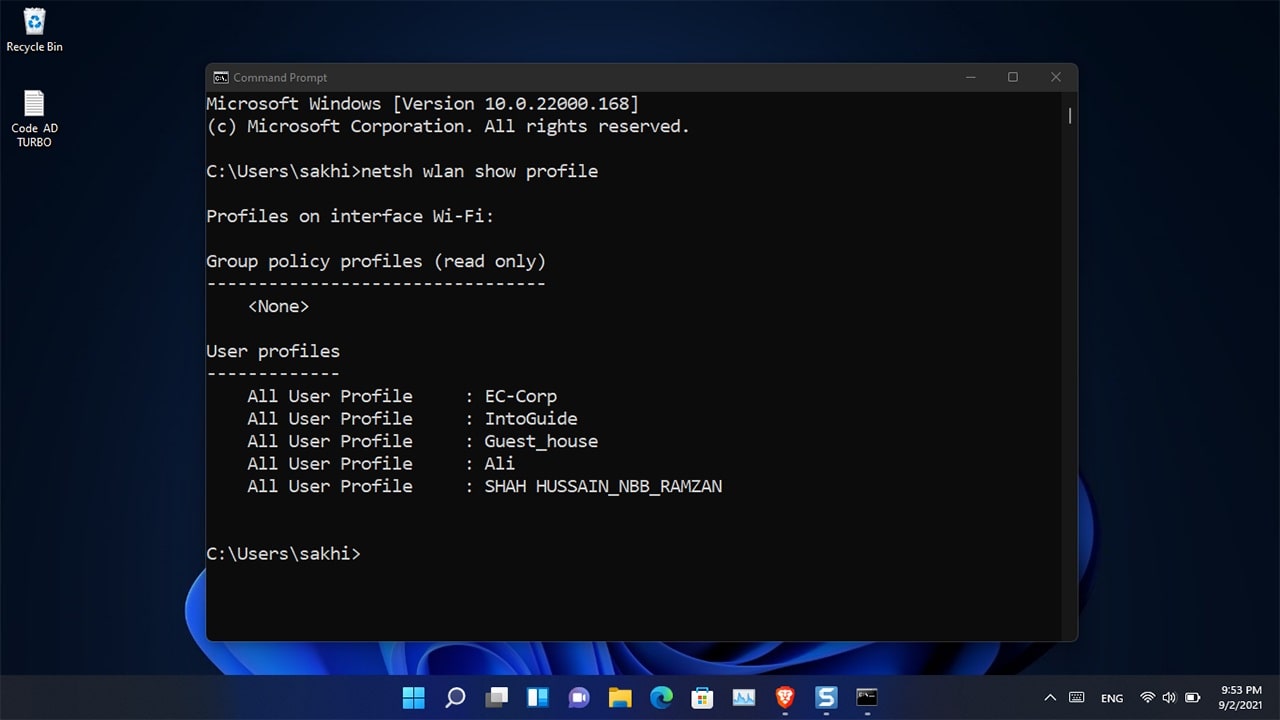
1 First of all open Windows Search and type in Command Prompt 2 Right click on the Command Prompt and select Run as administrator 3 Now on the
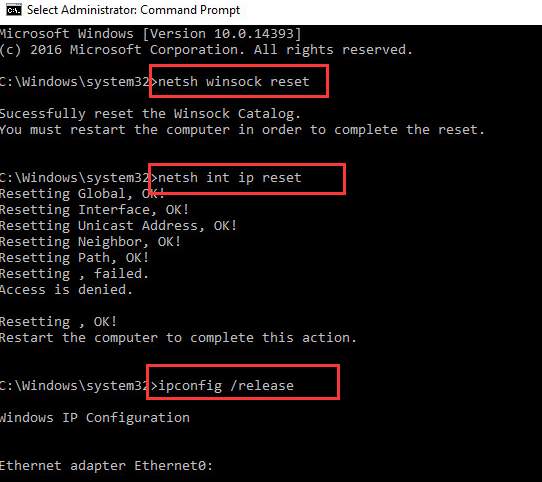
Step 1 Type cmd in the search box and click Command Prompt to continue Step 2 Enter rstrui exe at first in the Command Prompt window and then press Enter to continue Step 3 Click Next to choose
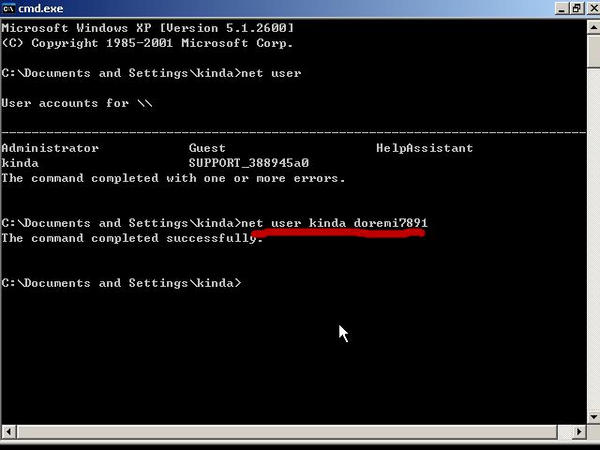
It can be used in two ways from the command line prompt or from the Windows Control Panel The syntax for the Reset CMD command is reset p r f
4 Answers Sorted by 63 Try deleting the entire HKEY CURRENT USER Console key export it first just in case from the registry It s re With CMD you can input a chain of commands that will help reset your system to its defaults All you need to do is launch Command Prompt as an
Reboot Windows from the CMD In order to reboot your computer use the r parameter After running it Windows will be will gracefully restarted shutdown r End a