Command Prompt Output To File Command Prompt Tutorial How To Save Command s Output To A File YouTube How To Save Command Output To File From Command Prompt And PowerShell 8 Ways To Open The Command Prompt In Windows 10 Photos How To Redirect Command Prompt Output To A File Easy HOW TO SAVE THE OUTPUT FROM COMMAND PROMPT TO FILE Ask Caty Web Oct 30 2015 nbsp 0183 32 Redirect the output of a batch command into a file log txt D gt copy D aaa txt D bbb txt gt log txt Append the output to the file copy D aaa txt D bbb txt gt gt log txt Note that you might want to suppress the confirmation whether or not to
Web 7 Answers Sorted by 1311 You want dir gt a txt 2 gt amp 1 The syntax 2 gt amp 1 will redirect 2 stderr to 1 stdout You can also hide messages by redirecting to NUL Web Nov 8 2017 nbsp 0183 32 You can redirect the output of a cmd prompt to a file using gt or gt gt to append to a file i e echo Hello World gt C output txt echo Hello again gt gt C output txt or mybatchfile bat gt C output txt Note that using gt will automatically overwrite the
HOW TO SAVE THE OUTPUT FROM COMMAND PROMPT TO FILE Ask Caty How To Save Command Prompt Output To Text File In Linux BEST GAMES How To Copy Command Prompt Output In Windows Vrogue This Simple Trick Saves Command Prompt Output To A Text File How To Copy Command Prompt Output Text To Clipboard Or Save To File How To Redirect Windows Command Line Output To A Text File Windows Top 50 Windows Command Prompt Commands List Vrogue How To Redirect Command Prompt Output To A File Easy Jak Przekierowa Dane Wyj ciowe Wiersza Polecenia Do Pliku atwe Blog
Command Prompt Output To File
 Command Prompt Output To File
https://i.ytimg.com/vi/xdXnM3XHaMo/maxresdefault.jpg
Web 19 Powershell 2 0 comes with the Tee Object cmdlet which does exactly that If you re using Windows 7 it comes with Powershell 2 0 installed If you re using an older version of Windows Powershell 2 0 is available for download The benefit of Powershell is that it can run the commands that cmd can as well Example
Pre-crafted templates provide a time-saving option for developing a varied series of files and files. These pre-designed formats and layouts can be used for different individual and expert jobs, consisting of resumes, invites, leaflets, newsletters, reports, presentations, and more, improving the content production procedure.
Command Prompt Output To File

How To Save Command Prompt Output To Text File YouTube
How To Save Command Prompt Output To Text File In Linux BEST GAMES

How To Copy Command Prompt Output In Windows Vrogue

This Simple Trick Saves Command Prompt Output To A Text File

How To Redirect Windows Command Line Output To A Text File Windows
Top 50 Windows Command Prompt Commands List Vrogue

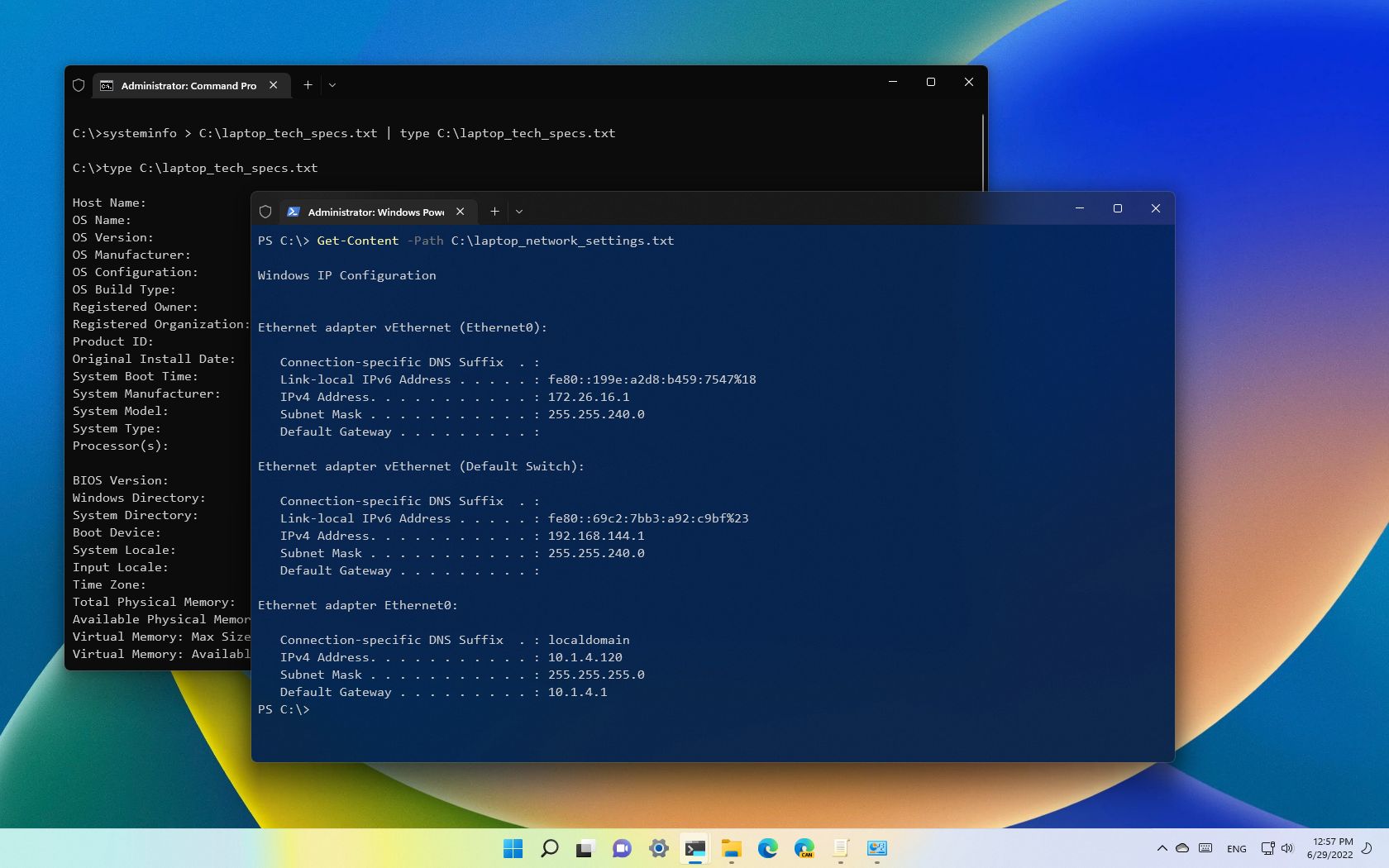
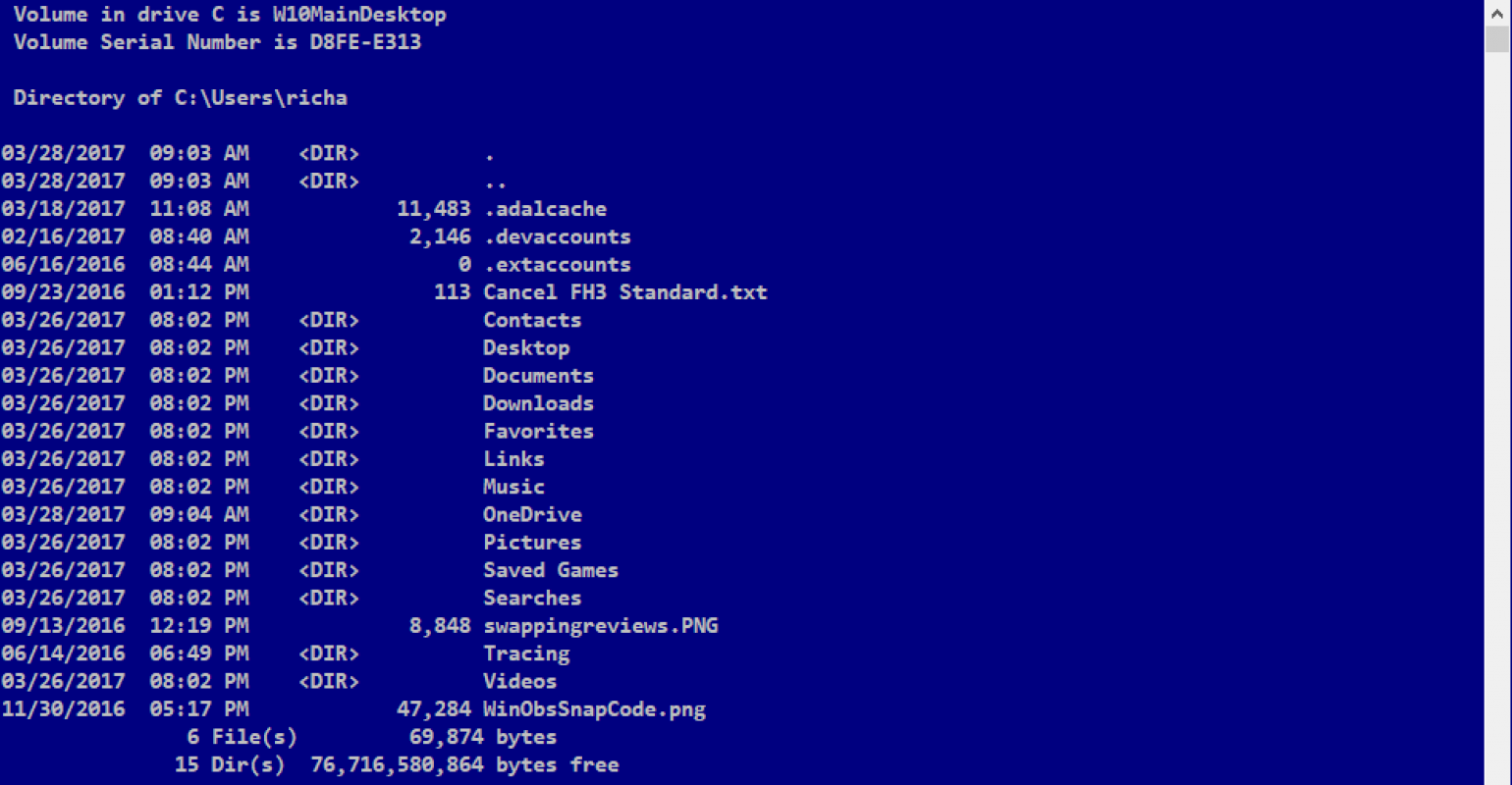
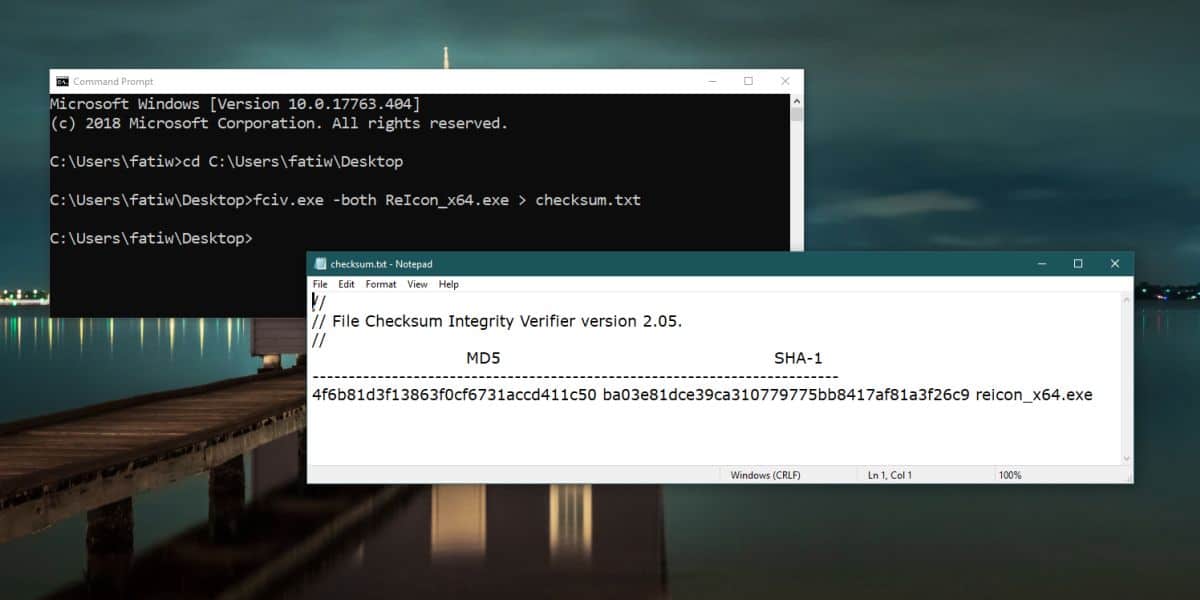
Web May 12 2017 nbsp 0183 32 Any command that has a command window output no matter how big or small can be appended with gt filename txt and the output will be saved to the specified text file In addition to executing the command as a one off affair you can also tweak the command slightly in order to dump sequential output to the same text file for your
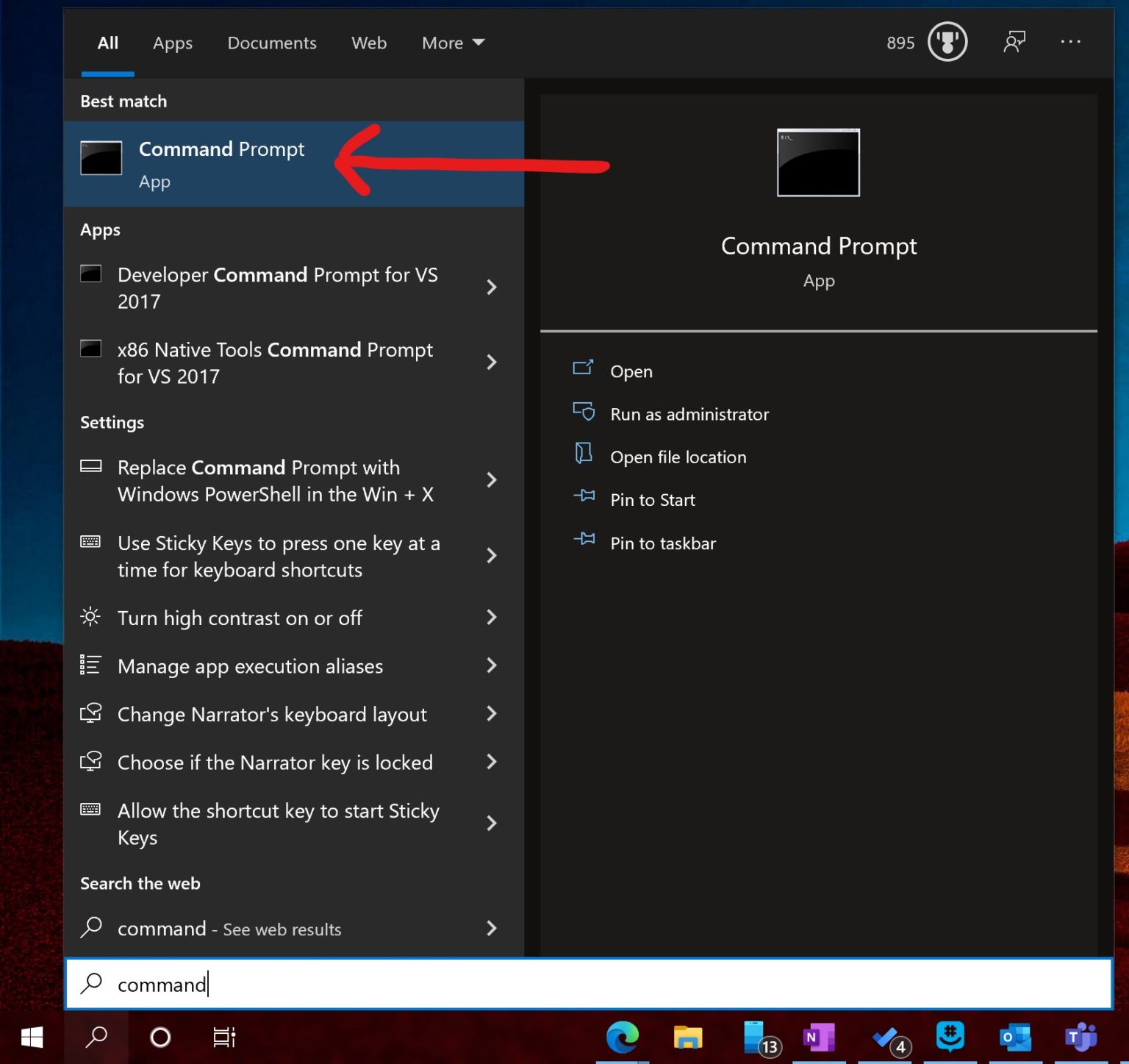
Web Jul 1 2022 nbsp 0183 32 To save the command output to a text file with Command Prompt use these steps Open Start Search for Command Prompt Right click the top result and select the Run as administrator option Type the following command to save the output to a text file and press Enter YOUR COMMAND gt
Web Apr 23 2016 nbsp 0183 32 In command prompt How do I export all the content of the screen to a text file basically a copy command just not by using right clicking and the clipboard This command works but only for the commands you executed not the actual output as well doskey HISTORY gt history txt

Web Apr 28 2009 nbsp 0183 32 Here is the method that I used A command is set as a variable that can be used later throughout the code to output to the command window and append A temporary file is created with a filename similar to the batch file being run called n0 temp txtthat uses command The output is appended to

Web Mar 31 2020 nbsp 0183 32 When you type a command in the Windows console command prompt the output from that command goes to two separate streams STDOUT Standard Out is where any standard responses from commands go For example the standard response for the DIR command is a list of files inside a directory
[desc-11] [desc-12]
[desc-13]