Command Prompt Save Output To File How To Save Command Output To File Using Command Prompt Or PowerShell YouTube Solved Save Output To Variable Power Platform Community How To Copy From Command Prompt Windows 10 Kurtzing How To Save Command Output To File From Command Prompt And PowerShell On Windows 10 How To Use The Continuous Ping Command To Save Timestamped Results To A Text File What Is Mark 3 Answers Sorted by 2 Two choices Redirect your commands in the bat file directly as you invoke them EXAMPLE echo DATE TIME mylog txt
You can save the output to a different location by adding the path to the folder you want to save the output to path to folder name of file txt If you want to Steps To Save The Output Of A CMD Command To A Text File STEP 1 Launch the Command Prompt in the administrator mode For that start typing in cmd to
How To Use The Continuous Ping Command To Save Timestamped Results To A Text File What Is Mark How To Run Python Scripts Tutorial DataCamp How To Save Command Output To File From Command Prompt And PowerShell On Windows 10 Solved How Do I Display A Text File Content In CMD 9to5Answer Save A Commands Output To A File Command Save Prompts How To Save Command Output To File Using Command Prompt Or PowerShell Windows Central Infojo Blog How To Save Command Output To File Using Command Prompt Or PowerShell Canner Learn How To Save Command Output To File Utilizing Command Immediate Or PowerShell Handla it
Command Prompt Save Output To File
 Command Prompt Save Output To File
https://i.ytimg.com/vi/Zn_PDaSGrxw/maxresdefault.jpg
How to Save Command Output to File Using PowerShell Much like Command Prompt you can save the command output in text and CSV format here in
Templates are pre-designed files or files that can be utilized for different functions. They can conserve time and effort by providing a ready-made format and design for creating different type of material. Templates can be utilized for individual or professional projects, such as resumes, invitations, flyers, newsletters, reports, presentations, and more.
Command Prompt Save Output To File
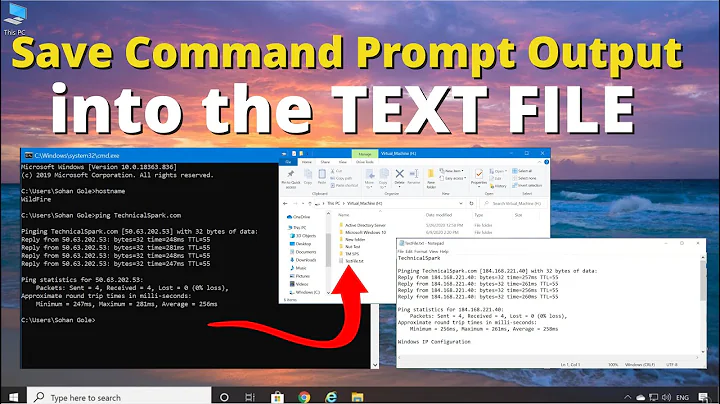
Solved How To Execute Cmd Command From Text File 9to5Answer
How To Run Python Scripts Tutorial DataCamp
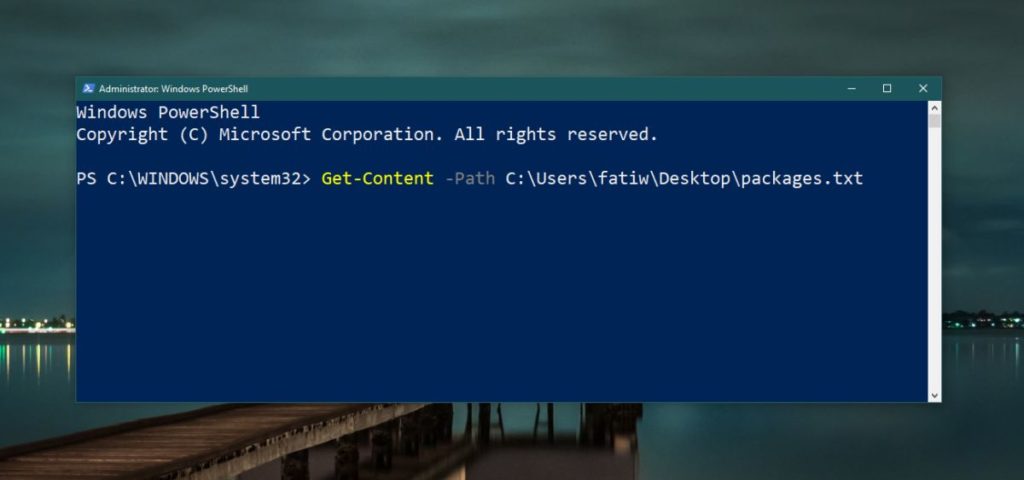
How To Save Command Output To File From Command Prompt And PowerShell On Windows 10
Solved How Do I Display A Text File Content In CMD 9to5Answer
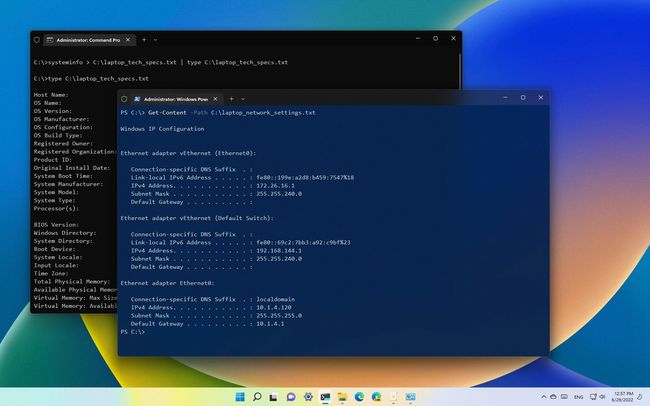
How To Save Command Output To File Using Command Prompt Or PowerShell Windows Central

Infojo Blog

To save the command output to a text file with Command Prompt use these steps Open Start Search for Command Prompt

If you are looking for each command separately To export all the output of the command prompt in text files Simply follow the following syntax C syntax

To save the command output to a file in a specific folder that doesn t yet exist first create the folder and then run the command Make folders without leaving
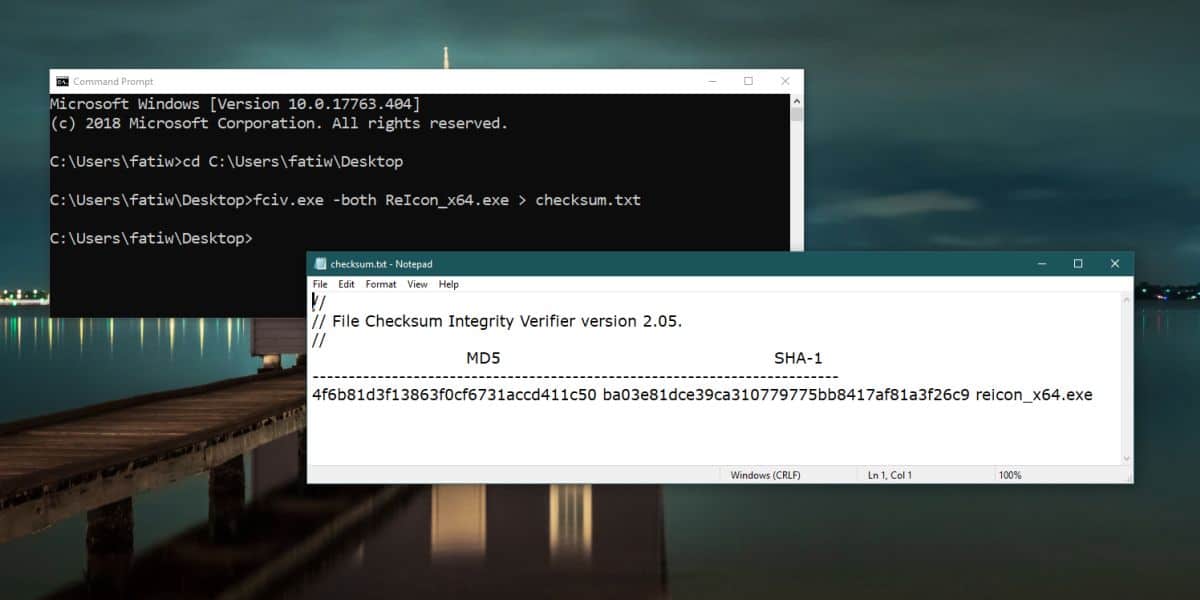
Here s how First open Command Prompt To do that press Start type Command Prompt and click on the result In the Command Prompt window type the following

There are two ways you can redirect standard output of a command to a file The first is to send the command output write to a new file every time you run the command To do this open the command
To copy the command prompt output to the clipboard use one of the methods Using Keyboard Press Ctrl A to select all text and press ENTER to copy it to Users who regularly who the Command Prompt to perform action may often need to save the output to a text file It helps keep track of the data and in some cases
In this video I will show you how to Save Command s Output to a File On Windows 10 the ability to save the output of the Command Prompt command to a