Change Keyboard Layout Command Line Linux Solved Keyboard Layout HP Support Community 6999937 How To Change The Keyboard Layout On Windows 5 Steps How To Set Change Keyboard Language Shortcuts In Windows Changing Keyboard Layout Of A Laptop Super User Career Change Keyboard Language Select layout in upper right corner For even faster switching between keyboards you can use the WIN SPACE keyboard shortcut This saves you from having to take your hands off the keyboard to grab the mouse and select a different language every time that you need to switch Switch language with win space keyboard combo Closing Thoughts
The keyboard layout settings control the layout used on the text console and graphical user interfaces These settings can be made by modifying the etc locale conf configuration file or by using the localectl utility First you can do it by running this command sudo dpkg reconfigure keyboard configuration By running the command you will be able to choose a specific keyboard model and then the language and variant Configuring the keyboard Furthermore you can configure the function of the AltGr key and Compose Key Change the keyboard layout
Career Change Keyboard Language Simple Keyboard Commands YouTube How To Change The Keyboard Layout In Kali Linux MayADevBe Blog Windows 10 Full Keyboard Layout Change Keyboard Layout MacBook Pro Late 2013 MacRumors Forums Ubuntu Cambiare Il Layout Della Tastiera Ecco Come Funziona How To Change Keyboard Layout For Mac Beautifullsa How To Change The Keyboard Layout From The Command Line Systran Box An nimo Odio Frenes Linux Console Keyboard Layout Escuchando Coherente
Change Keyboard Layout Command Line Linux
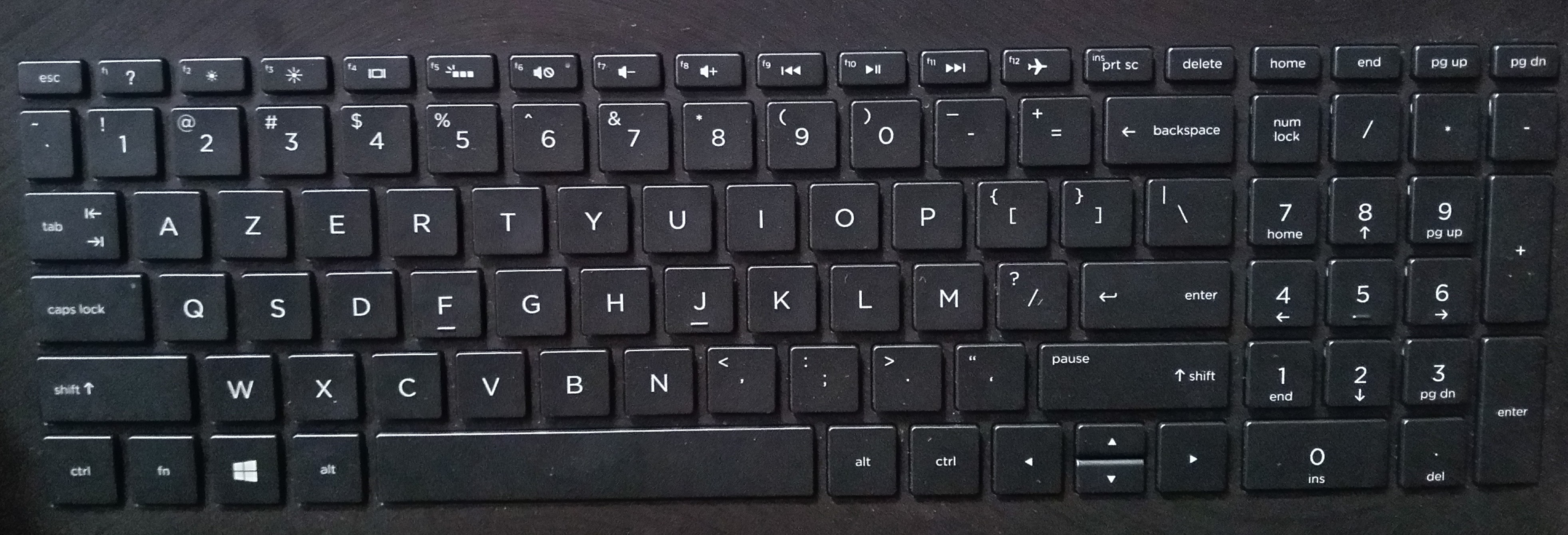
https://h30434.www3.hp.com/t5/image/serverpage/image-id/202604i2B514DBD30B029D8?v=1.0
To change your keyboard layout go to the Input Method tab The preferences window will display all the keyboard layouts that you have in the machine To add a new one press Add This will in turn bring up a smaller menu with a list of commonly used languages
Pre-crafted templates provide a time-saving option for creating a diverse range of documents and files. These pre-designed formats and designs can be used for different personal and professional projects, consisting of resumes, invites, leaflets, newsletters, reports, discussions, and more, improving the material development procedure.
Change Keyboard Layout Command Line Linux
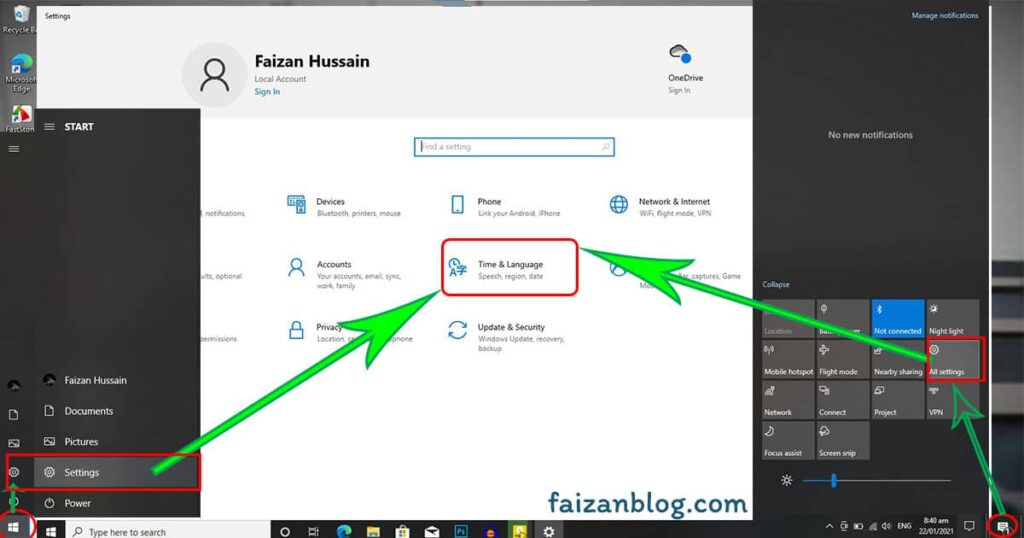
How To Change Keyboard Layout On Windows Techcodex Vrogue

Simple Keyboard Commands YouTube
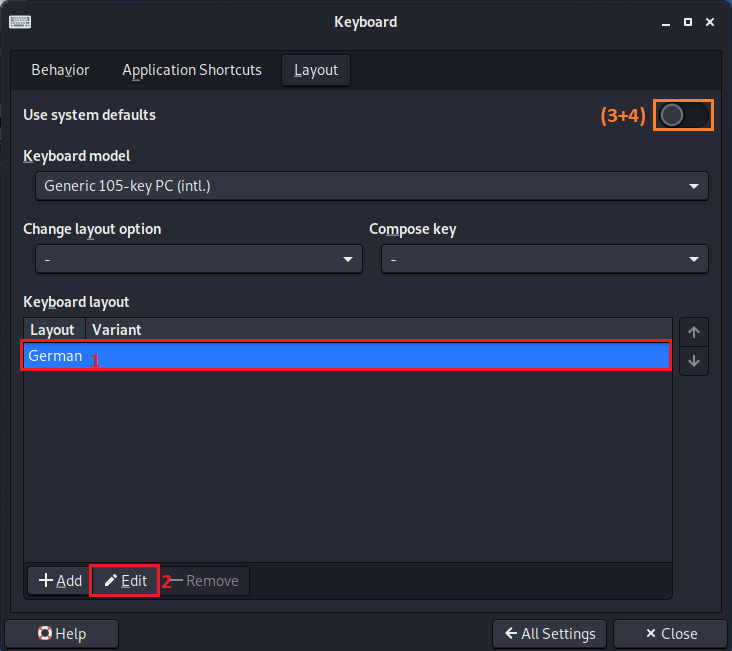
How To Change The Keyboard Layout In Kali Linux MayADevBe Blog
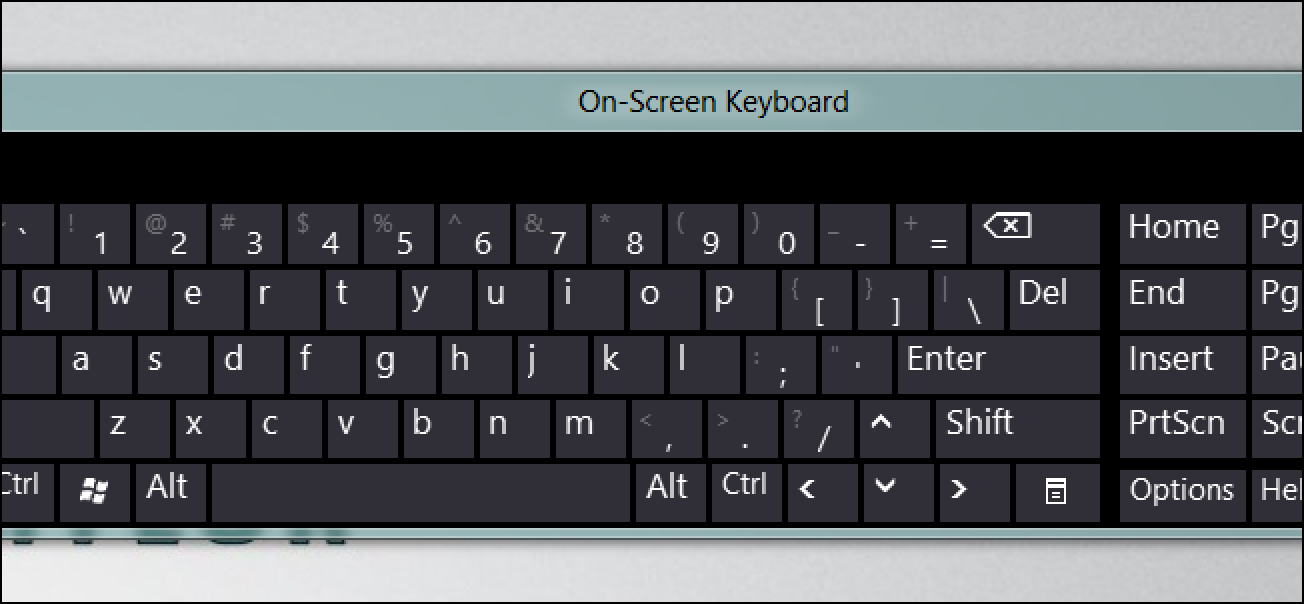
Windows 10 Full Keyboard Layout

Ubuntu Cambiare Il Layout Della Tastiera Ecco Come Funziona

How To Change Keyboard Layout For Mac Beautifullsa

How can I change the input keyboard layout while in the console Ask Question Asked 11 years 9 months ago Modified 9 months ago Viewed 478k times 93 I need to change the layout of the keyboard while working in the console on Linux I need to set up English layout as the default for the console How can I do it linux console Share

Sometimes we might want to change the keyboard layout in the Linux console This may be to match our preferred language or writing system or for ergonomic or efficiency reasons In this tutorial we ll explore different ways to achieve this The codes used in this tutorial are compatible with most Unix like shells

To search for a keymap use the following command replacing search term with the code for your language country or layout localectl list keymaps grep i search term Alternatively using find find usr share kbd keymaps type f name search term Loadkeys It is possible to set a keymap just for the current session

4 Answers Sorted by 14 You could use xkb switch n switches to next layout xkb switch n or xkblayout state with set 1 to wrap around in your case xkblayout state set 1 or xte from xautomation to simulate Control L Shift L key press release xte keydown Control L keydown Shift L keyup Shift L keyup Control L Share

Go to system settings Press the Super key in Ubuntu Windows symboled key and search settings In the system settings look for Keyboard in the left sidebar Once you select that you should see the option of adding a new keyboard under the Input Sources section Click the sign Add new keyboard layout
How to set keyboard layout in initramfs How to enable USB keyboard in initramfs How to dynamically activate Linux console settings How to dynamically activate X Window settings old fashioned strategy How to dynamically manage input source settings from the command line modern strategy Step 1 Open Kali s command line Terminal Press Ctrl Alt T to open the Terminal Interface Add a comment Step 2 Enter the following command Enter the following code sudo dpkg reconfigure keyboard configuration The configuring keyboard configuration selection screen will pop up with different keyboard models
Select a layout from the list and hit Add You can now switch to the next keyboard layout with Super Space and to the previous one with Shift Super Space There will be an option to change the layout in your system tray too but keyboard shortcuts are quicker 4 LXDE