Arch Linux Change Keyboard Layout Command Line Arch Linux Change Hostname computer Name NixCraft Change Keyboard Layout On Cinnamon Arch Linux Or Cinnarch Multiple Version Of Java JDK JRE In Arch Linux Change Java Version In Simple Keyboard Commands YouTube Change Keyboard Language Windows 10 Web The keyboard layout maps the keycode to a symbol or keysym depending on what modifier keys are pressed For the Linux console see Linux console Keyboard configuration For Xorg and Wayland see Xorg Keyboard configuration Most of your keys should already have a keycode or at least a scancode
Web May 20 2022 nbsp 0183 32 I use Arch Linux and I3 as a tiling manager and this line in my config i3 config exec no startup id sleep 6 amp amp setxkbmap layout rs rs us de variant latin dvp option grp alt shift toggle loads the layouts and enables layout switching with a simple key combination Web The setxkbmap command maps the keyboard to use the layout determined by the options specified on the command line An XKB keymap is constructed from a number of components which are compiled only as needed The source for all of the components can be found in usr share X11 xkb OPTIONS compat name
Change Keyboard Language Windows 10 Career Change Keyboard Language Linux T rk e Klavye evirme La Souterraine English Library Backslash German Keyboard Layout Como Redefinir A Senha De Root Esquecida No Arch Linux H zal Charlotte Bronte Eredm ny Kali Linux Change Keyboard Settings H zal Charlotte Bronte Eredm ny Kali Linux Change Keyboard Settings Sz gyen lca Webhely Kali Linux Change Keyboard Layout t lt zni Piros Lecht n Tu ka st Kali Linux Change Keyboard Layout Op t Se
Arch Linux Change Keyboard Layout Command Line
 Arch Linux Change Keyboard Layout Command Line
https://www.cyberciti.biz/media/new/faq/2022/03/Arch-Linux-show-hostname-command.png
Web If the d or default option is given loadkeys loads a default keymap probably the file defkeymap map either in usr share kbd keymaps or in usr src linux drivers char Probably the former was user defined while the latter is a qwerty keyboard map for PCs maybe not what was desired
Templates are pre-designed files or files that can be used for numerous purposes. They can conserve effort and time by offering a ready-made format and layout for creating different sort of material. Templates can be utilized for personal or professional jobs, such as resumes, invites, leaflets, newsletters, reports, presentations, and more.
Arch Linux Change Keyboard Layout Command Line

How To Change The Keyboard Layout From The Command Line Systran Box
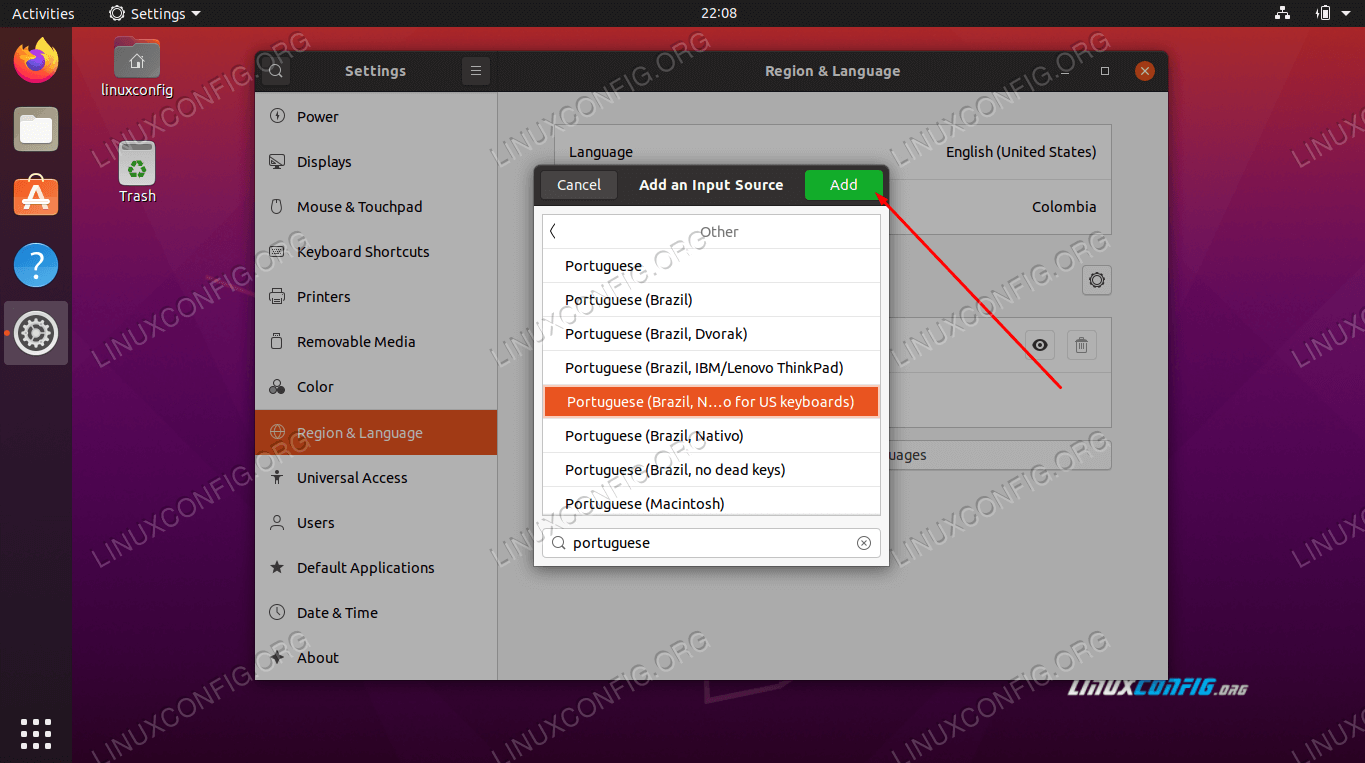
Career Change Keyboard Language
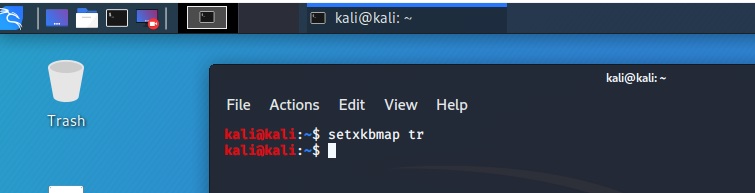
Linux T rk e Klavye evirme

La Souterraine English Library Backslash German Keyboard Layout

H zal Charlotte Bronte Eredm ny Kali Linux Change Keyboard Settings
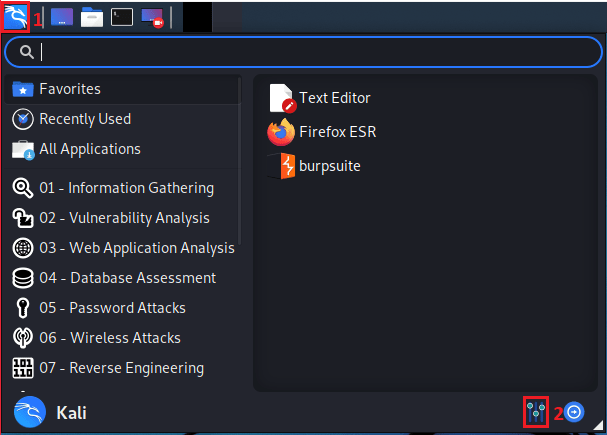
H zal Charlotte Bronte Eredm ny Kali Linux Change Keyboard Settings

Web You can find all the different keymaps in the following locations usr share keymaps i386 usr share kbd keymaps i386 usr share X11 xkb symbols To change the keyboard layout e g to Spanish in the Linux command line type
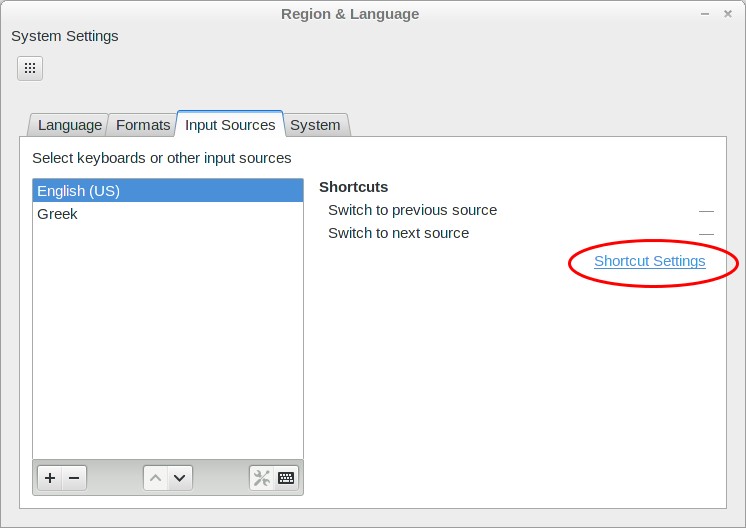
Web Sep 15 2015 nbsp 0183 32 To change your keyboard layout fast just install setxkbmap with sudo apt get install x11 xkb utils After this you can always change the keyboard layout with setxkbmap us To do this automatically every time extend your bashrc with echo quot setxkbmap us quot gt gt bashrc Now open a new console and the US keyboard layout is

Web How to persistently change console layout sudo localectl set keymap no convert us The result is the same as directly editing etc vconsole conf To also change the layout for user prompts that run early in boot like for LUKS passwords rebuild the initramfs with mkinitcpio

Web localectl OPTIONS COMMAND DESCRIPTION localectl may be used to query and change the system locale and keyboard layout settings It communicates with systemd localed 8 to modify files such as etc locale conf and etc vconsole conf
Web Setting keyboard layout Keyboard layout in Xorg can be set in multiple ways Here is an explanation of used options XkbModel selects the keyboard model This has an influence only for some extra keys your keyboard might have The safe fallback are pc104 or pc105
Web Jun 25 2023 nbsp 0183 32 The setxkbmap command allows us to set the keyboard layout for both the console and the GUI The setxkbmap command uses a different naming system for keyboard layouts than the loadkeys command To use this method we need to know the two letter code representing the language of the keyboard layout we want Web Nov 2 2016 nbsp 0183 32 Hello I have added a line on vconsole conf that says quot KEYMAP br abnt2 quot However the keyboard layout did not change If I type quot setxkbmap model abnt2 layout br variant abnt2 quot as suggested by drcouzelis the keyboard becomes br abnt2 until I reboot the system Offline
Web Jan 17 2023 nbsp 0183 32 Right click on the new group and go to New gt Global Shortcut gt Send Keyboard Input Go to the quot Trigger quot tab and type in your command e g Alt Go to the quot Action quot tab and write in quot Ctrl Shift U 2 0 1 3 Enter quot using the unicode quot U 2013 quot to