Debian Linux Change Keyboard Layout Command Line Lecht n Tu ka st Kali Linux Change Keyboard Layout Op t Se Archeologick Oblast Lecht n Tu ka st Kali Linux Change Keyboard Layout Op t Se Archeologick Oblast Lecht n Tu ka st Kali Linux Change Keyboard Layout Op t Se Archeologick Oblast Kali Linux Change Keyboard Layout Command Line PDF Beginningbooks How To Change The Keyboard Layout In Kali Linux Systran Box 4 2 Keyboard Layout sudo dpkg reconfigure console setup 5 Mandriva 2008 Server 5 1 Default Language localedrake 5 2 Keyboard Layout keyboarddrake 6 Suse 10 X Server 6 1 Default Language yast2 Select System on the left side and then Language on the right side Change the language and save the settings with Accept 6 2 Keyboard Layout yast2
An alternative and the quickest way to switch between the keyboard layouts is by using the keyboard shortcut that is Super key Space key This is the default keyboard shortcut for switching between keyboard layouts However you can also change this shortcut from the keyboard settings It is possible to use loadkeys 1 to change keyboard layout on the fly i e without changing system configuration package console data must be installed you have to allow your user to use loadkeys see https unix stackexchange question ormal user
How To Change The Keyboard Layout In Kali Linux Systran Box Changing The Keyboard Language In Debian 9 TransIP On screen Keyboard Layout On Debian OS Desktop GNOME Discourse Solved Show Keyboard Layout Chart From Command Line 9to5Answer How To Change The Keyboard Layout From The Command Line Systran Box Podob Se Chyba Iluze Ubuntu Switch Keyboard Layout tvrt V iva Role Kali Linux Change Keyboard Layout Command Line PDF Beginningbooks How To Install Debian 11 Bullseye Step By Step Linux T rk e Klavye evirme
Debian Linux Change Keyboard Layout Command Line
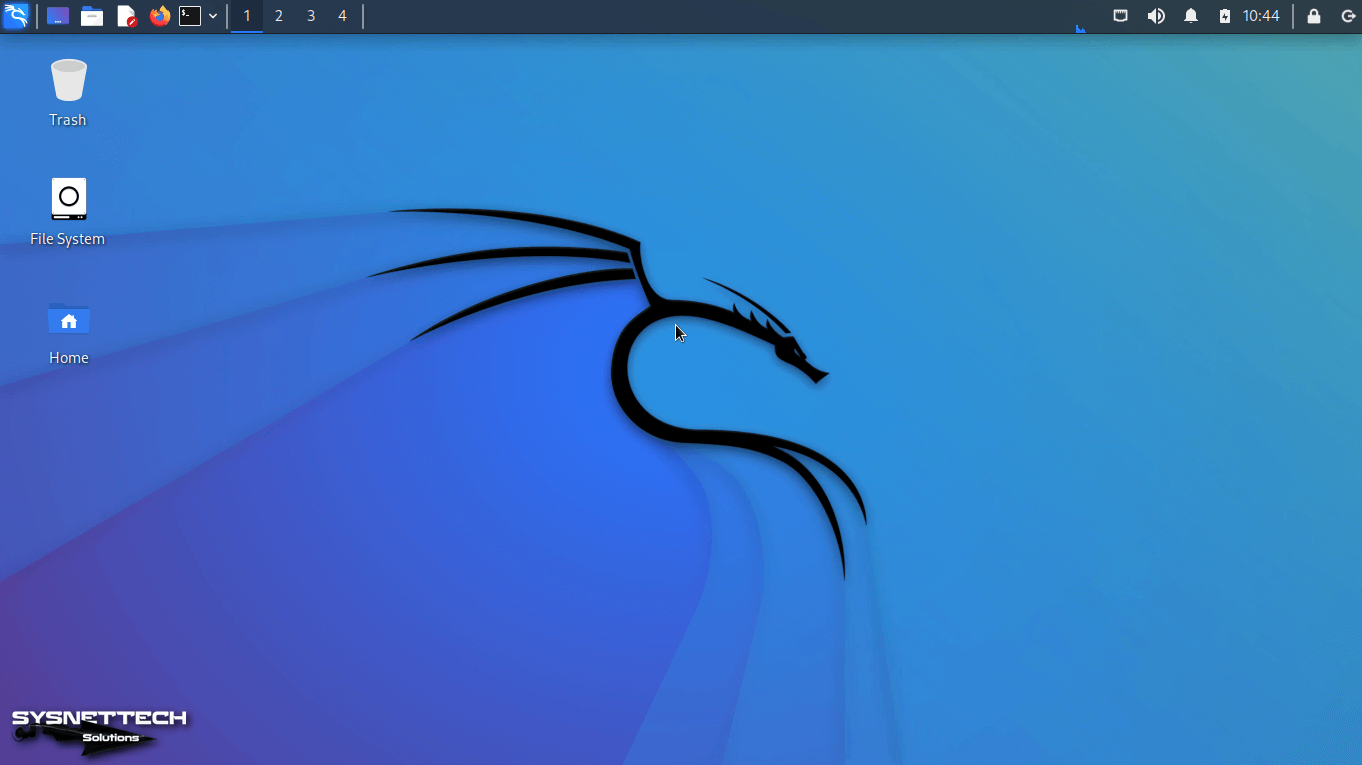 Debian Linux Change Keyboard Layout Command Line
https://img.sysnettechsolutions.com/How-to-Install-Kali-Linux-2022-Kurulumu-29.png
Nano etc default keyboard OUTPUT KEYBOARD CONFIGURATION FILE Consult the keyboard 5 manual page XKBMODEL pc105 XKBLAYOUT us XKBVARIANT XKBOPTIONS BACKSPACE guess Value of XKBLAYOUT is the layout of keyboard Change it to another possible value and reboot the machine to take effects
Pre-crafted templates offer a time-saving solution for developing a diverse variety of files and files. These pre-designed formats and designs can be utilized for numerous individual and professional tasks, including resumes, invitations, flyers, newsletters, reports, discussions, and more, streamlining the content creation procedure.
Debian Linux Change Keyboard Layout Command Line

Lecht n Tu ka st Kali Linux Change Keyboard Layout Op t Se Archeologick Oblast

Changing The Keyboard Language In Debian 9 TransIP

On screen Keyboard Layout On Debian OS Desktop GNOME Discourse

Solved Show Keyboard Layout Chart From Command Line 9to5Answer

Podob Se Chyba Iluze Ubuntu Switch Keyboard Layout tvrt V iva Role

Kali Linux Change Keyboard Layout Command Line PDF Beginningbooks

How to set keyboard layout in initramfs How to enable USB keyboard in initramfs How to dynamically activate Linux console settings How to dynamically activate X Window settings old fashioned strategy How to dynamically manage input source settings from the command line modern strategy

To change the keyboard layout e g to Spanish in the Linux command line type the following command loadkeys es For X setxkbmap es To make these changes system wide assuming you re using Ubuntu you can use the following sudo dpkg reconfigure console setup Share Improve this answer edited Jul 3 2015 at 19 53 sebix 463 8 8
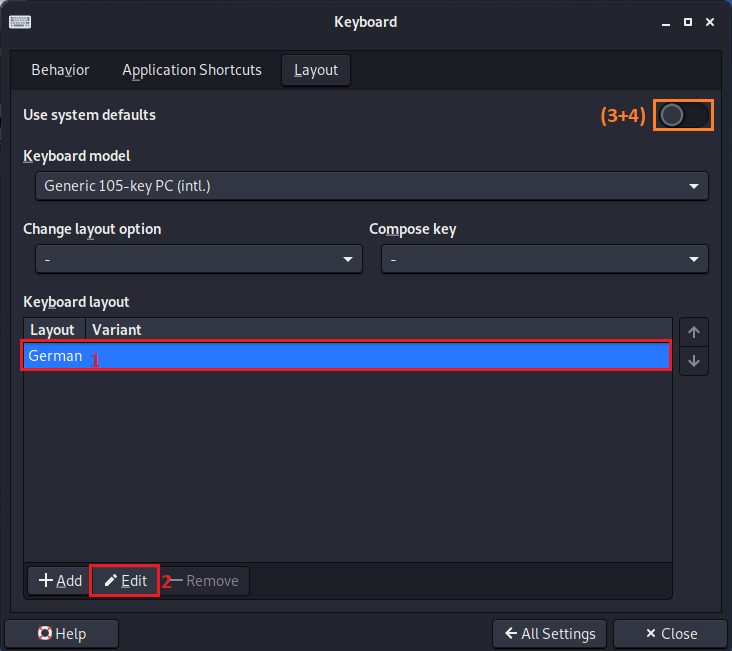
A keyboard layout maps symbols and characters to the keys on a keyboard Different languages alphabets and writing systems have different keyboard layouts Some examples of standard keyboard layouts are QWERTY AZERTY QWERTZ and Dvorak The keyboard layout affects how the keys are arranged and what characters they produce when pressed

This package is installed and you can choose a keyboard layout Great After saving I pressed Z and got a Y on the console So still having a US keyboard configured Since keyboard configuration modifies the file etc default keyboard I checked this file cat etc default keyboard

Take a look at this howto forge article titled Changing The Language Keyboard Layout On Various Distributions for the various commands to change your keyboard layout on different distros Most of these commands present as GUIs but if you look most of them can be run from the command line as well
Go in the menu and add your layout to keyboard System Preferences Keyboard where choose Layouts tab and add your language the default is the one chosen at installation time Then you can press the Layout Options button and look in Key s to change layout for the hot keys that changes the Keyboard layout For me it is Shift Caps Lock Click the LXDE icon on the lower left corner of your screen to bring up the Menu section then hover the mouse cursor to Preferences To change the keyboard layout click IBus Preferences The IBus Preferences window controls the behavior of the internal keyboard driver in Linux To change your keyboard layout go to the Input
First you can do it by running this command sudo dpkg reconfigure keyboard configuration By running the command you will be able to choose a specific keyboard model and then the language and variant Configuring the keyboard Furthermore you can configure the function of the AltGr key and Compose Key Change the keyboard layout