Affinity Photo Perspective Tool Designer Free Transform Tool perspective Distort Affinity On Perspective Tool Affinity Photo Dual Plane Perspective Tool YouTube Affinity Photo Perspective Tool YouTube Affinity Photo Perspective Tool Will Amaze You YouTube Perspective Perspective gives your image a three dimensional appearance by applying a warp along one or more planes By reshaping a supporting perspective grid you can transform your image Using the Perspective Tool to alter the appearance of a building structure To apply perspective
What is Affinity Photo Features New features in v1 9 1 10 About Personas User interface Visual Reference Toolbar Persona Toolbar Context toolbar Get started App registration and content syncing Open documents and images Opening a raw image Scanning images Create new documents New from clipboard View Zooming Document templates Often buildings and structures lean in or out at the top This can be fixed in by using the Perspective Tool
Affinity Photo Perspective Tool Will Amaze You YouTube Affinity Photo 4 Perspective Tools Explained YouTube NotMyFault s Content Page 33 Affinity Forum Affinity Photo Perspective Tool Or Where Is The Deform Tool On Vimeo Affinity Photo Perspective Projection YouTube NotMyFault s Content Page 33 Affinity Forum Affinity Photo Perspective Tool Not Working V2 Bugs Found On MacOS How To Use Mesh Warp Tools In Affinity Photo Affinity Beginner How To Use The Free Transform Tool In Affinity Photo Photography Raw
Affinity Photo Perspective Tool
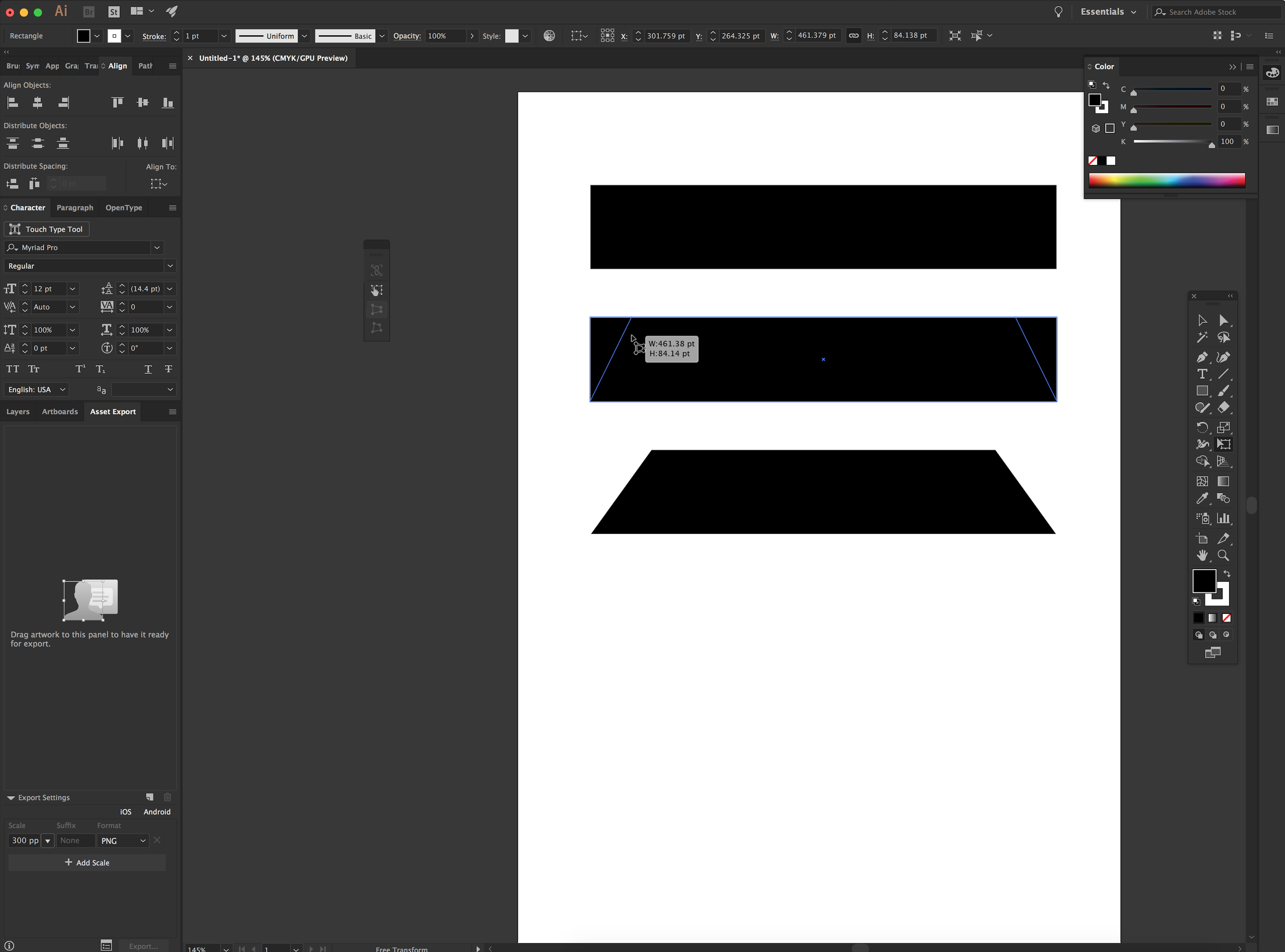 Affinity Photo Perspective Tool
https://forum.affinity.serif.com/uploads/monthly_2017_11/59fe8f3731592_ScreenShot2017-11-05at12_09_00pm.png.3d769aa96f5dea2bf3e72e1e0e38f1cc.png
To correct this image I took the following steps in Affinity Photo From the Tools panel select the Perspective tool In the Perspective menu select the mode to source Move the four corners of the grid to the four corners of the window as shown below Change the mode to Destination and switch on the Snapping tool in the upper panel
Pre-crafted templates provide a time-saving option for creating a diverse range of files and files. These pre-designed formats and designs can be used for numerous personal and expert jobs, including resumes, invites, leaflets, newsletters, reports, presentations, and more, streamlining the material development process.
Affinity Photo Perspective Tool
Affinity Photo Tutorial 12 Live Perspective YouTube

Affinity Photo 4 Perspective Tools Explained YouTube
NotMyFault s Content Page 33 Affinity Forum

Affinity Photo Perspective Tool Or Where Is The Deform Tool On Vimeo

NotMyFault s Content Page 33 Affinity Forum
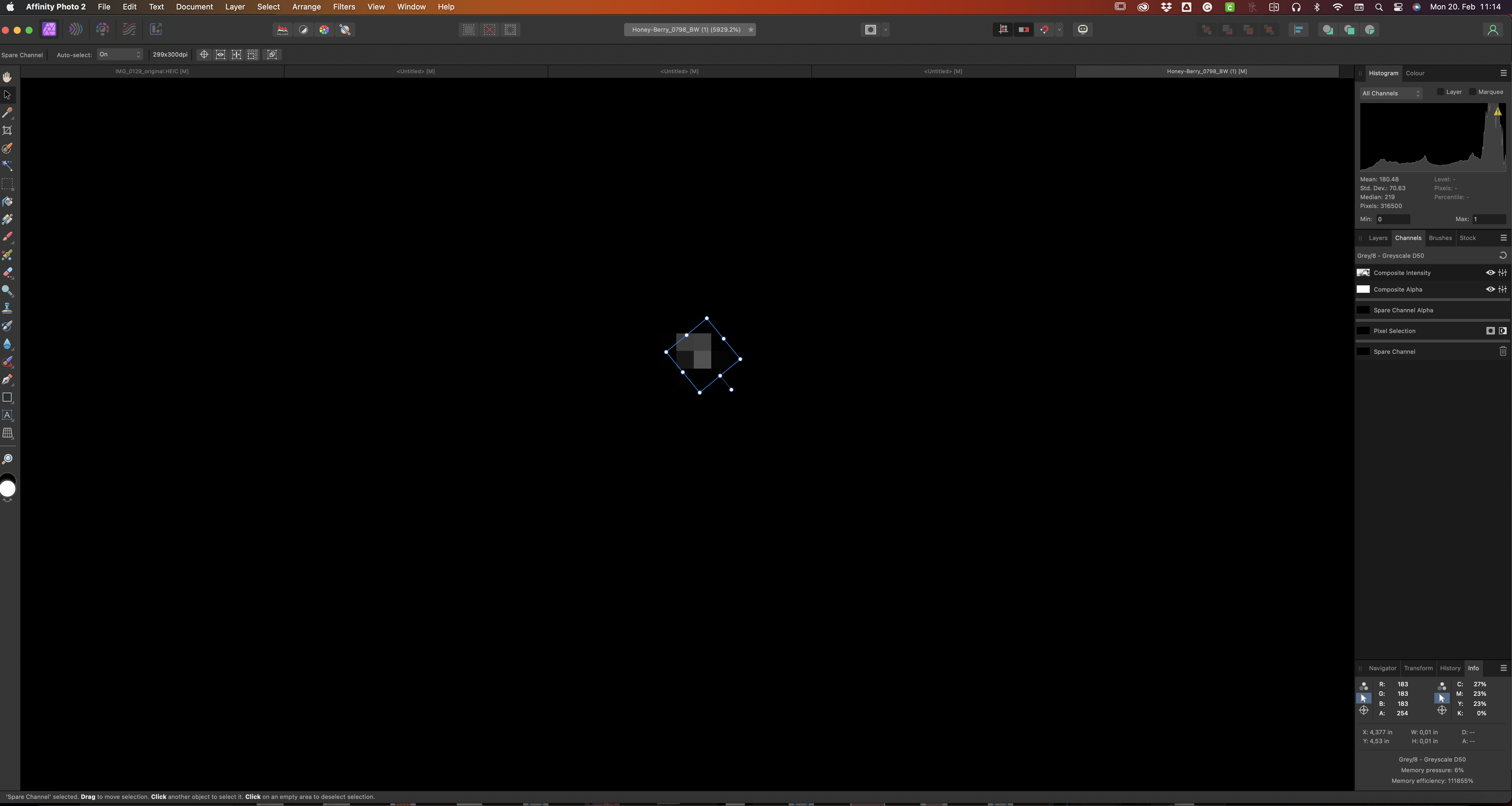
Affinity Photo Perspective Tool Not Working V2 Bugs Found On MacOS
Intro Affinity Photo 4 Perspective Tools explained Olivio Sarikas 207K subscribers Join Subscribe Subscribed 1 9K 73K views 5 years ago Most Viewed Today we are going to have a look at 4

Can anyone recommend a plugin or tool that works well with Affinity Photo and provides the guided upright feature but struggle to get a natural looking result with the perspective tool in Affinity I often end up with square but noticeably distorted pictures The horizontal vertical rotation perspective adjustments in the develop persona

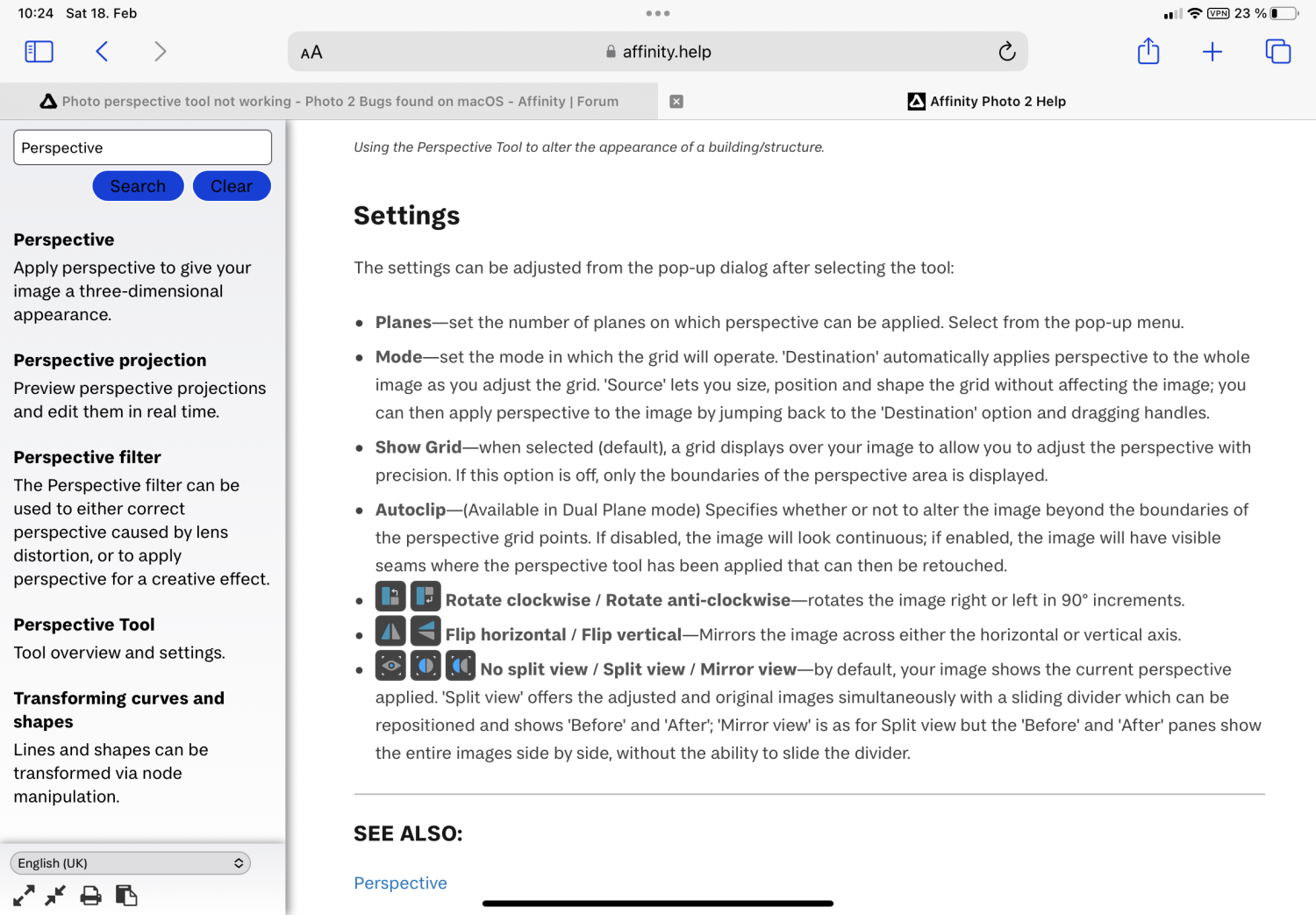
Perspective Perspective gives your image a three dimensional appearance by applying a warp along one or more planes By reshaping a supporting perspective grid you can transform your image Using the Perspective Tool to alter the appearance of a building structure To apply perspective From the Tools Planes

Changing perspective in 3D may seem rather difficult but with Affinity Photo s Perspective tool it is really easy Here s how you can do this in literally

To use Perspective projection With an image open from the Layermenu choose Live Projection Perspective Projection An initial perspective plane will be added covering the image Drag the four corner nodes to align the plane to a particular area within the image e g vanishing point
236 Share 9 2K views 11 months ago affinitydesigner vector procreate Now you can use the Affinity Designer s perspective tool easier than ever and I want to teach you the practical way Affinity Photo Perspective Projection Chris P Williams 7 59K subscribers Subscribe Subscribed 32K views 7 years ago In this video I describe how to easily clone objects whilst retaining
To free transform with Affinity Photo use the Move Tool keyboard shortcut V for moving scaling rotating and shearing objects Use the Perspective Tool to change an image s perspective and the Mesh Warp Tool to warp your images The following video tutorial will walk you through every free transform function step by step