Affinity Photo Perspective Tool Ipad Perspective Tool Affinity Publisher 2 For IPad Quickstart Guide Affinity Photo IPA Cracked For IOS Free Download Designer Free Transform Tool perspective Distort Affinity On Affinity Designer 2 Whether you re a beginner an experienced photographer or advanced Affinity Photo user our YouTube channel has a range of tutorials demos and behind the scenes creative sessions to help get you going with the iPad version Go to Youtube Quickstart Guide V2
Using the Perspective Tool to alter the appearance of a building structure About the Perspective filter The Perspective filter can be adjusted in single or dual plane mode if applied destructively If using the non destructive live filter only single plane mode is available Settings IPad perspective help Hi I am extremely new to Affinity and especially on iPad I am trying to create some simple mockups of graphics and signage over an existing image So I need to manipulate the perspective to place them and give an idea of the finished look I can t seem to get the perspective tool to play ball
Affinity Designer 2 How To Make A Perspective Grid In Affinity Designer How Bad Is The Affinity Photo Perspective Grid Tool YouTube Affinity Photo Perspective Tool YouTube The Designers Review Of Affinity Photo On IPad Pro 2 YouTube How To Use The Color Picker In Affinity Photo For IPad Warp Perspective Tool Affinity Photo Tutorial YouTube Affinity Photo Perspective Tool Or Where Is The Deform Tool On Vimeo Perspective Correction Using Affinity Photo For IPad 1 Minute Tips
Affinity Photo Perspective Tool Ipad
 Affinity Photo Perspective Tool Ipad
https://affinity.help/photo/shared/tool_perspective_before.jpg
Liquify Persona Liquify Persona focuses on the warping of images It can be used for subtle face and body reshaping in portrait retouch work or for more extreme image distortions It offers a studio environment containing a host of warping specific tools and panels
Pre-crafted templates provide a time-saving solution for developing a diverse series of files and files. These pre-designed formats and designs can be used for numerous individual and professional projects, consisting of resumes, invitations, flyers, newsletters, reports, discussions, and more, improving the material development procedure.
Affinity Photo Perspective Tool Ipad

Affinity Photo Dual Plane Perspective Tool YouTube
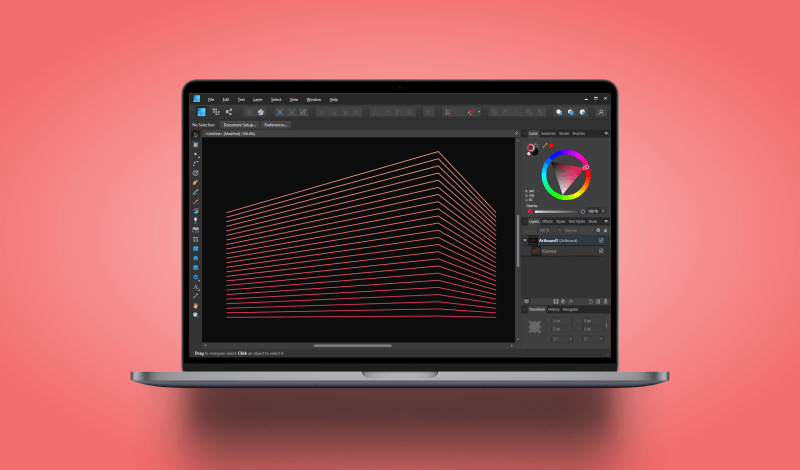
How To Make A Perspective Grid In Affinity Designer

How Bad Is The Affinity Photo Perspective Grid Tool YouTube
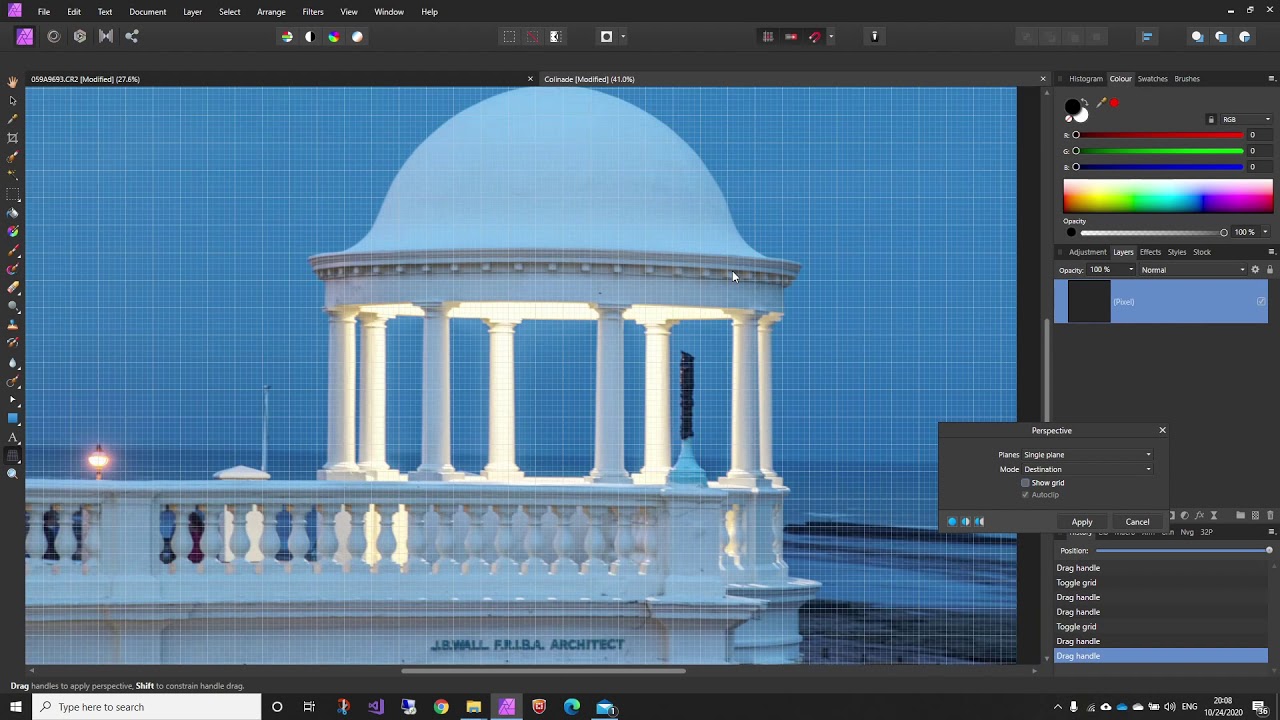
Affinity Photo Perspective Tool YouTube

How To Use The Color Picker In Affinity Photo For IPad

Warp Perspective Tool Affinity Photo Tutorial YouTube
Did you know that Affinity Photo for iPad has a perspective correction filter Here is how you can use it to correct your images quickly on the iPad

Perspective Tool Perspective Tool The Perspective Tool allows you to modify the perspective of your image It has full History support meaning each modification such as handle dragging and option toggling can be undone Using the Perspective Tool to alter the appearance of a building structure Settings

Can anyone recommend a plugin or tool that works well with Affinity Photo and provides the guided upright feature but struggle to get a natural looking result with the perspective tool in Affinity I often end up with square but noticeably distorted pictures XP Pen Artist 22E iPad Pro 12 9
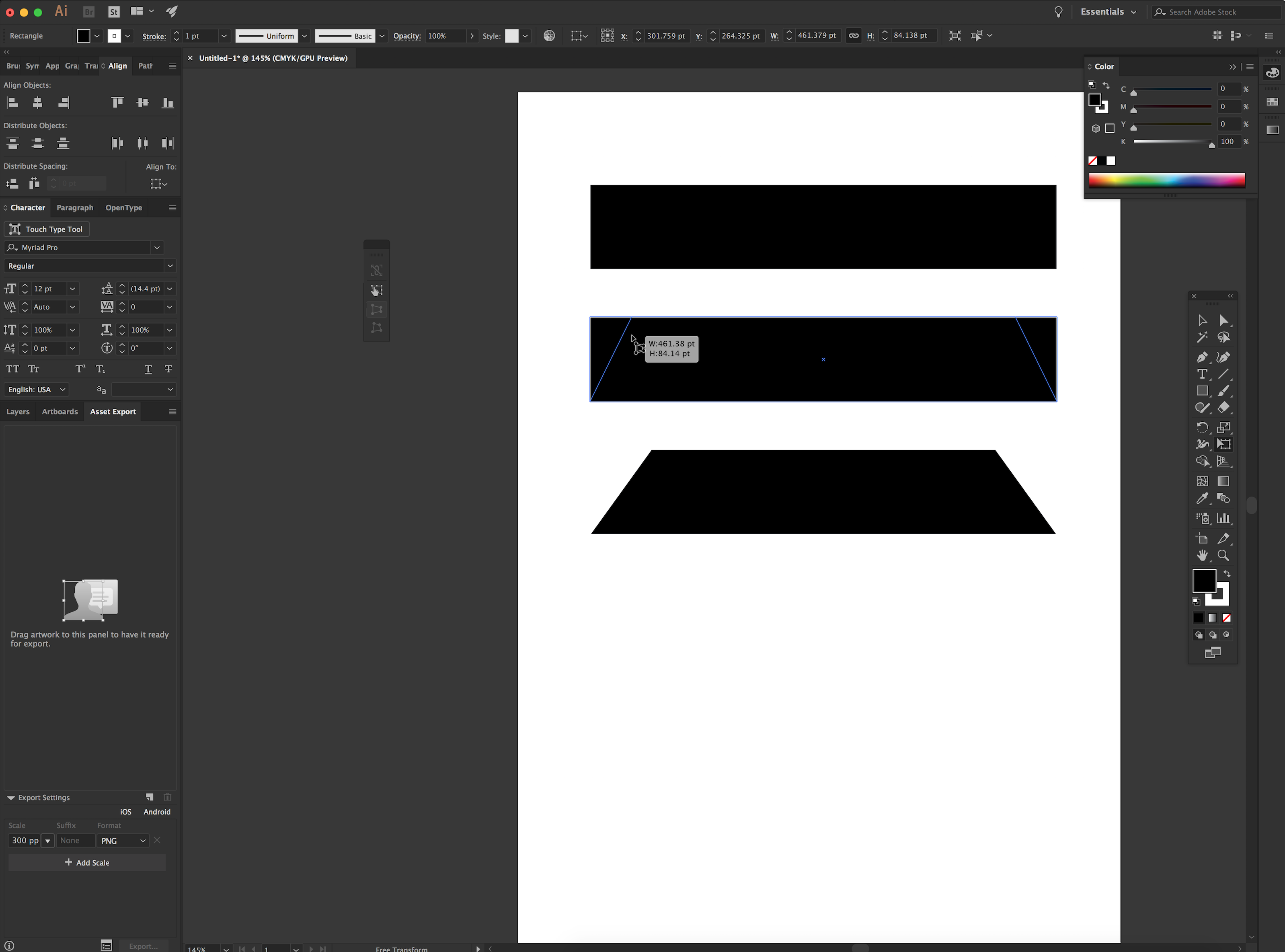
A simple guide of perspective projection of Affinity Photo on iPad
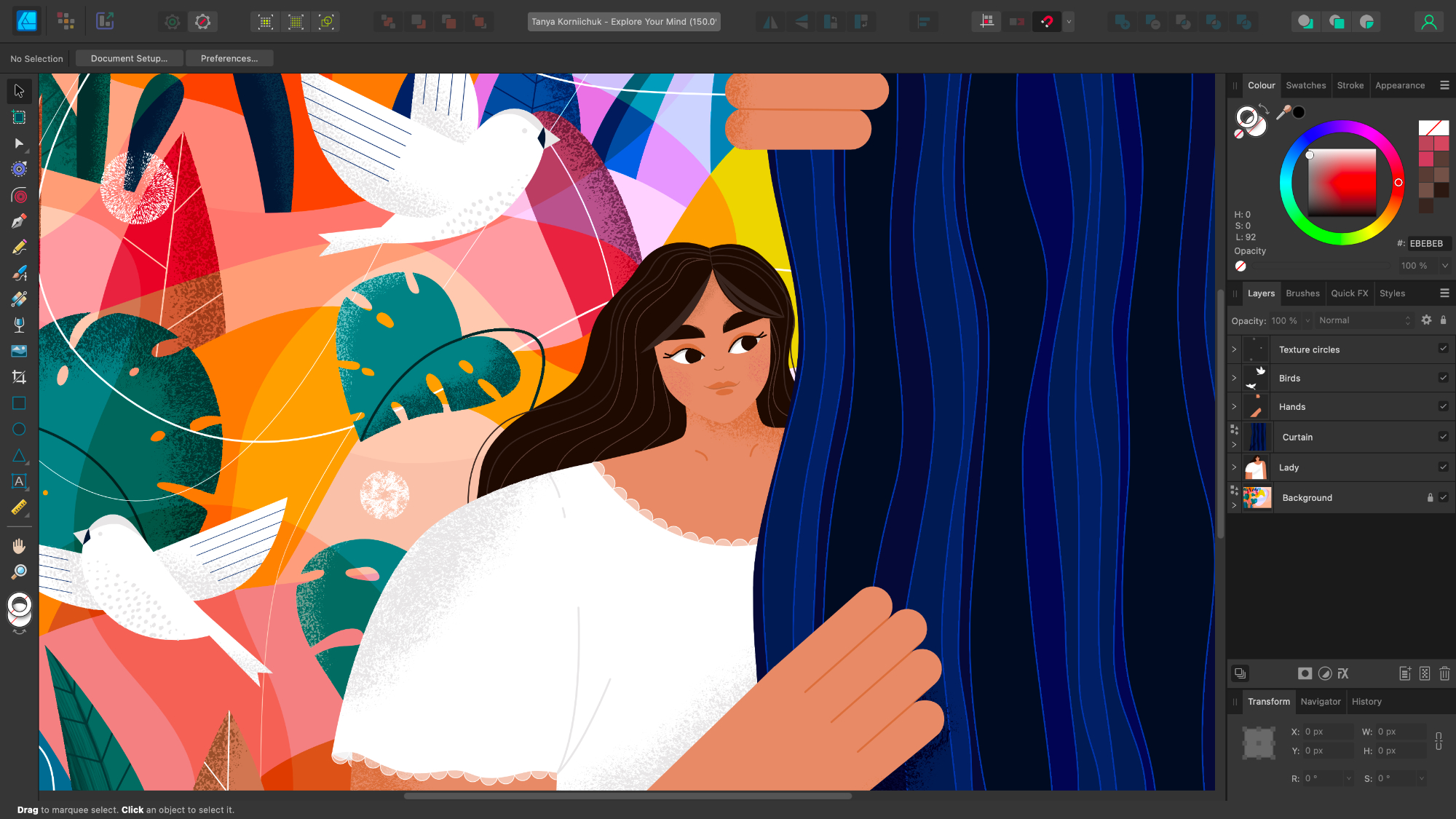
Perspective projection Perspective projection allows you to project or map perspective planes to flat 2D representations and edit them Editing multiple planes in Perspective projection After adding a perspective plane you can temporarily remove perspective
Key features of Affinity Photo 2 for iPad Non destructive raw development of linked embedded raw images Non destructive Live Mesh Warp filter Luminosity hue range and band pass live masks Compound masks Multiple shadow outline and overlay layer effects per object JPEG XL file import and export Affinity Photo for iPad is a genuine desktop grade professional photo editing app With all the power of its desktop counterpart and complete file format compatibility it gives you the freedom to create wherever you are without any compromise No subscription
Today we are going to have a look at 4 different applications of Perspective Tools in Affinity Photo You can use them in a wide variety of ways not just for