Affinity Photo Tools Explained Affinity Photo Layout Explained For Beginners Pro Photo Vector Affinity Photo How To Curves Tool Explained Tutorial YouTube Affinity Photo Tools Pen Tool YouTube EVERY Affinity Photo Tool EXPLAINED In 10 Minutes YouTube Tutorial Schwarz wei Bearbeitung In Affinity Photo Tools Die Ihr Affinity Photo for iPad is perfect for editing photos on the go as well as for drawing art and illustrations using the Apple Pencil This is a great tutorial you can watch to learn the basics of Affinity Photo for iPad Whether you re new to the app or thinking about buying it the tutorial will help you figure out if it s the right app for
Nov 27 2023 11 min read English Graphic Design Photo Manipulation Add Ons Photo Effects Affinity Photo Become a pro without the need for endless Affinity Photo tutorials Discover 26 different tips tricks and features From assets to Affinity macros today we re covering the A to Z of Affinity Photo 2 Hardware Windows based PC 64 bit with mouse or equivalent input device Hardware GPU acceleration DirectX 10 compatible graphics cards and above 8GB RAM recommended 1GB of available hard drive space more during installation 1280x768 display size or larger Requires Direct3D level 12 0 capable card
Tutorial Schwarz wei Bearbeitung In Affinity Photo Tools Die Ihr Duplicate Photo Finders Top 5 Tools Explained LaptrinhX News Selection Tools And Techniques Affinity Photo Course lesson 7 YouTube Affinity Photo Tools Paint Brush YouTube Affinity Photo Tools Undo Brush YouTube Affinity Photo Download Torrent Europeanwopoi AFFINITY PHOTO IPAD Techfeedthai How To Crop To A Selection In Affinity Photo Lenscraft Affinity Photo Mac Techfeedthai
Affinity Photo Tools Explained
 Affinity Photo Tools Explained
http://prophotovector.com/wp-content/uploads/2020/09/Affinity-Photo-View-Studio-Menu-Studio-Panel.jpg
1 Dodge the buildings Open the start image then press Cmd Ctrl J to copy the layer Grab the Dodge tool set the range to Highlights in the options and hit 1 for 10 strength then zoom in and paint over the ridges in the building to subtly lift them Use the and keys to resize the brush tip
Pre-crafted templates use a time-saving service for developing a diverse variety of files and files. These pre-designed formats and designs can be used for various individual and professional tasks, including resumes, invitations, flyers, newsletters, reports, discussions, and more, simplifying the material development process.
Affinity Photo Tools Explained

Affinity Photo Layout Explained For Beginners Pro Photo Vector

Duplicate Photo Finders Top 5 Tools Explained LaptrinhX News

Selection Tools And Techniques Affinity Photo Course lesson 7 YouTube

Affinity Photo Tools Paint Brush YouTube
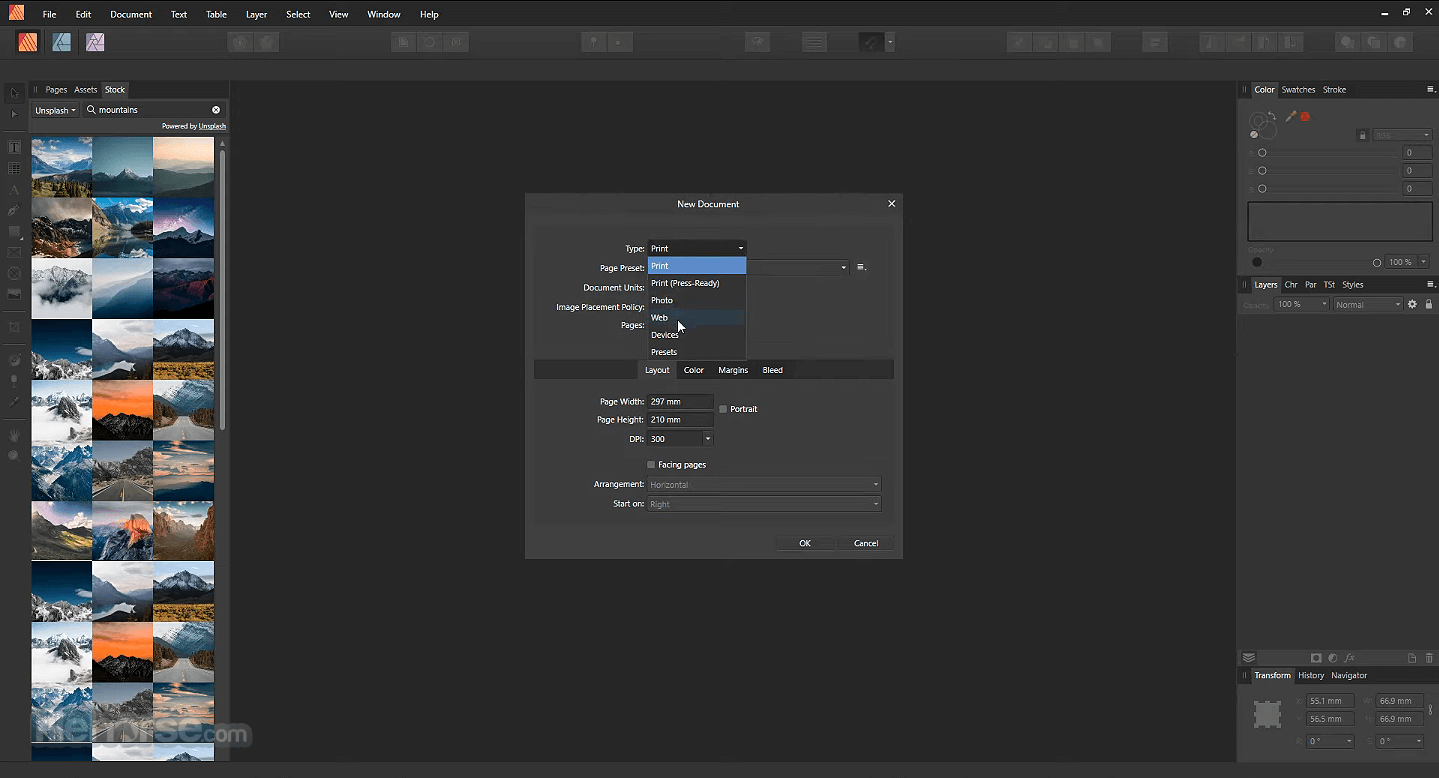
Affinity Photo Download Torrent Europeanwopoi
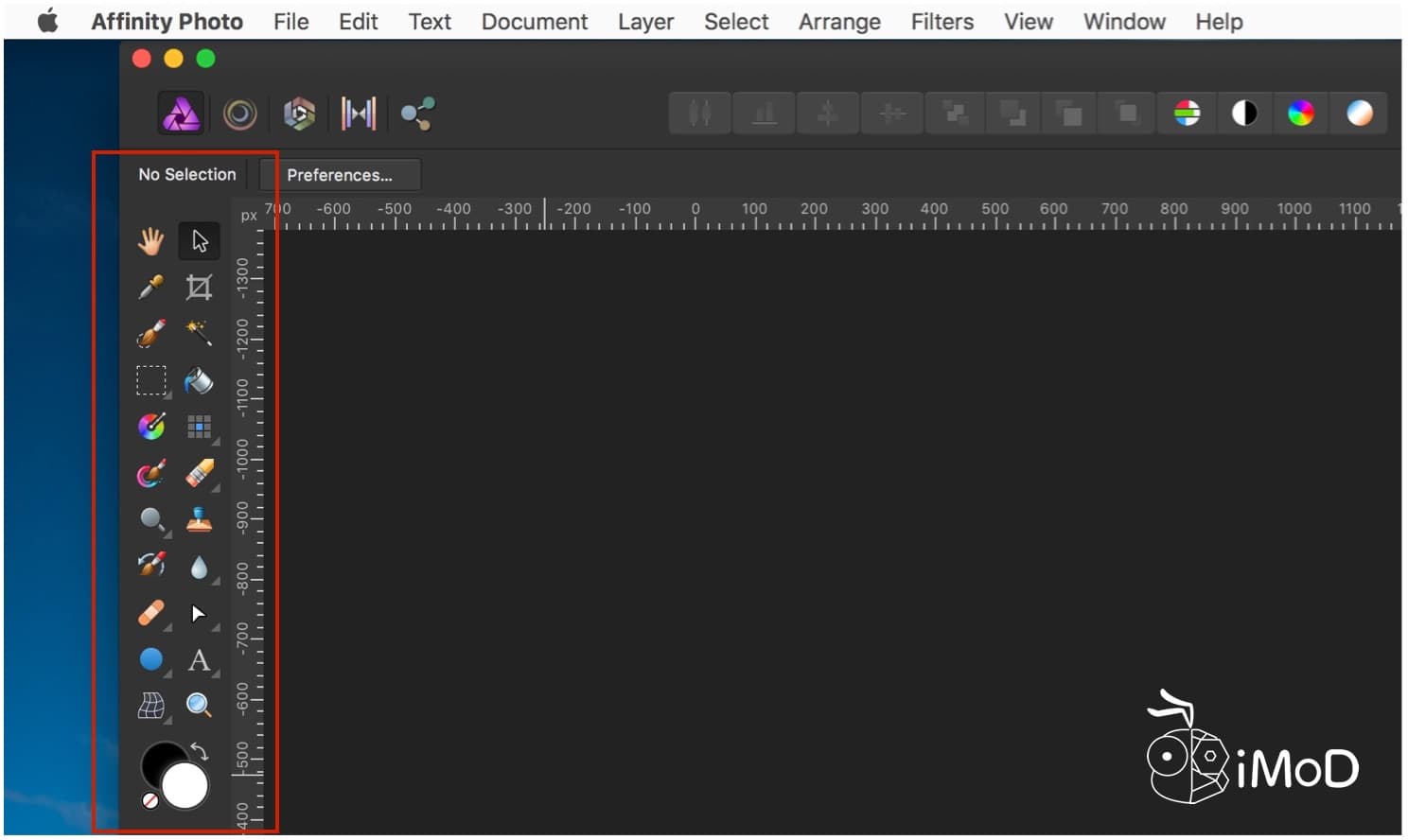
AFFINITY PHOTO IPAD Techfeedthai

1 What are Tools 2 What is the Tools panel and where is it 3 Photo Editing Tools in Affinity Photo 4 Vector Line Tools in Affinity Photo 5 Selection Tools in Affinity Photo 6 Fill Tools in Affinity Photo 7 Paint Tools in Affinity Photo 8 Erase Tools in Affinity Photo 9 Retouch Tools in Affinity Photo 10 Healing Tools in Affinity Photo

EVERY Affinity Photo Tool EXPLAINED in 10 minutes GraphicalFinity 6 12K subscribers 3 5K views 11 months ago Affinity Photo Affinity Photo has 50 different tools available in the

Photo Persona for core photo editing Here you ll find the core photo editing tools including access to adjustments layers brushes filters as well as other functionality The user interface can be perceptually divided into the following main sections The center area with the main image opened and ready for editing

Step 1 Before you can edit an image you have to bring it into the program itself Importing an image is as easy as going to where your file is located on your computer clicking dragging and then dropping it into Affinity Photo The photo will then be automatically imported onto a canvas that is the same size as the image

1 9K 73K views 5 years ago Most Viewed Today we are going to have a look at 4 different applications of Perspective Tools in Affinity Photo You can use them in a wide variety of ways not
0 00 41 03 Affinity Photo for Beginners Your Complete Affinity Photo Tutorial Envato Tuts 1 37M subscribers 29K views 11 months ago Design Illustration more more 38K views 2 Start new topic Multi4G Members 159 Posted March 2 2019 Learn how to use the Curves tool to adjust your photos create interesting effects and blend objects into other photos In this Tutorial i will show you with 3 examples who things like the Histogram Channels the Tonal Range and Curves are used effectively
Affinity Photo Layout Explained for Beginners by Mike Davies Sep 28 2020 Affinity Photo Affinity Photo Basics Photo Editing 0 comments In this article I ll be explaining all the main areas of the Affinity Photo layout for total beginners