Windows 10 View Open Apps How To View Open Apps On Android And IPhone Como Adicionar Ou Remover A Lista De Aplicativos No Menu Iniciar Do Use Launchpad To View And Open Apps On Mac Apple Support SG How To Disable Background Apps On Windows 11 Techyuzer 30 Iphone Badge App Icon Icon Logo Design Select Start select All apps and then scroll through the alphabetical list on the left Tip To reduce scrolling you can select any letter in the list then in the alphabet links that display select a letter to jump down to that section For example select T if you re looking for the Teams app
Press Ctrl the mouse wheel to zoom in or out Change mouse wheel settings in More Settings To browse photos within a folder open a photo from the Folders view or File Explorer then swipe right or use the arrow keys to see the next item Click the left mouse button to select the tile and open the app Touchscreen Tap the app tile with one of your fingers In this chapter you open close and use some of the apps that come with Windows 10 You also switch between apps and the Start screen and switch directly between two apps
30 Iphone Badge App Icon Icon Logo Design 12 Sannheter Du Ikke Visste Om Healow App For Windows 10 Jan 31 How To Open Windows Store Apps On Startup In Windows 10 GearOpen How To Find Open Apps On Your Pixel 6a Ira onlyyou FIX Can t Open JPG Or JPEG Files In Windows 10 Windows 10 Free Apps Closing Apps On IPhone 13 A Comprehensive Guide The Knowledge Hub Chief Architect Premier X7 17 3 0 25 Windows 10 Windows 10
Windows 10 View Open Apps
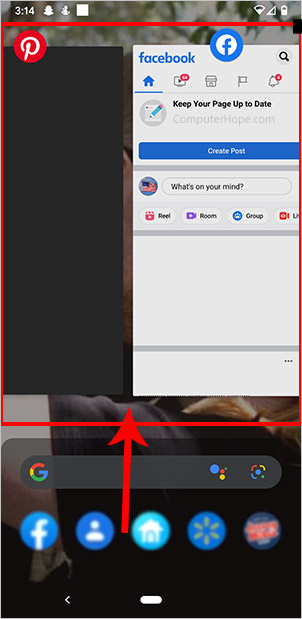 Windows 10 View Open Apps
https://www.computerhope.com/issues/pictures/recently-opened-apps.jpg
The run window in Windows 10 First press the Windows key R to open the run command window Then type shell AppsFolder into the text entry box and click OK or hit Enter File Explorer will
Templates are pre-designed documents or files that can be utilized for numerous purposes. They can conserve time and effort by offering a ready-made format and layout for developing various sort of content. Templates can be utilized for individual or expert tasks, such as resumes, invitations, leaflets, newsletters, reports, discussions, and more.
Windows 10 View Open Apps

How To View All Open Apps On A Mac Three Simple Methods Macworld
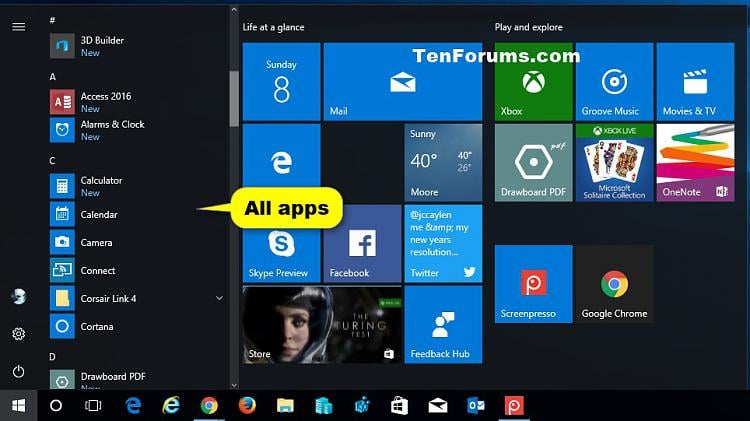
12 Sannheter Du Ikke Visste Om Healow App For Windows 10 Jan 31
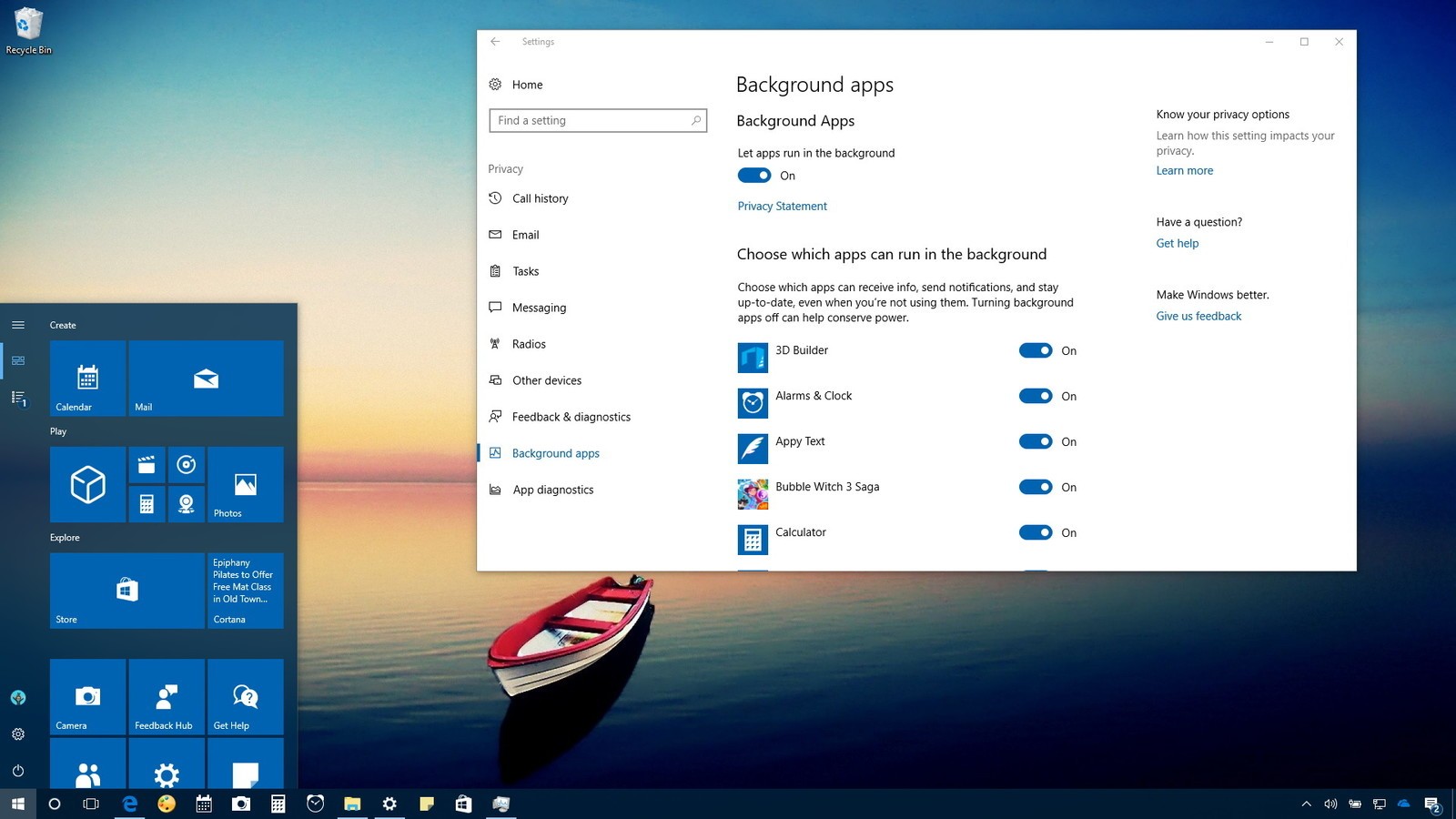
How To Open Windows Store Apps On Startup In Windows 10 GearOpen

How To Find Open Apps On Your Pixel 6a
FIX Can t Open JPG Or JPEG Files In Windows 10 Windows 10 Free Apps

Closing Apps On IPhone 13 A Comprehensive Guide The Knowledge Hub

Windows 10 How to View All Open Apps YouTube 0 00 0 27 Windows 10 How to View All Open Apps Acer Support 76 3K subscribers Subscribe Subscribed 38 Share 18K views 6

Learn how to View all open programs in Windows 10
Task view is a virtual desktop manager that allows you to quickly switch between all of your open apps on multiple desktops Create custom additional desktops to group apps for productivity entertainment or whatever you choose This makes multitasking and organizing your opened apps much easier

To choose whether your Start menu settings show the most used apps at the top of your all apps list or whether they show recently downloaded apps in the recommended section select Start Settings Personalization Start and turn Show recently added apps or Show most used apps on or off

With Task View open use your keyboard s arrow keys to select the window you want to view then press Enter Or you can just click the thumbnail with your mouse If the window you selected was already open Windows will open it in front of all other open windows
Open a folder from the right click menu To open a folder without a mouse on your desktop press the Tab key a few times until one of the items on your desktop is highlighted Press Tab on your keyboard a few times Then use the arrow keys to highlight the folder you want to open Use the keys to go to the folder Use the following steps to view all open apps in desktop mode Click the Task View Button on the task bar Select the app you wish to use or you can click the X in the app window to close that app
Task View is a built in feature in Windows 10 that allows you to see all your open apps and windows in one place To access Task View follow these steps a Locate the Task View icon on the taskbar which looks like a rectangle with two smaller rectangles behind it b Click the Task View icon or press the Windows key Tab on your keyboard c