Marquee Selection Tools Affinity Online Help Selection using Elliptical Marquee in Affinity Photo - YouTube How to rotate the selection made by the rectangle marquee tool? - Affinity on Desktop Questions (macOS and Windows) - Affinity | Forum Selection with the Flood Select Tool (magic wand) in Affinity Photo - YouTube Marquee move selected section - Tutorials (Serif and Customer Created Tutorials) - Affinity | Forum Is there any freehand/lasso selection tool in AD ? - Affinity on Desktop Questions (macOS and Windows) - Affinity | Forum You make your selection and click Refine in the selection tool s toolbar The refine options are a bit less clear in what they do and the tool
Affinity Photo Shortcuts Reset Selection Box period Toggle Snapping Erase with Pixel Tool on current layer Switch between Stroke Fill or Colour Photoshop supports 3D and time based media whilst Affinity Photo does not Here is a list of some of the tools Rectangular marquee tool
Is there any freehand/lasso selection tool in AD ? - Affinity on Desktop Questions (macOS and Windows) - Affinity | Forum Jagged edges when SLOWLY drawing selection using lasso tool (antialiasing is on ) - Affinity on Desktop Questions (macOS and Windows) - Affinity | Forum EVERY Affinity Photo Tool EXPLAINED in 10 minutes - YouTube Interface Visual Reference Jagged edges when SLOWLY drawing selection using lasso tool (antialiasing is on ) - Affinity on Desktop Questions (macOS and Windows) - Affinity | Forum Photoshop Selection Tools - The Essential Marquee Tools - YouTube Selection Refinement on Vimeo EVERY Node Tool Shortcut - Affinity Designer 2 Minute Tip! - YouTube Swatches panel (Photo Persona only)
Marquee Selection Tools Affinity Online Help
 Marquee Selection Tools Affinity Online Help
https://i.ytimg.com/vi/VoyQQKUitrg/maxresdefault.jpg
Alternatively you could check on All Layers from the Context Toolbar which allows you to make selections from any layer regardless of which
Pre-crafted templates use a time-saving service for developing a varied series of documents and files. These pre-designed formats and designs can be used for numerous personal and expert projects, consisting of resumes, invites, leaflets, newsletters, reports, presentations, and more, enhancing the content creation procedure.
Marquee Selection Tools Affinity Online Help

Affinity Photo - Brush tool - Affinity on Desktop Questions (macOS and Windows) - Affinity | Forum
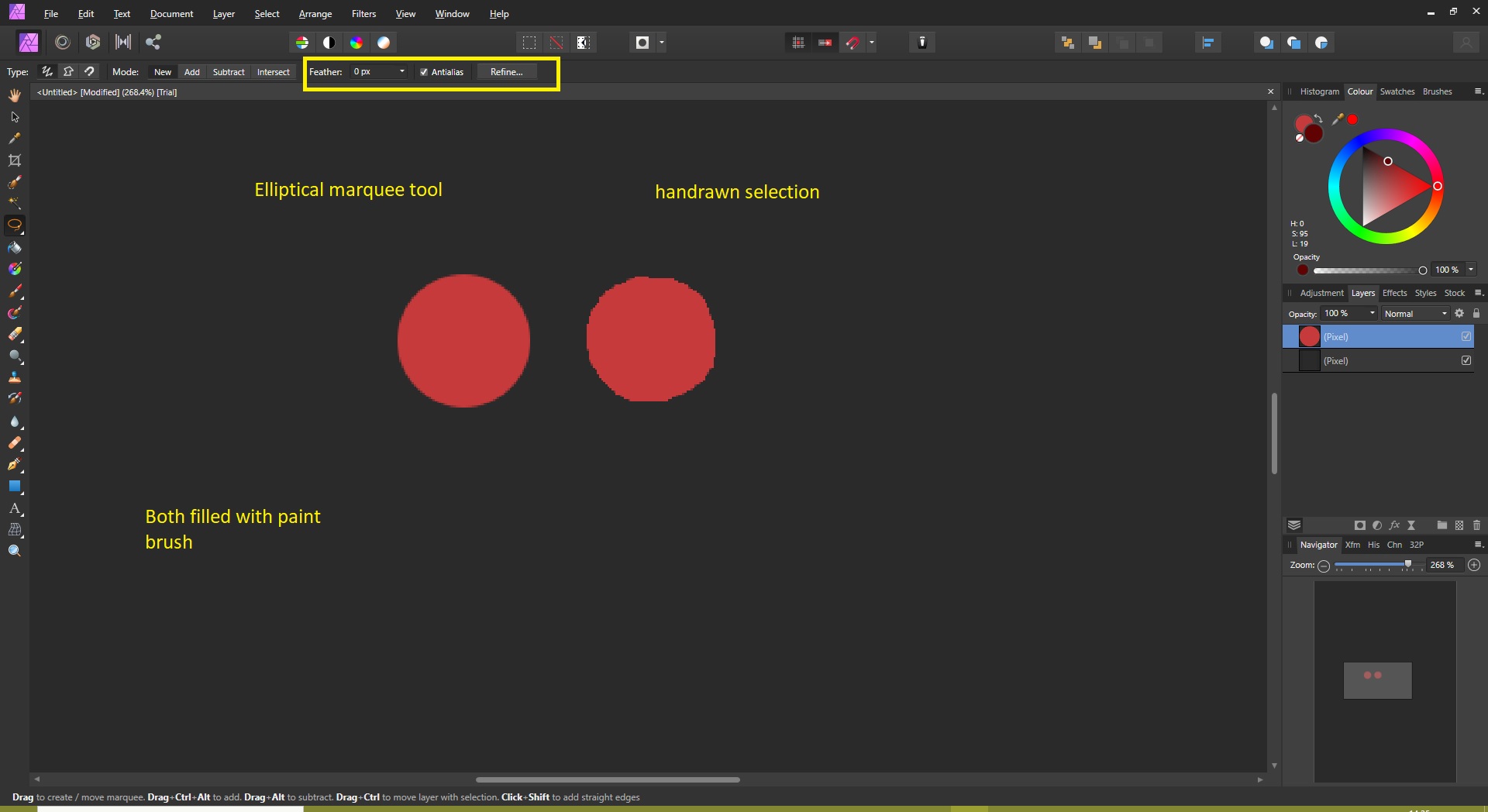
Jagged edges when SLOWLY drawing selection using lasso tool (antialiasing is on ) - Affinity on Desktop Questions (macOS and Windows) - Affinity | Forum

EVERY Affinity Photo Tool EXPLAINED in 10 minutes - YouTube

Interface Visual Reference

Photoshop Selection Tools - The Essential Marquee Tools - YouTube
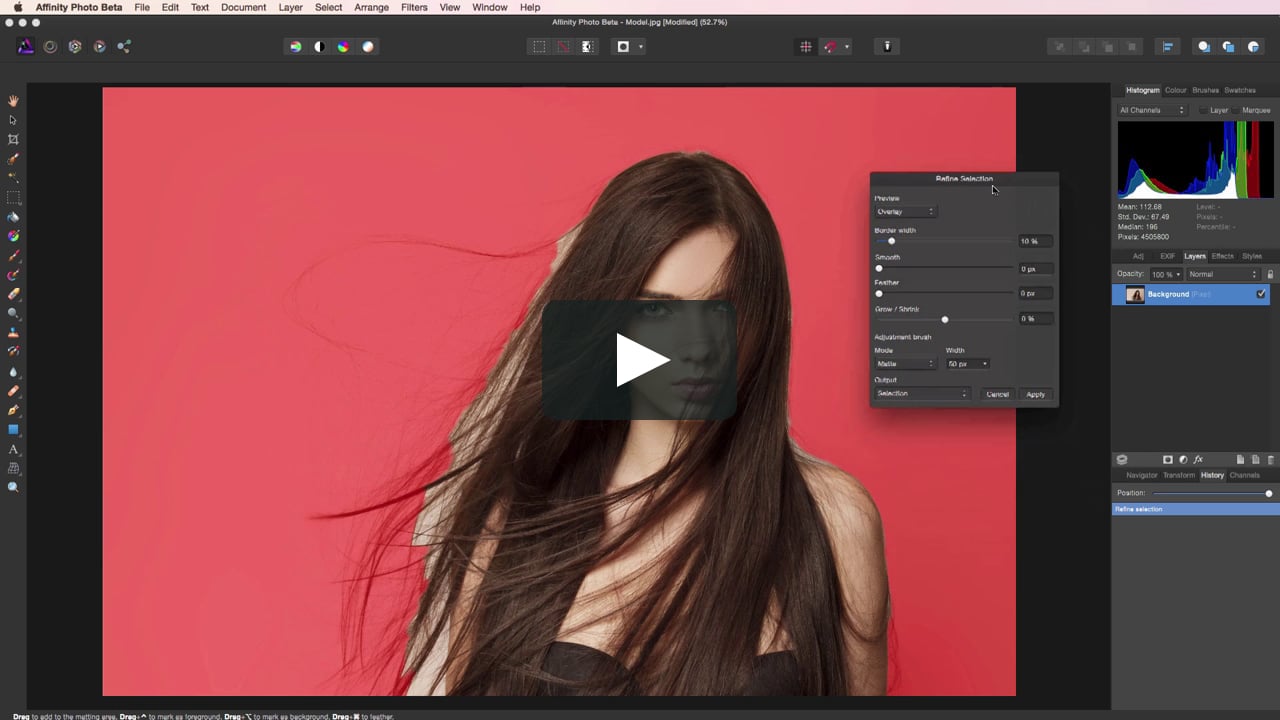
Selection Refinement on Vimeo
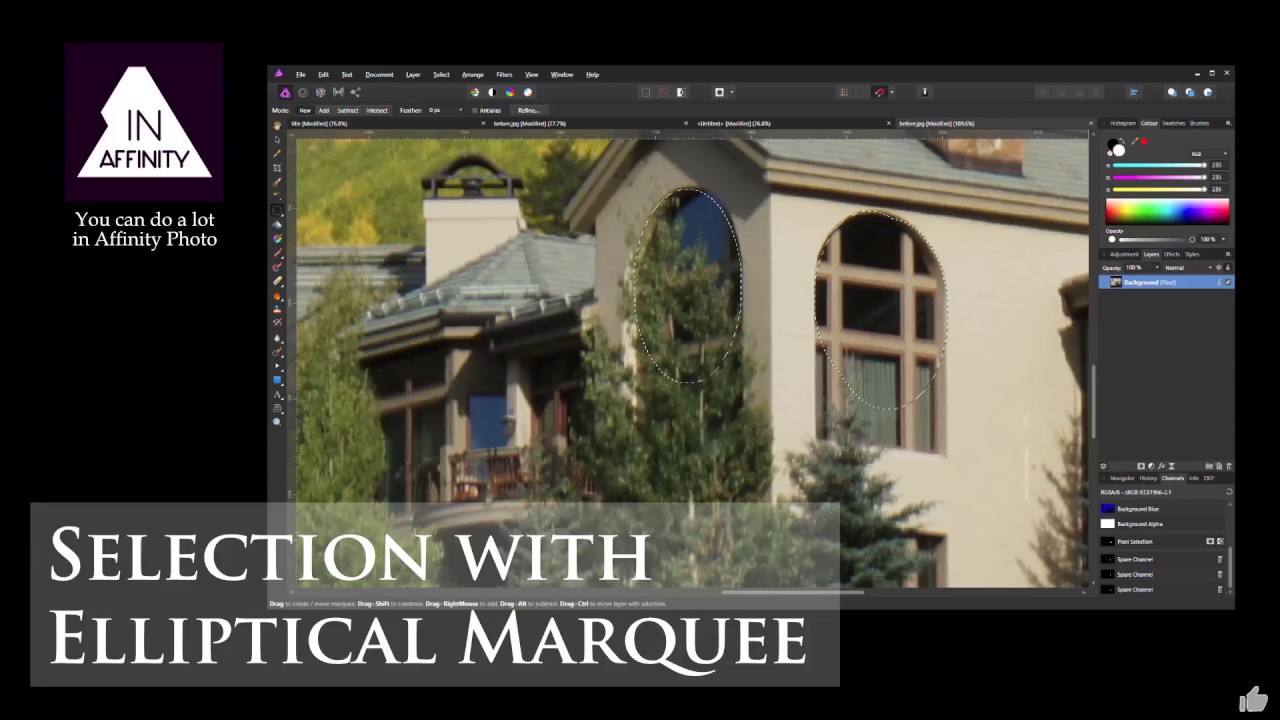
Marquee pixel selections The marquee selection tools allow you to create selections based on standard geometric shapes such as ellipses and rectangles
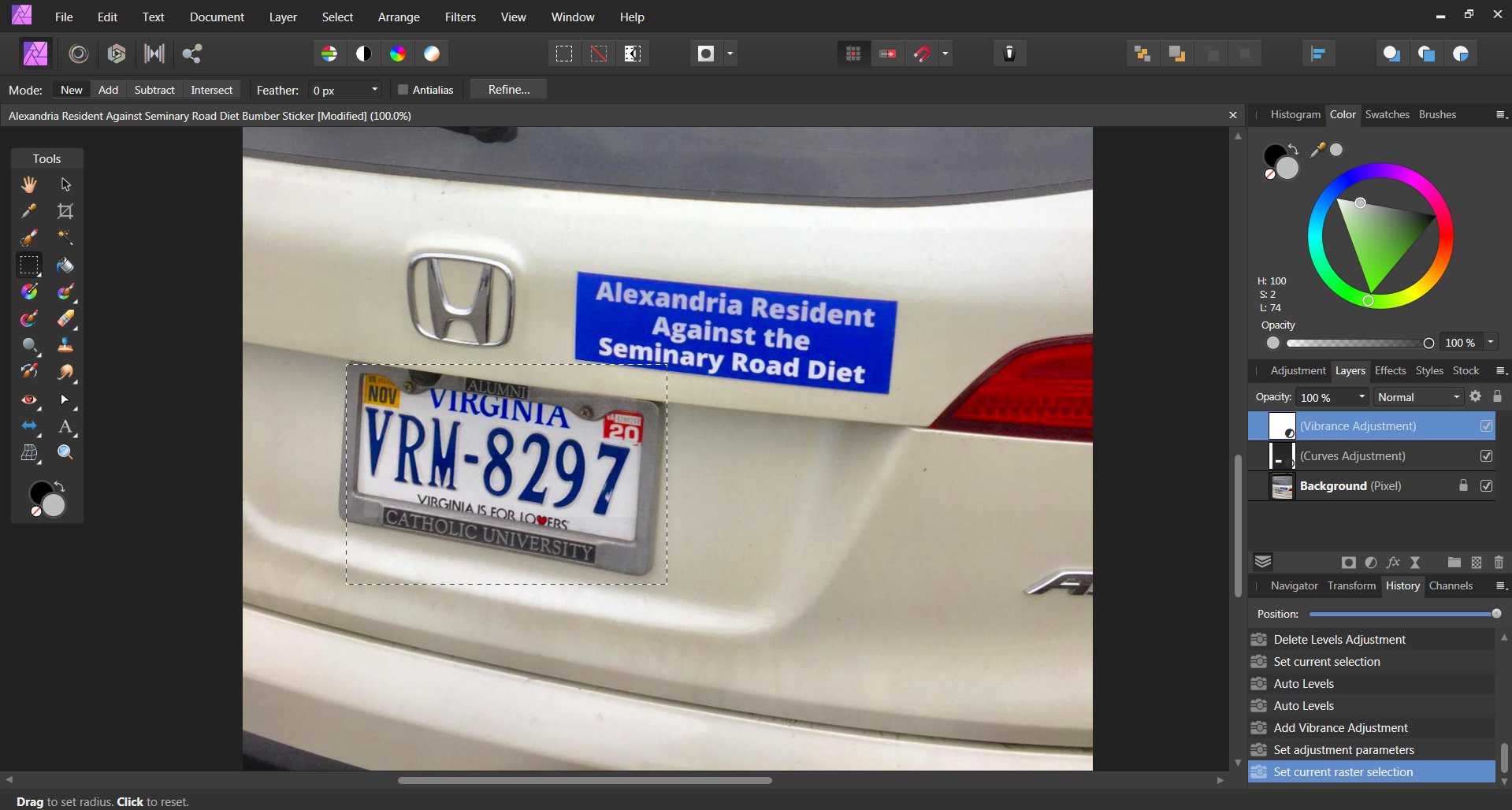
The selection tools are on the toolbar on the left after the Move Tool Simply select the part of the image you want to get rid of and press
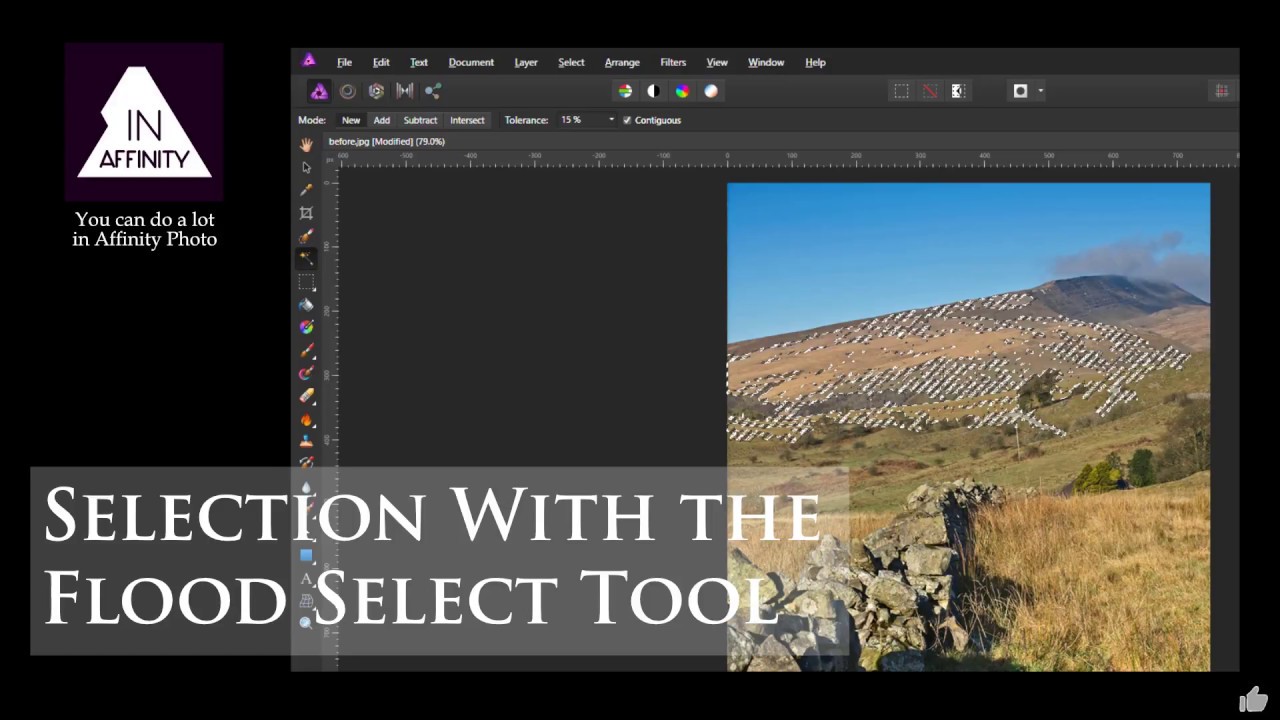
Master the Freehand Selection Tool In this Affinity Photo Tutorial I will teach you all the
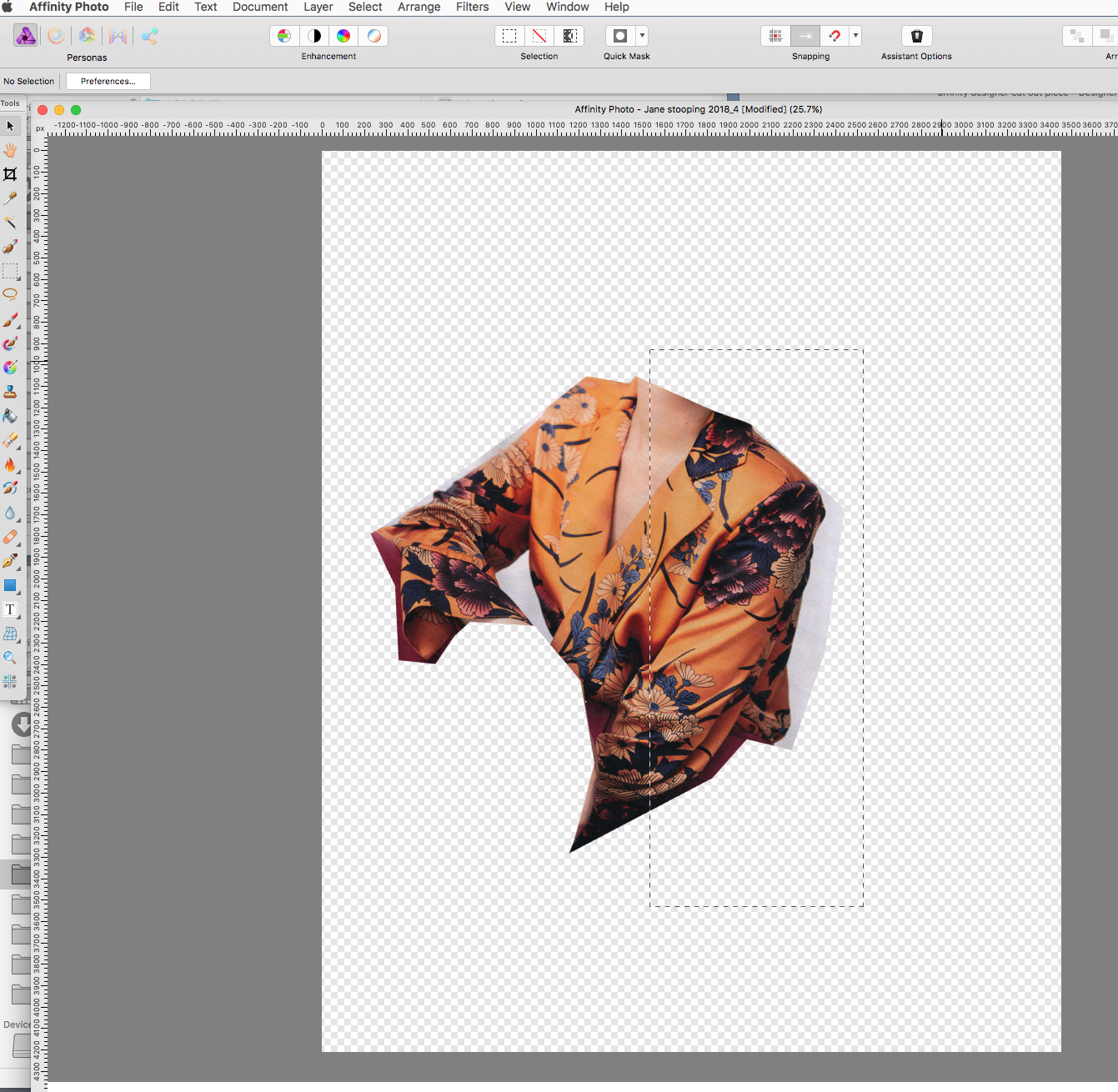
Learn about using the Selection tools to cut out the figure Tap on that and we can also choose the elliptical marquee tool
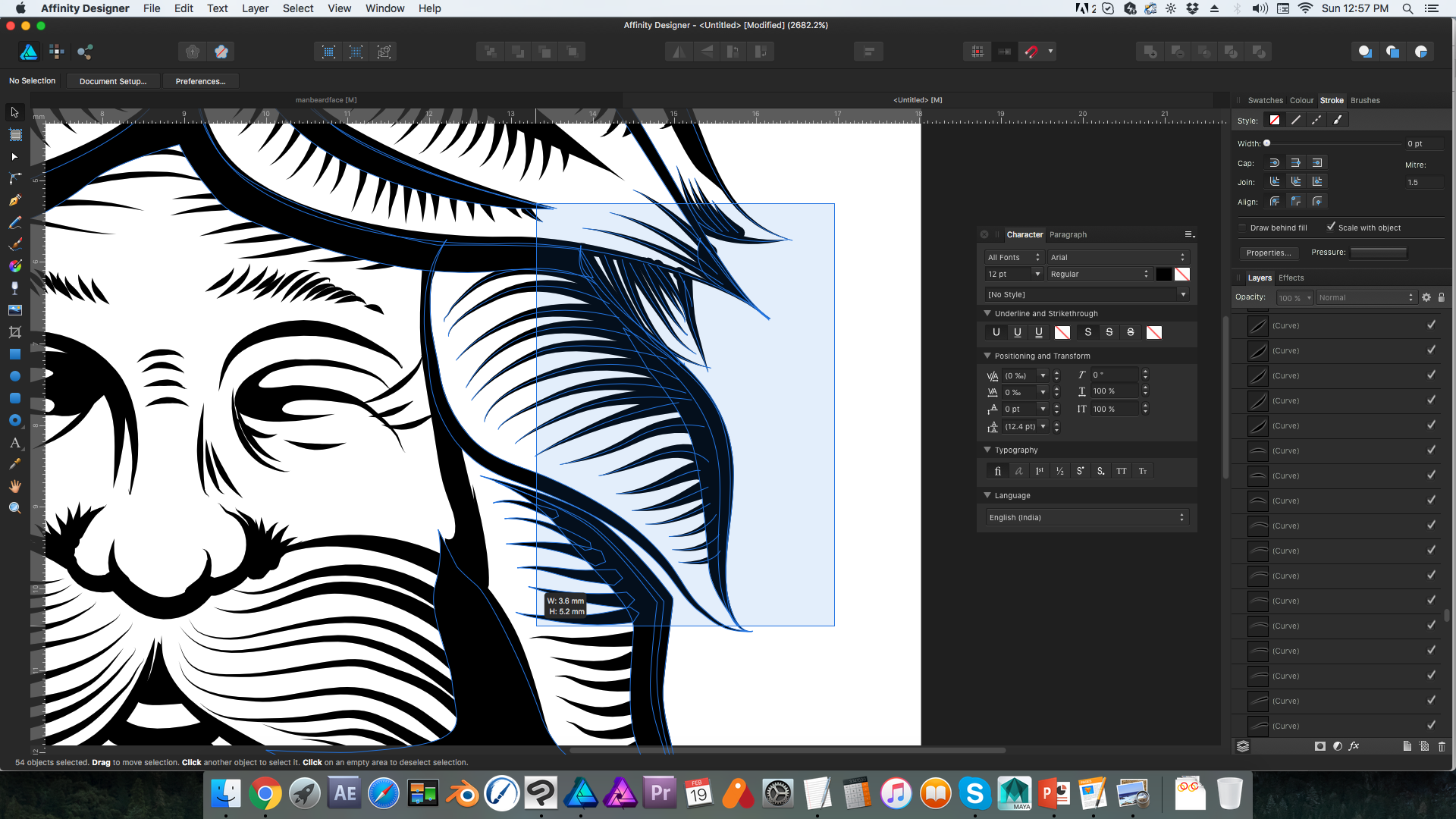
As mentioned in the previous section Affinity Photo has other selection tools like the Rectangular Marquee tool Like the Freehand Selection
For example hitting the M key selects the first Marquee tool the Rectangular Marquee Tool in that tool group Hitting M again will cycle To feather edges in Affinity Photo create a selection using one of the selection tools then click the Refine button in the tool settings menu to open up
This selection allows you to draw the selection with your mouse or stylus This option takes precision but it s useful if you like the flexibility of