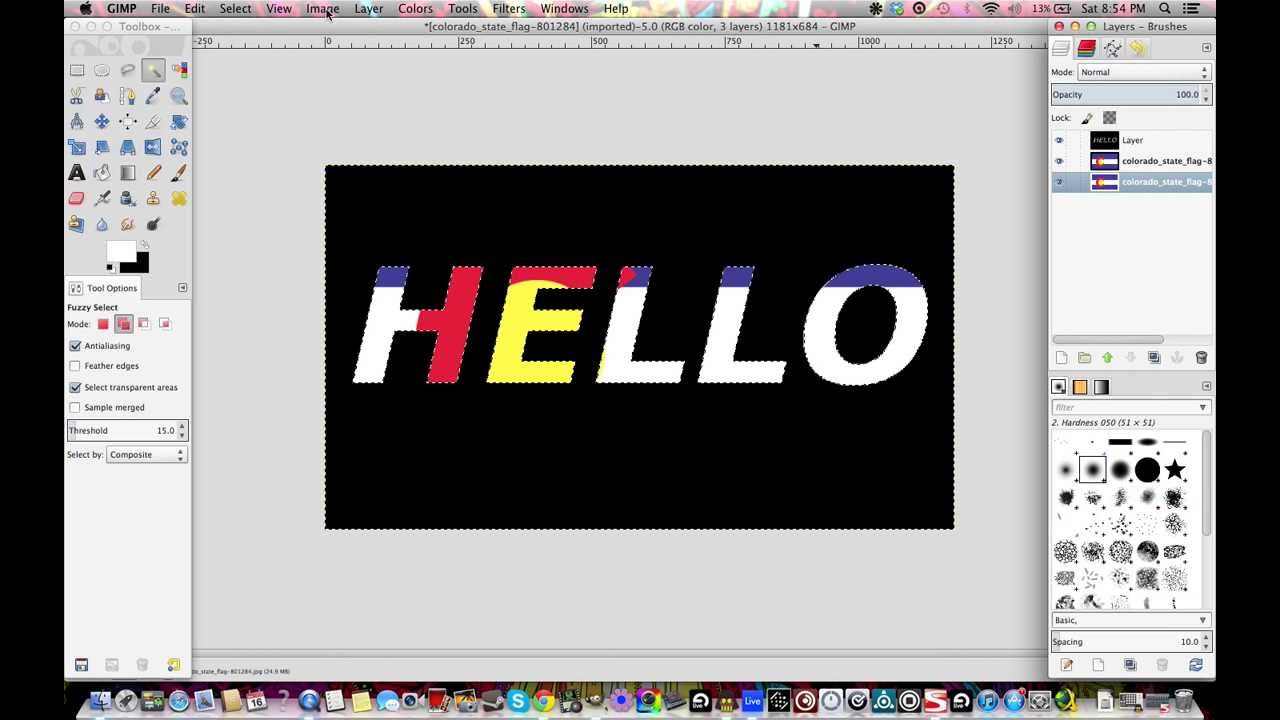
How To Make Text Transparent Create Transparent Text with Photoshop Layer Effects - YouTube How to Make Transparent Text in Google slides Presentation - YouTube Gimp Tutorial: Create 'Transparent Text' - YouTube How to make a transparent text for your edits or videos | CapCut - YouTube How To Create A Transparent Background In Your Instagram Story And Other Instagram Tricks You Need To Know — Shana Bull, Digital Marketing Select the Type tool in the Toolbar and set the font size and color of your text at the top of your screen then click anywhere on the image and type out the
There are various methods used to make text transparent CSS The best method is to use the opacity property or RGBA colors to make your text transparent If Then use the CSS opacity property to set a transparent image or text The opacity property is used to adjust the transparency of a text or photo The value of
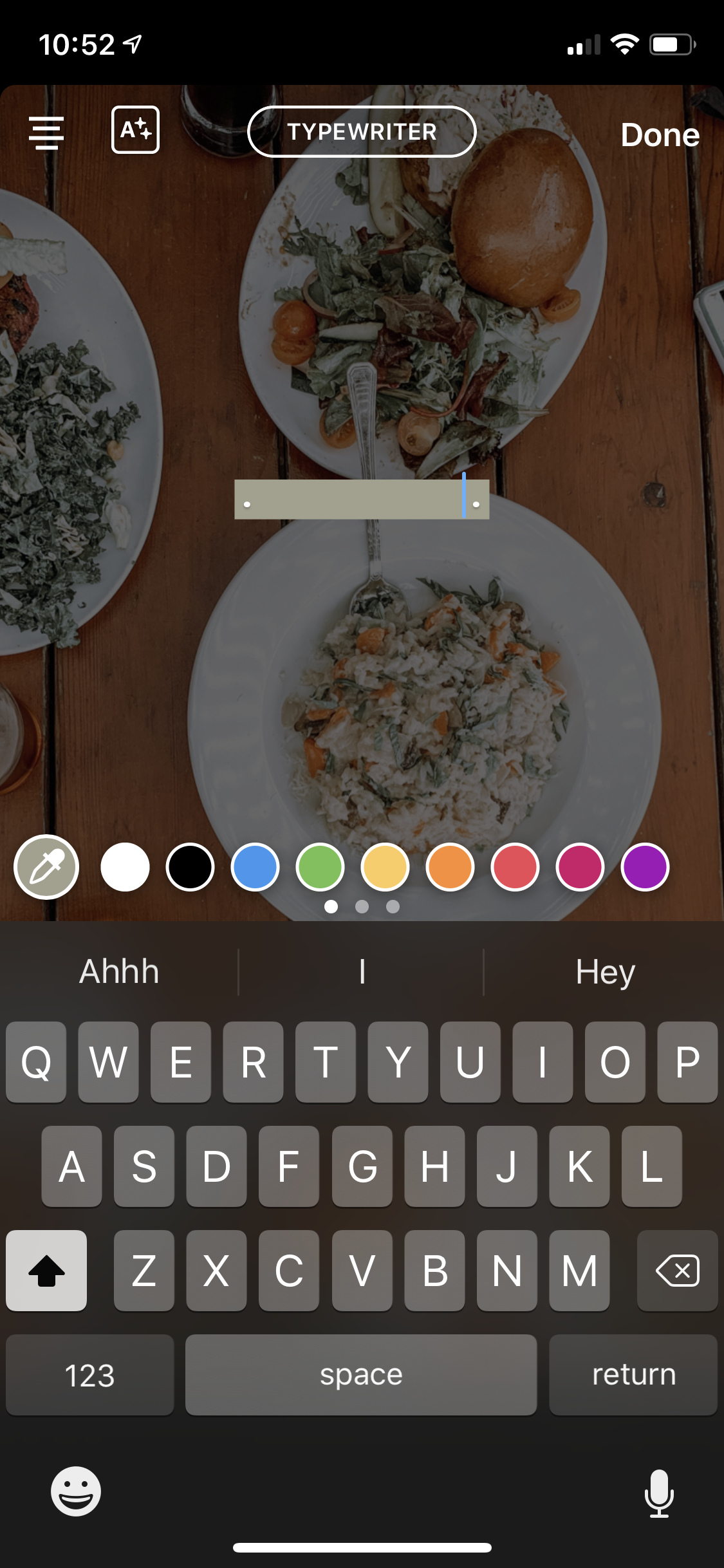
How To Create A Transparent Background In Your Instagram Story And Other Instagram Tricks You Need To Know — Shana Bull, Digital Marketing How do I make text completely transparent? - Pixelmator Community How to Easily Make Transparent Text Effect in Photoshop - PSD Vault Make a Transparent or Semi-Transparent Text Box! • A Turn to Learn How To Create A Transparent Background In Your Instagram Story And Other Instagram Tricks You Need To Know — Shana Bull, Digital Marketing adobe photoshop - Using Mask to trace transparent space inside Text - Graphic Design Stack Exchange How To Make Transparent Text In Photoshop - 4 Must-Try Methods How to Set Transparency for Images and Text on Microsoft PowerPoint How to make text into a transparent punch through a shape in Illustrator? - Graphic Design Stack Exchange
How To Make Text Transparent
 How To Make Text Transparent
https://i.ytimg.com/vi/YjU3ux0sVQU/maxresdefault.jpg
Select the text frame with the Selection tool and in the Effects panel set the Text Opacity not the Object opacity to zero percent The text will disappear
Templates are pre-designed files or files that can be used for various functions. They can conserve time and effort by providing a ready-made format and layout for producing different sort of material. Templates can be utilized for personal or professional tasks, such as resumes, invites, flyers, newsletters, reports, presentations, and more.
How To Make Text Transparent
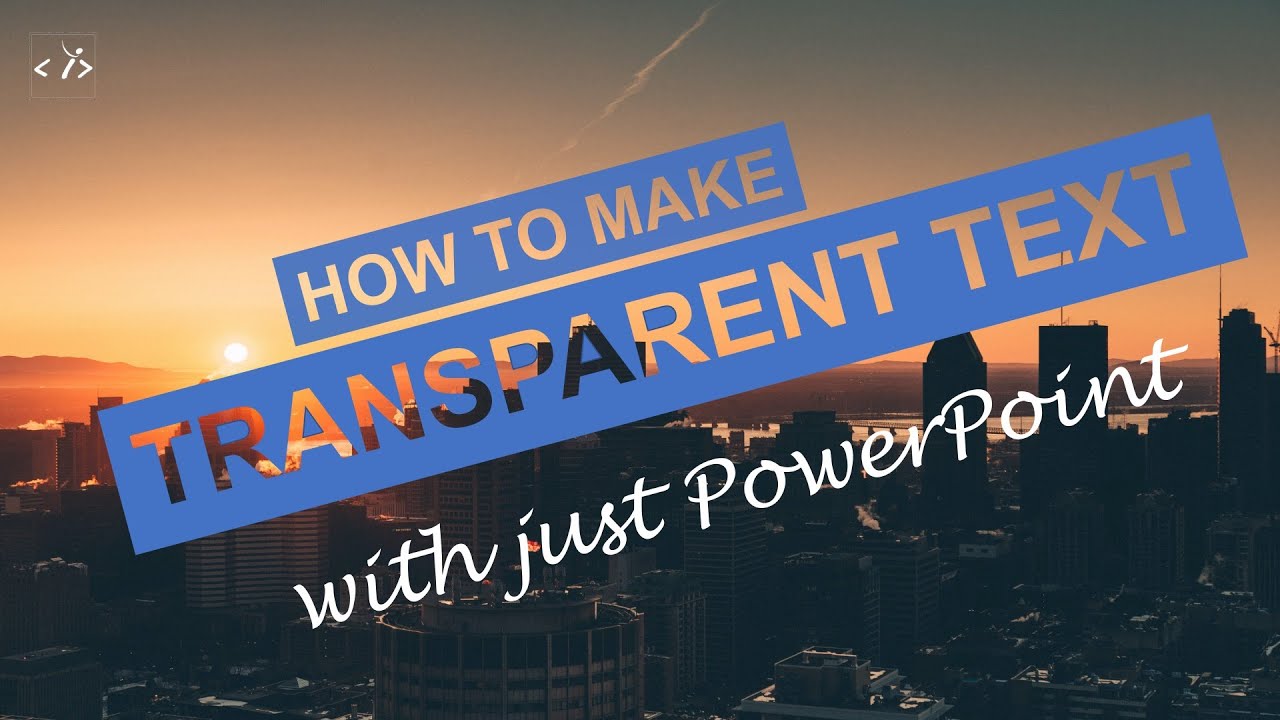
How to make transparent font text in PowerPoint - YouTube
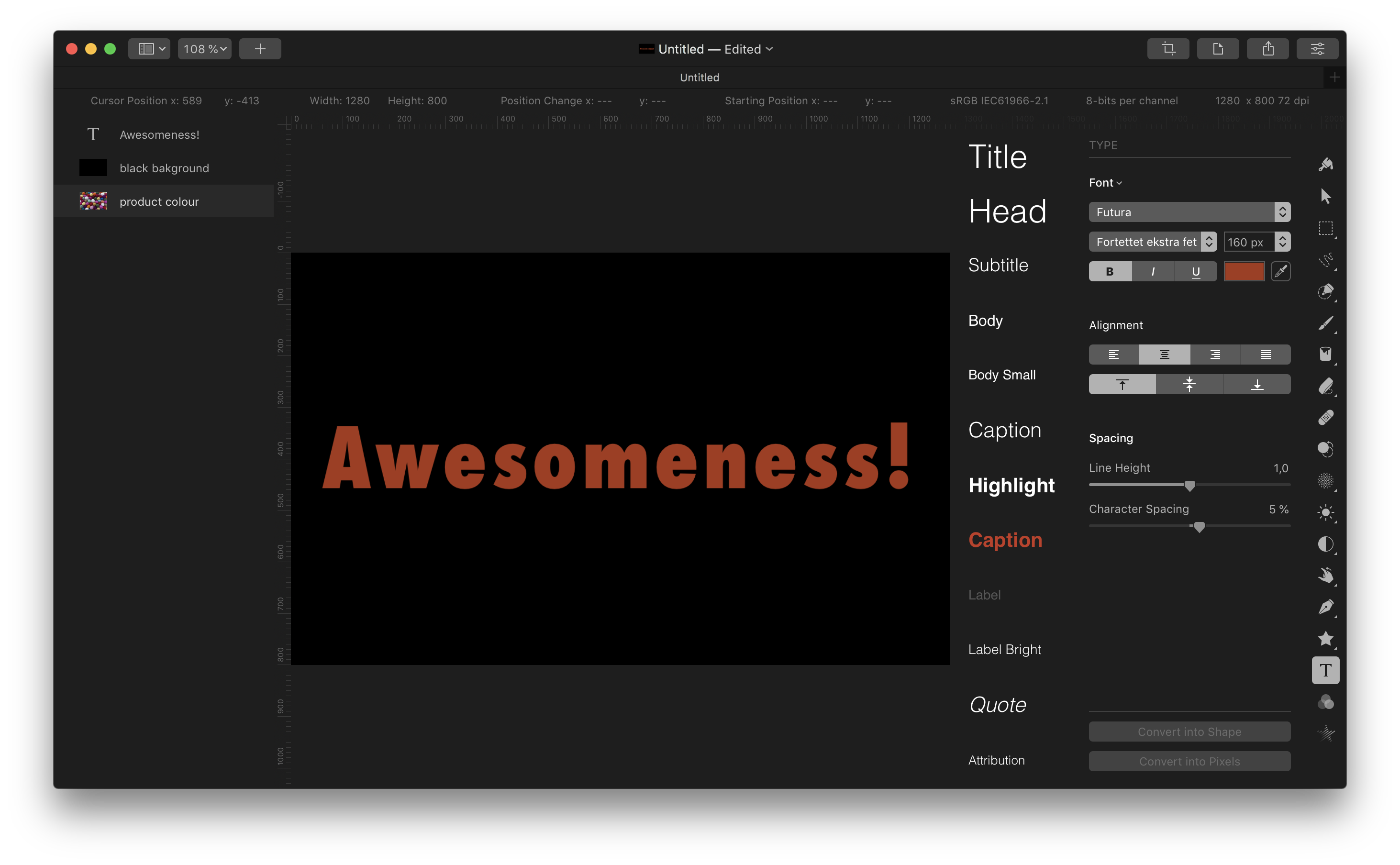
How do I make text completely transparent? - Pixelmator Community

How to Easily Make Transparent Text Effect in Photoshop - PSD Vault
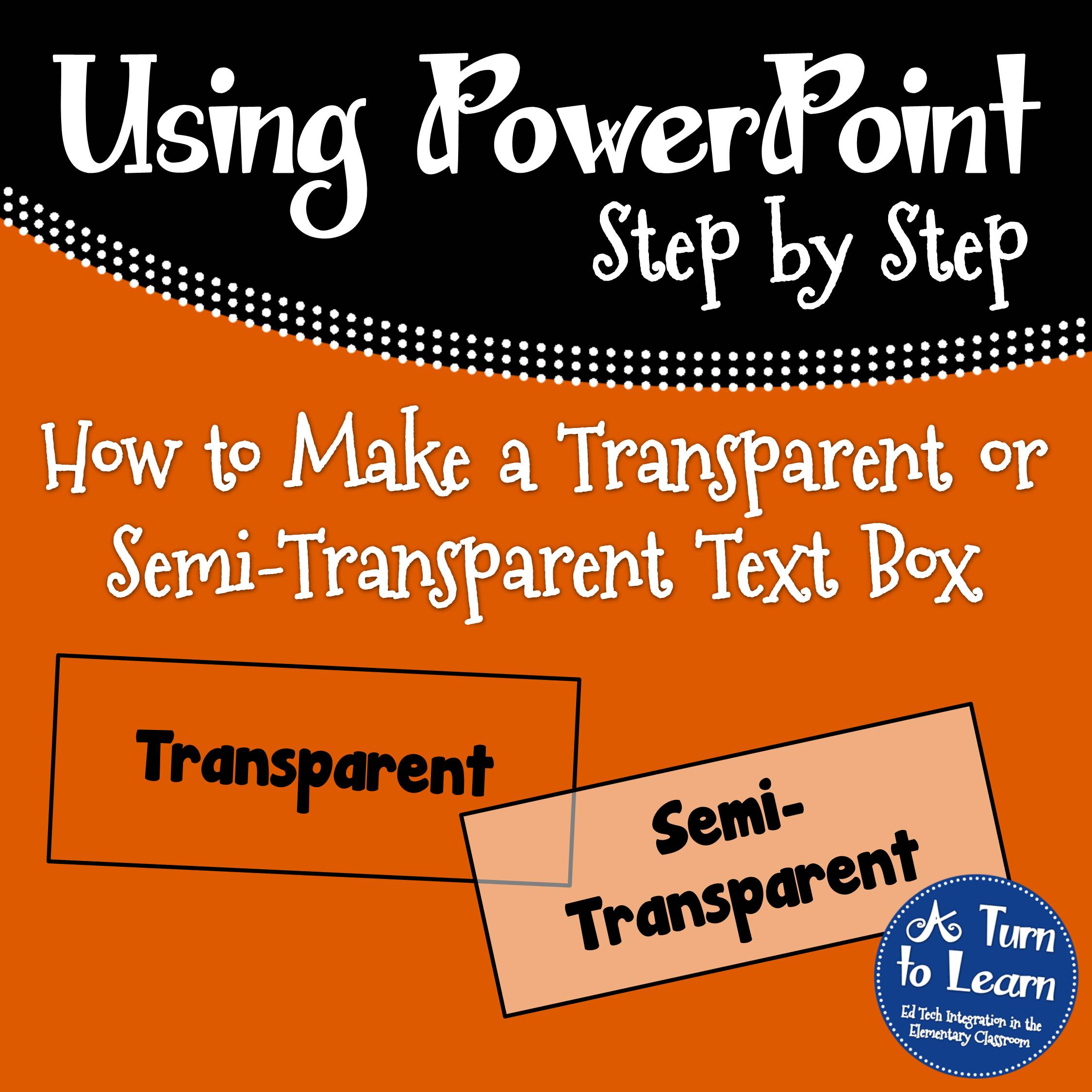
Make a Transparent or Semi-Transparent Text Box! • A Turn to Learn

adobe photoshop - Using Mask to trace transparent space inside Text - Graphic Design Stack Exchange
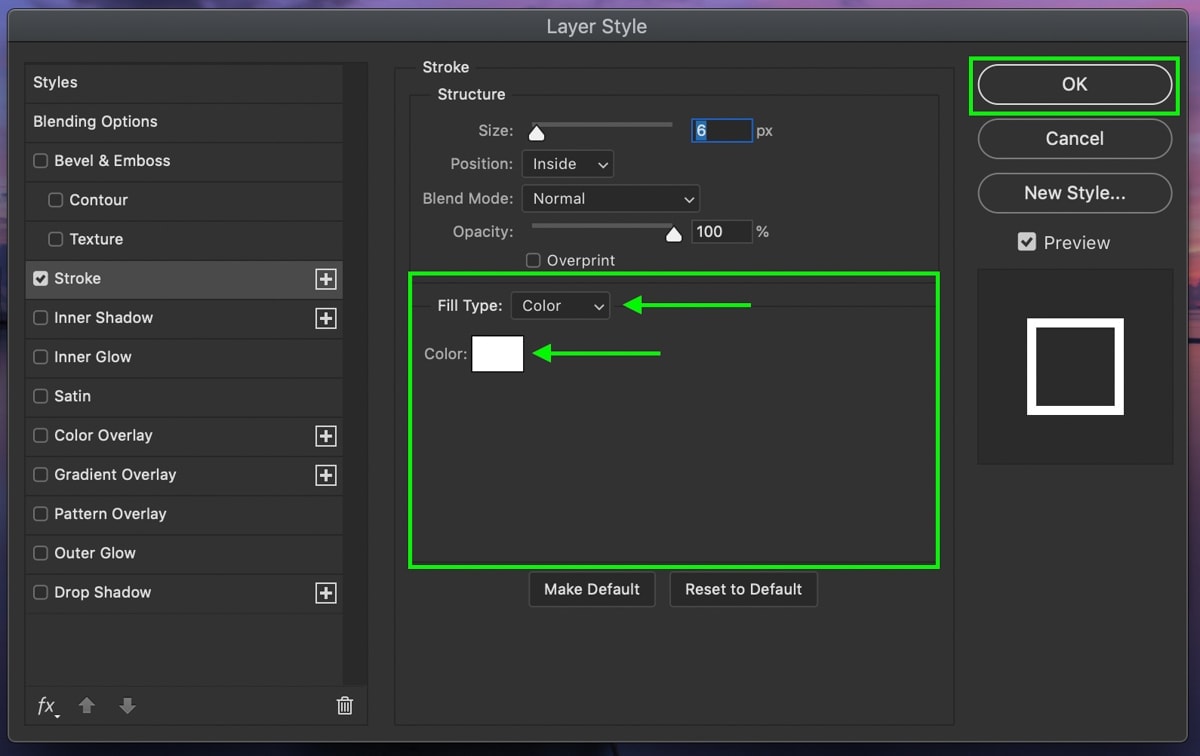
How To Make Transparent Text In Photoshop - 4 Must-Try Methods

Learn how to add transparent text to an image using layer effects in layer effects is knowing

How To Add Transparent Text Step 1 Open Your Image Step 2 Add A New Layer Step 3 Fill The New Layer With White Step 4 Lower The Layer Opacity Step 5
Under the Blending Options tab bring the Fill Opacity down to 0 This will make your text completely invisible

Select the text Right click to bring up the context menu Select Font Click on Text Effects Open the Text Fill option Here you will see a
Don t choose an effect from the list at right like you probably normally would In this case make sure the Blending Options Custom line from
To set the opacity of a background image text or other element you can use the CSS opacity property Values for this property range from 0 4 In the top right hand corner of the text box click the Format icon 5 Select Transparent from the fill color options 6 Your
The first method of Transparent Text in Photoshop is shown down in step by step manner Step 1 Go to the File menu and click on open After clicking open it