Vmware Macos Internet Not Working Vmware MacOS Slow Learn How To Speed Up VMware Mac OS X VMware Lag How To Fix VMware Internet Not Working Issues Solved Fix The Error You Are Not Connected To The Internet On MacOS Ventura Verizon Fios Internet Not Working Here s Why How To FIX Internet Not Working In Bridged Mode In VMware Instances YouTube WEB With MacOS 12 as a guest OS on VMWare Fusion 11 not able to access internet on the guest OS The network adapter used is quot Share with My Mac quot with the same setup
WEB Mar 25 2014 nbsp 0183 32 if you are on Mac and would like to reset you can use this link https kb vmware s article 2009642 you can continue to run gt sudo WEB my new video if you have a problem when you install MAC on VMware workstation with internet so1st method Go to control panel network and sharing center chang
Internet Not Working In Bridged Mode In VMware Instances YouTube Fix The Error You Are Not Connected To The Internet On MacOS Ventura Your Computer Restarted Because Of A Problem MacOS VM On VMware HOW TO FIX VMWARE INTERNET NOT WORKING WINDOWS YouTube Fix VMware Bridged Network Not Working 2022 How To Install MacOS 13 Ventura On VMWare Windows PC TechRechard How To Fix MacOS Ventura Internet Is Not Working On VMware Vmware Macos On Windows Gaseodd Mac Os Vmware Not Connected Internet Vleroaudit
Vmware Macos Internet Not Working
 Vmware Macos Internet Not Working
https://i.ytimg.com/vi/_qpK6vCXfXI/maxresdefault.jpg
WEB Apr 3 2024 nbsp 0183 32 A On a Mac troubleshooting VMware internet problems involves verifying network settings firewall settings and DNS configurations within both VMware and
Templates are pre-designed files or files that can be used for different functions. They can conserve effort and time by offering a ready-made format and design for developing various type of material. Templates can be utilized for individual or expert projects, such as resumes, invitations, leaflets, newsletters, reports, presentations, and more.
Vmware Macos Internet Not Working
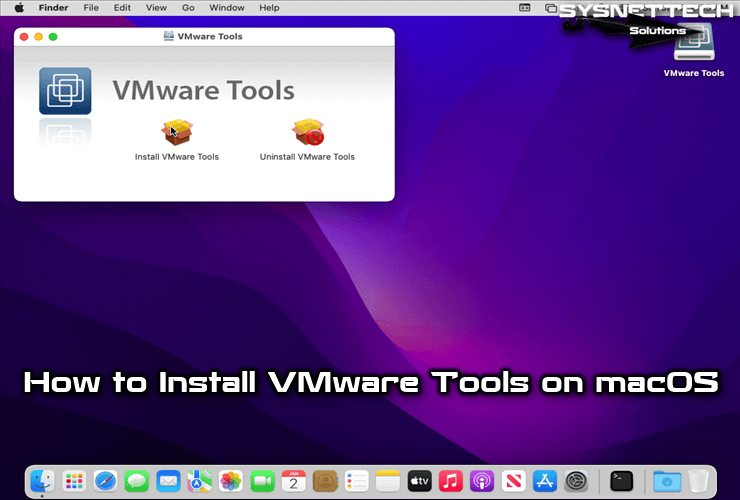
Cloudhasem blogg se
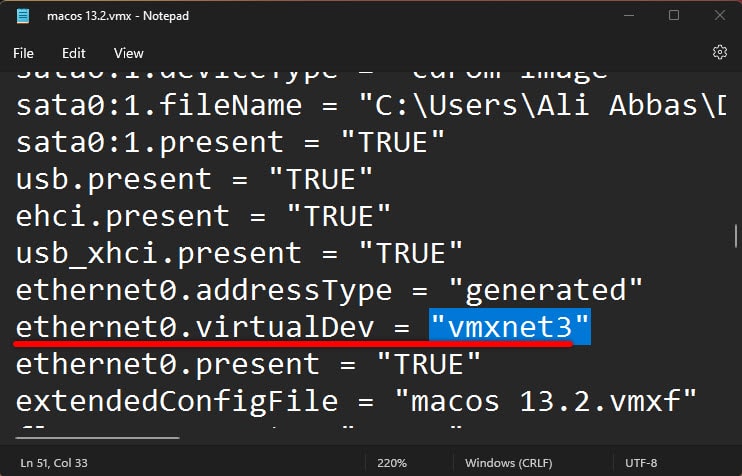
Fix The Error You Are Not Connected To The Internet On MacOS Ventura
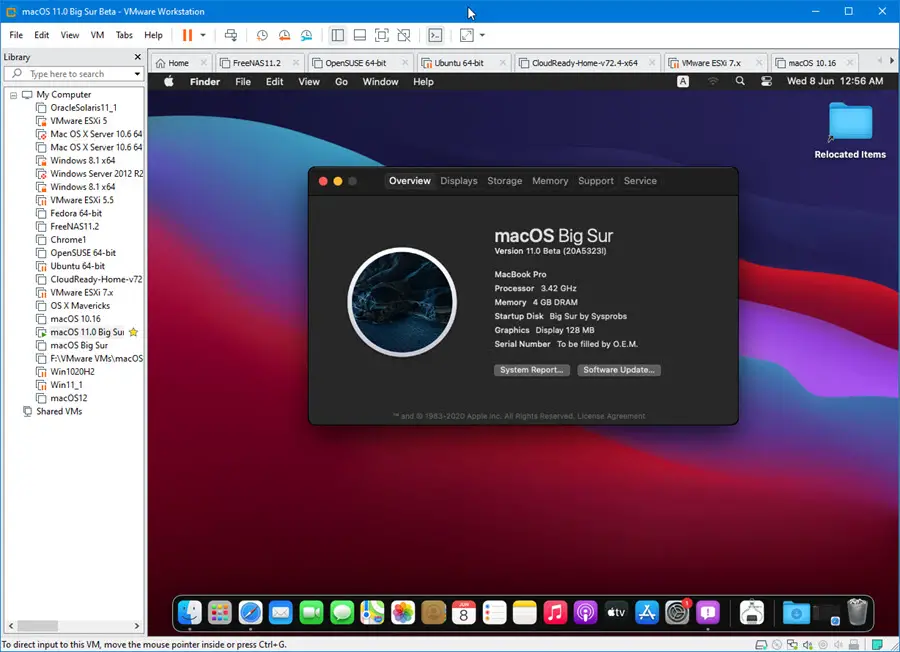
Your Computer Restarted Because Of A Problem MacOS VM On VMware

HOW TO FIX VMWARE INTERNET NOT WORKING WINDOWS YouTube
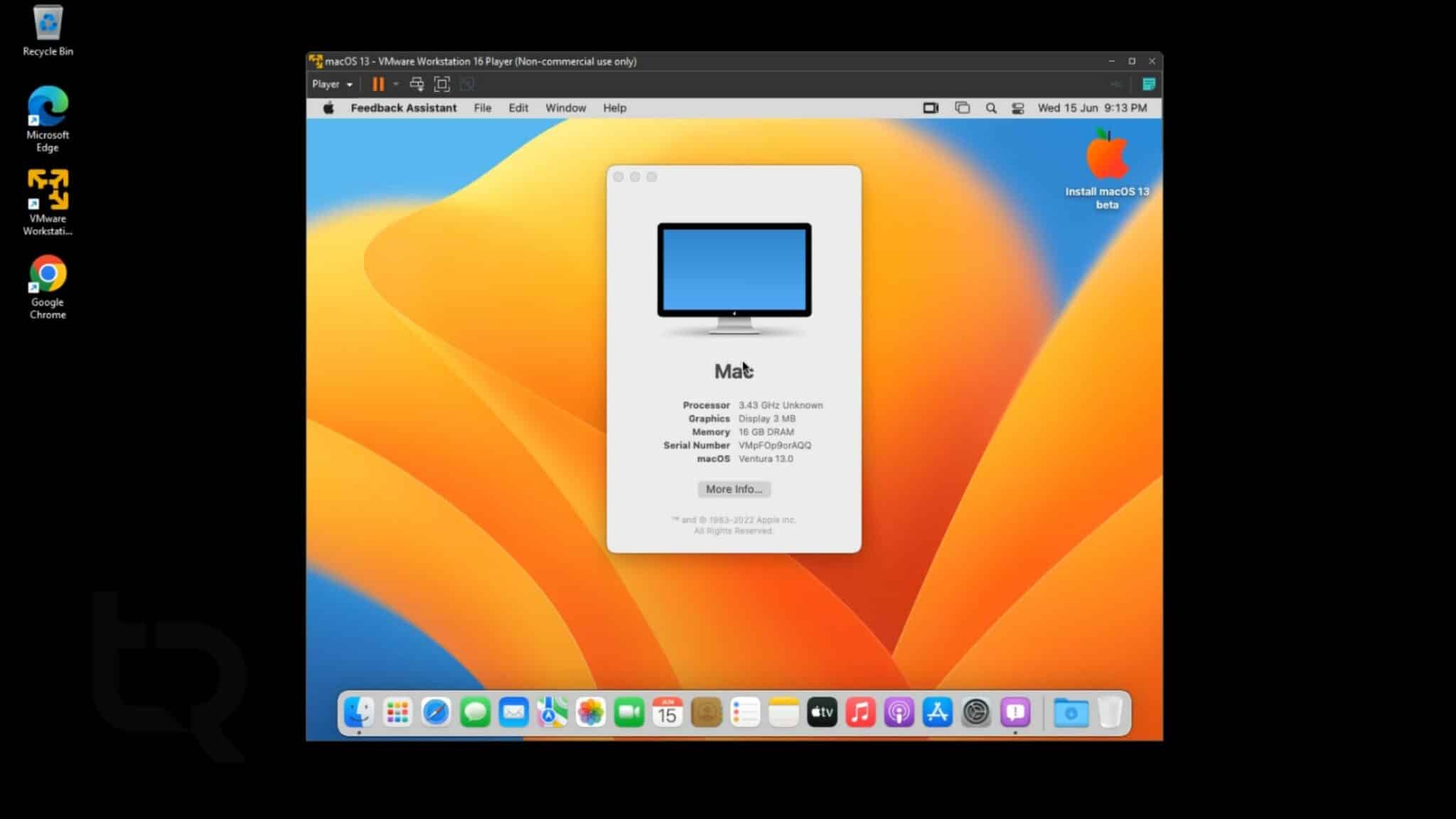
How To Install MacOS 13 Ventura On VMWare Windows PC TechRechard

How To Fix MacOS Ventura Internet Is Not Working On VMware

WEB How to Fix Internet Issues on MAC OS in VMware in this video you will see how you can fix if your Internet is not working in VMware workstation or VMware player
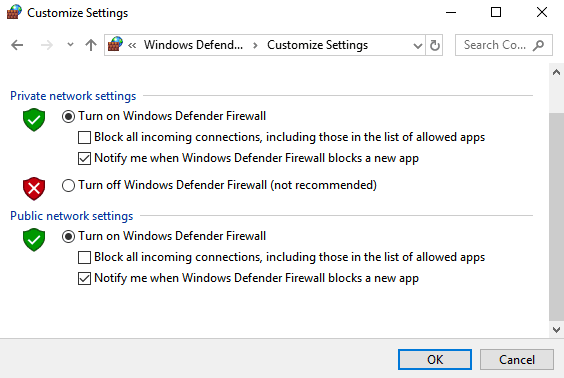
WEB Nov 7 2022 nbsp 0183 32 Check if your computer has internet connection 2 Make sure NAT is selected under Network Connection Network Adapter in Virtual Machine Settings 2

WEB Oct 30 2022 nbsp 0183 32 Install macOS 12 Monterey on VMware Workstation 16 Player https youtu be WLMTAqZ 3xUInstall Vmware Tools and Make macOS 12 Monterey Full Screen in VMware

WEB Mar 5 2024 nbsp 0183 32 Step 1 Open your VMWare and locate your Virtual Machine In my case its macOS 12 beta Step 2 Right click on macOS 12 beta and click Open VM Directory Step 3 Locate the file macOS 12 bets vmx and

WEB Jun 9 2021 nbsp 0183 32 Modified 3 months ago Viewed 10k times 10 Not able to access internet on guest OS VMware Fusion 11 with mac OS 12 Monterey The network adapter used is
[desc-11] [desc-12]
[desc-13]