Start Menu Settings Pin Settings From The Settings App To The Start Menu In Windows 10 How To Customize Windows 10 s Start Menu PCWorld Start Menu Gets A New Look In Latest Windows 10 Preview Build Quick Easy Ways To Open Settings App In Windows 10 Methods To Fix Windows 8 1 10 Start Button Not Working Open the Start Menu using the Windows key on your keyboard Cortana or the Windows button on the bottom left of your screen Select the Settings gear icon to open Settings Select Personalization From the left menu select Colors Select your preferred color from the available options Your system s accent color will update in real time
Windows Customize the Windows 11 Start layout Article 07 01 2022 4 contributors Feedback In this article Start menu sections Customizing Start menu items Pinning a web link Pre pinning Office Show 2 more Looking for the IT pro version of this topic See Customize the Start menu layout on Windows 11 Tip The default Start menu tends to serve up a list of pinned apps seemingly based around what s on your PC which can be navigated via the up and down arrows that pop up when you hover a cursor
Methods To Fix Windows 8 1 10 Start Button Not Working How To Automatically Hide The Taskbar In Windows 10 How To Pin Any Settings App Page To Start Menu In Windows 10 Windows 10 Start Menu Surprising Facts How To Manage Start Menu Settings On Windows 11 Windows Central How To Customize The Start Menu In Windows 11 Instructions How To Use The Windows 10 Start Menu 6 Steps with Pictures Open Settings Menu In Windows 10 Consuming Tech Start Menu Settings
Start Menu Settings
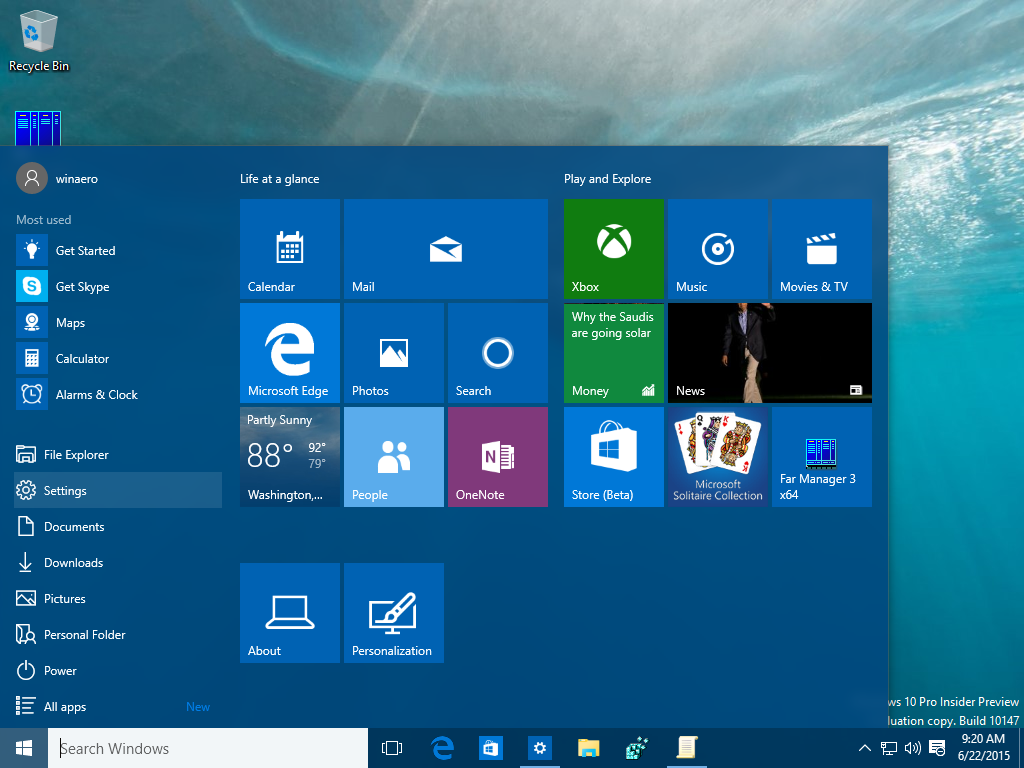 Start Menu Settings
https://winaero.com/blog/wp-content/uploads/2015/06/windows-10-settings-start-menu-item.png
The easy way to open the Start menu settings Step 1 Right click on the desktop and then click the Personalize option to open the Personalization section of the Settings app Step 2 Click on Start to see the Start menu settings
Pre-crafted templates offer a time-saving service for developing a diverse series of files and files. These pre-designed formats and designs can be used for numerous individual and professional projects, including resumes, invitations, flyers, newsletters, reports, presentations, and more, simplifying the content development procedure.
Start Menu Settings
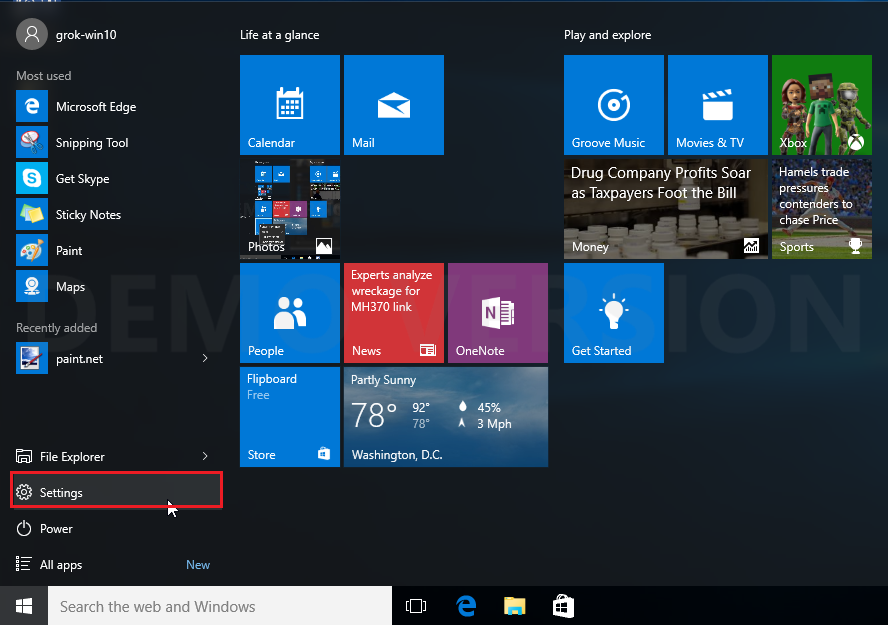
Windows 10 Sign In With A Microsoft Account GROK Knowledge Base

How To Automatically Hide The Taskbar In Windows 10

How To Pin Any Settings App Page To Start Menu In Windows 10

Windows 10 Start Menu Surprising Facts
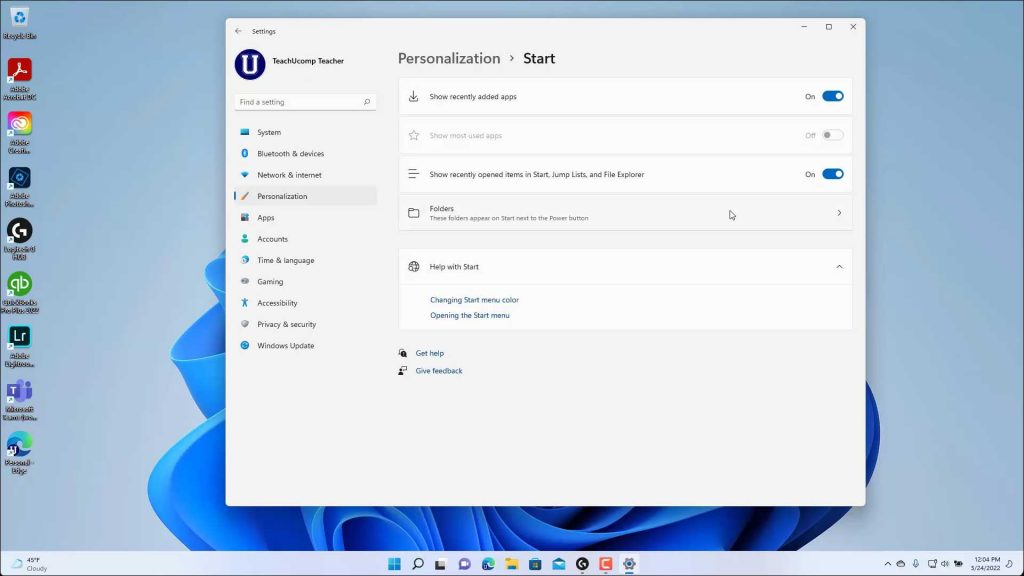
How To Customize The Start Menu In Windows 11 Instructions

How To Use The Windows 10 Start Menu 6 Steps with Pictures
By Mauro Huculak last updated 17 May 2022 The Start menu is highly customizable and in this guide we ll show you the steps to adjust its settings to make it more functional and personal

Align the Start menu to the left side To align the Start menu to the left of the screen use these steps Open Settings Click on Personalization Click the Taskbar page on the right
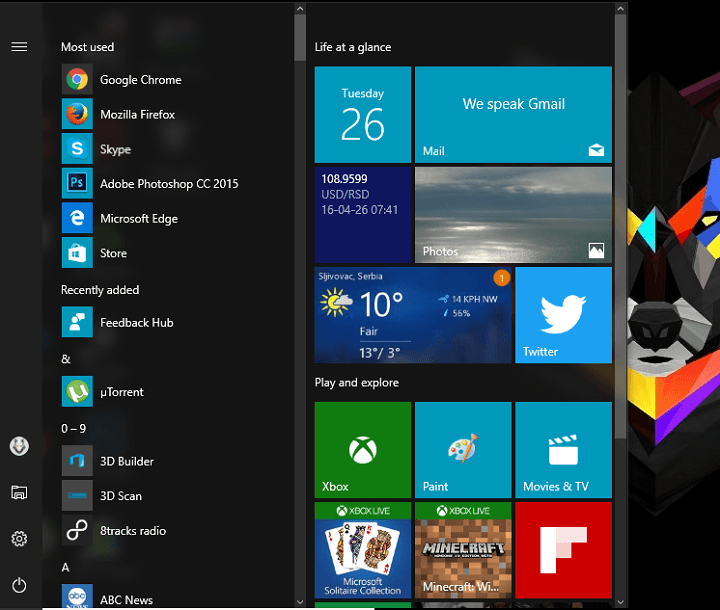
Apps settings files they can all be found on the Start menu Just select Start on the taskbar Get started Make the Start menu yours by pinning apps and programs or moving and regrouping tiles If you need more space resize the Start menu Your apps and programs right at your fingertips

Windows 11 Get Started How to Customize the Start Menu in Windows For easy access to your favorite apps and most used settings here s how to customize the Start Menu in Windows 10 and

Just head to Settings Personalization Start and turn on the Show more tiles on Start option With the Show more tiles on Start option on you can see that the tile column has expanded by the width of one medium sized tile
[desc-11] [desc-12]
[desc-13]