Start Button Settings How To Pin Individual Windows 10 Settings To The Start Menu How To Remove Administrator Account In Windows 10 WinCope How To Change The start Button Settings Within Windows 10 YouTube Windows Vista Logo Transparent Windows 7 Start Button 800x580 PNG SOLVED 16 Ways To Start The SETTINGS App Windows 10 Up Running Microsoft security Accessibility center Learn how to find and change settings in Windows
Choose Which Folders Appear on the Start Menu Use a Full Screen Start Menu Remove Suggested Apps from Your App List Windows 10 finally brought back the Start menu and it s more customizable than ever Here s a quick rundown of all the different ways that you can make the Start menu your own Open the Start Menu using the Windows key on your keyboard Cortana or the Windows button on the bottom left of your screen Select the Settings gear icon to open Settings Select Personalization From the left menu select Colors Select your preferred color from the available options
SOLVED 16 Ways To Start The SETTINGS App Windows 10 Up Running How To Change Windows Start Orb Windows 10 Tribepag Windows Vista Microsoft Windows Installation Service Pack PNG Speed Up Start Menu In Windows 10 Start Menu Computer Applications For Managers How To Use The Troubleshoot Tools To Fix Problems On The Windows 10 Start Menu Gets A New Look In Latest Windows 10 Preview Build Pin Settings To The Start Menu In Windows 10 Gear Settings Options Icon PNG Picpng
Start Button Settings
 Start Button Settings
https://www.groovypost.com/wp-content/uploads/2017/09/1-Settings-Windows-10-Start.png
By Lance Whitney Nov 30 2022 Microsoft seems to rethink the Start menu with each new version of Windows Jumping from Windows 10 to Windows 11 can make your head spin with all the new tools and
Pre-crafted templates provide a time-saving service for developing a diverse series of files and files. These pre-designed formats and designs can be made use of for numerous individual and expert projects, consisting of resumes, invitations, flyers, newsletters, reports, discussions, and more, streamlining the material development procedure.
Start Button Settings
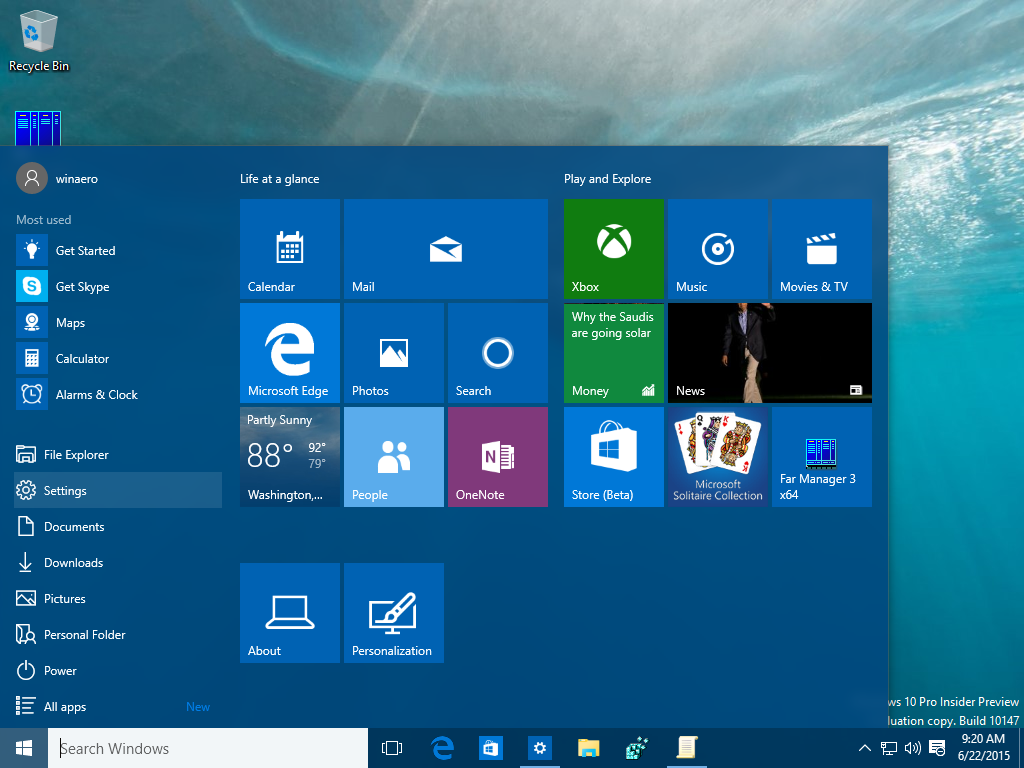
Windows Start Menu Tiles Showing A Download Logo
How To Change Windows Start Orb Windows 10 Tribepag
Windows Vista Microsoft Windows Installation Service Pack PNG
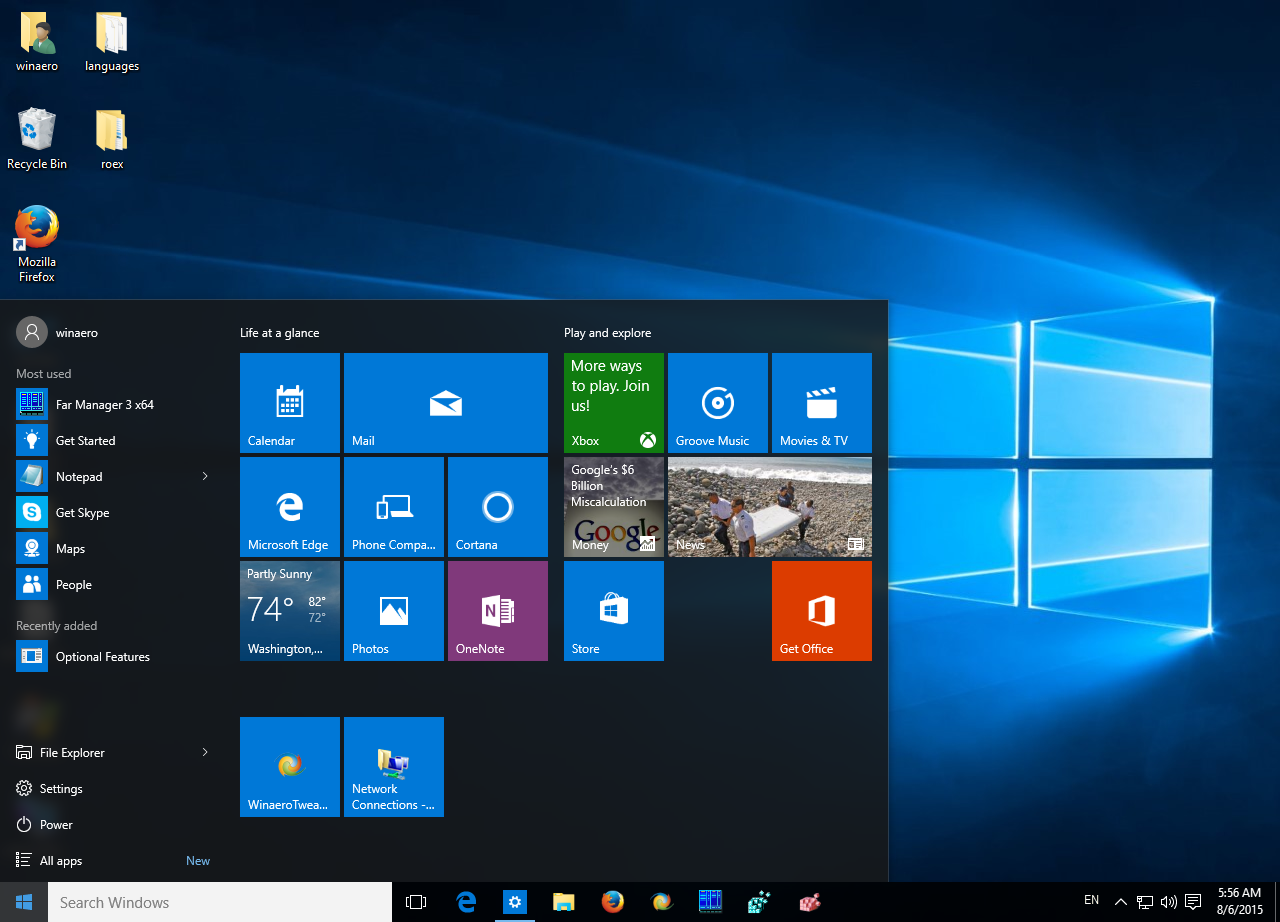
Speed Up Start Menu In Windows 10
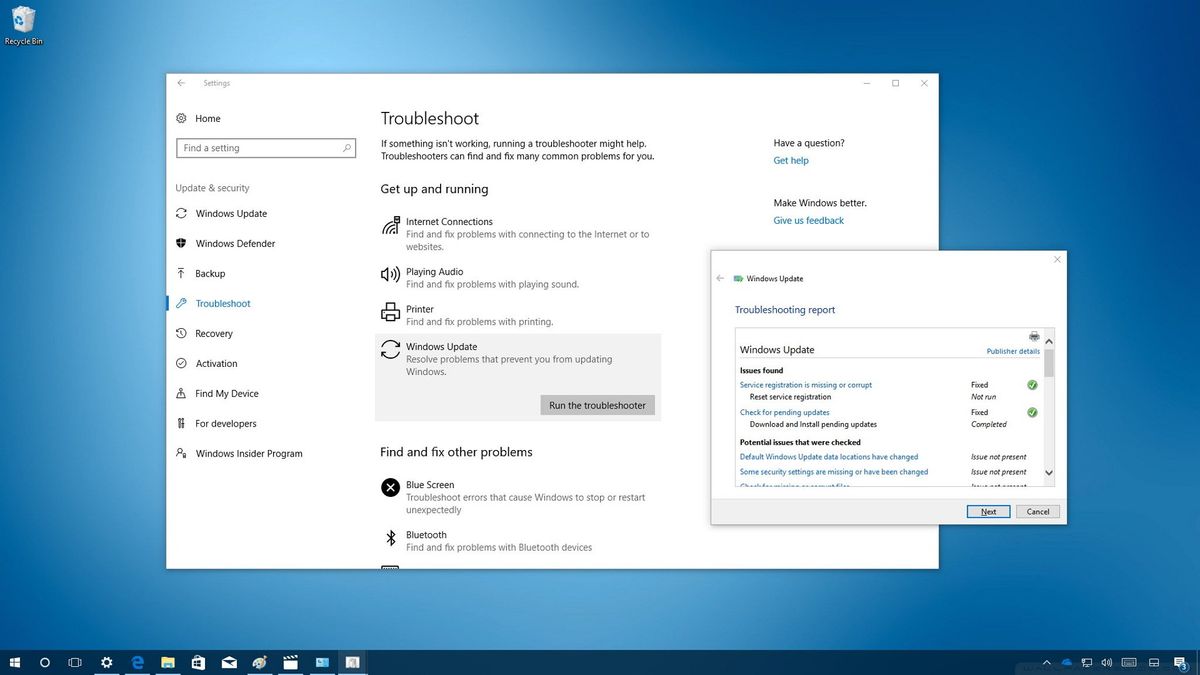
How To Use The Troubleshoot Tools To Fix Problems On The Windows 10
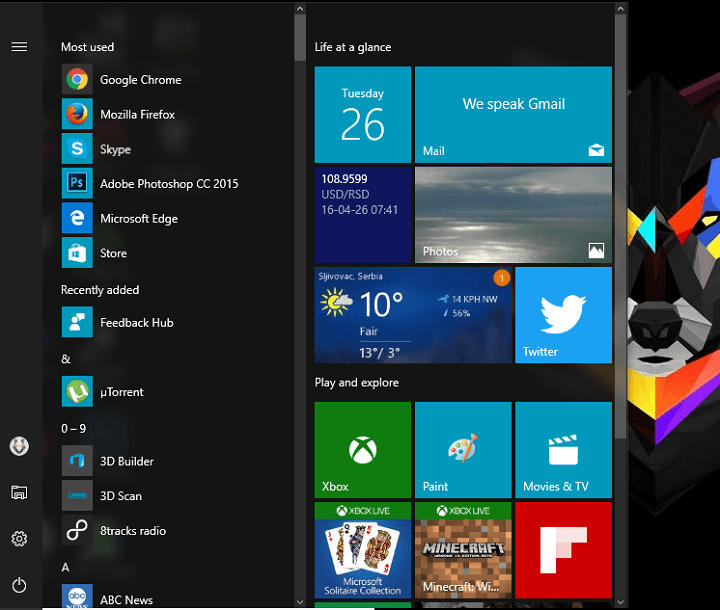
Start Menu Gets A New Look In Latest Windows 10 Preview Build

To see a list of recently added apps in the Windows 10 Start menu use these steps Open Settings Click on Personalization Click on Start Turn on the Show recently added apps toggle

Another way to open Start settings in Windows 10 Step 1 Right click on the Start button on the taskbar and click Settings to open the Settings app Step 2 Once the Settings app is launched navigate to Personalization Start page to
To align the Start menu to the left of the screen use these steps Open Settings Click on Personalization Click the Taskbar page on the right side
How To Windows 11 Get Started How to Customize the Start Menu in Windows For easy access to your favorite apps and most used settings here s how to customize the Start Menu in Windows 10

Get started To pin your favorite apps to the Start menu select and hold or right click the app you want to pin Then select Pin to Start To group your apps into folders simply drag an app on top of another with mouse or touch or highlight the app with your keyboard and use the Ctrl Shift Left or Right arrow keyboard shortcut
[desc-11] [desc-12]
[desc-13]