Start Menu Options Windows 10 Start Menu Review Tips n Tricks And Customization AskVG How To Customize The Start Menu In Windows 7 YouTube Windows 10 Start Menu Customization Options How To Change Start Menu Location In Windows 11 Vrogue How To Set Default Start Menu Layout For Users In Windows 10 Windows Windows 10 Ways to Customize the Windows 10 Start Menu By Walter Glenn Published May 2 2017 Windows 10 finally brought back the Start menu and it s more customizable than ever Quick Links Organize Edit Delete or Add New Items to the Apps List Resize the Start Menu Pin and Unpin Tiles Resize Tiles Turn Off Live Tile
To open the Start menu which contains all your apps settings and files you can do any of the following On the center or left end of the taskbar select the Start icon Note Your taskbar settings determine where the taskbar is located Press the There are two main options that can be used to change the size of the Windows 10 Start Menu Adding more tiles Enabling this option will add an extra vertical row of tiles to the Start Menu to as the setting s name suggests allow more tiles to
How To Set Default Start Menu Layout For Users In Windows 10 Windows How To Customize Start Menu In Windows 11 Vrogue 10 Windows 10 Start Menu Tips To Master Your PC New Features On The Windows 7 Start Menu YouTube Stardock Launches Private Beta Test Of Start 10 A Windows 10 Start Menu How To Change The Windows 10 Start Menu Windows 10 Tips Your First 30 Minutes With The Technical Preview PCWorld How To Use The Windows 10 Start Menu 6 Steps with Pictures How To Make Your Windows 10 Start Menu Full Screen
Start Menu Options
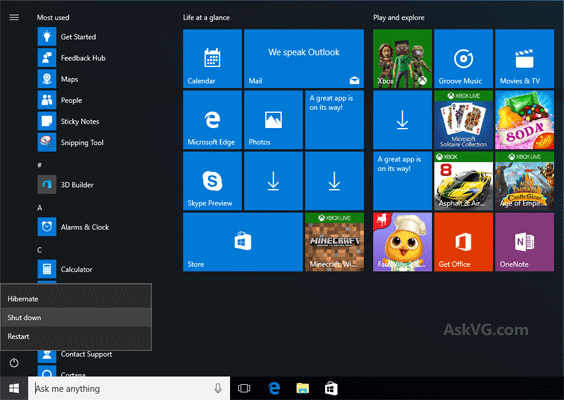 Start Menu Options
http://media.askvg.com/articles/images5/Windows_10_Start_Menu_Power_Options.png
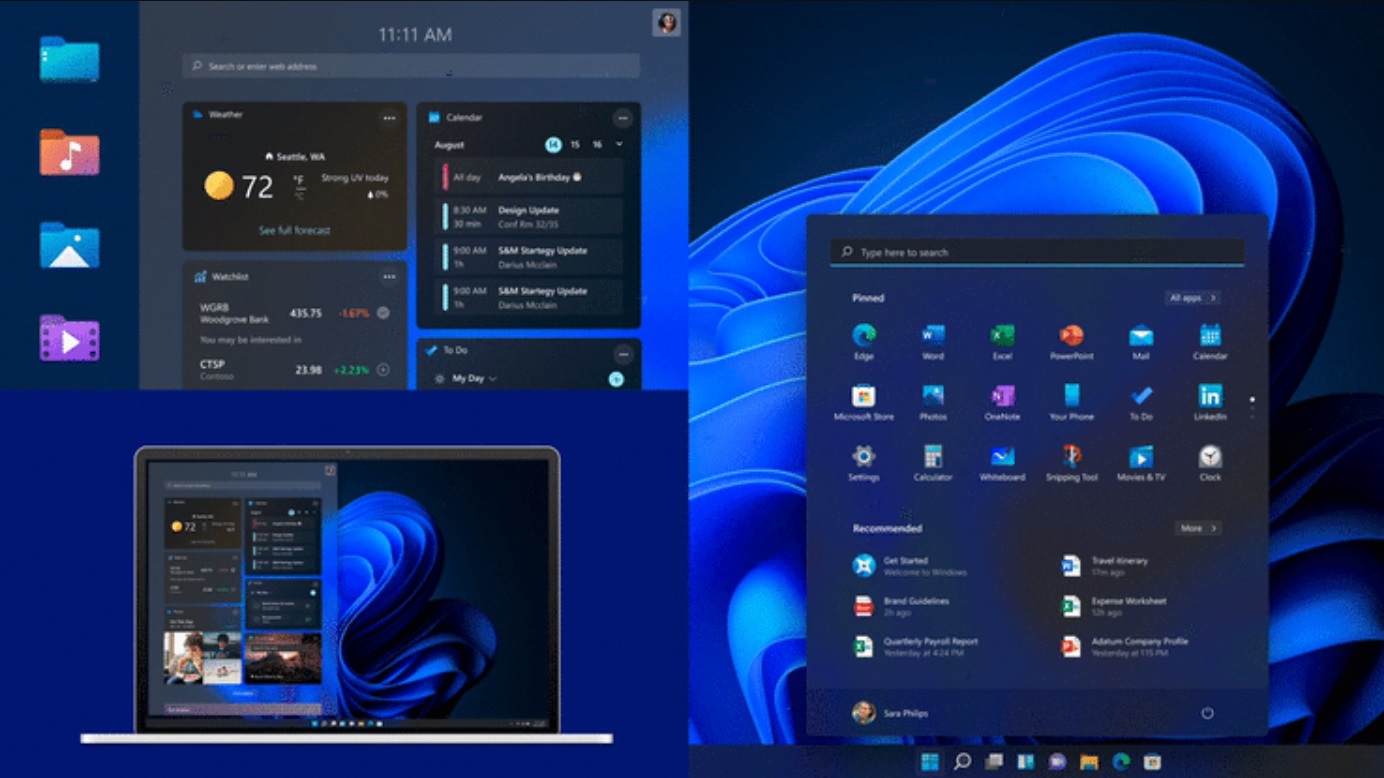
Windows 11 Windows 10 Apps settings files they can all be found on the Start menu Just select Start on the taskbar Next make it yours by pinning apps and programs Note Students using Windows 11 SE may see a different selection of apps in their Start menu Apps are managed by their IT Admin Learn more Get started
Templates are pre-designed files or files that can be used for various purposes. They can save time and effort by offering a ready-made format and layout for creating various sort of material. Templates can be used for individual or professional projects, such as resumes, invites, leaflets, newsletters, reports, presentations, and more.
Start Menu Options

Start Menu Computer Applications For Managers
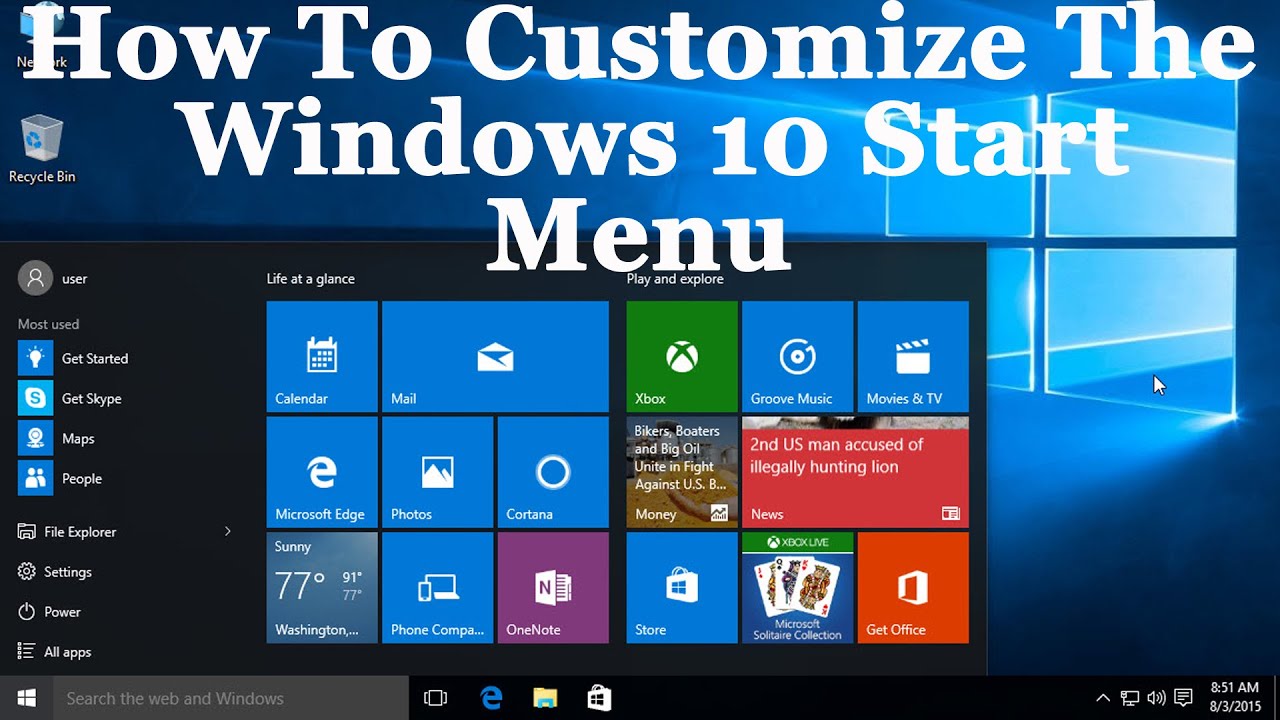
How To Customize Start Menu In Windows 11 Vrogue
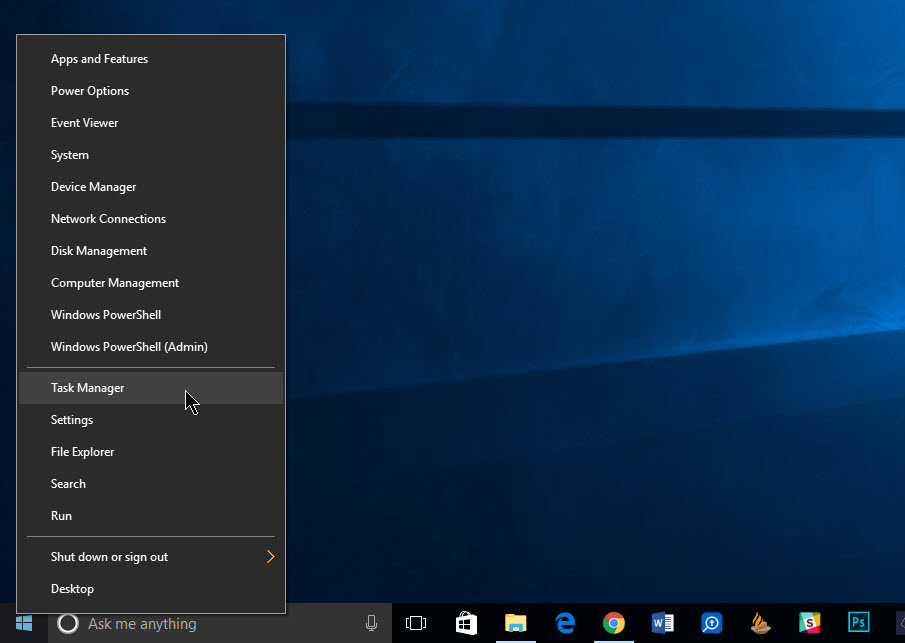
10 Windows 10 Start Menu Tips To Master Your PC

New Features On The Windows 7 Start Menu YouTube

How To Change The Windows 10 Start Menu
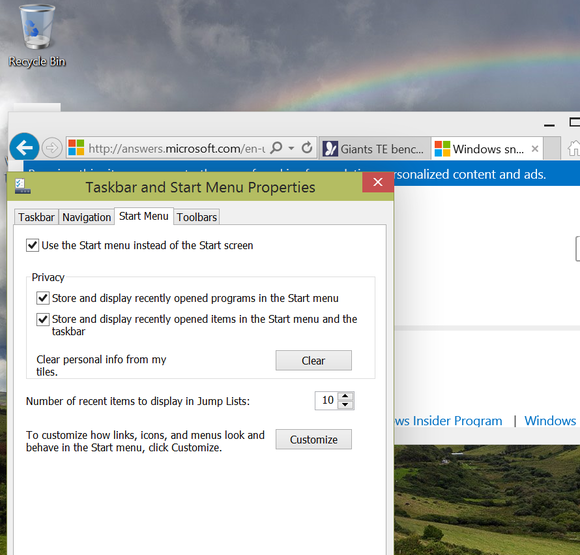
Windows 10 Tips Your First 30 Minutes With The Technical Preview PCWorld

Home How To Windows 11 Get Started How to Customize the Start Menu in Windows For easy access to your favorite apps and most used settings here s how to customize the Start Menu in

Align the Start menu to the left side To align the Start menu to the left of the screen use these steps Open Settings Click on Personalization Click the Taskbar page on the right side

Back to top Get the most out of your Windows 11 experience with the Start menu With the Start menu you can save time and find it faster with enhanced search Find apps settings recommended files and more
Windows Configuration Customize the Start menu and taskbar layout on Windows 10 and later devices Article 03 13 2024 1 contributor Applies to Windows 10 Feedback In this article Use XML Use group policy Use provisioning packages Use a mobile device management MDM solution Show 3 more Looking for consumer

Apps settings files they can all be found on the Start menu Just select Start on the taskbar Get started Make the Start menu yours by pinning apps and programs or moving and regrouping tiles If you need more space resize the Start menu Your apps and programs right at your fingertips
[desc-11] [desc-12]
[desc-13]