See All Network Drives Cmd CMD List Drives How To List Drives In Command Prompt Answered How Can I See All Drives In CMD StackHowTo Fix Could Not Reconnect All Network Drives Notification Windows 10 How To Fix The Could Not Reconnect All Network Drives Error On Windows Pin On Powershell And Cmd Dec 7 2023 nbsp 0183 32 To map a network drive on Windows 10 open Command Prompt not as admin and run the net use Z server shareFolder command The net use z Delete command will disconnect the map from Windows 10
Aug 11 2017 nbsp 0183 32 To map a network drive type the following command and then hit Enter net use DRIVE PATH DRIVE is the drive letter you want to use and PATH is the full UNC path to the share Jun 12 2023 nbsp 0183 32 Mapping a network drive in Windows 10 11 can be done via File Explorer Command Prompt and PowerShell and this article provides step by step instructions on how to do this How to Map a Network Shared Folder to a Drive Letter in Windows 10 11 Method 1 Map a Network Drive using File Explorer
Pin On Powershell And Cmd How Can I See All Drives In CMD StackHowTo Fix Windows 11 10 Could Not Reconnect All Network Drives YouTube How To Disable Could Not Reconnect All Network Drives Alert On Windows 10 Cmd Commands To Check Hard Drive Solved Could Not Reconnect All Network Drives Windows 10 11 Network How To Fix The Could Not Reconnect All Network Drives Error On Windows How To Map Network Drives From The Command Prompt In Windows YouTube How To Map Network Drives From The Command Prompt In Windows
See All Network Drives Cmd
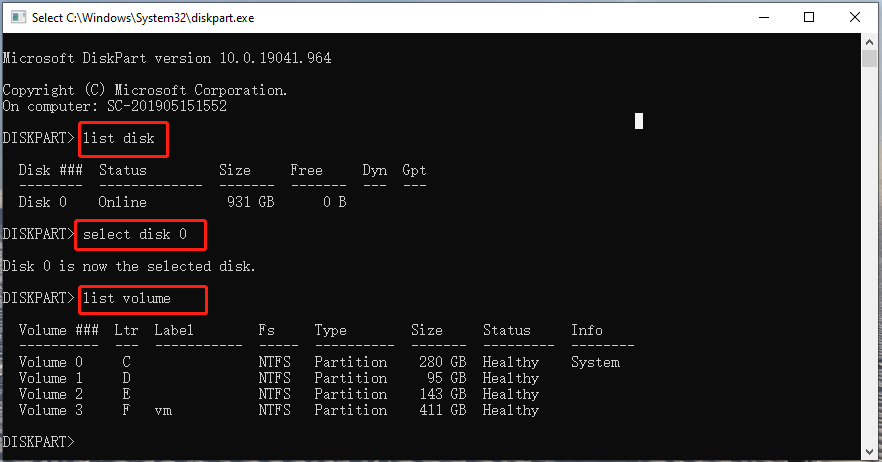 See All Network Drives Cmd
https://www.partitionwizard.com/images/uploads/articles/2022/05/cmd-list-drives/cmd-list-drives-4.png
Jan 5 2020 nbsp 0183 32 This tutorial will show you different ways on how to view all network shares on a Windows 7 Windows 8 or Windows 10 PC in your network Computers on your network will need to be running to be able to view their network shares
Templates are pre-designed files or files that can be utilized for various functions. They can conserve time and effort by providing a ready-made format and design for producing various type of material. Templates can be used for individual or professional tasks, such as resumes, invitations, flyers, newsletters, reports, presentations, and more.
See All Network Drives Cmd
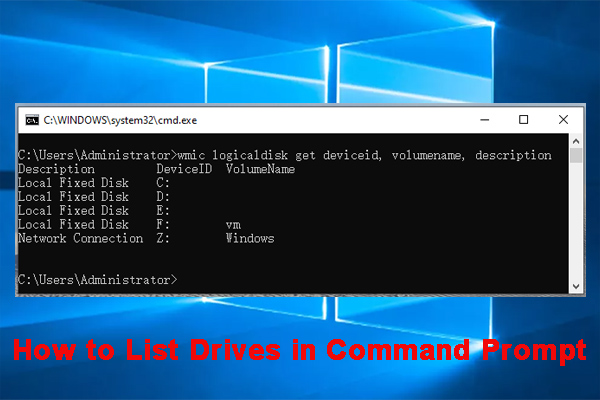
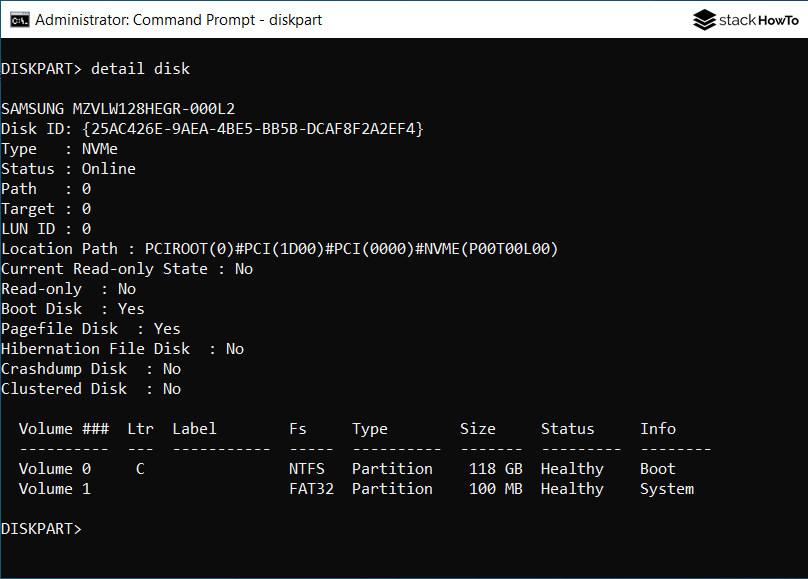
CMD List Drives How To List Drives In Command Prompt Answered

How Can I See All Drives In CMD StackHowTo

Fix Windows 11 10 Could Not Reconnect All Network Drives YouTube
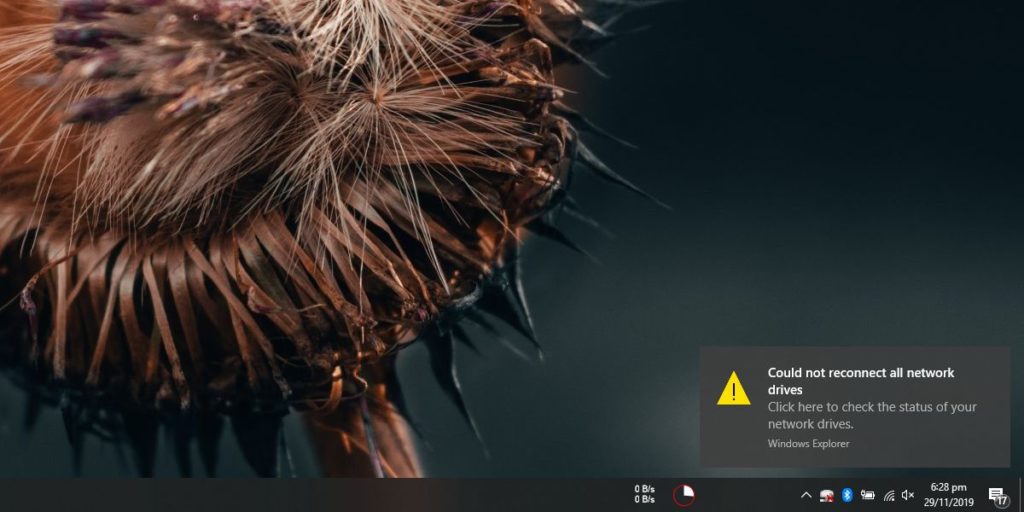
How To Disable Could Not Reconnect All Network Drives Alert On Windows 10

Solved Could Not Reconnect All Network Drives Windows 10 11 Network
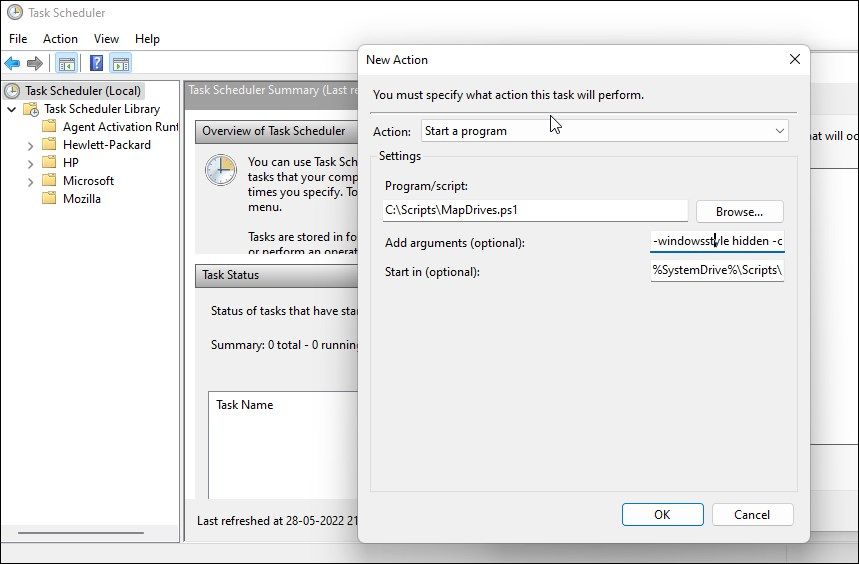
How To Fix The Could Not Reconnect All Network Drives Error On Windows
Jan 8 2014 nbsp 0183 32 The following cmd run as Administrator will show all drive maps for all users pulling the info from the registry
Log in as Local System again psexec desi cmd may be useful then run net use to list all connections or net use delete to disconnect them
Net view to get a list of computers If you have a computer s name try net view computer to get a list of shares Once you know what share you re after you want to go with net use Map a drive with net use x computer share replace X with the drive letter you want to assign

May 2 2022 nbsp 0183 32 How to check the internet connection in CMD 2 How to traceroute in CMD tracert command to troubleshoot network and internet problems 3 How can I see all the network adapters on my computer using CMD 4 How to check your network connection in CMD

Apr 6 2021 nbsp 0183 32 The net use command is a legacy yet still completely functional command to create remove and manage SMB Windows mapped connections and drives Let s dig into the net use command and cover what it s capable of and how to use it in this tutorial
In a nutshell you are running with only an Administrator token and the mapped drives are given to the Standard user token Windows 7 with UAC disabled runs the Command Prompt with both tokens The resolution in that article also works with Windows 8 Nov 18 2010 nbsp 0183 32 We can map a network drive from windows command line using the command net use Syntax is given below net use z remotepc sharename The above command maps the drive letter Z to the network share remotepc sharename
With the quot tokens 2 quot or 3 depending on NET USE output the i variable stores the path to the drive letter you searched for After that the second SET command adds the folders you browsed on the network drive with CD 2 offset 2 to cut off the drive letter