Raspberry Pi Wifi Connection Command Line Anbumani K System Administrator HTC Global Services LinkedIn GitHub Antavelos terminews Manage RSS Sources And Display News Feed Interface Description Powered By MinDoc Raspberry Pi 4 WiFi Not Working Try These Fixes Interface Description Powered By MinDoc To tell the Raspberry Pi to automatically connect to your WiFi network you need to edit a file called wpa supplicant conf To open the file in nano type the following command sudo nano etc wpa supplicant wpa supplicant conf Scroll to the end of the file and add the following to the file to configure your network
Setting up Raspberry Pi Wi Fi Command Line If you don t have the option of setting up the WiFi connection up through the graphical user interface GUI then the command line interface CLI is the next best thing It s a little harder but still relatively easy to set up 1 While in the terminal on the Raspberry Pi enter the following command You can either use the raspi config application and select the localisation option or edit the code wpa supplicant conf code file and add the following Note you need to replace GB with the ISO code of your country
Interface Description Powered By MinDoc Interface Description Powered By MinDoc Computing With The Raspberry Pi Command Line And GUI Linux Let Me Read How To Configure WiFi On The Raspberry Pi Raspberry Pi How To Add Multiple WiFi Connections CertSimple How To Connect Raspberry Pi To Wi Fi Command Line Hand Tools For Fun Interface Description Powered By MinDoc Raspberry Pi Wifi Command Line Cmheong s Blog Raspberry Pi Zero W As WiFi Repeater
Raspberry Pi Wifi Connection Command Line

https://media.licdn.com/dms/image/C4D03AQFVInILZV4spQ/profile-displayphoto-shrink_800_800/0/1653242810546?e=2147483647&v=beta&t=CGLN57Ew_yhQmzbORUxldV8Y3t6dfKrMa6vL1y1UOA0
Change SSID to the name of your WiFi network then enter your WiFi password where it says WIFI PASSWORD Press Ctrl X then Y to save and exit Now enter this to start the WiFi adapter sudo ifdown wlan0 sudo ifup wlan0 If that doesn t start it you may need to restart the Pi with sudo reboot or sudo poweroff
Pre-crafted templates use a time-saving option for developing a varied series of files and files. These pre-designed formats and designs can be utilized for various personal and professional tasks, consisting of resumes, invites, flyers, newsletters, reports, discussions, and more, simplifying the content production process.
Raspberry Pi Wifi Connection Command Line
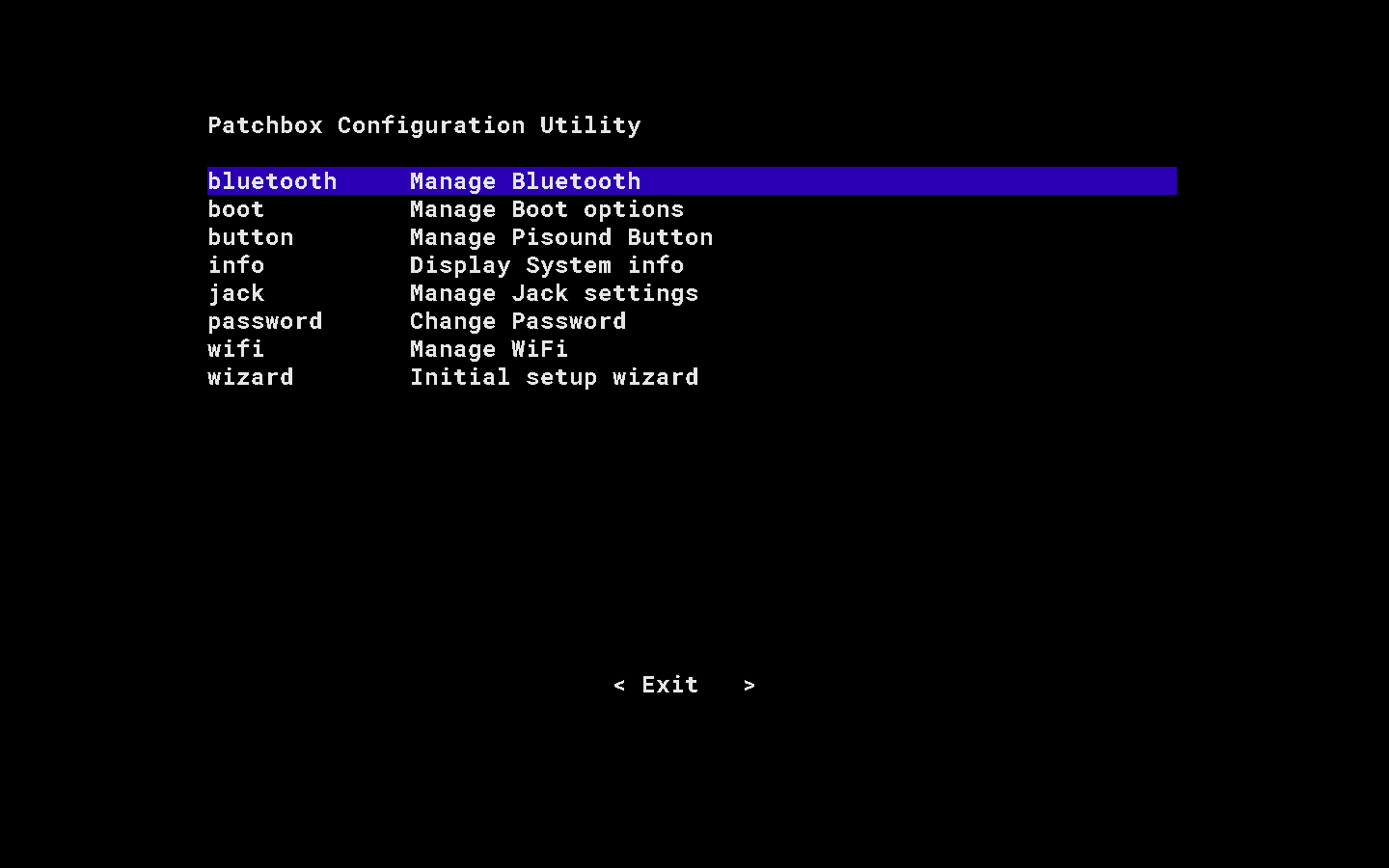
Raspberry Pi 3 Configure Wifi Command Line Raspberry

Interface Description Powered By MinDoc

Computing With The Raspberry Pi Command Line And GUI Linux Let Me Read
How To Configure WiFi On The Raspberry Pi

How To Connect Raspberry Pi To Wi Fi Command Line Hand Tools For Fun

Interface Description Powered By MinDoc

SSH allows you to remotely access the command line of the Raspberry Pi from another computer SSH is disabled by default If you want to use a hidden network use the Advanced Options Connect to a Hidden Wi Fi Network in the network menu Then enter the SSID for the hidden network Ask your network administrator which type of security

Follow the steps below to get your Raspberry Pi connected to WiFi from the command line Start by launching the raspi config utility with the following command sudo raspi config We can navigate around the raspi config menus using our keyboard s arrow keys and pressing Enter to make a selection

Thanks for contributing an answer to Raspberry Pi Stack Exchange Please be sure to answer the question Provide details and share your research But avoid Asking for help clarification or responding to other answers Making statements based on opinion back them up with references or personal experience

To set up a WiFi connection we will first need a WiFi module for our Raspberry Pi Fortunately all Raspberry Pi models from the Raspberry Pi 3 Model B 2016 and later ship with on board WiFi If you have an older model on hand or your on board WiFi module is not functioning you will need to use an external USB WiFi adapter Source Amazon

The easiest way to set up Wi Fi on a Raspberry Pi is to do it directly in the advanced options of Raspberry Pi Imager when installing the system If the system is already installed the GUI and raspi config offer intuitive interfaces too I ll show you everything in this post
The quickest way to enable wireless networking is to use the command line raspi config tool Select the Network Options item from the menu then the Wi fi option On a fresh install for regulatory purposes you will need to specify the country in which the device is being used Then set the SSID of the network and the passphrase for the network We can either use the command prompt terminal or graphical user interface to setup wireless network In this post we will use a command prompt to setup our network credential onto Raspberry Pi 4 This will enable Raspberry Pi to access the internet from home router We will complete setup of a wireless network by running just a few commands
Connecting Raspberry Pi to Wi Fi command line Before we go into detail of Wi Fi setup of a Raspberry Pi 3 you should consider doing the following Using an SD card formatter you should go ahead and format your microSD card Once that is done you will download Raspbian Jessie OS