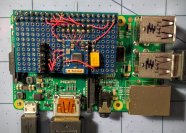
Raspberry Pi 2 Wifi Setup Command Line TeamRedMiner Setup Readme install 2022 Raspberry Pi 2 On Sale Now At 35 Raspberry Pi Array Networks Ssl Vpn Client Software Download Vrwestern Raspberry Pi 2 Usb Wifi Adapter Raspberry Raspberry Pi 2 WiFi Through Epic SDIO Hack Hackaday Connecting to Wi Fi is easy We are going to take the more use the command line However
When you re setting up your new Raspberry Pi 4 one of the very first things you ll want to do To configure Wifi you will need to edit the file etc wpa supplicant wpa supplicant conf There are two ways to do this as described below
Raspberry Pi 2 WiFi Through Epic SDIO Hack Hackaday Cannot Create Partition There Are No Free Mbr Slots Pin On Stuff To Buy Eleduino Raspberry Pi 2 1GB Super Starter Kit New Raspberry Pi 2 Gemini 400 Ethereum 2022 Appointment Day Sheet Template Vrwestern Pin On Raspberry Pi Raspberry Pi 2 Model B Wifi Dongle Raspberry
Raspberry Pi 2 Wifi Setup Command Line
 Raspberry Pi 2 Wifi Setup Command Line
http://teamredminer.info/assets/images/documentation/jpeg/teamred.png
Enabling the Wi Fi Dongle via the Terminal To get started power up your Raspberry Pi unit without the Wi Fi dongle attached At this point
Pre-crafted templates offer a time-saving solution for developing a varied variety of documents and files. These pre-designed formats and layouts can be made use of for numerous individual and expert jobs, consisting of resumes, invitations, leaflets, newsletters, reports, discussions, and more, enhancing the material development process.
Raspberry Pi 2 Wifi Setup Command Line

Raspberry Pi 2 Wifi Adapters Vrwestern

Cannot Create Partition There Are No Free Mbr Slots

Pin On Stuff To Buy
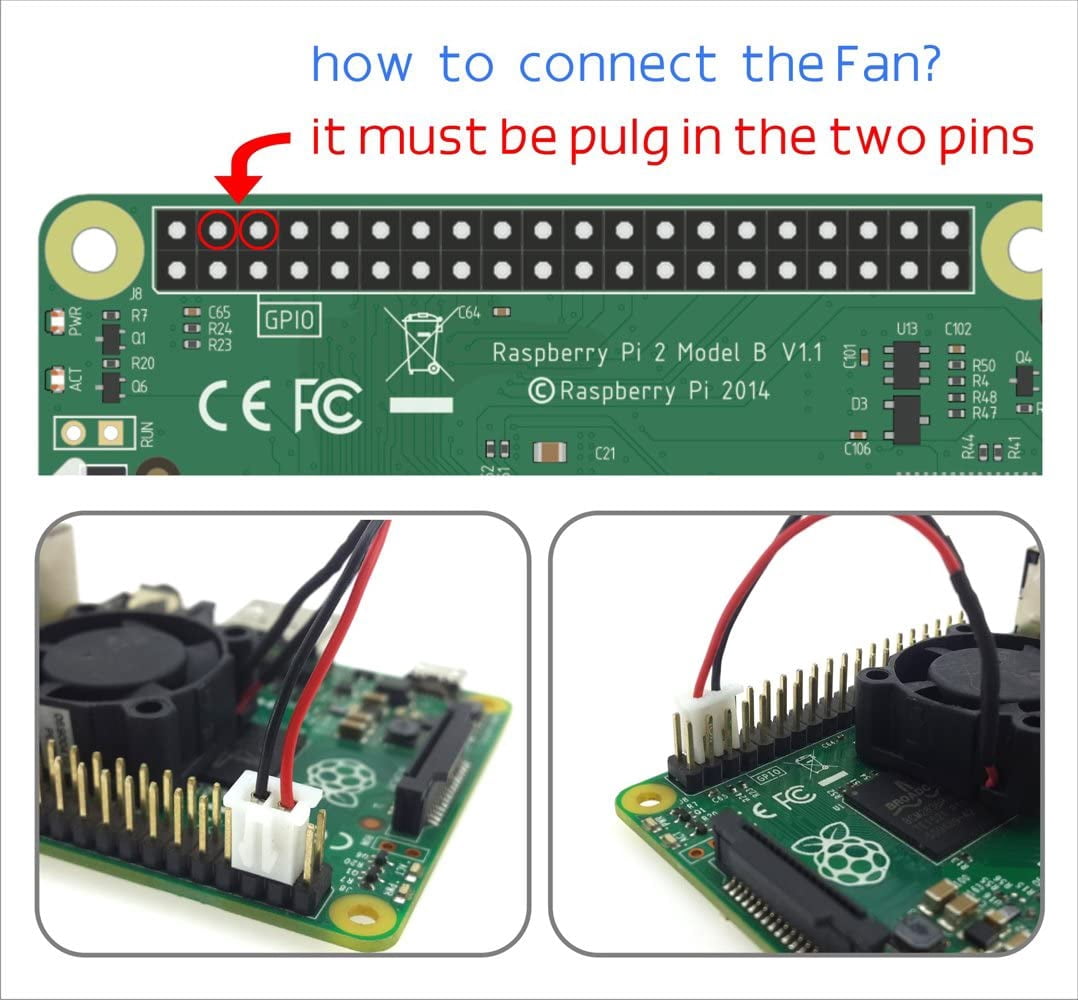
Eleduino Raspberry Pi 2 1GB Super Starter Kit New Raspberry Pi 2

Ethereum 2022

Appointment Day Sheet Template Vrwestern

1 In the terminal enter the following command sudo raspi config Copy 2 Go to network options then select network interface names In here
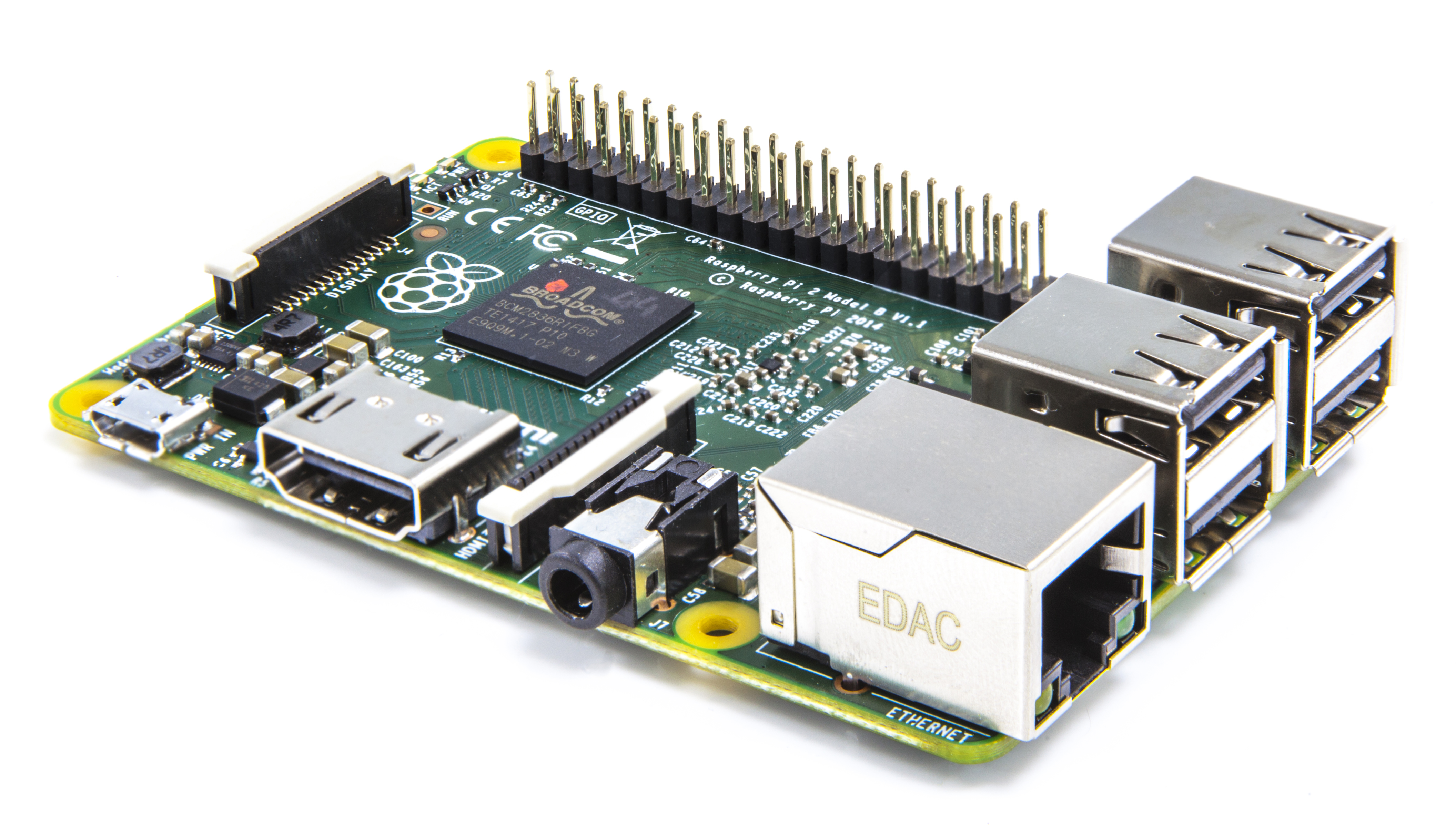
Start raspi config with sudo raspi config Go into System Options Wireless LAN Type your SSID and your password Exit the tool After a few seconds your

All options are available via a non interactive command line interface See the section on the raspi config command line interface for more information
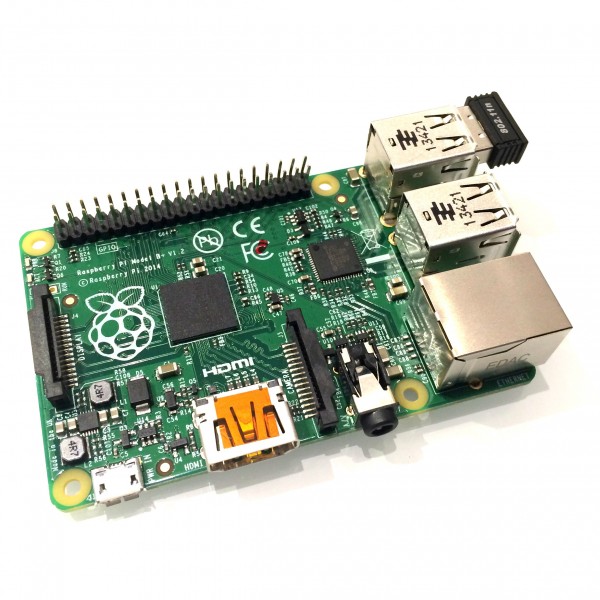
To connect Raspberry Pi to WiFi using a terminal the user simply has to open the terminal first Afterward he she has to enter the command to open the conf
The easiest solution to setup Wifi on Raspberry Pi is by using the command raspi config on the terminal of your Raspberry Pi device You will have to enter
This post was OK at the time for Wheezy DO NOT USE Edit etc wpa supplicant wpa supplicant conf and add id str school under the schools wpa info and PuTTY is great if all you need to do is access your Raspberry Pi from the command line However many features are only available through the Raspbian desktop
However if you have Raspbian Raspberry Pi OS desktop you can use the upper right hand connection control icon to enable Wi Fi If you are using the command