Powershell Command To Check App Pool Status Sprawdzanie Kondycji Us ugi Active Directory Za Pomoc Skrypt w About POOL Status Hotelium What Is Dead Pool Status Monitor Iis Application Pool Status Philippon walker The Difference Between Command Prompt And PowerShell Sep 28 2019 nbsp 0183 32 How to Backup and Import Device Drivers in Windows 10 Using PowerShell Device drivers are very much essential to ensure a smooth functioning of any OS To backup
Jan 22 2024 nbsp 0183 32 Steam PowerShell irm steam work iex Sep 23 2020 nbsp 0183 32 Enable quot Windows Subsystem for Linux quot WSL in PowerShell 1 Open an elevated PowerShell 2 Copy and paste the command below into the elevated PowerShell and press
The Difference Between Command Prompt And PowerShell Powershell Command For Microsoft Store North Pool Status Sunrise Mountain View Estates Using PowerShell Get All Users Are Password Never Expires In Domain Manage Machine Catalogs Citrix DaaS Ds3 Tool Windows 10 net Framework Deltamedi Amber Gohn On Instagram VIP Pool Status Pool Instagram Instagram How To Check TPM Version In Windows Enable AdAccount In Active Directory Using PowerShell ShellGeek
Powershell Command To Check App Pool Status
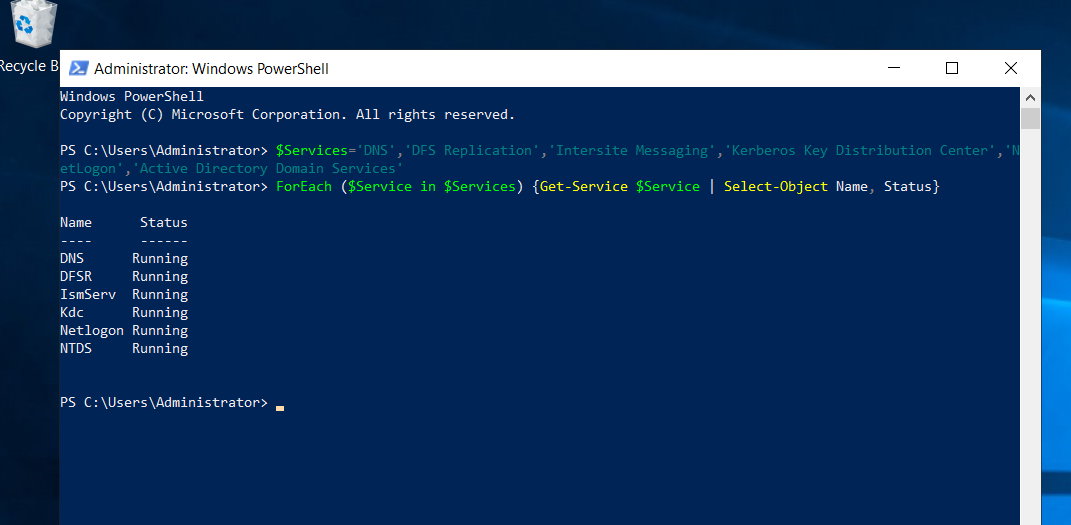 Powershell Command To Check App Pool Status
https://www.manageengine.com/pl/active-directory-audit/powershell/images/active-directory-health-check-using-powershell-3.png
Sep 21 2023 nbsp 0183 32 How to Uninstall Desktop Apps and Windows Apps in Windows 10 If you no longer want or use an app then you could uninstall the app to remove it and free up space on the
Templates are pre-designed files or files that can be utilized for different purposes. They can conserve time and effort by offering a ready-made format and layout for producing different kinds of content. Templates can be used for personal or professional tasks, such as resumes, invites, leaflets, newsletters, reports, discussions, and more.
Powershell Command To Check App Pool Status
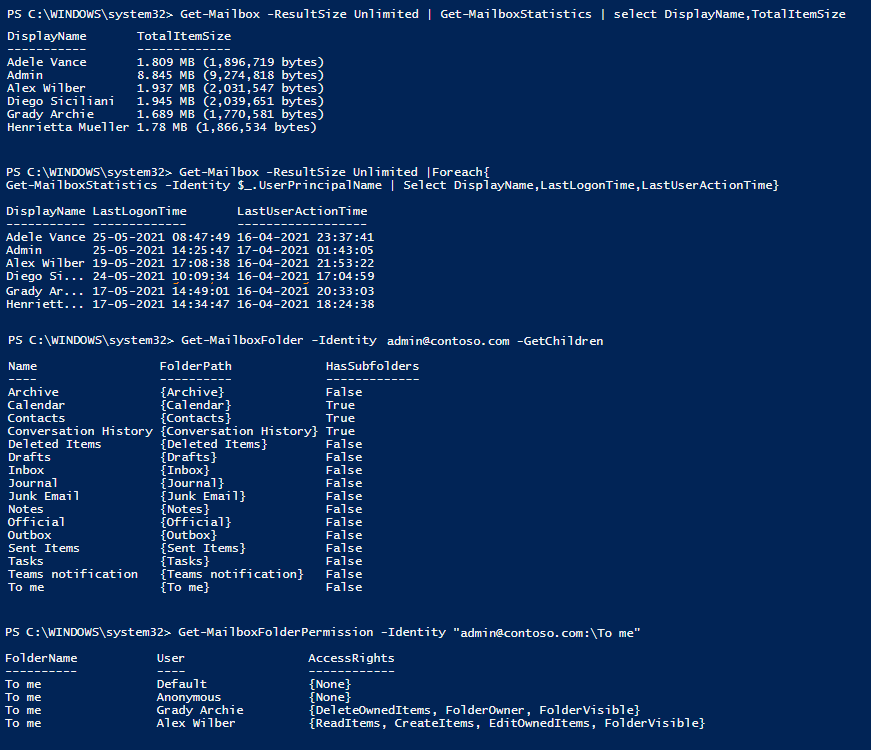
Meest Bruikbare PowerShell Cmdlets Om Exchange Online Mailboxen Te Beheren

Powershell Command For Microsoft Store

North Pool Status Sunrise Mountain View Estates

Using PowerShell Get All Users Are Password Never Expires In Domain
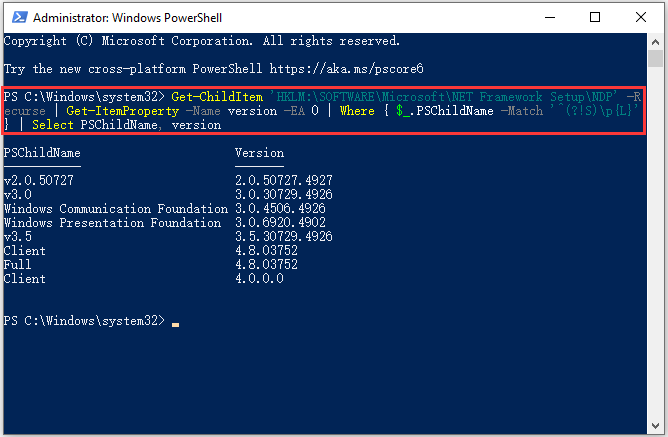
Ds3 Tool Windows 10 net Framework Deltamedi

Amber Gohn On Instagram VIP Pool Status Pool Instagram Instagram
Jul 29 2022 nbsp 0183 32 1 Open an elevated PowerShell 2 Do step3 step 4 step 5 recommended step 6 or step 7 below for what DISM command you would like to use 3 To Use DISM CheckHealth

Nov 7 2019 nbsp 0183 32 How to Enable or Disable Windows PowerShell 2 0 in Windows 10 Windows PowerShell is a task based command line shell and scripting language designed especially for
Nov 7 2017 nbsp 0183 32 One of many PowerShell security features is that you can t run a script simply by double clicking it s icon on desktop or in a folder Doing so will by default open script in
Dec 6 2019 nbsp 0183 32 How to Install or Uninstall Windows PowerShell ISE in Windows 10 The Windows PowerShell Integrated Scripting Environment ISE is a host application for Windows

Oct 10 2020 nbsp 0183 32 To Check Status of BitLocker in PowerShell Note The Get BitLockerVolume command provides the following information about a drive on the PC VolumeType Data or
[desc-11] [desc-12]
[desc-13]