Microsoft Lists Microsoft Lists App Microsoft 365 AtWork Conditional Display In Sharepoint List Announcing Microsoft Lists Your Smart Information Tracking App In Microsoft 365 Mlb Teams List Cheap Retailers Save 60 Jlcatj gob mx Microsoft Lists Is Now Available Within Microsoft 365 Determine the best tool for managing your work Microsoft To Do Planner Tasks in Microsoft Teams Microsoft Lists or Microsoft Project with our when to use guides Learn more Create tasks from flagged emails
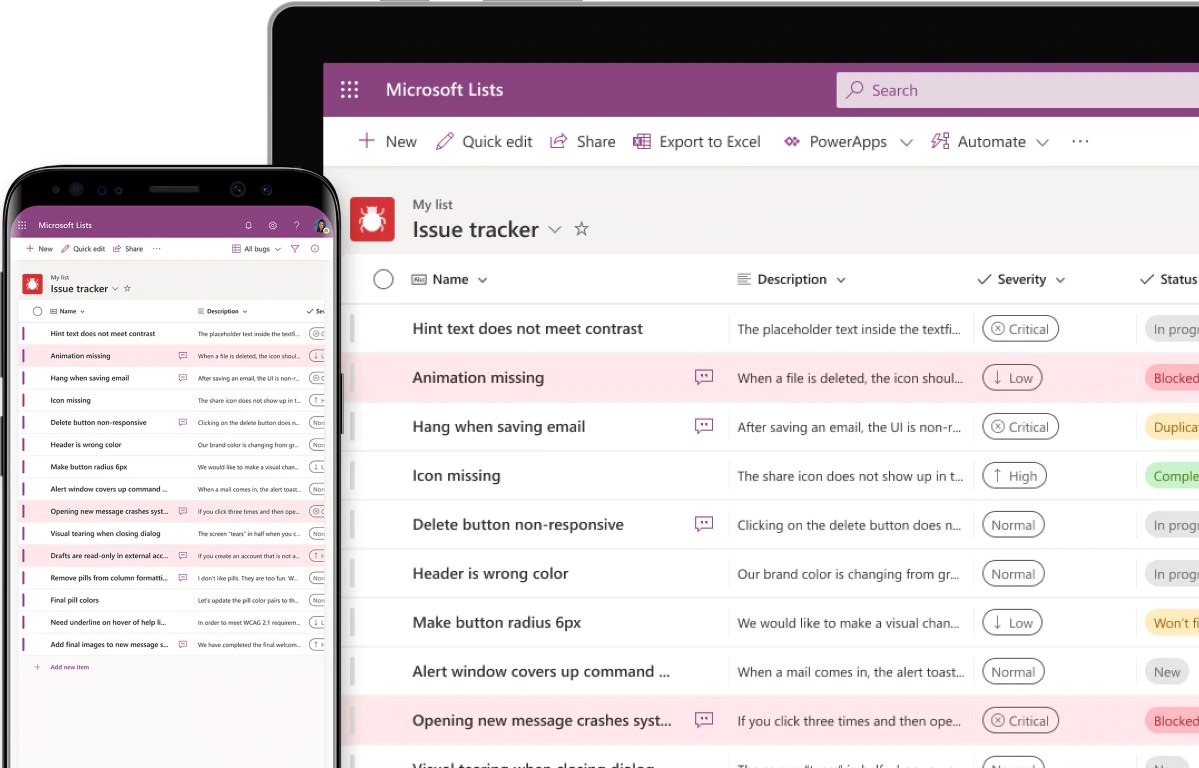
Collect and track information with Microsoft Lists Microsoft Lists helps unlock your team s full potential keeping everybody organized and moving forward together Microsoft Lists enables teams of all sizes to track progress share resources and organize information through the flow of work Track information with Microsoft Lists Now you can create share and track data and information like issue tracking and status reporting directly within Microsoft Teams SharePoint and the soon to be released Lists mobile app Lists are easy for anyone to create and customize with templates color coding If Then workflows
Microsoft Lists Is Now Available Within Microsoft 365 Microsoft Lists New Features Offline Mode Kanban Board View Rich Text Editor And More Manage The Lists App For Your Organization Microsoft Teams Microsoft Learn Configure Room Lists For Microsoft Teams Announcing Microsoft Lists Your Smart Information Tracking App In Microsoft 365 Top 10 Hidden Gems Microsoft Lists YouTube Microsoft Lists License y Configure Room Lists For Microsoft Teams Microsoft Lists Features Everything You Need To Know
Microsoft Lists
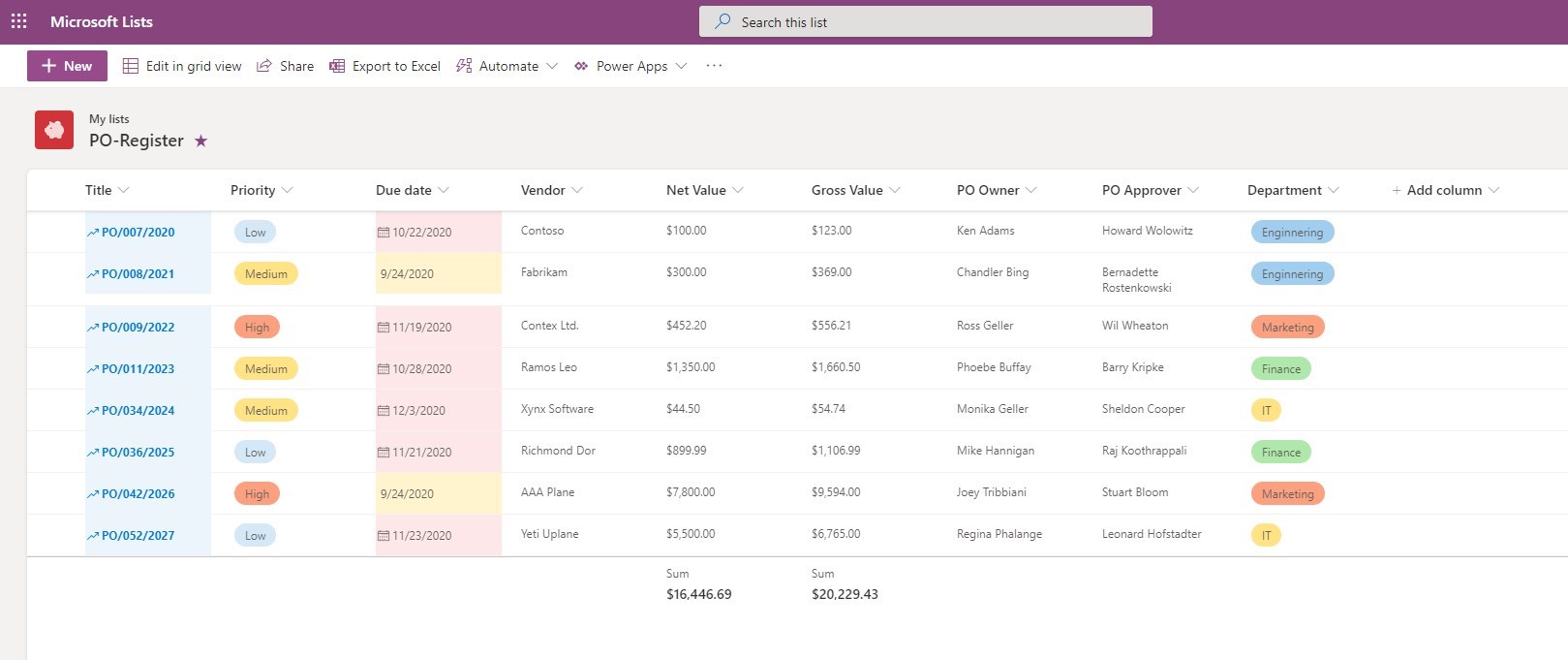 Microsoft Lists
https://office365atwork.com/wp-content/uploads/2020/09/Microsoft-Lists-example.jpg
Lists Microsoft Lists Loop Microsoft Loop M Microsoft 365 app Mobile Apps O OneDrive OneNote Outlook P Planner Power Apps Power Automate Power BI PowerPoint Project Publisher PC only
Templates are pre-designed documents or files that can be utilized for different purposes. They can save effort and time by offering a ready-made format and design for producing various kinds of content. Templates can be used for individual or expert tasks, such as resumes, invites, flyers, newsletters, reports, presentations, and more.
Microsoft Lists

Board View In SharePoint Online Microsoft Lists Ganesh Sanap Blogs

Microsoft Lists New Features Offline Mode Kanban Board View Rich Text Editor And More
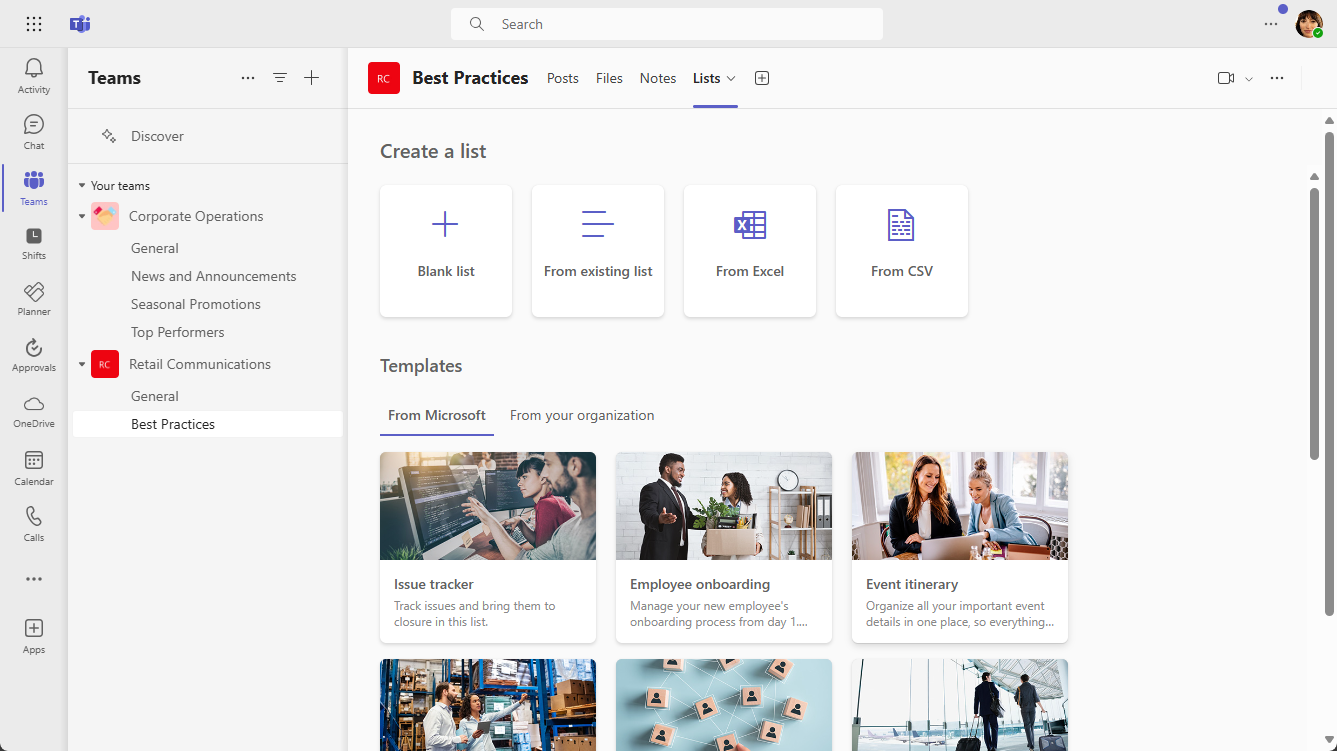
Manage The Lists App For Your Organization Microsoft Teams Microsoft Learn

Configure Room Lists For Microsoft Teams
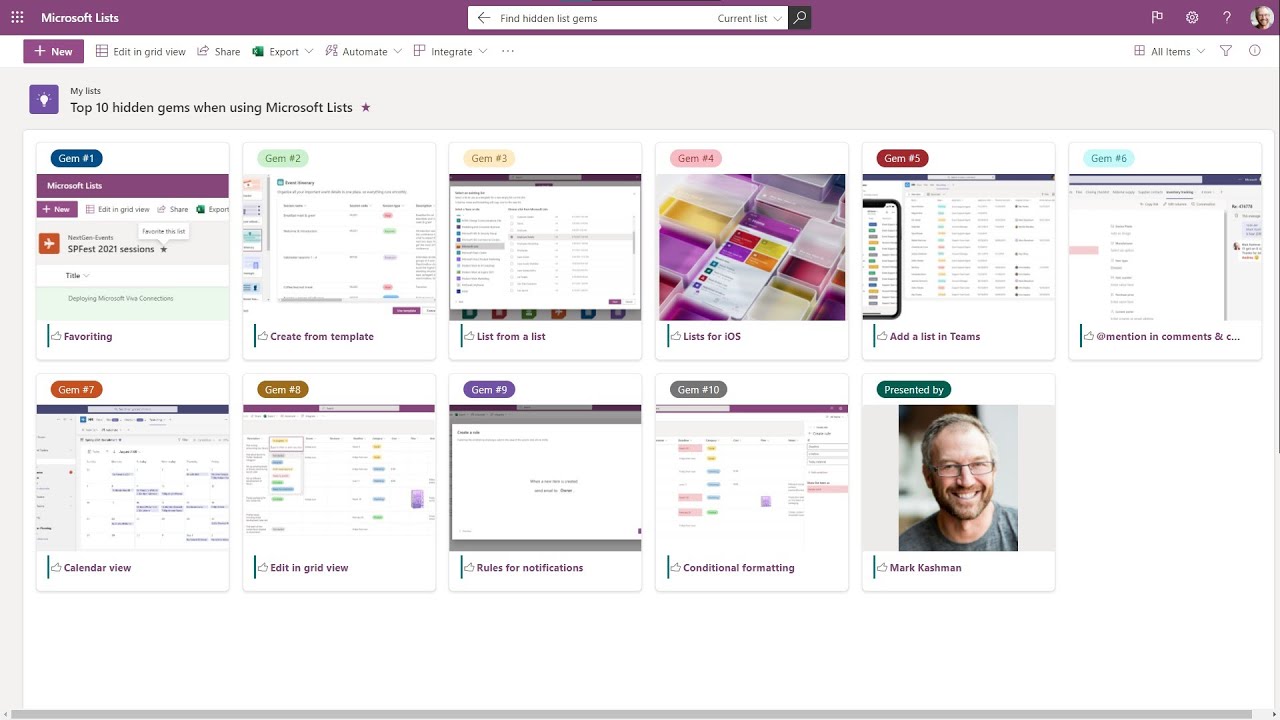
Top 10 Hidden Gems Microsoft Lists YouTube

Microsoft Lists License y

Manage your work tasks and projects In a busy work from anywhere world it s essential to keep your work and projects on track Learn how to stay on top of your individual and team tasks from beginning to end Request a demo

Microsoft Lists MSA Preview Stay organized and track what matters The Microsoft Lists MSA Preview is available online only and limited to 200 000 Microsoft accounts MSA to try at no cost on a first come first served basis

Information tracking is easier with tools that incorporate lists calendars alerts tasks and project management such as Microsoft Lists Follow Microsoft 365 Track your important information securely with information tracking apps and software from Microsoft
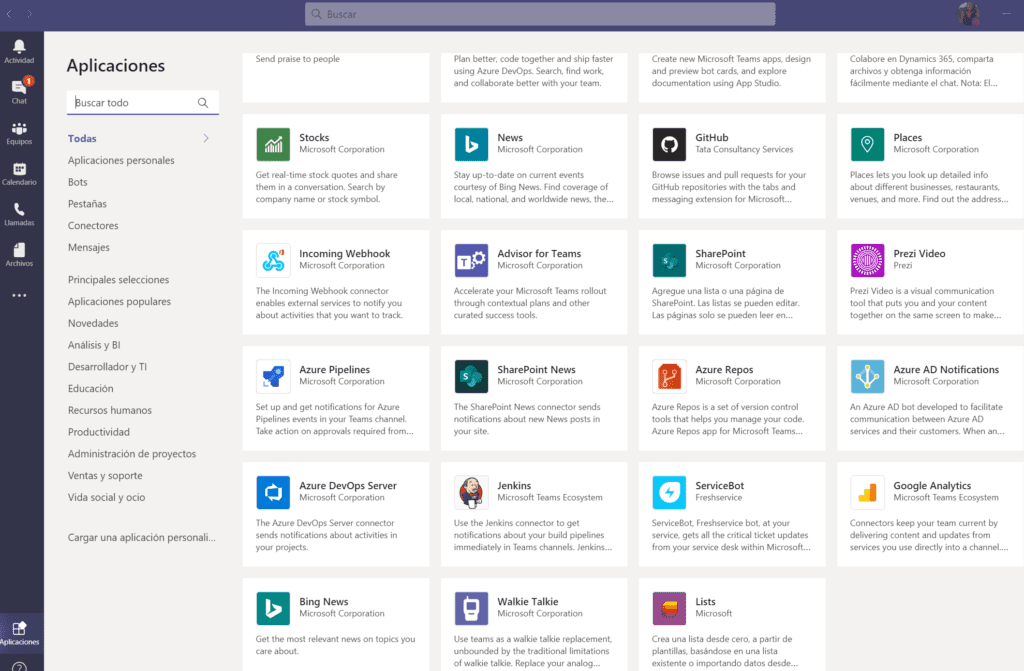
See how easy it can be to stay organized meet deadlines collaborate and keep teams in sync with information tracking apps like Microsoft Lists Learn more Get help with workflow automation
From Microsoft Teams to Fluid Framework here s what s new and coming soon to Microsoft 365 At Build this week we re announcing many new capabilities that you can use to make your apps more integrated powerful and intuitive
[desc-11] [desc-12]
[desc-13]