Microsoft Lists Version History Microsoft Lists Overview YouTube Microsoft Design On Instagram The Microsoft Lists Experience Joins Manage The Lists App For Your Organization Microsoft Teams Manage The Lists App For Your Organization Microsoft Teams Hur Man Anv nder Microsoft Lists Inom Microsoft Teams There is no undo feature in Microsoft Lists but you can reverse some changes in a list by reverting items on a list to an older version In this video learn how to enable version tracking and
Track information Organize work Customize for your team See plans and pricing Stay on top of it all with Lists your smart information tracking app in Microsoft 365 Work with anyone anywhere Configure your lists to better organize events issues assets and more Create share and track lists with anyone Aug 21 2023 01 17 AM Personal Microsoft Lists version history I have a couple of modern Microsoft Lists with version history enabled They are not stored in a team because I want the lists to be available on a need to know basis
Hur Man Anv nder Microsoft Lists Inom Microsoft Teams Microsoft 365 Apps For Enterprise Version History Reverasite Microsoft Launches New Tasks Tracking App Lists For Office 365 How To Restore Previous Versions Of Microsoft Word Documents Microsoft Lists Begins General Availability Roll Out To Microsoft 365 Microsoft Lists Explained YouTube Microsoft Lists YouTube MICROSOFT LISTS IN TEAMS Asset Management Template YouTube Microsoft Lists First Look YouTube
Microsoft Lists Version History
 Microsoft Lists Version History
https://i.ytimg.com/vi/Qa1SNlsbviU/maxresdefault.jpg
A SharePoint list is a collection of data that gives you and your co workers a flexible way to organize information The data is stored in a SharePoint Team Site in rows and columns The column
Templates are pre-designed files or files that can be used for numerous purposes. They can conserve effort and time by providing a ready-made format and layout for creating different type of content. Templates can be utilized for personal or professional tasks, such as resumes, invites, leaflets, newsletters, reports, discussions, and more.
Microsoft Lists Version History
Microsoft Word Logo Symbol Meaning History PNG Brand

Microsoft 365 Apps For Enterprise Version History Reverasite
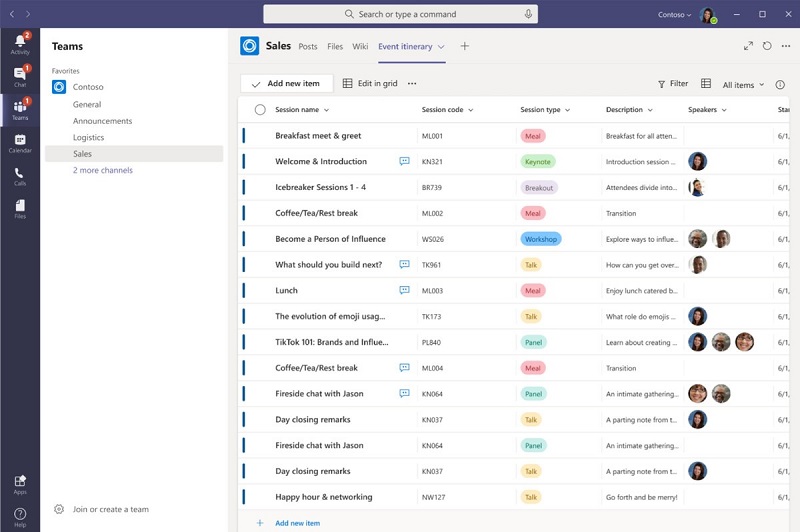
Microsoft Launches New Tasks Tracking App Lists For Office 365
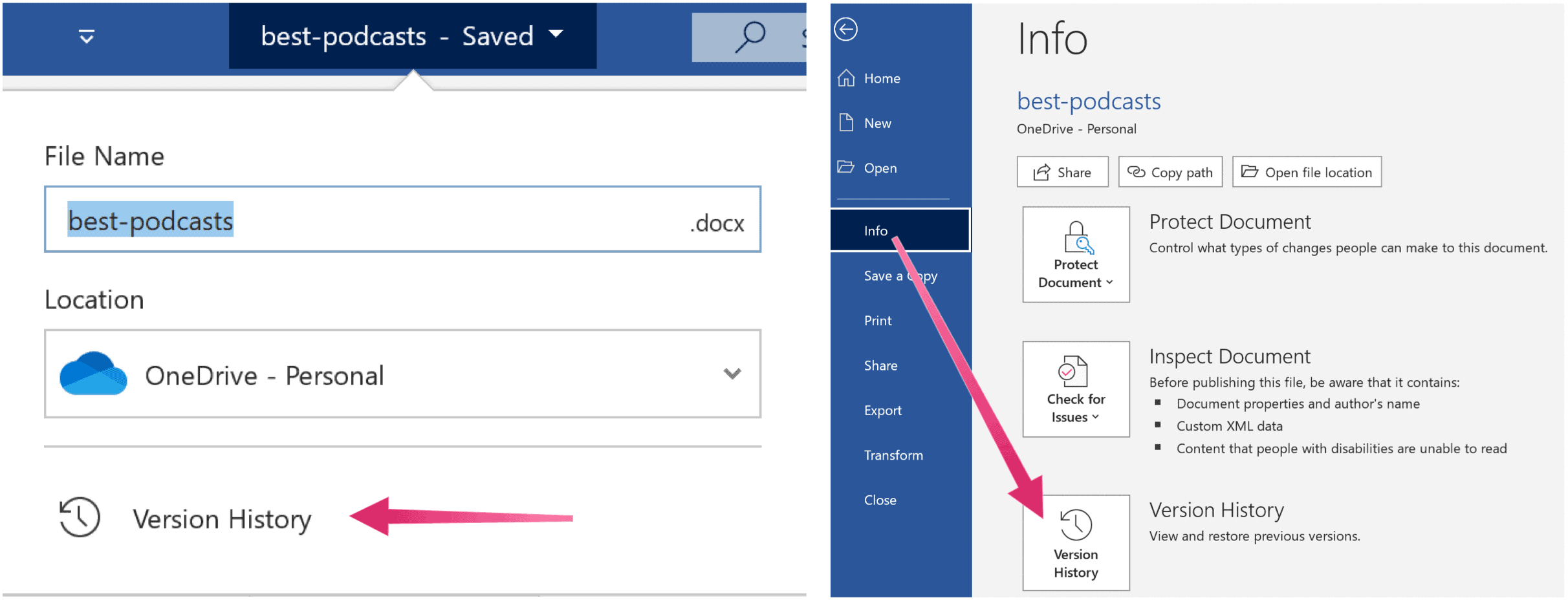
How To Restore Previous Versions Of Microsoft Word Documents
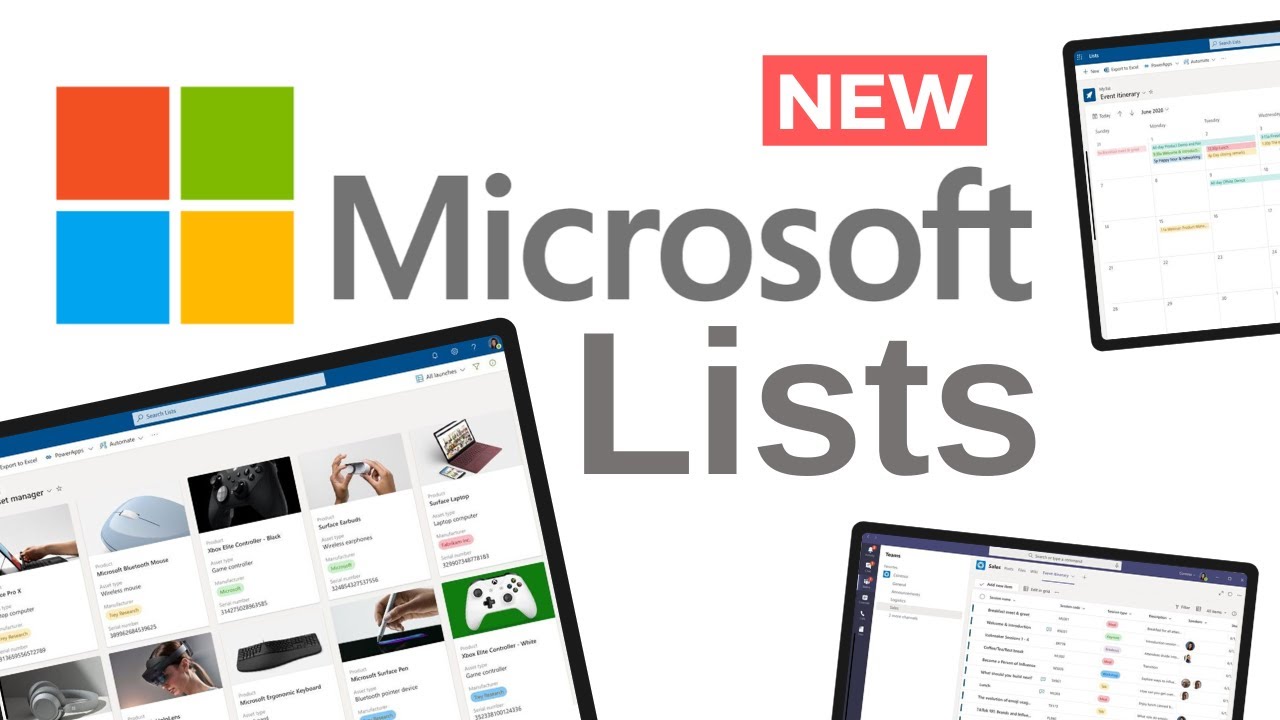
Microsoft Lists Explained YouTube
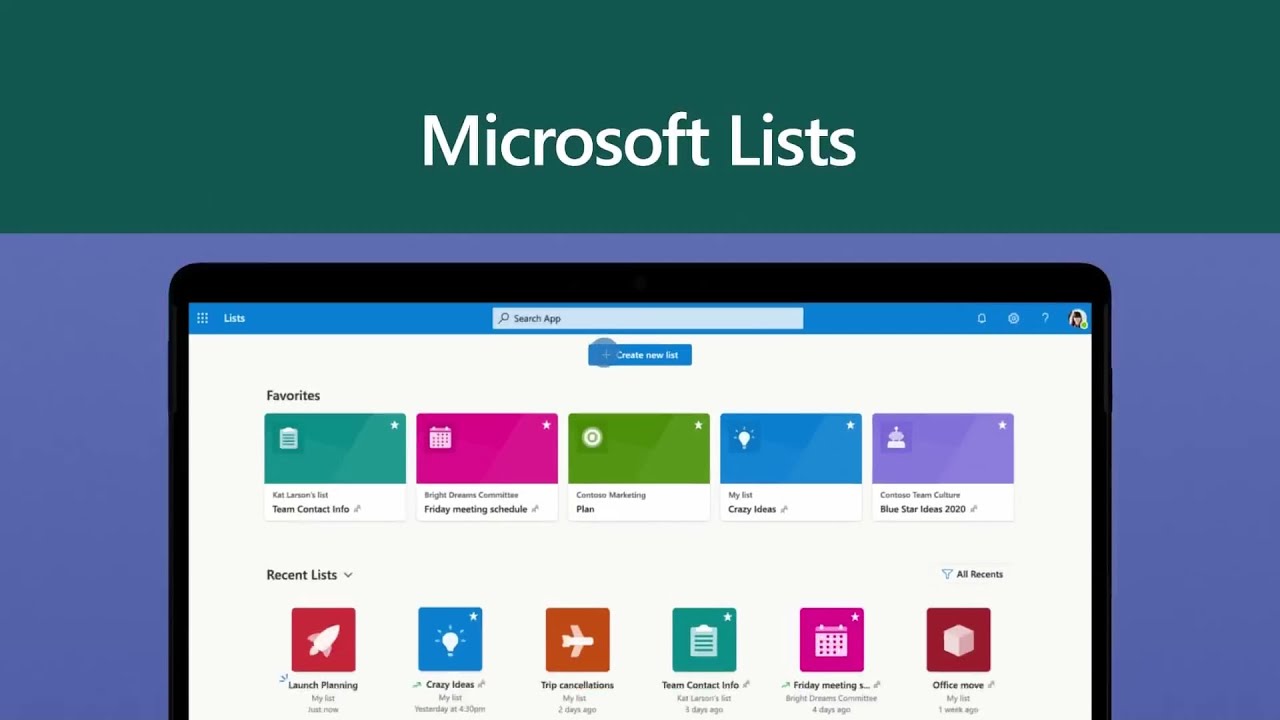
Microsoft Lists YouTube

Track history of a version When versioning is enabled you can see when an item or file was changed and who changed it You can also see when properties information about the file were changed For example if someone changes the due date of a list item that information appears in the version history

Open the list or library from the Quick Launch bar If the name of your list or library does not appear click Site contents or View All Site Content and then click the name of your list or library Right click on the space between the item or document name and date and then click Version History from the menu
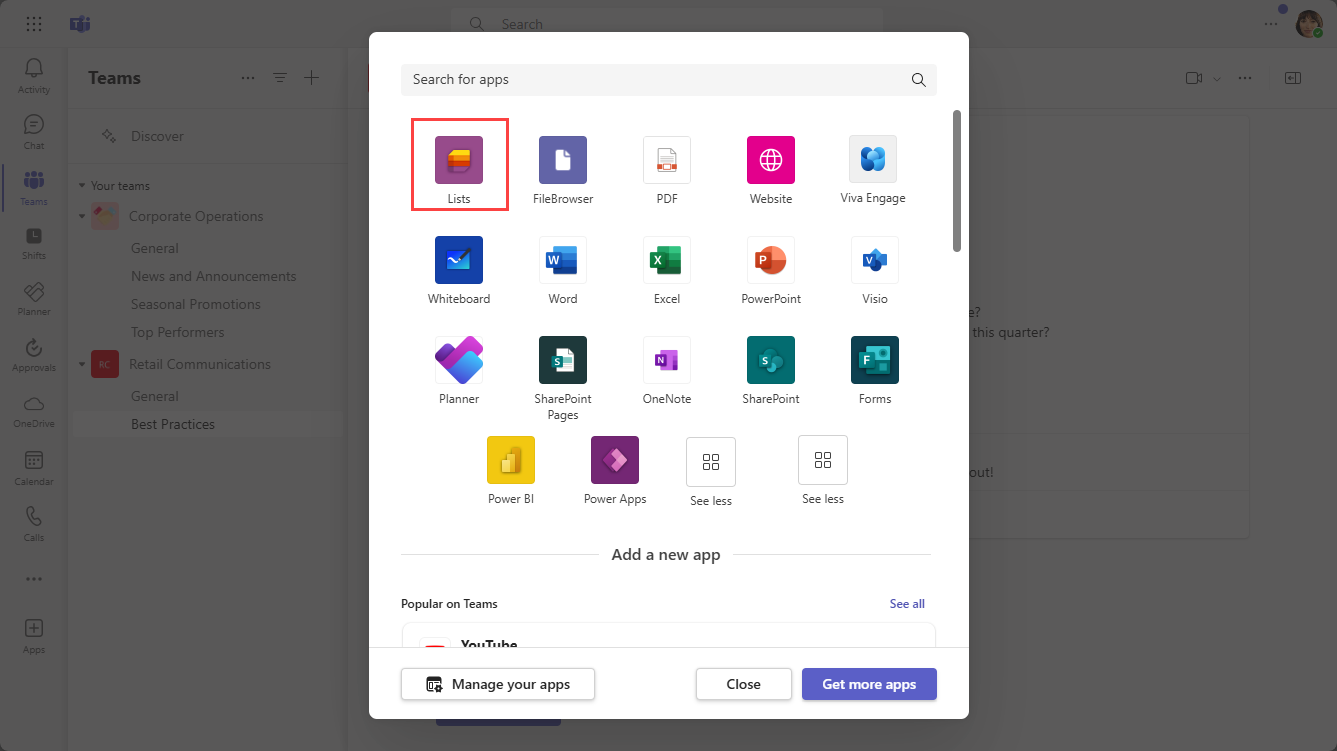
Open the list or library with the item or document that you want to view history Next to the item for which you want to view history select the ellipses Select Version history If you don t see Version history select More and then select Version history
SharePoint Lists items data and Library documents files have the ability to store track and restore the previous state of the item or document to how it was before a user changed it Versioning creates a historical record of all changes with the date time and indication of the user who made the change on a per file list item basis
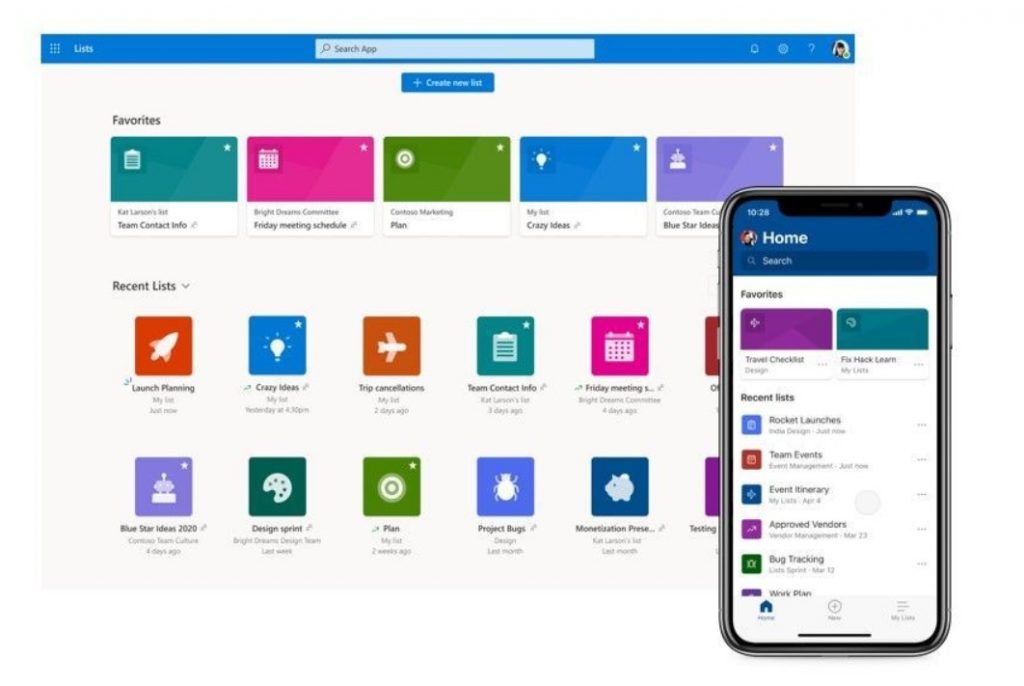
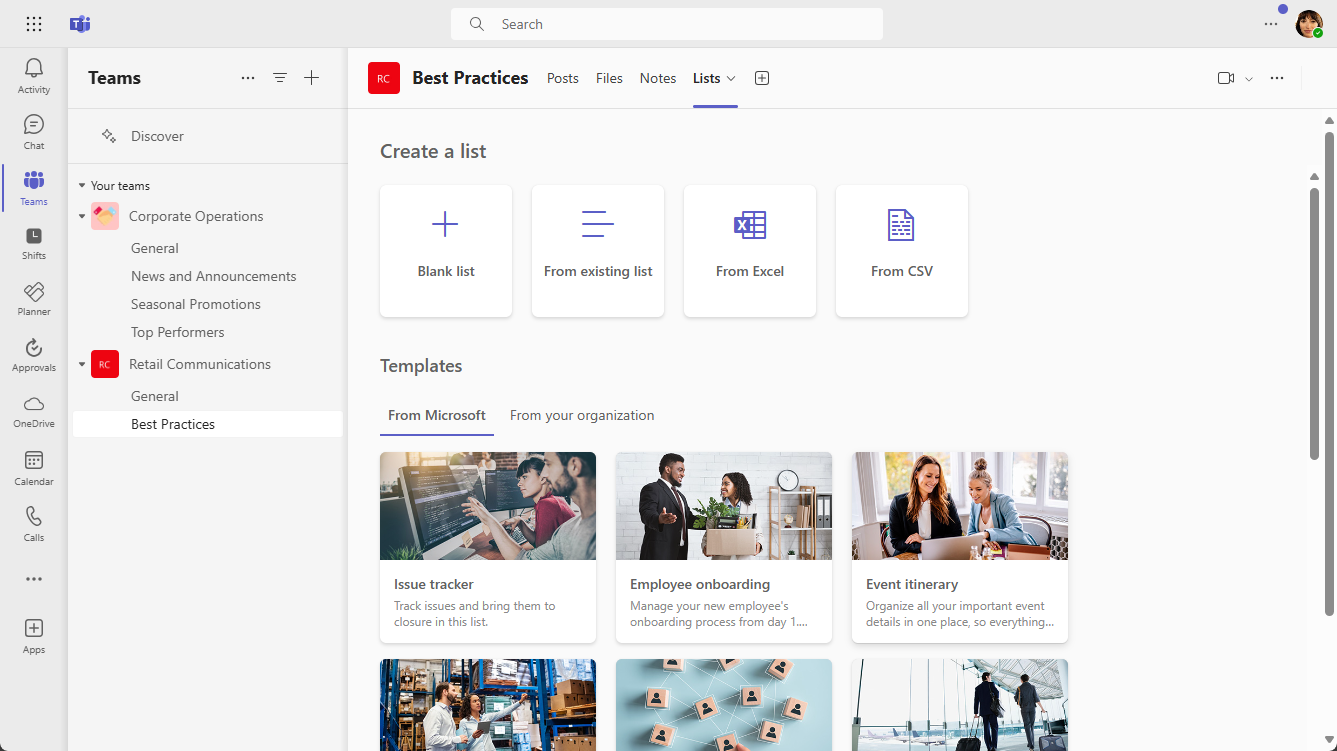
This article explains the concepts behind creating and using lists You can create lists in Microsoft SharePoint the Lists app in Microsoft 365 or Teams Learn to get started with Lists in Microsoft Teams See the following articles for information about lists Create a list Delete a list Create change or delete a view of a list or library
Download PDF Listing versions of a ListItem Article 10 27 2023 8 contributors Feedback In this article Permissions HTTP request Response Example Namespace microsoft graph SharePoint can be configured to retain the history for list items It was first launched in 1985 as a graphical operating system built on MS DOS The initial version was followed by several subsequent releases and by the early 1990s the Windows line had split into two separate lines of releases Windows 9x for consumers and Windows NT for businesses and enterprises
Versioning allows you to view all changes that have been made within a list this includes when data in a field has been changed These simple steps will show you how to enable versioning for all the data within your Microsoft List