Microsoft Lists Tutorial Microsoft Lists Using Formatting And Conditional Rules YouTube Microsoft Lists Detailed Tutorial SPGuides Microsoft Todo Share Tasks Jascd Microsoft Lists Three Tips For Creating Lists YouTube How To Save A Microsoft Lists Personal Lists As A Template HANDS ON Lists Web Microsoft Lists is a Microsoft 365 app that helps you track information and organize work List are simple smart and flexible so you can stay on top of wha
Web Jun 30 2023 nbsp 0183 32 Lots of people use Microsoft Excel to track information and organise work but if you re a Microsoft 365 user then you might want to take a look at Microso Web Jun 17 2021 nbsp 0183 32 We ll start with the basics clarity on what Lists is and what it isn t including addressing numerous frequently asked questions FAQs We ll then focus
How To Save A Microsoft Lists Personal Lists As A Template HANDS ON Lists Download How To Use Lists In Microsoft SharePoint Online Microsoft Lists Board View Improve IT Microsoft Lists The Ultimate Tutorial Microsoft Launches Lists A New Airtable like App For Microsoft Microsoft Lists N Med Board View Enable AS D couvrez Microsoft Lists Le Concurent De Trello Par Microsoft 13 Ways To Make Microsoft Lists Work For You By John Gruber Better Microsoft Lists Informatie Die Je Wil Volgen ESC BV
Microsoft Lists Tutorial
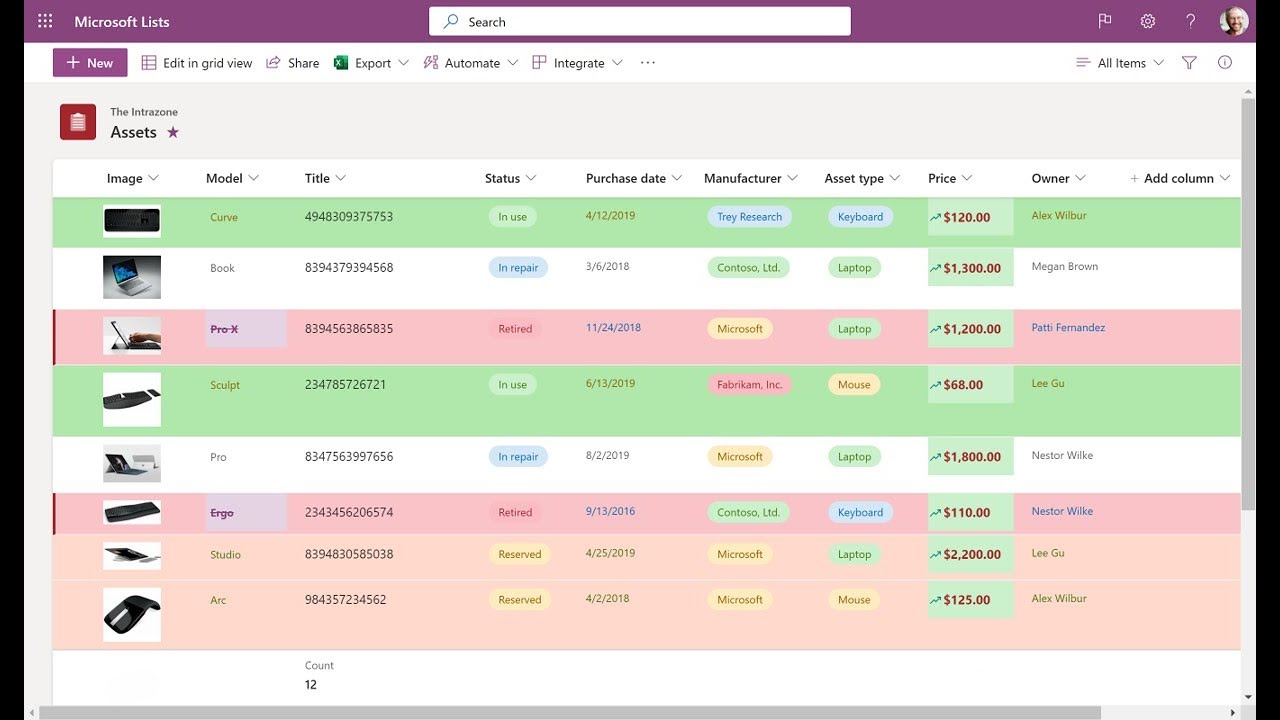 Microsoft Lists Tutorial
https://i.ytimg.com/vi/Z9xpT9tl5cs/maxresdefault.jpg
Web Choose how you want to create the list Blank list Start from scratch From Excel Bring in table data from Excel From existing list Start with the formatting from another list A template Choose the options for your list then Create To add items select New fill in the form and select Save Want more Add or edit list items
Templates are pre-designed files or files that can be utilized for numerous purposes. They can conserve effort and time by providing a ready-made format and layout for developing different kinds of material. Templates can be utilized for individual or expert tasks, such as resumes, invitations, flyers, newsletters, reports, presentations, and more.
Microsoft Lists Tutorial
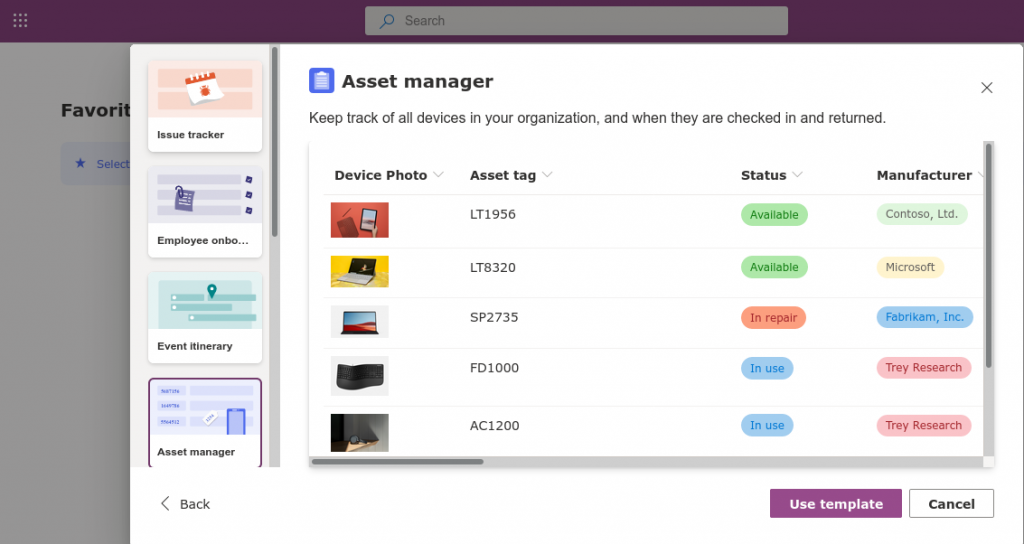
Microsoft To Do List Dasmi
Download How To Use Lists In Microsoft SharePoint Online
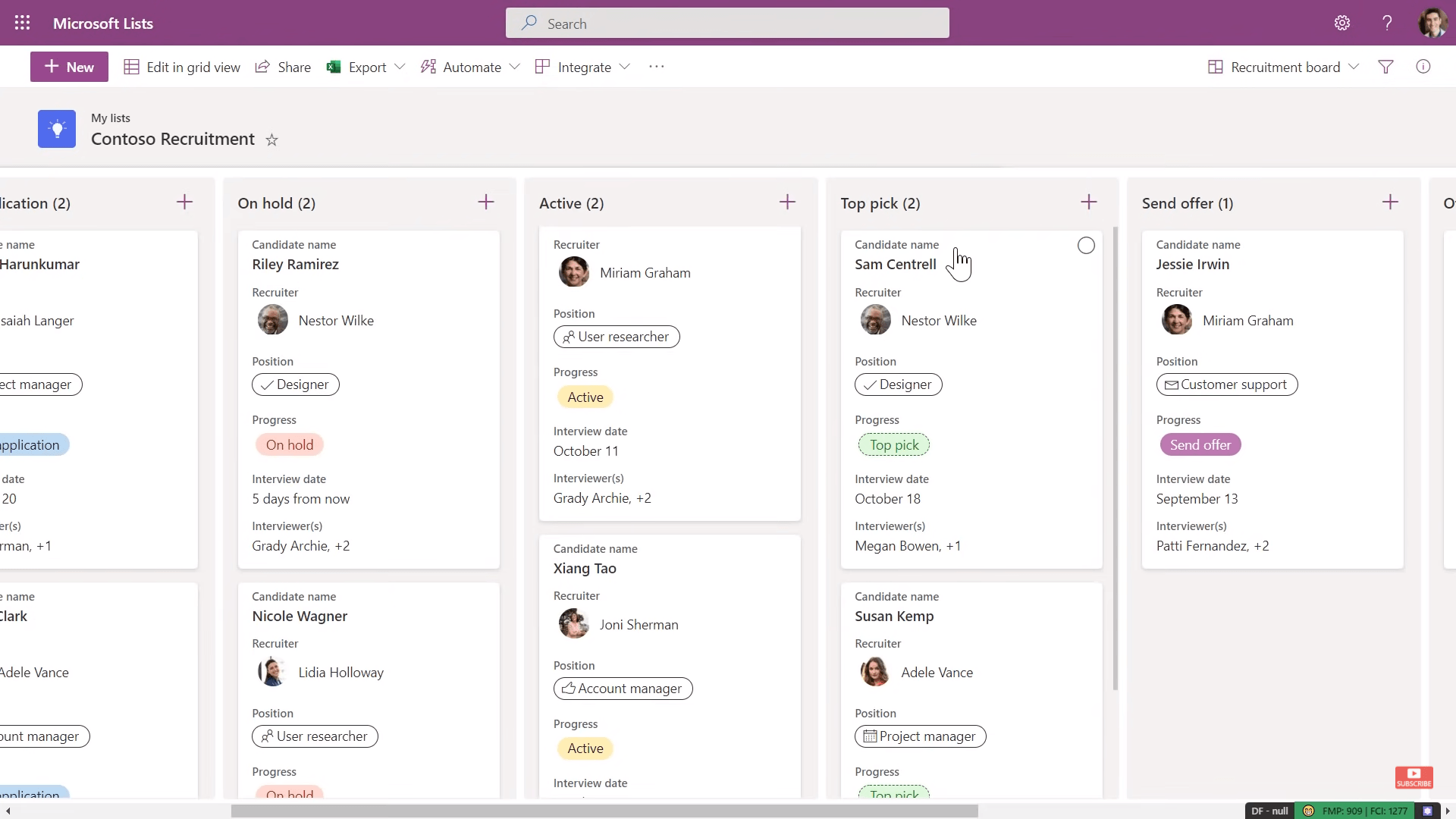
Microsoft Lists Board View Improve IT
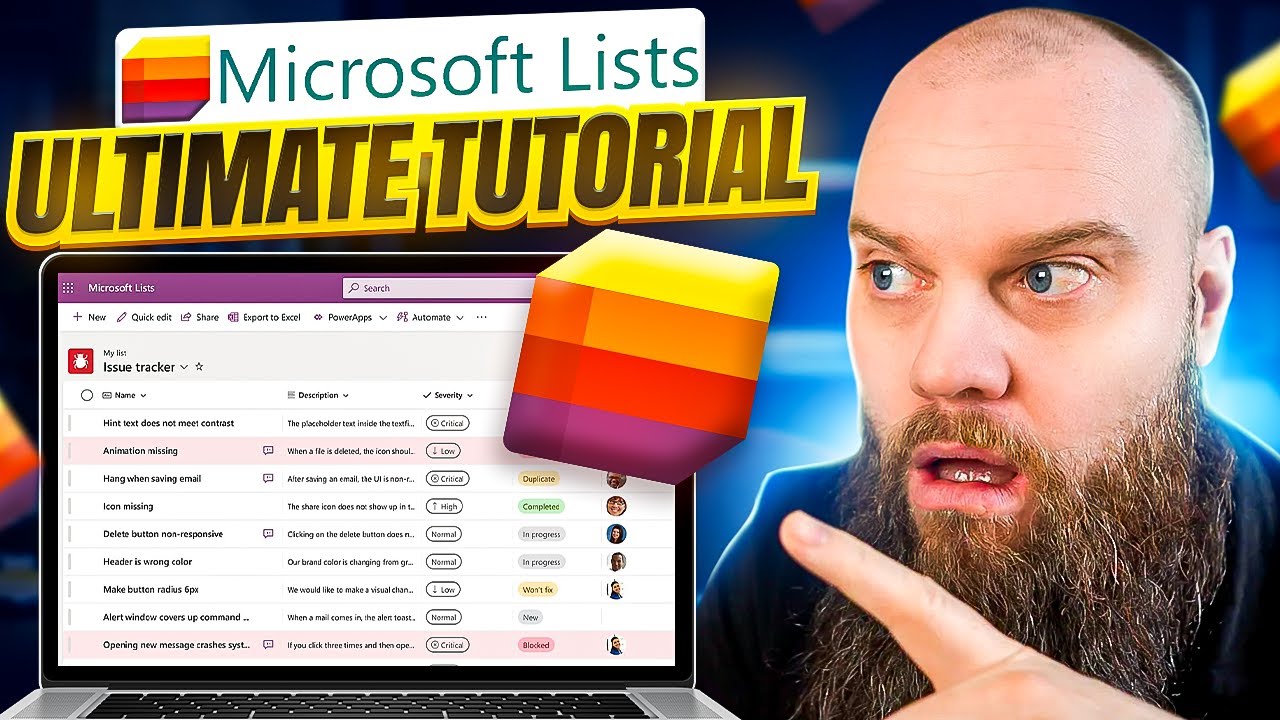
Microsoft Lists The Ultimate Tutorial
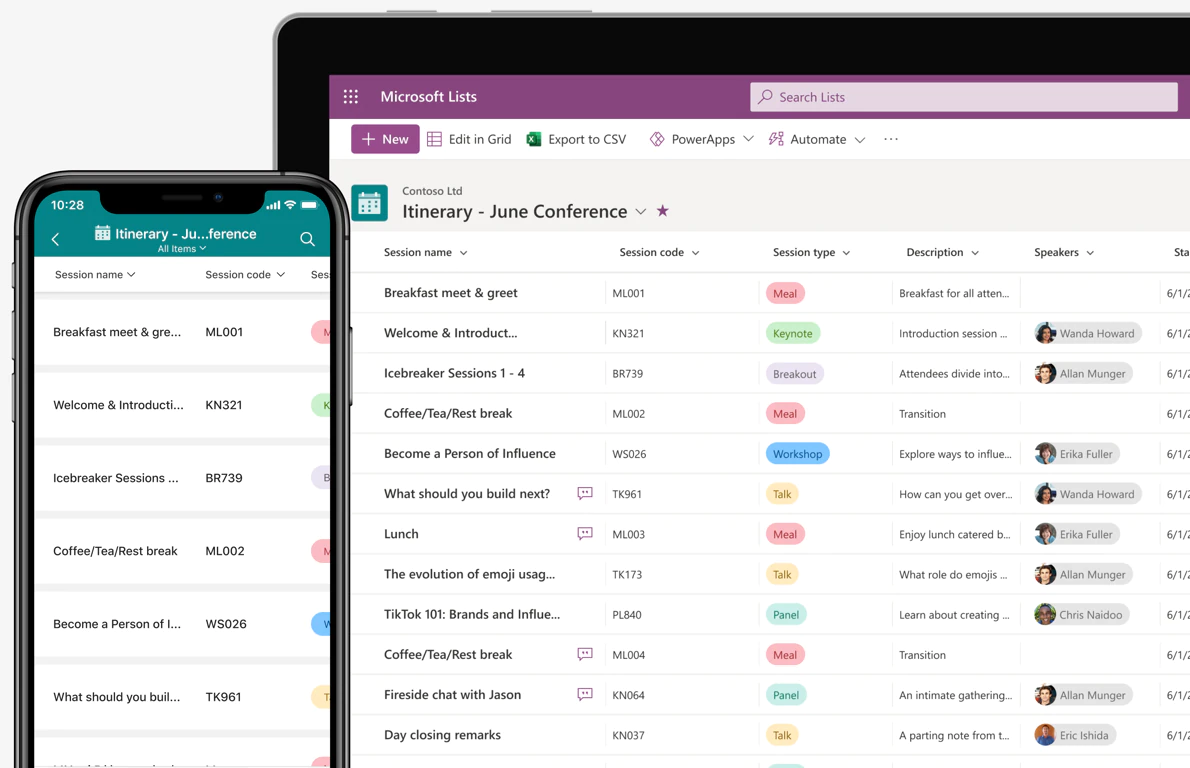
Microsoft Lists N Med Board View Enable AS

D couvrez Microsoft Lists Le Concurent De Trello Par Microsoft

Web Learn to get started with Lists in Microsoft Teams See the following articles for information about lists Create a list Delete a list Create change or delete a view of a list or library Video Create a list Set up metadata navigation for a list or library Manage lists and libraries with many items

Web Sep 17 2020 nbsp 0183 32 In this step by step tutorial video learn how to use Microsoft Lists Microsoft Lists is a Microsoft 365 app that helps you track information and organize work List are simple smart

Web Quick Start Guide Easily create a list to start tracking information across your organization Sign into your Office 365 subscription and select the Lists app from the Microsoft 365 app launcher Start a new list from scratch Microsoft Excel or use the structure of

Web Choose how you want to create the list Blank list Start from scratch From Excel Bring in table data from Excel From existing list Start with the formatting from another list A template Choose the options for your list then Create To add items select New fill in the form and select Save Want more Add or edit list items

Web Watch on Click play above to watch Microsoft Lists helps move your business forward Press F to toggle full screen mode What is Microsoft Lists Microsoft Lists is an app that helps you track information and organize work It s simple smart and flexible so you can stay on top of what matters most
[desc-11] [desc-12]
[desc-13]