How To Use Shared Documents In Google Docs How To Use Shared Views Revit YouTube How To Use Shared Slides For Graphing Projects Catalyst Learning Curricula How To Use Shared Drives Google Drive YouTube How To Use Shared With You In IOS 15 Macworld Arbeiten Mit Der Registerkarte Datei In Microsoft Word 2016 Teil 3 Futuriq de Gemini Apps give you direct access to Google AI You can get help with writing planning learning and more Learn more about what Gemini is and how it works
Want advanced Google Workspace features for your business Try Google Workspace today Google Drive helps you keep all your files together You can upload and share your files from Official Google Play Help Center where you can find tips and tutorials on using Google Play and other answers to frequently asked questions
Arbeiten Mit Der Registerkarte Datei In Microsoft Word 2016 Teil 3 Futuriq de How To Use Shared Settings And Recommended Extensions In A Team In VS Code Shared Documents In Microsoft Teams YouTube How To Use Shared Albums On IPhone And IPad IGeeksBlog What Is And How To Use Shared Preferences In Flutter Quick How To Share Documents In Google Docs Everything You Need To Know Come Nascondere O Rimuovere Commenti In Google Documenti Hotspot Informativo How To Compare Documents In Google Docs Techdigi Sharing Documents In Google Docs YouTube
How To Use Shared Documents In Google Docs
 How To Use Shared Documents In Google Docs
https://i.ytimg.com/vi/qkZrkFVr50I/maxresdefault.jpg
To edit a document On your computer open a document in Google Docs To select a word double click it or use your cursor to select the text you want to change Start editing To undo
Templates are pre-designed documents or files that can be used for different functions. They can conserve time and effort by supplying a ready-made format and layout for creating various sort of content. Templates can be utilized for personal or expert tasks, such as resumes, invitations, leaflets, newsletters, reports, presentations, and more.
How To Use Shared Documents In Google Docs
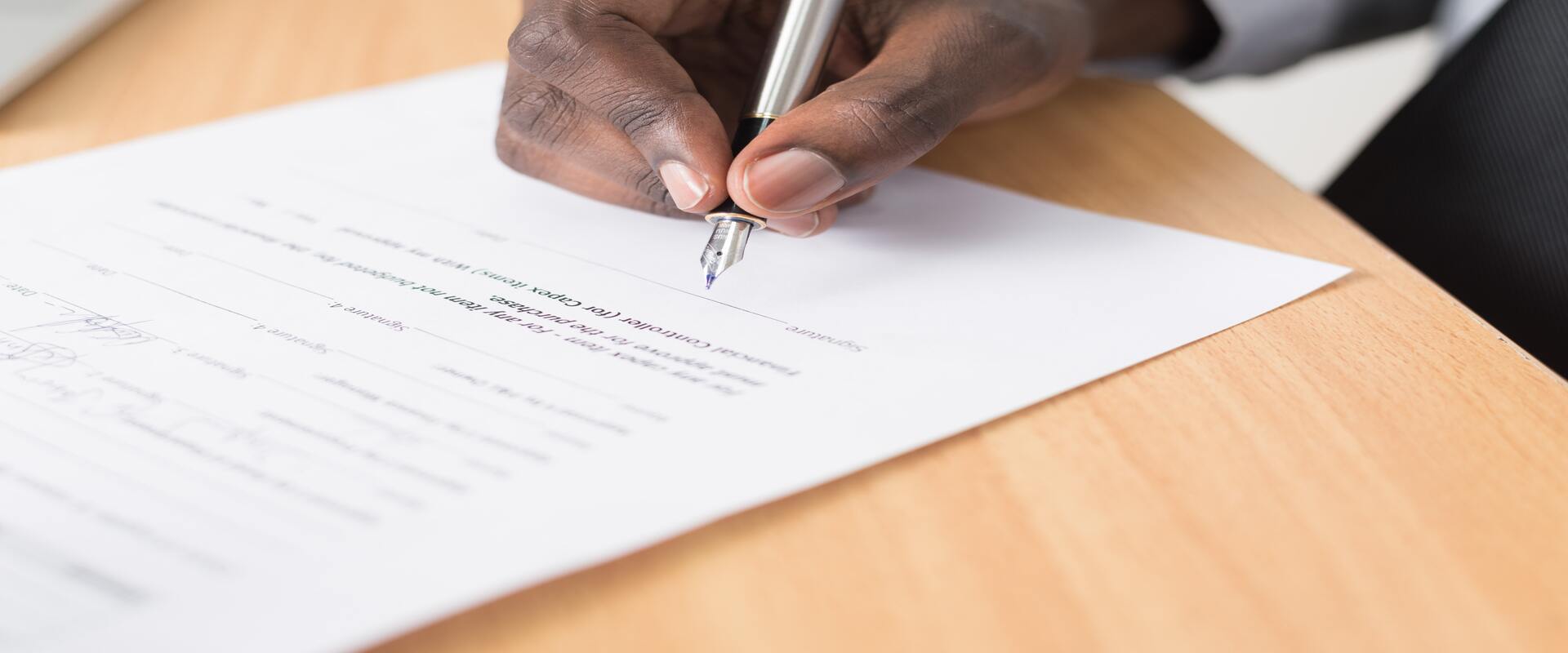
How To Sign A Document In Google Docs Without Any Hassle Signaturely

How To Use Shared Settings And Recommended Extensions In A Team In VS Code

Shared Documents In Microsoft Teams YouTube

How To Use Shared Albums On IPhone And IPad IGeeksBlog
.jpg "How To Share Documents In Google Docs Everything You Need To Know")
How To Share Documents In Google Docs Everything You Need To Know

Come Nascondere O Rimuovere Commenti In Google Documenti Hotspot Informativo

How to install Chrome Important Before you download you can check if Chrome supports your operating system and other system requirements

Google Chrome tips Google Chrome tips From productivity to customization learn how to get things done more quickly with your browser
If you forgot your password or username or you can t get verification codes follow these steps to recover your Google Account That way you can use services like Gmail Pho

You can get directions for driving public transit walking ride sharing cycling flight or motorcycle on Google Maps If there are multiple routes the best route to your destination is blue All other
Important Before you set up a new Gmail account make sure to sign out of your current Gmail account Learn how to sign out of Gmail From your device go to the Google Account sign in
[desc-11] [desc-12]
[desc-13]