How To Split Screen In Word Document Using Split Screen For Editing Tech Tools For Writers How To Split Screen In Windows 10 Driver Easy How To Do Split Screen On Windows 10 Darelobroad How To Use Split Screen In Windows 11 Atelier yuwa ciao jp How To Create A Split Screen In Word To Copy Text From The Internet Click the Synchronous Scrolling button on the View tab if you want both documents to scroll simultaneously This feels janky and inelegant In stark contrast to split horizontally 1 Click view 2 Click Split Super quick and easy My request will probably be ignored but please can there be two buttons Split vertical and Split
Share 84 views 6 months ago Microsoft Word Do you want to be more productive when writing documents in Microsoft Word In this video I ll show you how to use the split window feature to Split the Word document by clicking Split in the Window group In addition the Split option now displays Remove Split it s a toggle option Use one pane to work in and the second pane
How To Create A Split Screen In Word To Copy Text From The Internet How To Split Screen In Laptop Split Screen In Windows 10 How To Split Screen In Windows 10 For Multi Tasking How To Split Screen In Camtasia YouTube How To Split Screen In Windows 10 Up To 4 Windows How To Split How To Split PC Or Laptop Screen Side By Side Split Screen On Windows How To Use MS Word Split Pages Into Separate Files Software YouTube How To Split My Screen In Half Ultimatevast Os X Split Screen Shortcut PooterameriMy Site
How To Split Screen In Word Document
 How To Split Screen In Word Document
https://i0.wp.com/www.techtoolsforwriters.com/wp-content/uploads/2014/07/Word-split-screen-button.png
Click the File tab and select Open to open the two documents you want to view on a vertical split screen 3 Click the View tab on the Microsoft Word ribbon
Templates are pre-designed documents or files that can be utilized for different functions. They can conserve time and effort by providing a ready-made format and design for producing various type of material. Templates can be used for personal or professional projects, such as resumes, invites, flyers, newsletters, reports, discussions, and more.
How To Split Screen In Word Document
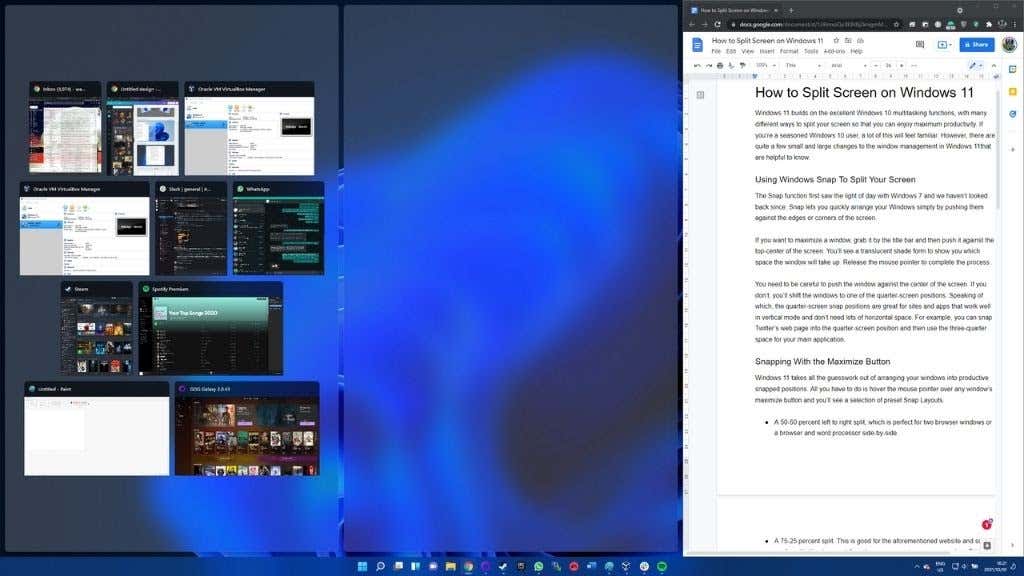
How To Split Screen On Windows 11
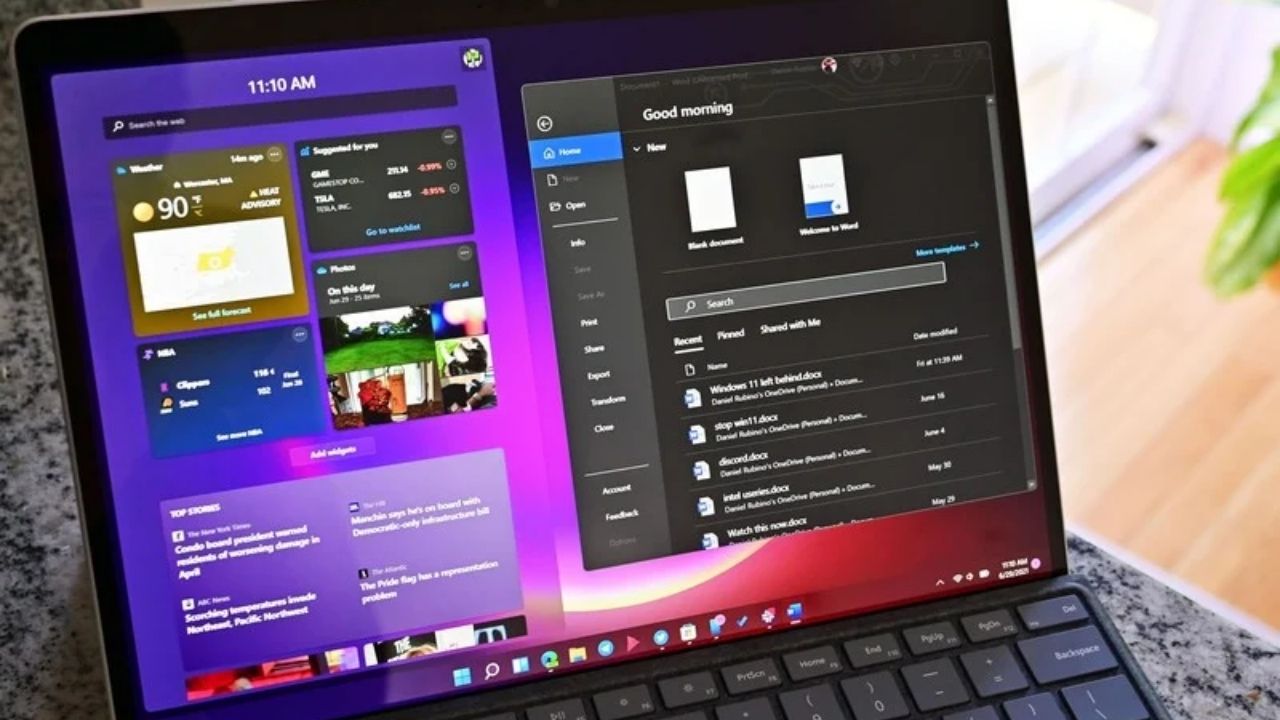
How To Split Screen In Laptop Split Screen In Windows 10
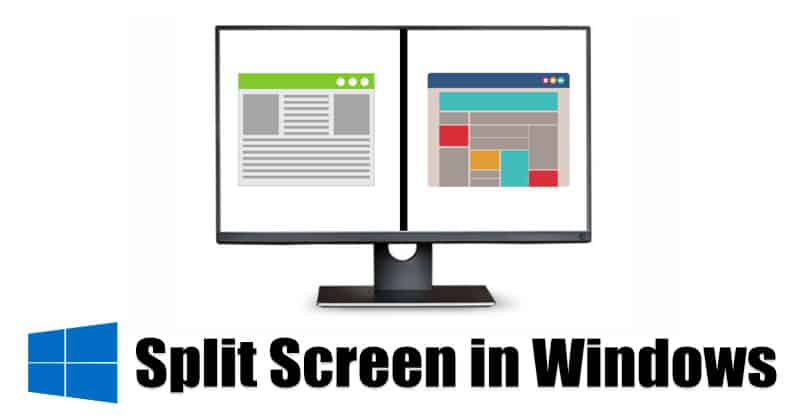
How To Split Screen In Windows 10 For Multi Tasking

How To Split Screen In Camtasia YouTube
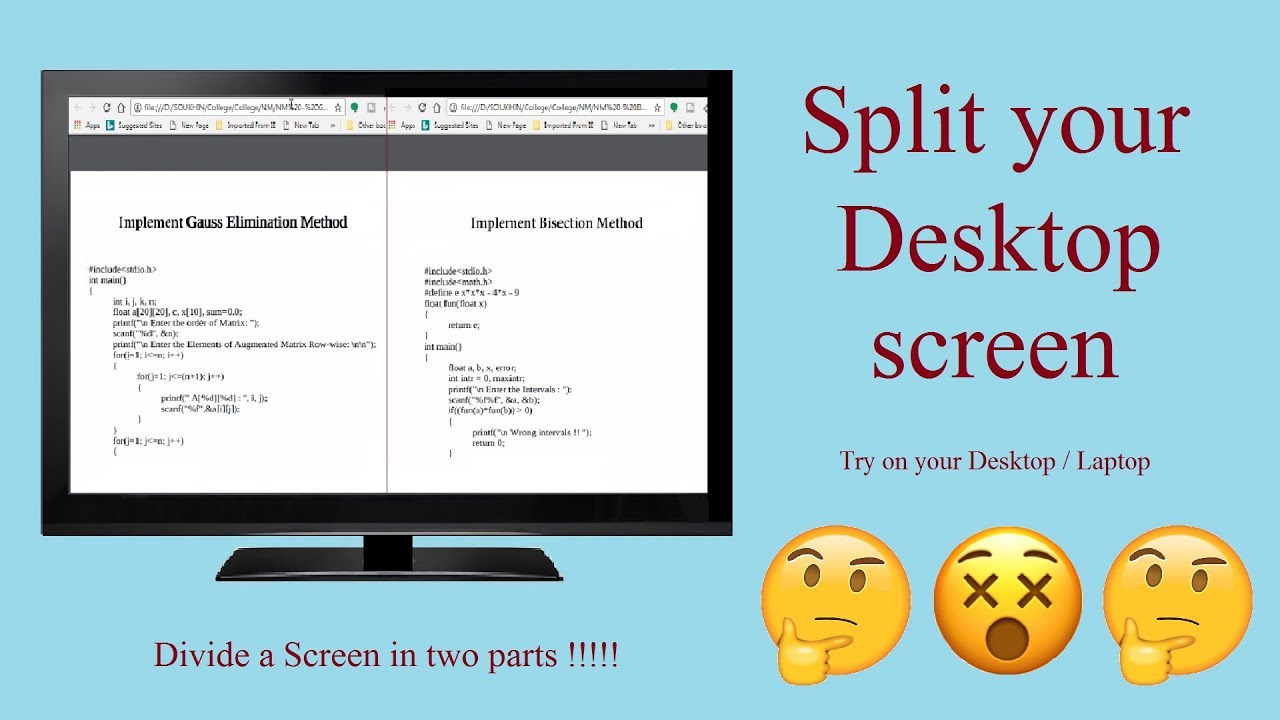
How To Split PC Or Laptop Screen Side By Side Split Screen On Windows
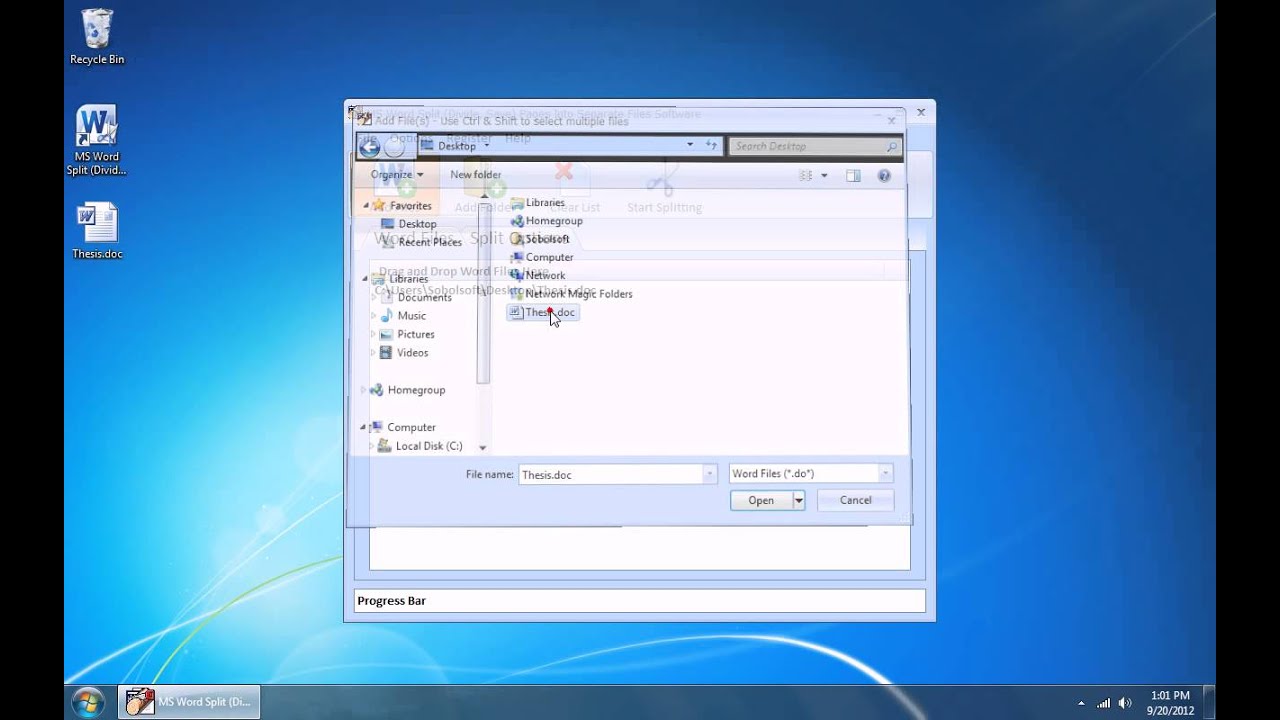
How To Use MS Word Split Pages Into Separate Files Software YouTube

How to Vertically Split a Screen in Microsoft Word Tech Pro Advice 17 Likes 2021 May 6 How to Vertically Split a Screen in Microsoft Word
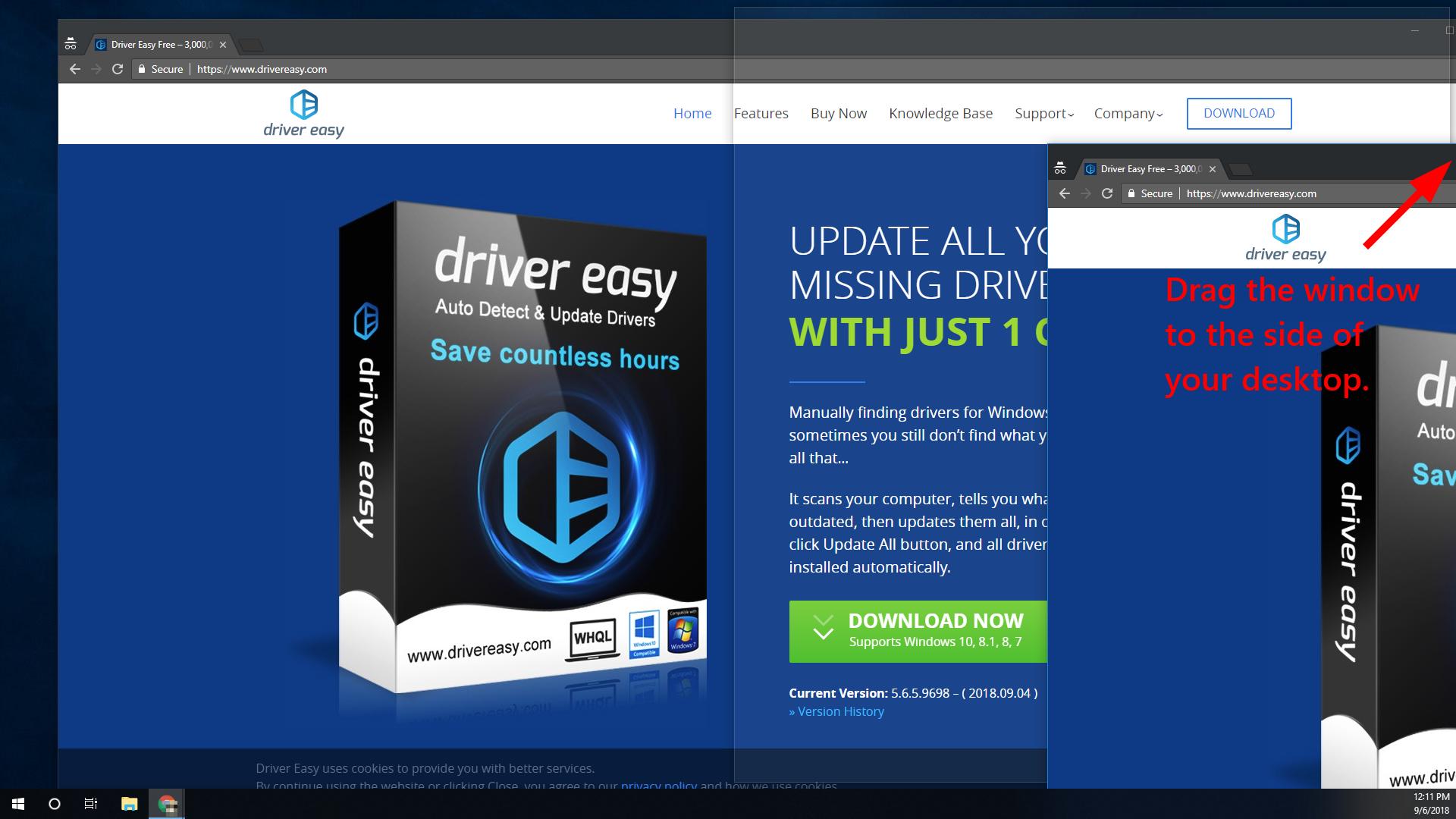
Within Microsoft Word there is a feature to split a document screen into two sections so you can view two parts of a document at the same time To split the screen double click on the small rectangular box

Here s how to split the screen in Microsoft Word so you can see two different sections of the same document at the same time The fastest way is to place y

You can resize the split window by moving your cursor over the double line separating the two parts of the document until it turns into a double line with a double arrow Click and drag the double line border up or down to resize the parts of the window

When you want to see two sections of your document at the same time you will go into View and click the Split window But you can only get a horizontal one see Fig 1 Actually what I want to get is a Vertical one which should look like Fig 2 but I didn t figure out how to achieve it Many thanks
[desc-11] [desc-12]
[desc-13]