How To Split Screen In Word How To Split Screen On Windows 7 8 Or 10 TechUntold How To Create A Split Screen In Word To Copy Text From The Internet How To Split Screen On LENOVO Tab M10 Create Dual Screen YouTube How To Split Screen In Windows 11 For Multitasking How To Split Screen In Windows 10 Driver Easy Web Feb 10 2023 nbsp 0183 32 Select View Split Screen It allows you to compare the first page to a page later in the document for example while avoiding version issues because you are still working on just one instance of that document It is available in Microsoft Word and can help with larger documents
Web Apr 7 2022 nbsp 0183 32 Split the Word document by clicking Split in the Window group In addition the Split option now displays Remove Split it s a toggle option Use one pane to work in and the second pane to move Web Word for Microsoft 365 Word 2021 Word 2019 Word 2016 Word 2013 More Open both of the files that you want to compare On the View tab in the Window group click View Side by Side Notes To scroll both documents at the same time click Synchronous Scrolling in the Window group on the View tab
How To Split Screen In Windows 10 Driver Easy How To Split Screen In Windows 10 Split 4 Screen Multitasking How To Split Screen On Dell Laptop NetBookNews How To Split Screen In Tablet Mode On Windows 10 YouTube How To Split Screen In Windows 10 For Multi Tasking How To Split Screen On Windows 11 How To Split Screen In Laptop Split Screen In Windows 10 How To Split PC Or Laptop Screen Side By Side Split Screen On Windows How To Split Screen In Note 9 A Step By Step Guide For Indian Users
How To Split Screen In Word
 How To Split Screen In Word
https://www.techuntold.com/wp-content/uploads/2019/07/two-documents-of-MS-Word-768x431.png
Web May 6 2021 nbsp 0183 32 How to Vertically Split a Screen in Microsoft Word Tech Pro Advice 25 9K subscribers Join Subscribe 4 4K views 2 years ago Microsoft Word Tutorial How to
Templates are pre-designed files or files that can be utilized for numerous functions. They can conserve effort and time by supplying a ready-made format and layout for producing different kinds of material. Templates can be utilized for personal or professional projects, such as resumes, invitations, flyers, newsletters, reports, presentations, and more.
How To Split Screen In Word

How To Split The Screen In IOS 14 Tradelia Blog

How To Split Screen In Windows 10 Split 4 Screen Multitasking
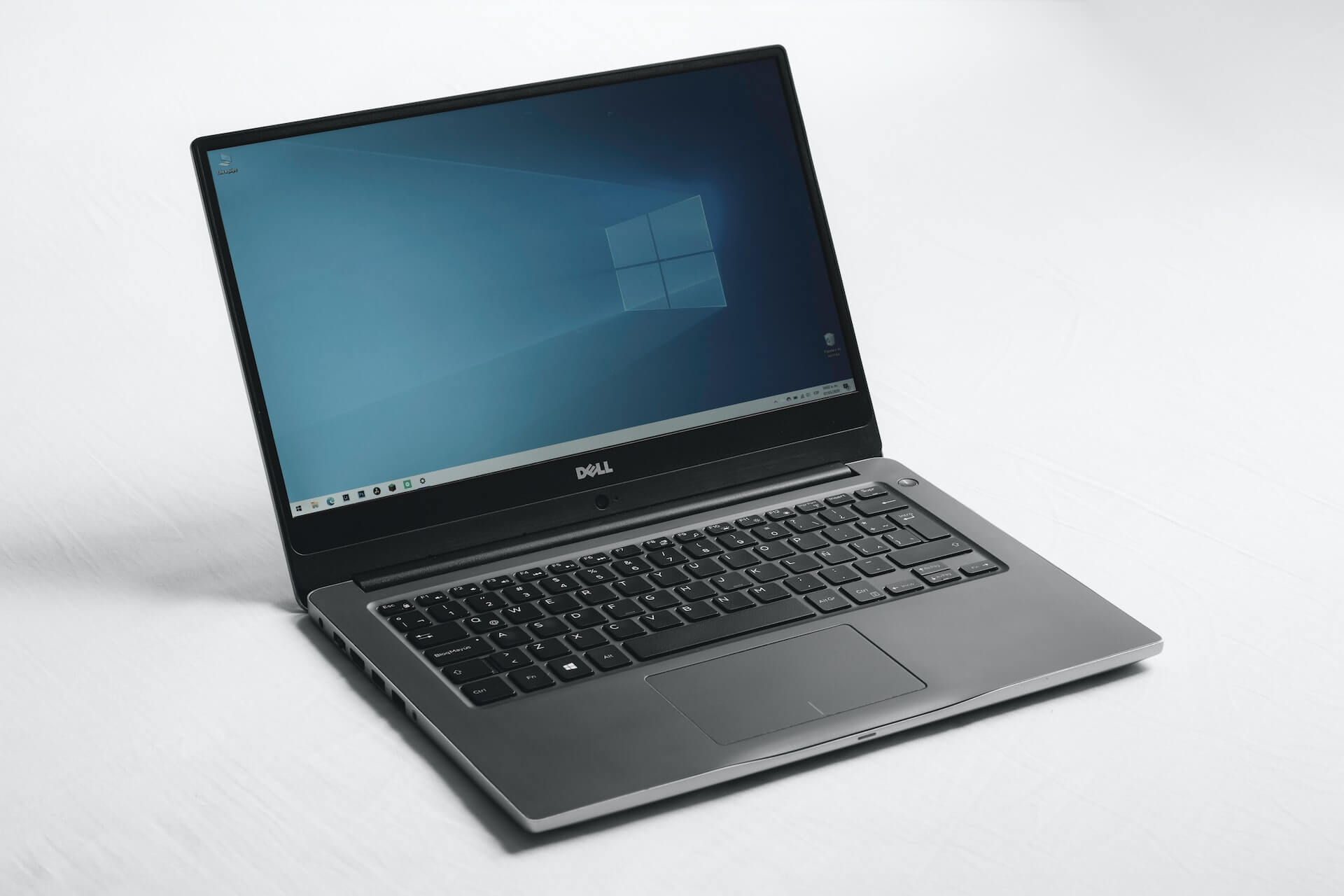
How To Split Screen On Dell Laptop NetBookNews
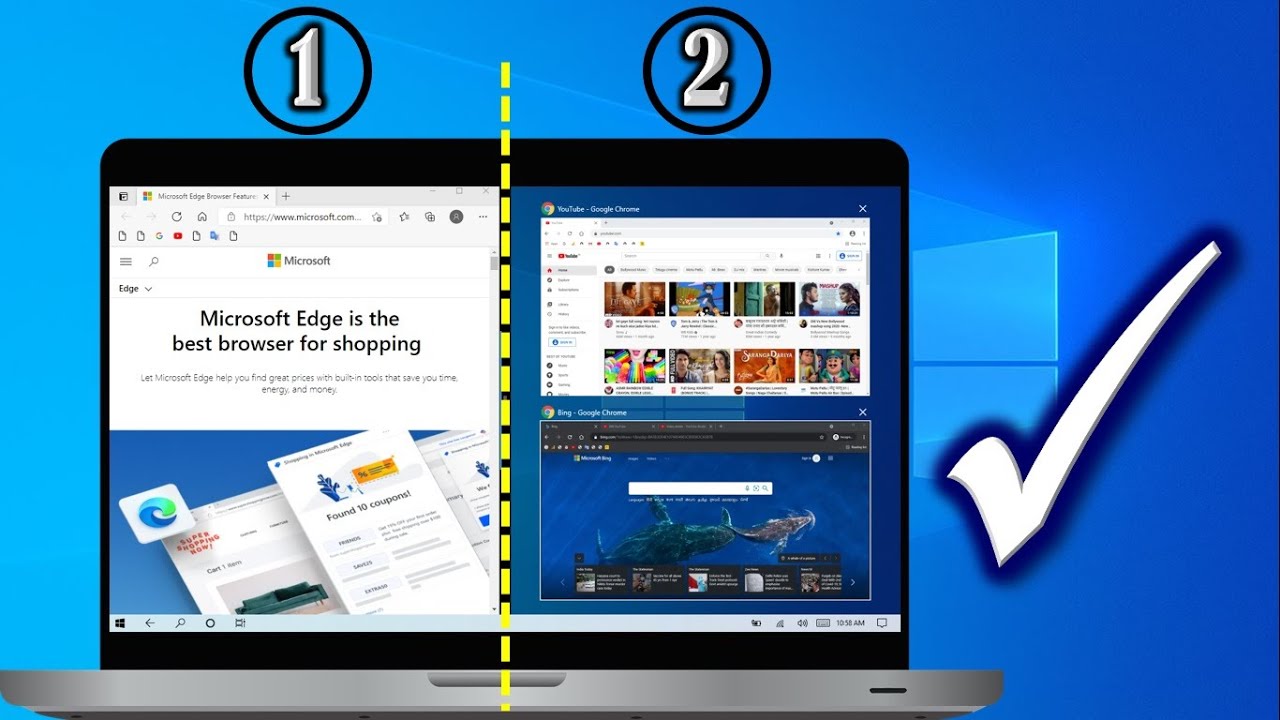
How To Split Screen In Tablet Mode On Windows 10 YouTube
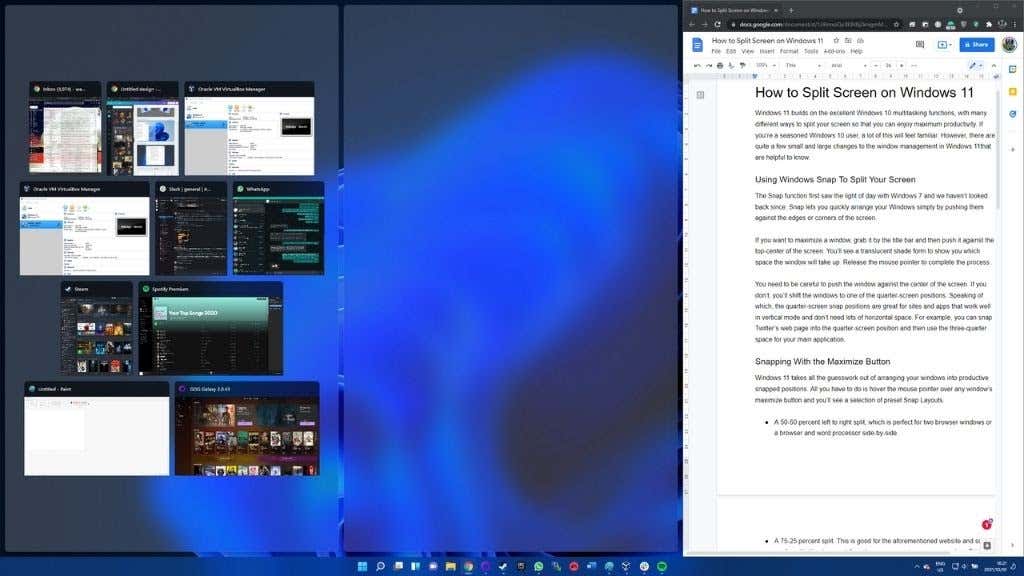
How To Split Screen On Windows 11
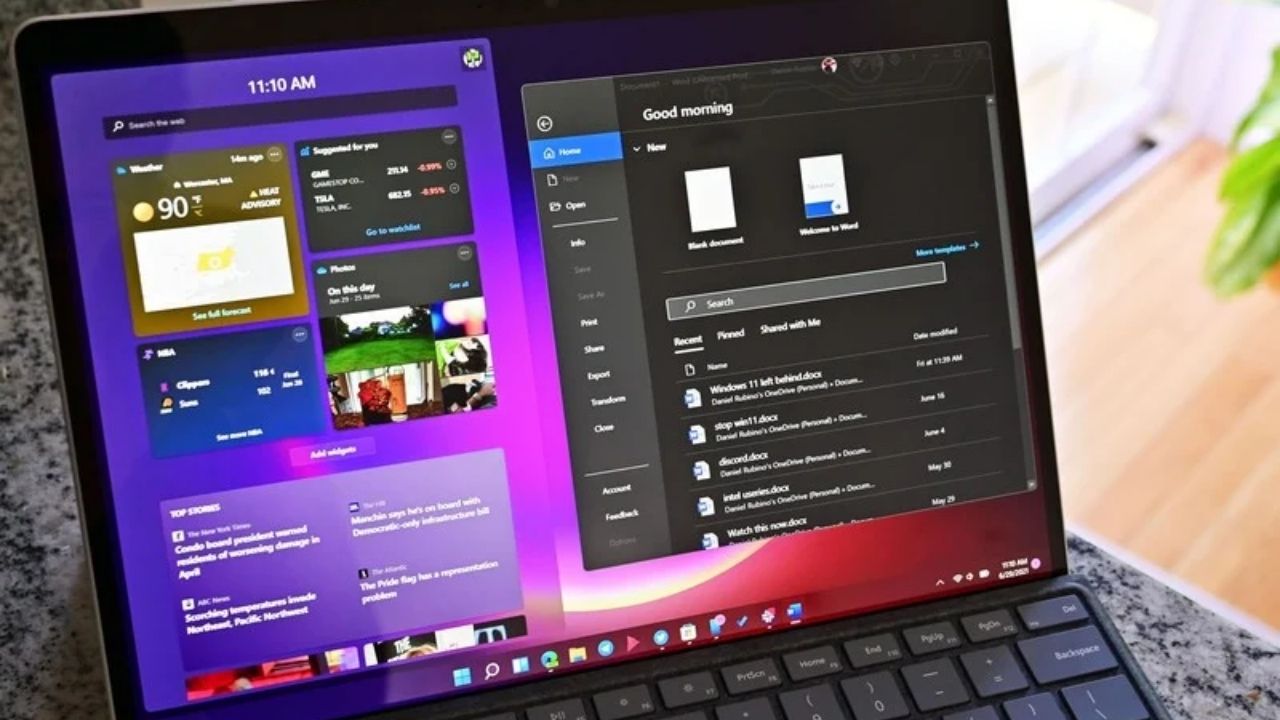
How To Split Screen In Laptop Split Screen In Windows 10

Web Feb 7 2022 nbsp 0183 32 On the Windows desktop right click an empty area and select the Display settings option Scroll down to the Multiple displays section Below the Multiple displays option click the drop down menu and select Extend these displays If you press Windows key P click the Extend option to turn on the extended display

Web Nov 16 2022 nbsp 0183 32 Here s how to split the screen in Microsoft Word so you can see two different sections of the same document at the same time The fastest way is to place y

Web See two documents side by side in Word Open the 2 documents Select View gt View Side by Side If you scroll up or down the other scrolls as well If you want them to scroll separately select Synchronous Scrolling to turn it off

Web Jun 30 2015 nbsp 0183 32 To do this click on the Word window for the document you want to view and click Split in the Window section of the View tab The current document is split into two parts of the window in which you can scroll and edit different parts of
Web Split your window into panes in Word and Excel Select View gt Split To resize the panes just drag the border
[desc-11] [desc-12]
[desc-13]