How To Split Screen 2 Word Documents On Mac How To Recover Lost Word Documents On Mac Cant Find Documents On Mac Hitsmopla Split Screen 2 Way An Effect For FCPX FCPXTemplates Final Cut Pro X Plugins Tools How To Split Screen On Two Monitors Windows 10 Siliconhopde How To Split Screen On IPhone TechCult Verkko 12 syysk 2022 nbsp 0183 32 A step by step guide to using Split View on your MacBook or other Mac computer this view allows you to work in two apps or windows side by side with no distractions
Verkko Switch windows in split screen It s easy to toggle back and forth between two documents in split screen view You can also toggle between your split screen and Verkko 10 marrask 2022 nbsp 0183 32 How to enter Split View on a Mac 1 Make sure neither window you want to use is in full screen mode 2 In one of the windows you want to use place your cursor over the green button in
How To Split Screen On IPhone TechCult How To Split Screen On Dell Laptop A Complete Guide To Mastering Multitasking Your Own Consumer IPAD 2 WORD DOCUMENTS IPAD 2 Methods For Recovering Lost Or Deleted Word Documents On Mac PC Best Tech Blog For You How To Recover Unsaved Or Deleted Word Documents On Mac Macworld Merge 2 Word Documents With Track Changes Bmp spatula How To Merge Word Documents And Keep Formatting Enjoytechlife How To Delete And Manage Documents On Mac How To Recover Lost Deleted Word Documents On Mac YouTube
How To Split Screen 2 Word Documents On Mac
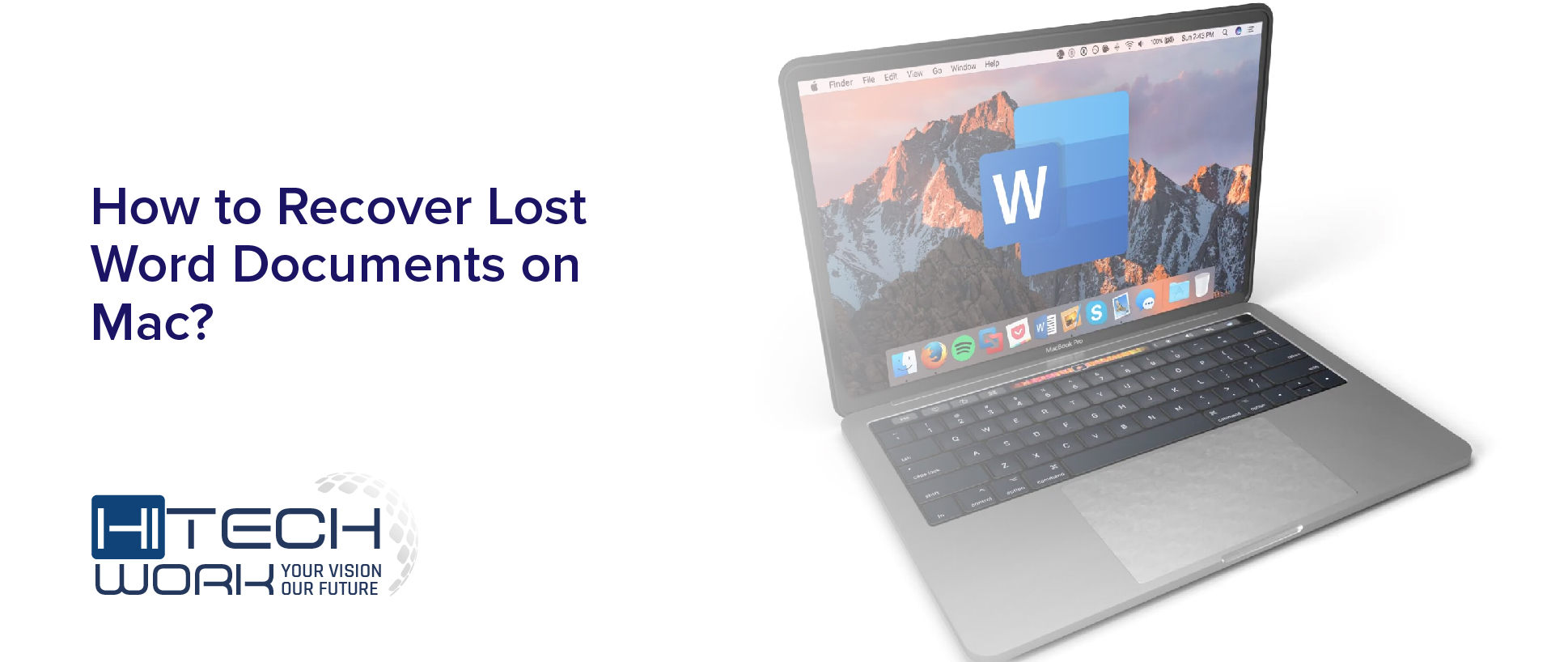 How To Split Screen 2 Word Documents On Mac
https://www.hitechwork.com/wp-content/uploads/2023/08/Word-Documents-on-Mac.jpg
Verkko 18 elok 2022 nbsp 0183 32 How to Split Screen on Mac Aug 18 2022 7 Comments Using Split Screen on a Mac is easier than ever before in the latest versions of MacOS including macOS Monterey Big Sur and
Templates are pre-designed documents or files that can be utilized for different purposes. They can save effort and time by supplying a ready-made format and design for producing different sort of material. Templates can be used for individual or professional jobs, such as resumes, invites, leaflets, newsletters, reports, presentations, and more.
How To Split Screen 2 Word Documents On Mac

How To Disable ICloud Desktop Documents On Mac
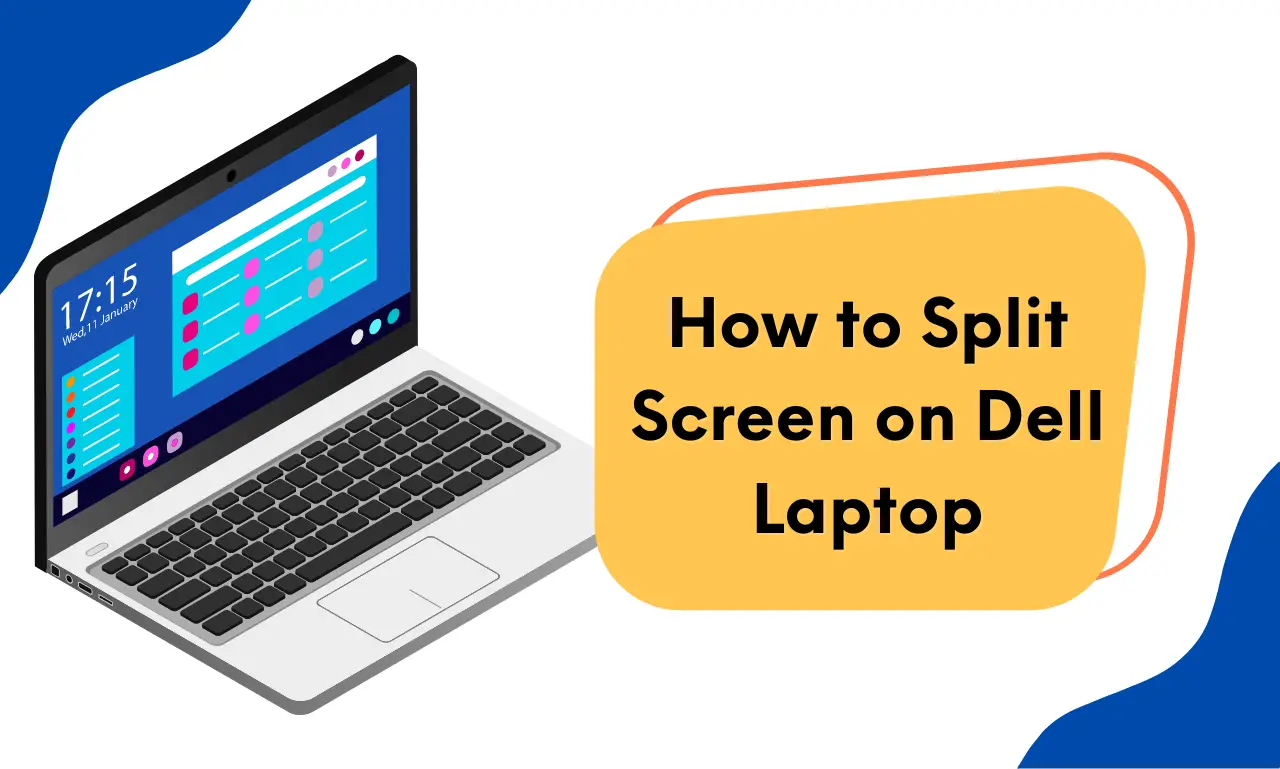
How To Split Screen On Dell Laptop A Complete Guide To Mastering Multitasking Your Own Consumer
IPAD 2 WORD DOCUMENTS IPAD 2

Methods For Recovering Lost Or Deleted Word Documents On Mac PC Best Tech Blog For You

Merge 2 Word Documents With Track Changes Bmp spatula

How To Merge Word Documents And Keep Formatting Enjoytechlife

Verkko Use apps in Split View on Mac Many apps on your Mac support Split View which lets you work in two apps side by side at the same time On your Mac move the pointer to the green button in the top left corner of

Verkko 9 maalisk 2021 nbsp 0183 32 Mouse over the green full screen button to access the tile menu in each app Not every app works with Split View Check for

Verkko 1 toukok 2020 nbsp 0183 32 It s easy to manage two windows side by side on Mac macOS El Capitan 10 11 or later using a feature called Split View Using Split View you can
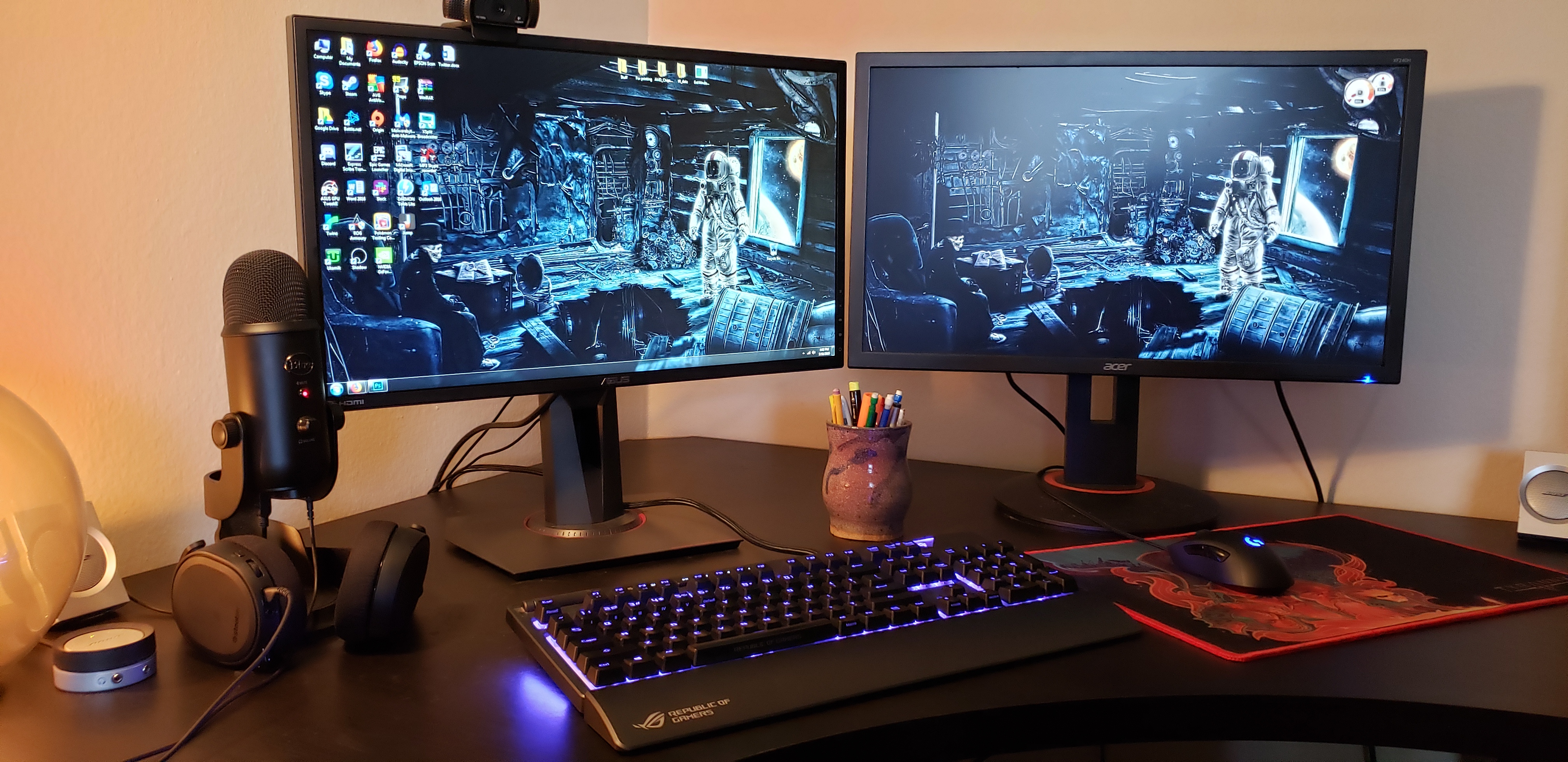
Verkko 6 tammik 2022 nbsp 0183 32 How to use keyboard shortcuts to make a split screen on macOS iPadOS Windows and Chrome OS Press these keys to display two apps side by side on Chrome OS Windows iPad OS or

Verkko 4 lokak 2023 nbsp 0183 32 Step 1 Begin by opening two or more windows that you want to be paired in a split screen layout browser windows apps documents whatever you want Pick your first window and look in
Verkko To scroll both documents at the same time click Synchronous Scrolling in the Window group on the View tab If you don t see Synchronous Scrolling click Window on the Verkko 18 syysk 2020 nbsp 0183 32 Apple offers a neat keyboard shortcut to enter full screen mode You can use Command Control F for that However there is no native keyboard
Verkko 14 elok 2023 nbsp 0183 32 You can also use a slider to regulate how much space each app is taking To enter Split View on Mac Hover over the green button in the toolbar next to