How To Make Markdown Bold In Databricks Notebook How To Create A Markdown Document What Is Mark Down Databricks Notebook Markdown Cheat Sheet YouTube Markdown Guide R Markdown Rstudio Printable Cards How To Use Markdown In Jupyter Notebook YouTube Web md Sample text formating routines Italic font sample Bold font sample Bold and italic sample Listed elements item element subitem subitem item element item element Listed elements numeric 1 item element
Web Dec 12 2021 nbsp 0183 32 Section 1 Format Text We listed commonly used text styles and the corresponding markdown syntax in the format text section Headings are created by adding a pound sign at the beginning Heading 1 Heading 2 Heading 3 Bold is achieved by adding two stars at both ends This is bold Web Jan 5 2022 nbsp 0183 32 Go to solution Erik Valued Contributor III 01 05 2022 05 17 AM Has anyone found a nice way to run code formating like black on the notebooks in the workspace My current workflow is to commit the file pull it locally format repush and pull
How To Use Markdown In Jupyter Notebook YouTube How To Markdown In Databricks Printable Templates July 2020 Azure Databricks Microsoft Learn Adding A Table To Your VSCode Markdown What Is Mark Down Databricks Notebooks Vs Jupyter Data Science Notebooks How To Make Text Bold In Jupyter What Is Mark Down Highlight And Underline Markdown Syntax Notejoy Jupyter Notebook Markdown Cheat Sheet Sekamove Help Jupyter Notebook Displays All Markdown Text As Bold Notebook
How To Make Markdown Bold In Databricks Notebook
 How To Make Markdown Bold In Databricks Notebook
https://cdn.whatismarkdown.com/1663555282971.png
Web Oct 29 2020 nbsp 0183 32 Import the notebook in your Databricks Unified Data Analytics Platform and have a go at it 1 Magic command pip Install Python packages and manage Python Environment Databricks Runtime DBR or Databricks Runtime for Machine Learning MLR installs a set of Python and common machine learning ML libraries
Pre-crafted templates provide a time-saving solution for producing a varied range of files and files. These pre-designed formats and layouts can be utilized for different individual and expert jobs, consisting of resumes, invites, leaflets, newsletters, reports, presentations, and more, enhancing the content development procedure.
How To Make Markdown Bold In Databricks Notebook

Markdown Bold And Italics Doesn t Work Following An Indented Line
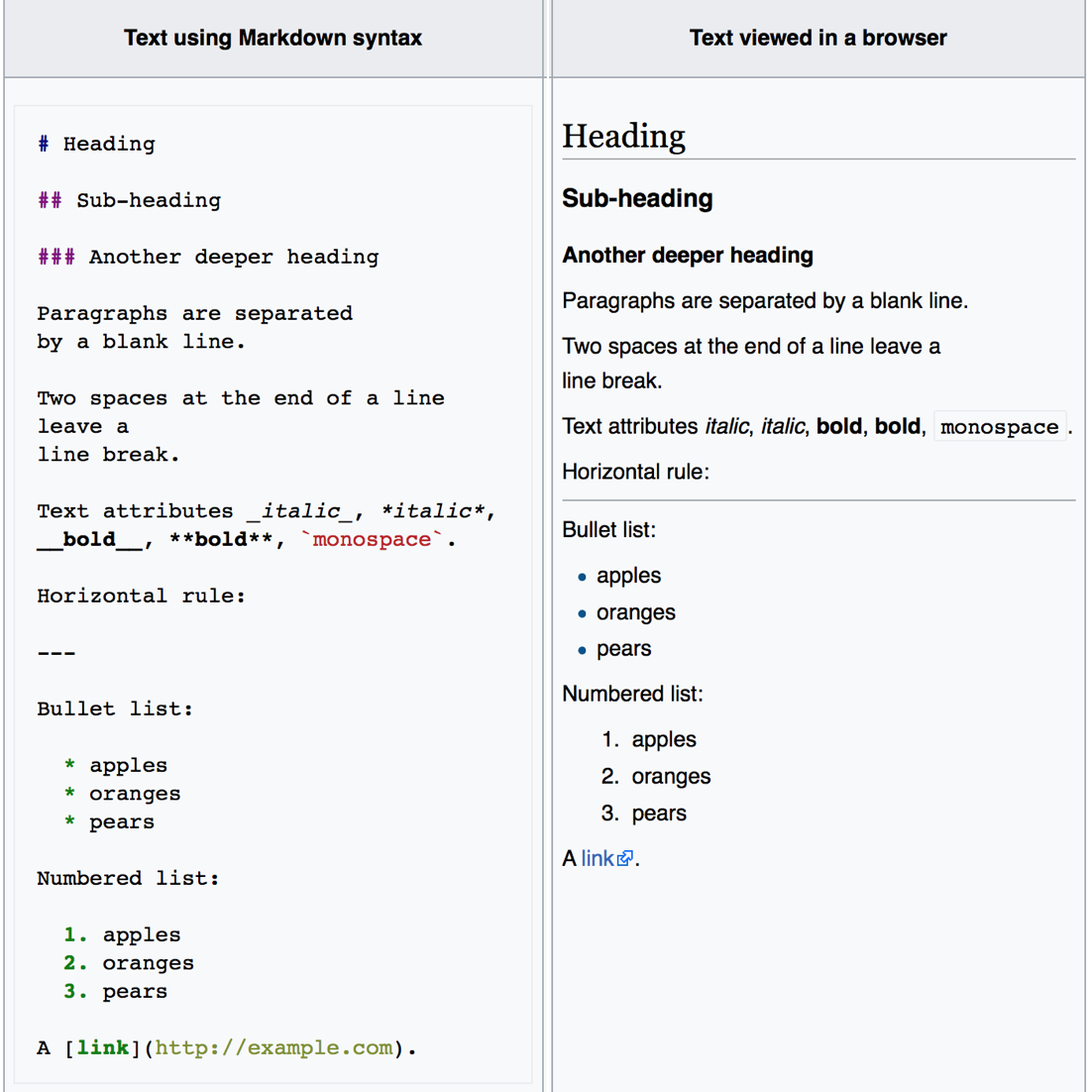
How To Markdown In Databricks Printable Templates
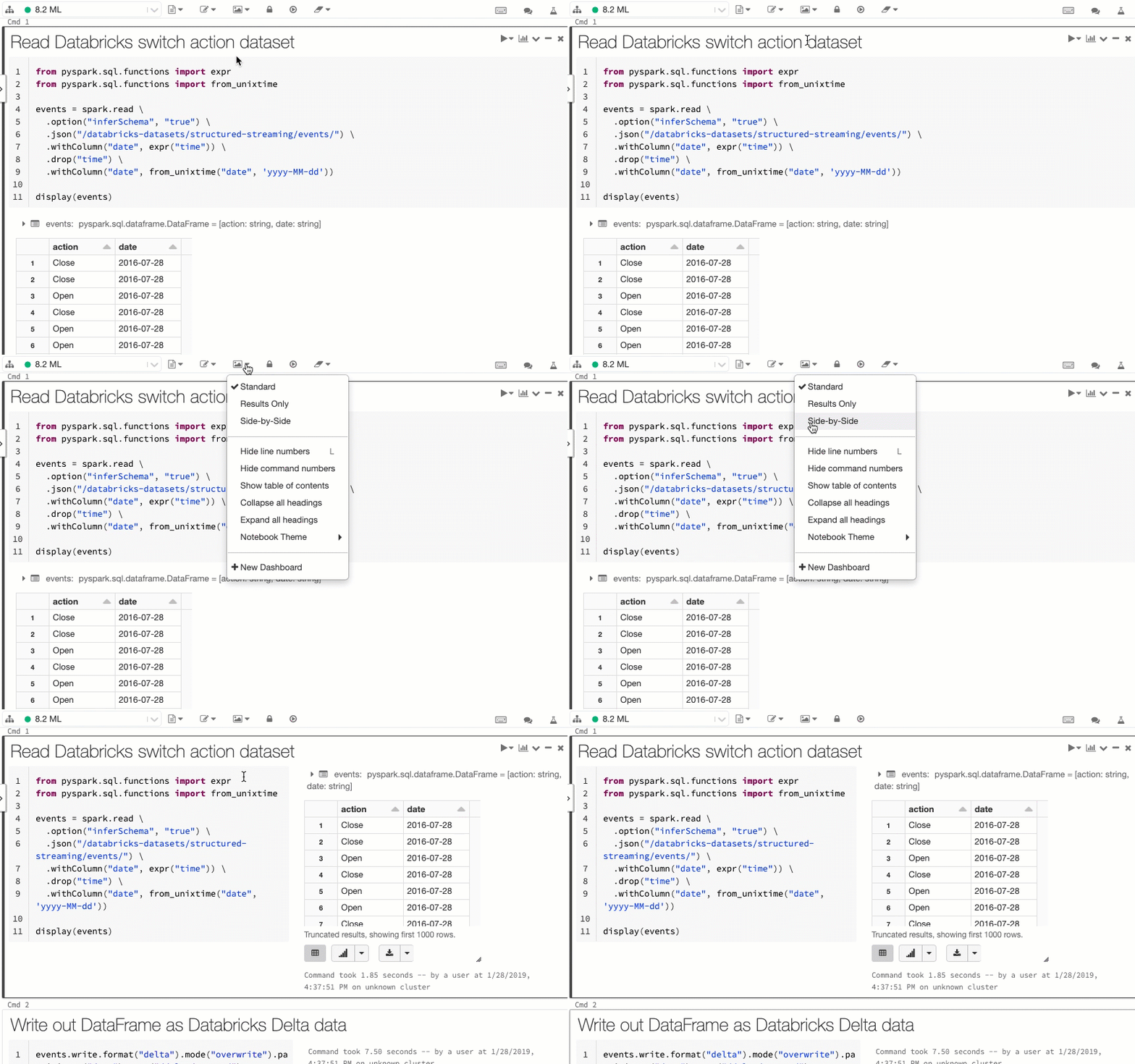
July 2020 Azure Databricks Microsoft Learn

Adding A Table To Your VSCode Markdown What Is Mark Down

How To Make Text Bold In Jupyter What Is Mark Down

Highlight And Underline Markdown Syntax Notejoy

Web Jun 19 2022 nbsp 0183 32 Databricks notebook can include text documentation by changing a cell to a markdown cell using the md magic command Most of the markdown syntax works for Databricks but some do not

Web Nov 28 2019 nbsp 0183 32 The key things I would like to see in a Notebook are Markdown Headings including the Notebook title who created it why input and output details We might also have references to external resources and maybe a high level version history I created this in a table via the markdown and injected a bit of HTML too for the bullet points

Web 04 19 2022 05 02 AM I have searched several ways on applying a bold to a text however unable to achieve it Have added 033 1m then my text and followed by 033 0m however cant see the text as bold I need to apply Bold to the Header quot Ocean quot in below image which is in Dataframe
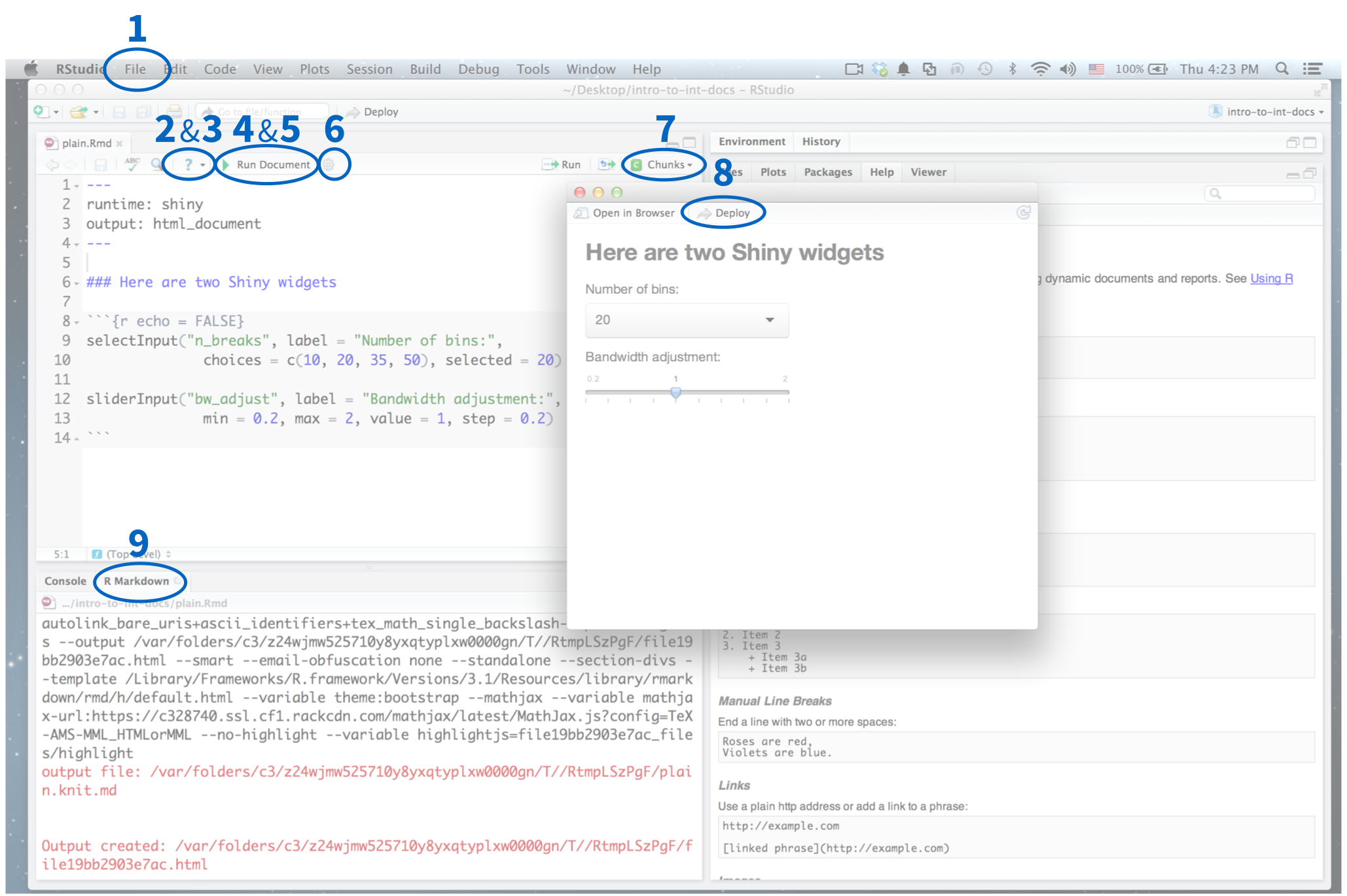
Web Aug 31 2022 nbsp 0183 32 I want markdown in the output of a python cell Not a markdown cell I found a workaround on stack overflow which works but this requires importing the markdown library Is there a way to create a feature request for this sort of thing to be supported natively in databricks like it is in jupyter
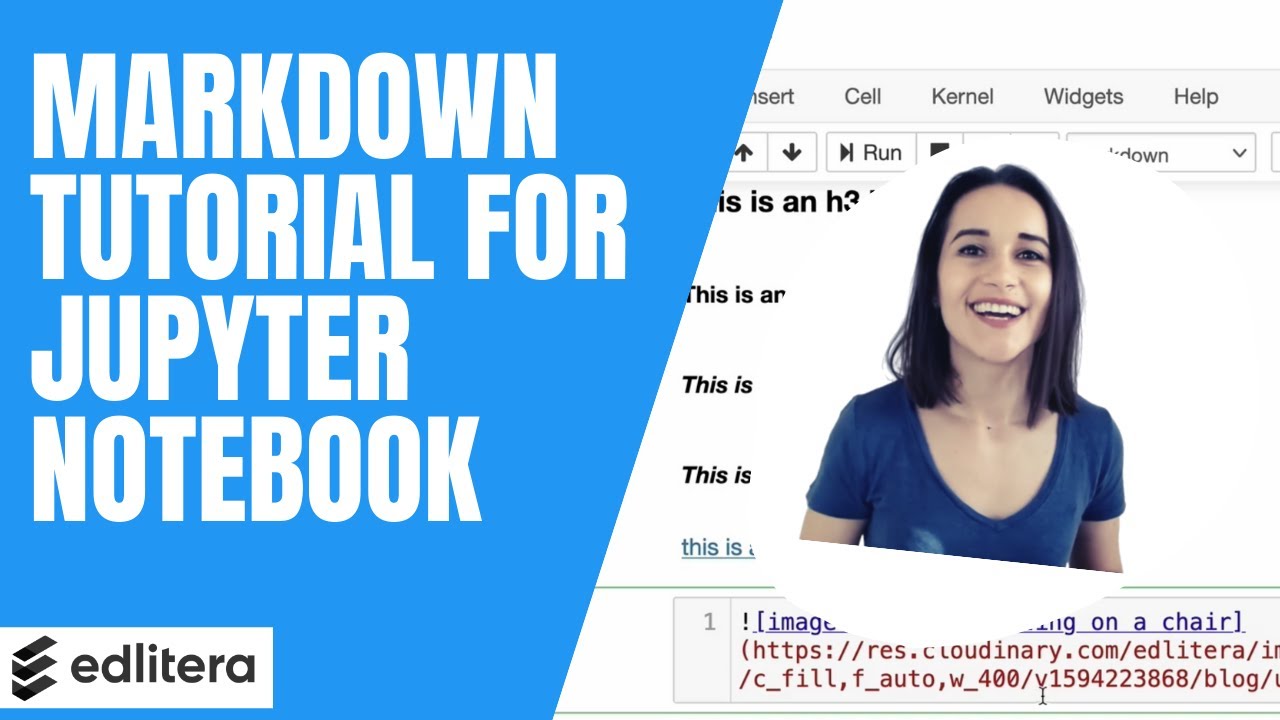
Web Notebooks contain a collection of two types of cells code cells and Markdown cells Code cells contain runnable code Markdown cells contain Markdown code that renders into text and graphics when the cell is executed and can be used to document or illustrate your code You can add or remove cells to your notebook to structure your work
Web Aug 21 2022 nbsp 0183 32 Databricks link to cells using markdown Stack Overflow Ask Question Asked 1 year 6 months ago Modified 2 months ago Viewed 2k times 6 From Databricks documentation I understand that we can link to other notebooks from a notebook as below md lt a href quot myNotebook quot gt Link to notebook in same folder as current Web Dec 12 2021 nbsp 0183 32 Databricks notebook can include text documentation by changing a cell to a markdown cell using the md magic command Most of the markdown syntax works for Databricks but some do not
Web Sep 23 2020 nbsp 0183 32 Use Markdown syntax in Jupyter Notebook to Create headers and lists Bold and italicize bold text Render images and create hyperlinks to web pages What is Markdown Markdown is a human readable syntax also referred to as a markup language for formatting text documents