How To Write Markdown In Databricks Notebook How To Make Databricks Markdown What Is Mark Down Microsoft s Visual Studio Code How To Use Markdown Files What Is How To Center Text In Markdown In GitHub What Is Mark Down Markdown In Vim The Basics What Is Mark Down Introduction To Azure Databricks Notebook Analytics Vidhya Web Dec 12 2021 nbsp 0183 32 Databricks notebook can include text documentation by changing a cell to a markdown cell using the md magic command Most of the markdown syntax works for Databricks but some do not
Web Aug 31 2022 nbsp 0183 32 NOTE For display markdown to display output we must specify another argument raw as True display markdown lt markdown str gt raw True However in Databricks it is returning undefined NoneType Please do install markdown library first using pip install markdown in Databricks cell Web Oct 10 2023 nbsp 0183 32 Azure Databricks notebooks maintain a history of notebook versions allowing you to view and restore previous snapshots of the notebook When you include the following code in a Markdown cell the image is rendered in the cell Display mathematical equations Notebooks support KaTeX for displaying mathematical
Introduction To Azure Databricks Notebook Analytics Vidhya How To Use R Markdown part One R bloggers How To Calculate The Markdown Price Of An Item What Is Mark Down How To Use Markdown In Jupyter Notebook YouTube Making Titles In Markdown What Is Mark Down How To Add Color To Text In A Jupyter Notebook What Is Mark Down RStudio V1 4 Preview Visual Markdown Editing Posit Databricks Notebooks Vs Jupyter Data Science Notebooks Office Fitouts Sydney Blog Writing With Markdown For Better Content
How To Write Markdown In Databricks Notebook
 How To Write Markdown In Databricks Notebook
https://cdn.whatismarkdown.com/1662833716739.png
Web October 10 2023 Notebooks are a common tool in data science and machine learning for developing code and presenting results In Databricks notebooks are the primary tool for creating data science and machine learning workflows and collaborating with colleagues
Templates are pre-designed files or files that can be utilized for numerous purposes. They can conserve effort and time by offering a ready-made format and layout for developing different sort of material. Templates can be utilized for individual or expert tasks, such as resumes, invites, flyers, newsletters, reports, discussions, and more.
How To Write Markdown In Databricks Notebook

Getting Started With Markdown In Visual Studio Code What Is Mark Down
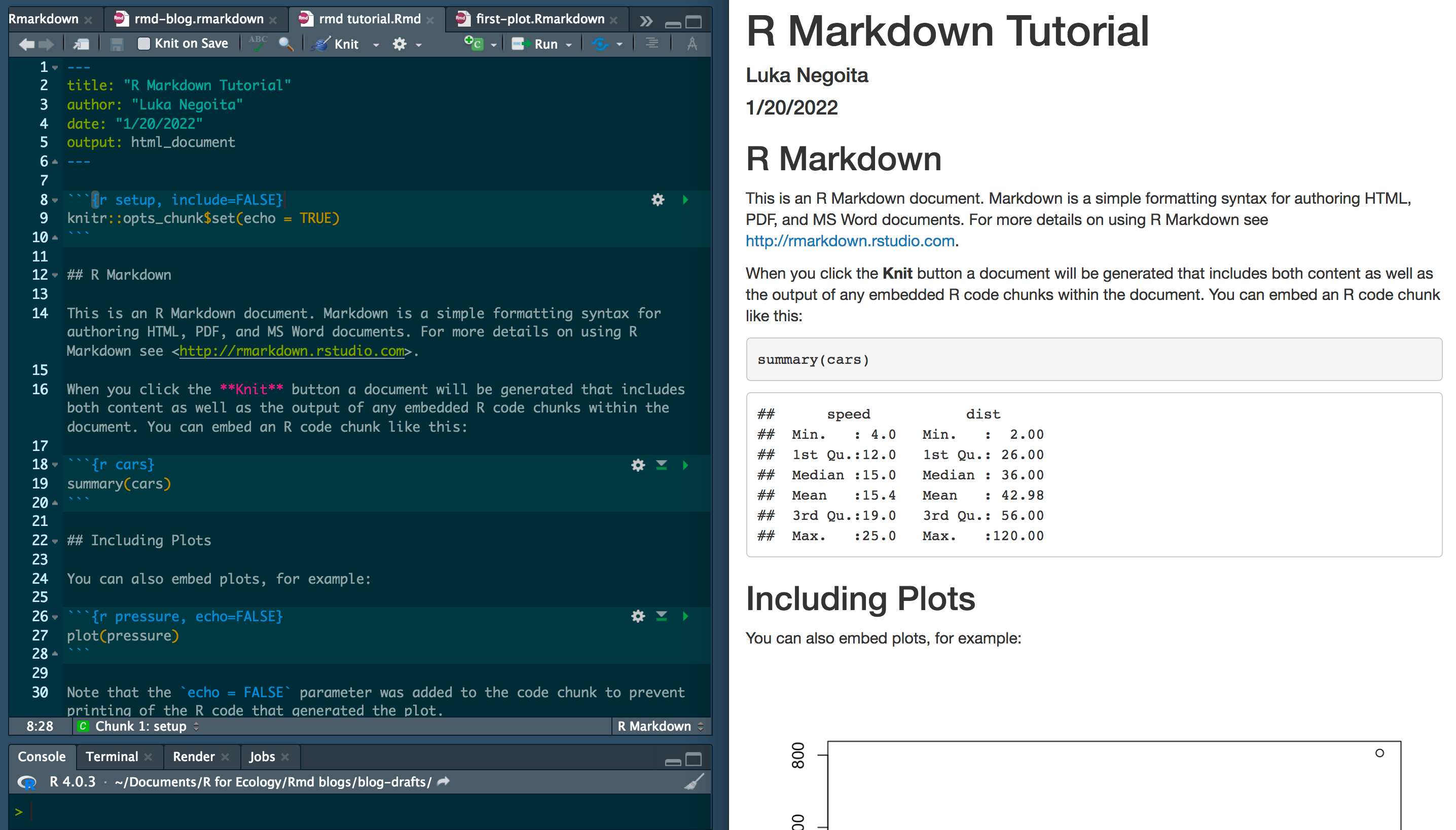
How To Use R Markdown part One R bloggers

How To Calculate The Markdown Price Of An Item What Is Mark Down
How To Use Markdown In Jupyter Notebook YouTube

How To Add Color To Text In A Jupyter Notebook What Is Mark Down
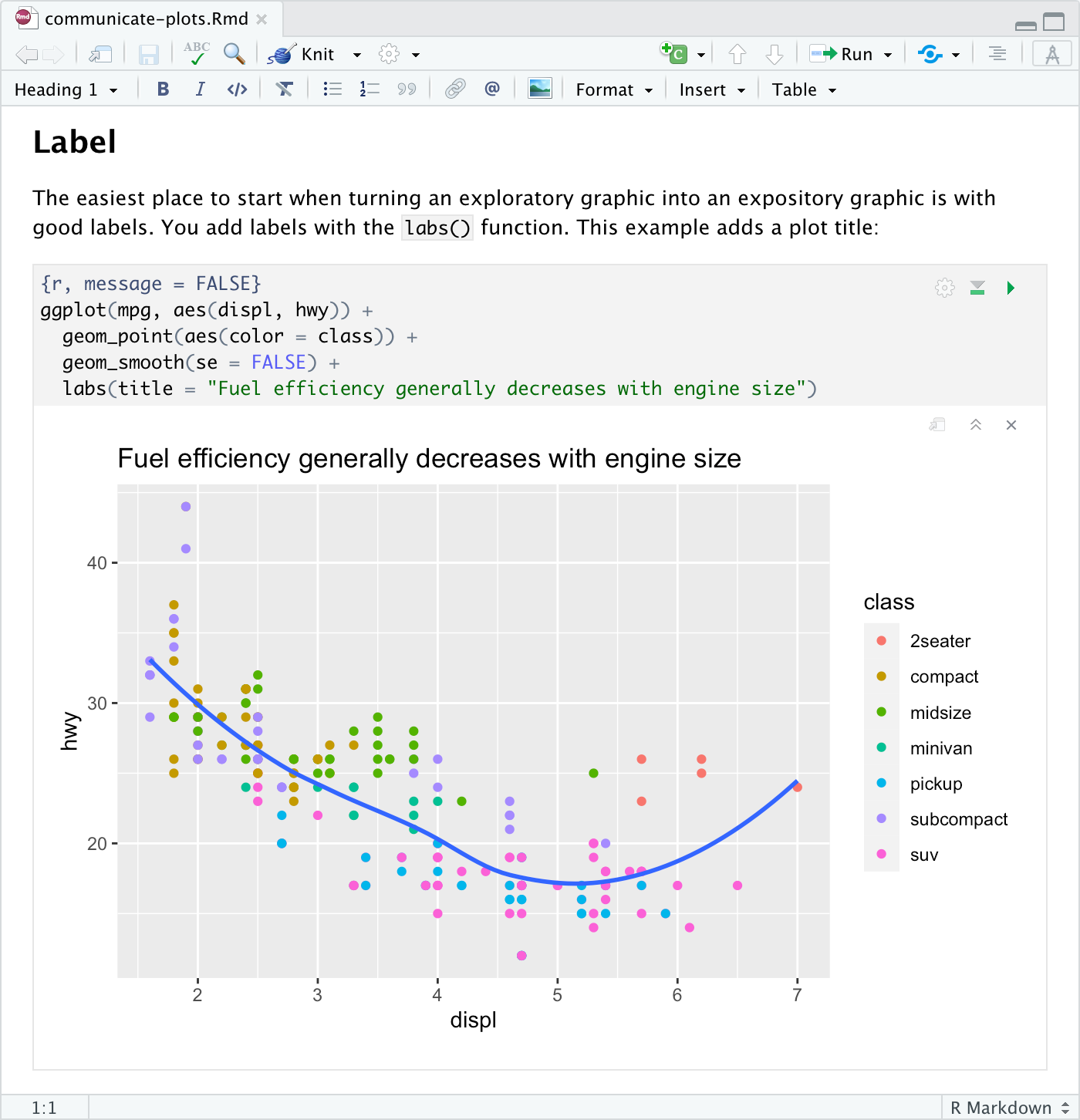
RStudio V1 4 Preview Visual Markdown Editing Posit

Web Learn how to use markdown in Databricks notebooks to create rich and interactive documents that combine code text images and charts This tutorial covers the basics of markdown syntax how to embed widgets and HTML elements and how to export and share your notebooks as HTML or PDF files

Web October 10 2023 Catalog Explorer renders comments with standard markdown format for database objects such as tables schema and catalogs If you re using Unity Catalog you can use Catalog Explorer to add and edit comments on all objects other than those in a Delta Sharing catalog

Web By Amy December 12 2021 Databricks notebook can include text documentation by changing a cell to a markdown cell using the md magic command Most of the markdown syntax works for Databricks but some do not This tutorial talks about the commonly used markdown syntax for Databricks notebook

Web 01 Introduction to markdown Python Import Notebook md Header level 1 Sample text Header level 2 Sample text Header level 3 Sample text Header level 1 Sample text Header level 2 Sample text Header level 3 Sample text md Sample
.png?w=186 "Introduction To Azure Databricks Notebook Analytics Vidhya")
Web Aug 31 2022 nbsp 0183 32 What I tried Databricks display Tried using Databrick s display with the IPython Markdown class from IPython display import Markdown display Markdown some markdown test but this results in the following error Exception Cannot call display lt class IPython core display Markdown gt IPython display
Web Dec 19 2022 nbsp 0183 32 I was trying to markdown some points and tried to highlight some important parts within documentation based on this tutorial unsuccessfully I could manage to run the following correctly neither in the Databricks notebook nor GoogleColab notebook Web While cells default to the type of the Notebook other cell types are supported as well For example Python Notebooks can contain python sql markdown and even Scala cells This lets you write notebooks that do use multiple languages This cell is in markdown and is used for documentation purposes
Web Nov 3 2023 nbsp 0183 32 Markdown cells contain markdown code that renders into text and graphics when the cell is executed and can be used to document or illustrate your code You can add or remove cells to your notebook to structure your work You can run a single cell a group of cells or run the whole notebook at once A notebook cell can contain at most 10MB