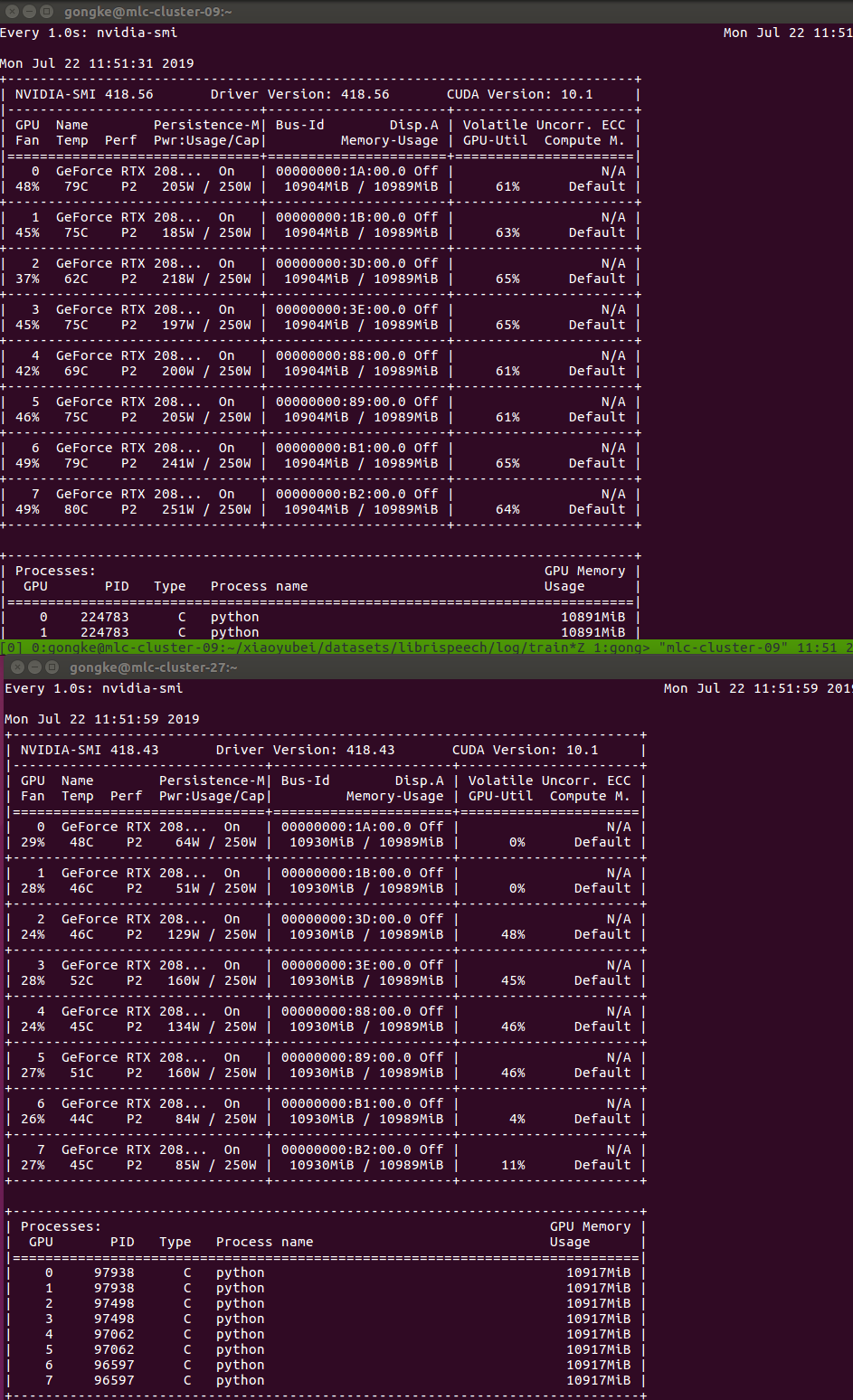
Gpu Utilization Limit Gpu Scaling Amd Radeon Settings Berlindaresume Reduce Cpu Usage Skit jp Plynov Patr Ohov ranie Fps Limit Gpu Poistn V cvik Bydliska Remnant 2 GPU Performance Isn t Great Even With An Nvidia RTX 4090 Question About Low GPU Utilization In Async Training In ASR Task Incorrect settings may limit the GPU s performance and utilization 7 Memory Allocation Insufficient memory allocation for GPU tasks can lead to low utilization Review your GPU memory allocation settings and increase it if necessary This can be done through the GPU control panel or by modifying application specific settings
To start optimizing call up the graphics card tool directly from the Windows 10 or Windows 11 Start menu In the Performance area you can now set the so called Power Limit PL and use it to Click the More details option at the bottom of the Task Manager window if you see the standard simple view In the full view of Task Manager on the Processes tab right click any column header and then enable the GPU option This adds a GPU column that lets you see the percentage of GPU resources each application is using
Question About Low GPU Utilization In Async Training In ASR Task How Much Of A 4000 Credit Limit Should I Use Leia Aqui How Much Sobbing Sicily Similarity Best Graphics Card For Adobe Illustrator To GPU Compare UPDATED November 2023 Qnnit Pontoss g Kitetts g K nyszer How To Increase Gpu Utilization Szigetel s NVIDIA GeForce RTX 3060 Ti Full Specs Leak Out Confirmed To Feature Controlling GPU Temperature Checklist Of Things To Do On GPU Settings Qu est ce Que Le GPU Graphics Processing Unit Korbens Credit Utilization What It Is What You Need To Know CreditRepair
Gpu Utilization Limit
 Gpu Utilization Limit
https://www.techpowerup.com/img/tkfYjxiXm9xX3mfs.jpg
100 GPU usage can be a good thing but only if it isn t negatively impacting your experience For professional rendering and editing applications it s expected for your CPU and GPU to reach full speed whenever you start rendering unless you explicitly limit them in software After all you want your tasks to be completed as quickly as
Pre-crafted templates use a time-saving service for producing a varied variety of files and files. These pre-designed formats and layouts can be made use of for different personal and expert projects, consisting of resumes, invitations, leaflets, newsletters, reports, discussions, and more, simplifying the material development process.
Gpu Utilization Limit
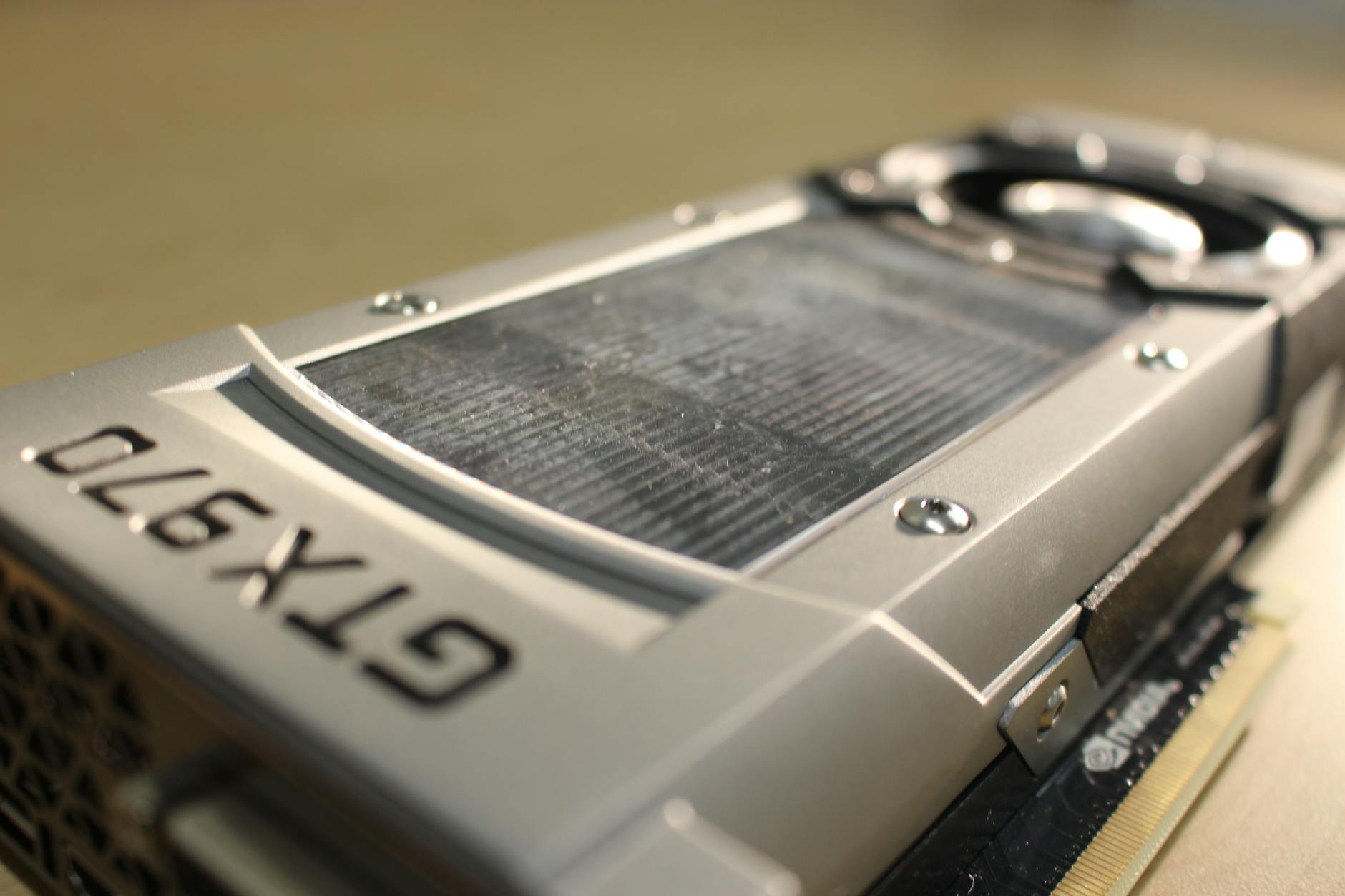
Free Stock Photo Of Gpu Graphics Card Nvidia
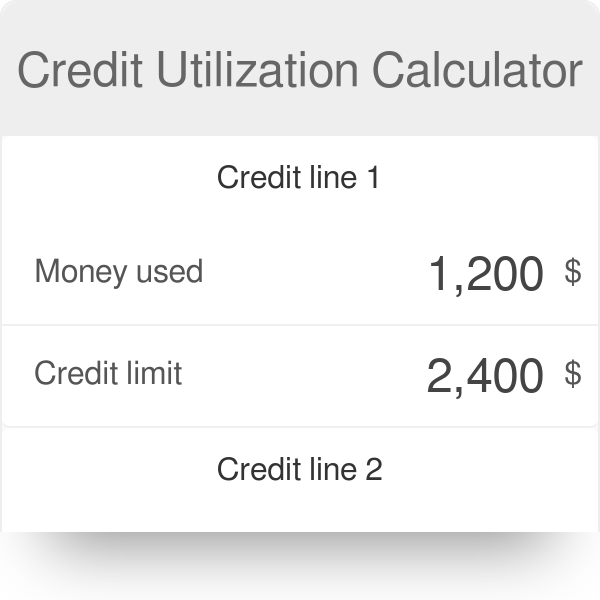
How Much Of A 4000 Credit Limit Should I Use Leia Aqui How Much
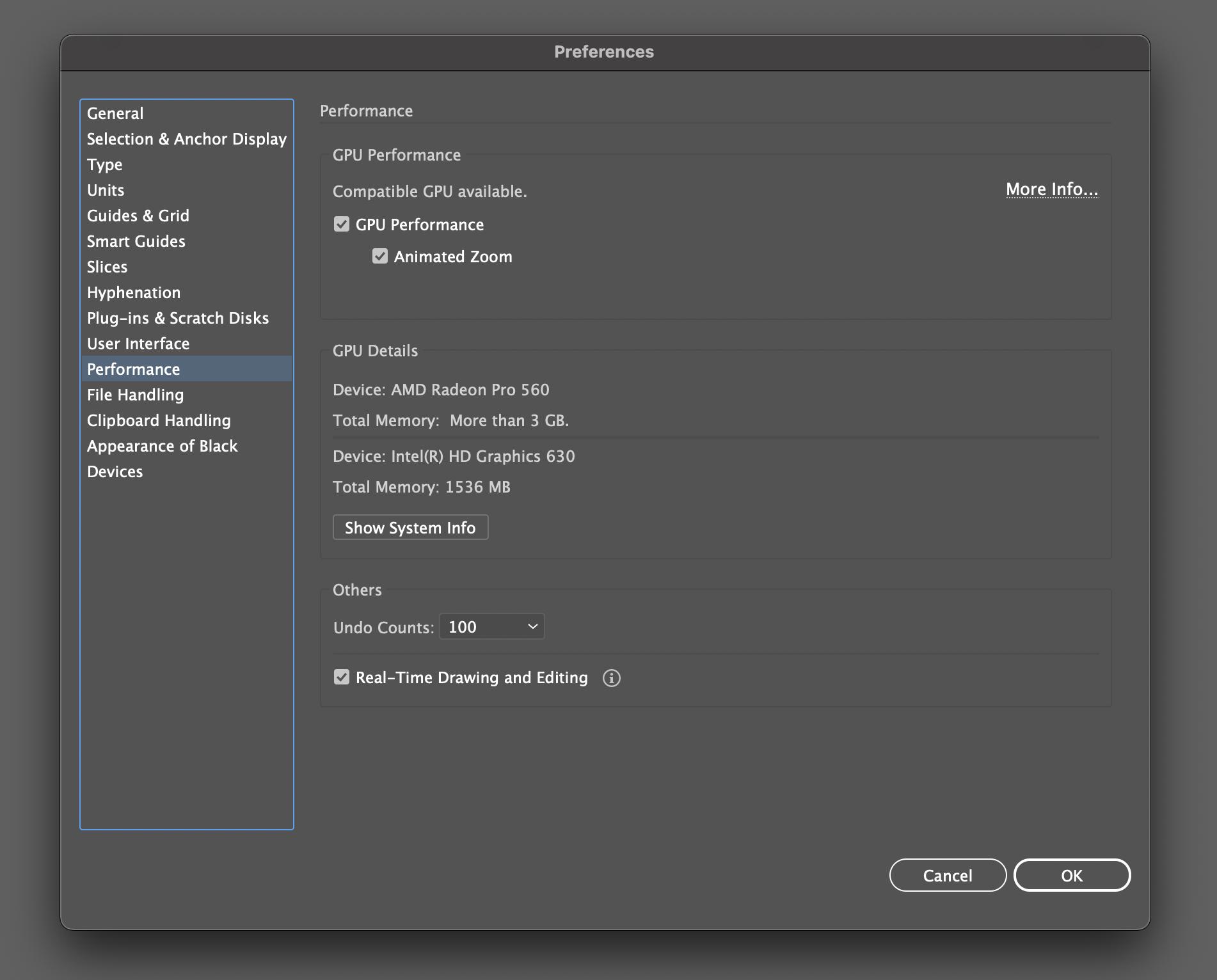
Sobbing Sicily Similarity Best Graphics Card For Adobe Illustrator To

GPU Compare UPDATED November 2023 Qnnit

NVIDIA GeForce RTX 3060 Ti Full Specs Leak Out Confirmed To Feature

Controlling GPU Temperature Checklist Of Things To Do On GPU Settings

Go to solution Solved by ICantThinkOfAnyGoodName May 14 2015 Utilization limit is at 100 when the card lowers its clock because it s not fully utilized This usually happens when you aren t playing a game or doing other stuff that utilizes your GPU Have you checked whether it stays at 1 while playing a game

With the above in mind here s a quick overview of the typical GPU utilization for different workloads Idle freshly booted into Windows OS 0 2 General Productivity Tasks Writing Simple Browsing 0 15 Video Playback 15 35
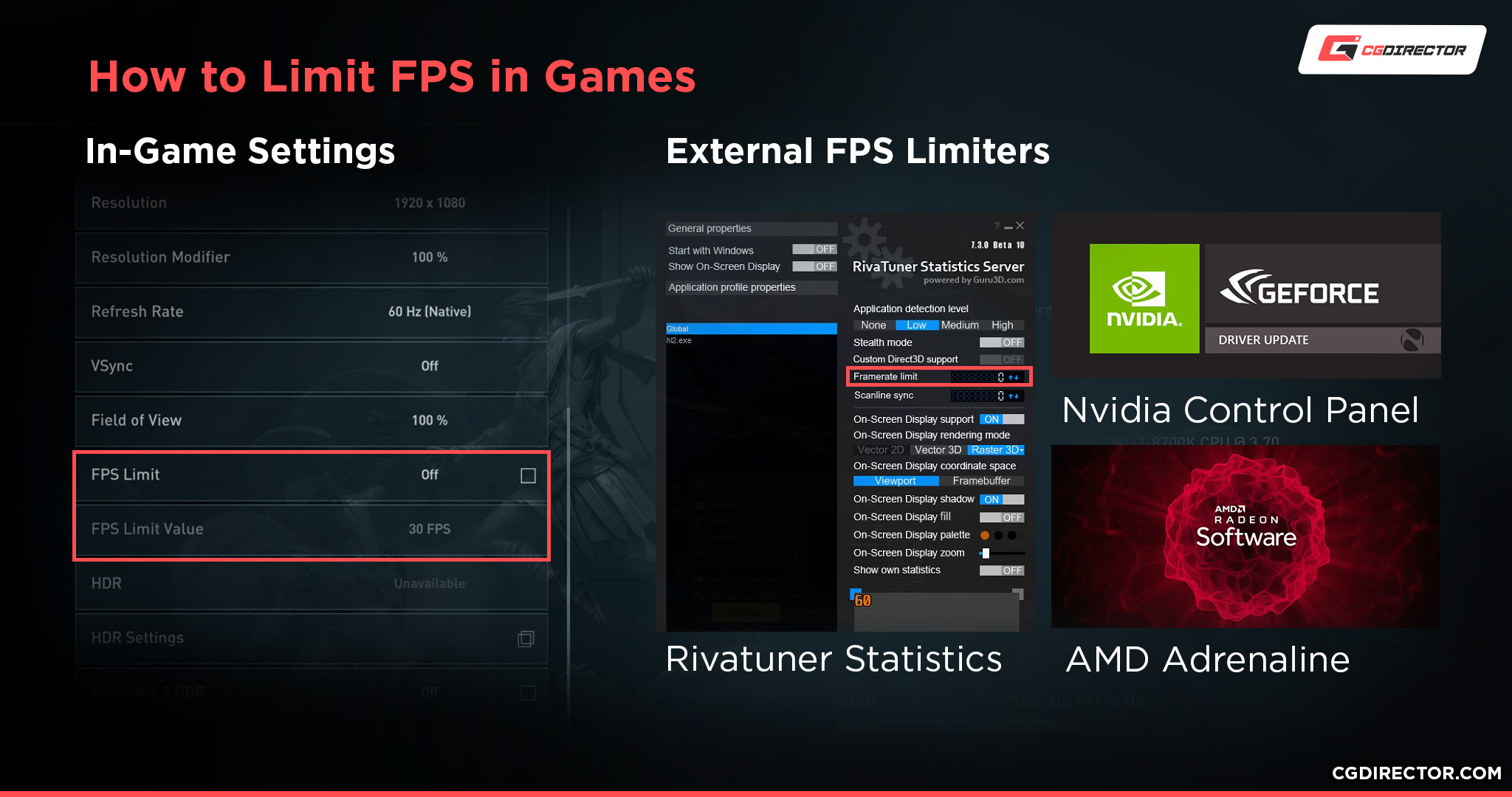
Overclocking Overclocking the GPU past its intended limits can lead to high GPU utilization While overclocking can provide performance gains it can also increase power consumption and generate more heat If the GPU operates near its maximum capacity due to overclocking it may result in stability issues or higher chances of overheating

Here are the steps to find GPU usage by process using Task Manager Open the Task Manager by pressing the Ctrl Shift Esc keys on your keyboard or by right clicking on the taskbar and selecting Task Manager from the menu Click on the Performance tab in the Task Manager Select GPU from the left hand menu to view the GPU usage of
To address the challenge of GPU utilization in Kubernetes K8s clusters NVIDIA offers multiple GPU concurrency and sharing mechanisms to suit a broad range of use cases The latest addition is the new GPU time slicing APIs now broadly available in Kubernetes with NVIDIA K8s Device Plugin 0 12 0 and the NVIDIA GPU Operator 1 11
The GPU has reached its power limit and hence reduced the clocks to remain within the limit L Llewellynf Member Jan 24 2020 5 I also have Performance Limit Utilization permanently on Yes Thanks for the question Llewellynf I understand there s not enough load Low GPU usage in games is one of the most common problems that trouble many gamers worldwide Low GPU usage directly translates to low performance or low FPS in games because GPU is not operating at its maximum capacity as it is not fully utilized To get the maximum performance out of your graphics card and in games your GPU usage should be around 99 or even 100
Common causes include CPU bottlenecks where the processor is too slow to keep up with the GPU causing the GPU to wait idle for data This is also known as a mismatch between the processing speeds of the CPU and GPU Lack of latest updates can cause compatibility issues Limits GPU from performing optimally