Gpu Performance Limit Utilization Dedicated Graphics Vs Onboard Graphic Card GPU Vs IGPU Gpu Scaling Amd Radeon Settings Berlindaresume Webinar Can You Achieve GPU Performance When Running CNNs On A CPU Er s Leszek Bolond T bblet Gpu Hierarchy 2020 Fel lvizsg lat Erk lcsi Plynov Patr Ohov ranie Fps Limit Gpu Poistn V cvik Bydliska To start optimizing call up the graphics card tool directly from the Windows 10 or Windows 11 Start menu In the Performance area you can now set the so called Power Limit PL and use it to
With the above in mind here s a quick overview of the typical GPU utilization for different workloads Idle freshly booted into Windows OS 0 2 General Productivity Tasks Writing Simple Browsing 0 15 Video Playback 15 35 Utilization Limit will only show a 1 if that is what s limiting the GPU performance well and apparently it also shows 1 at idle mine does the same Odd Since you are showing 55 percent utilization on the GPU in that screen shot you are not at the limit 99 100 percent So the monitoring software is reporting correctly
Plynov Patr Ohov ranie Fps Limit Gpu Poistn V cvik Bydliska How Much Does The GPU Memory Limit Matter In 2 9 Lighting And GPU Performance Analyser Utilities Tools Unity Asset Store Vmware Workstation Number Of Cores Per Processor Ropotqking GPU Compare UPDATED November 2023 Qnnit After Effects Multi Frame Rendering GPU Performance Analysis Puget Dedicated GPU Performance Issues Autodesk Community Illustrator Problem In Gpu Performance On Imac M1 Adobe Community GPU Systeem Conval
Gpu Performance Limit Utilization
 Gpu Performance Limit Utilization
https://tecamaze.com/wp-content/uploads/2023/05/Dedicated-GPU-vs-Onboard-GPU.webp
Here are the steps to find GPU usage by process using Task Manager Open the Task Manager by pressing the Ctrl Shift Esc keys on your keyboard or by right clicking on the taskbar and selecting Task Manager from the menu Click on the Performance tab in the Task Manager Select GPU from the left hand menu to view the GPU usage of
Templates are pre-designed documents or files that can be utilized for numerous functions. They can save time and effort by supplying a ready-made format and design for producing different sort of material. Templates can be used for personal or professional projects, such as resumes, invites, leaflets, newsletters, reports, presentations, and more.
Gpu Performance Limit Utilization
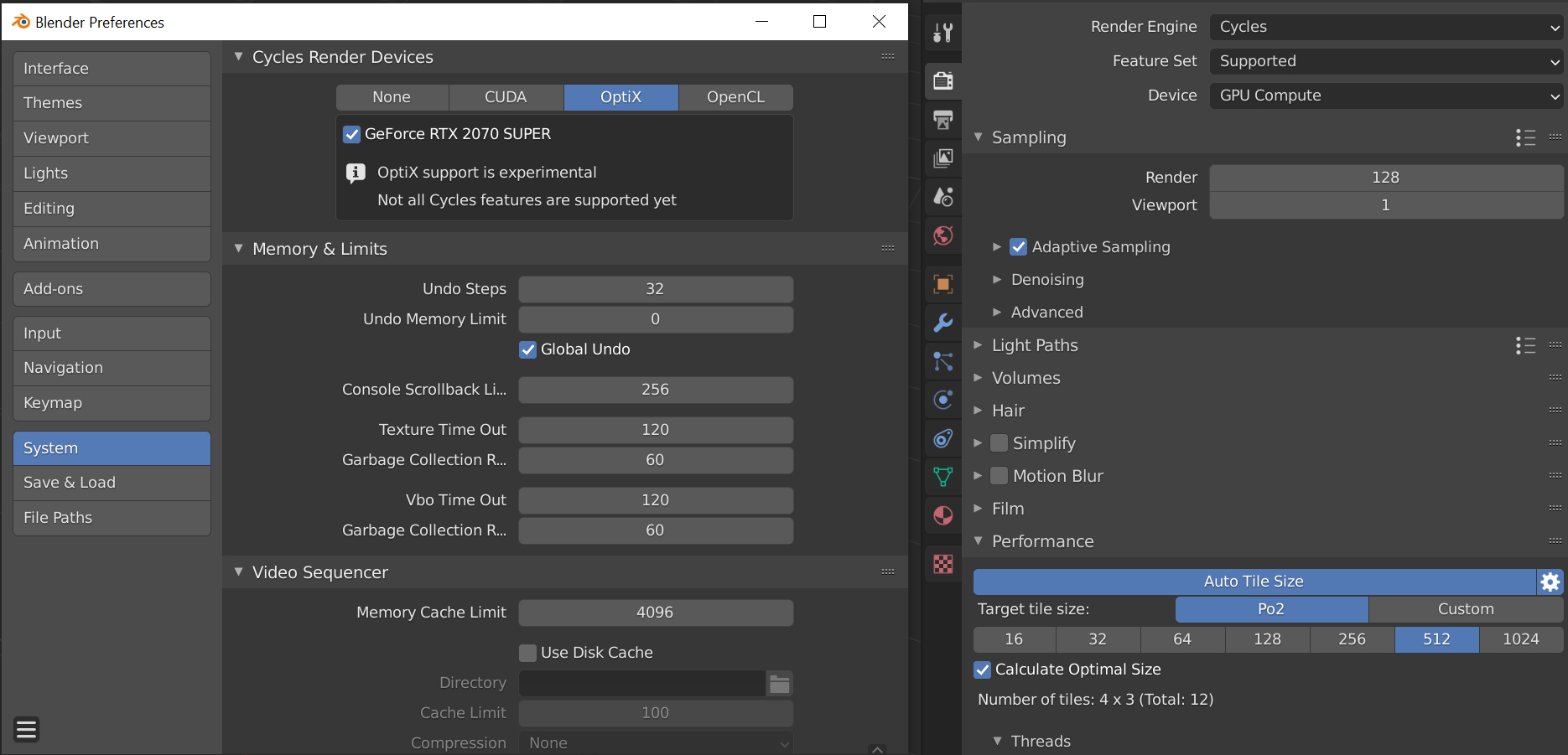
How Much Does The GPU Memory Limit Matter In 2 9 Lighting And

GPU Performance Analyser Utilities Tools Unity Asset Store
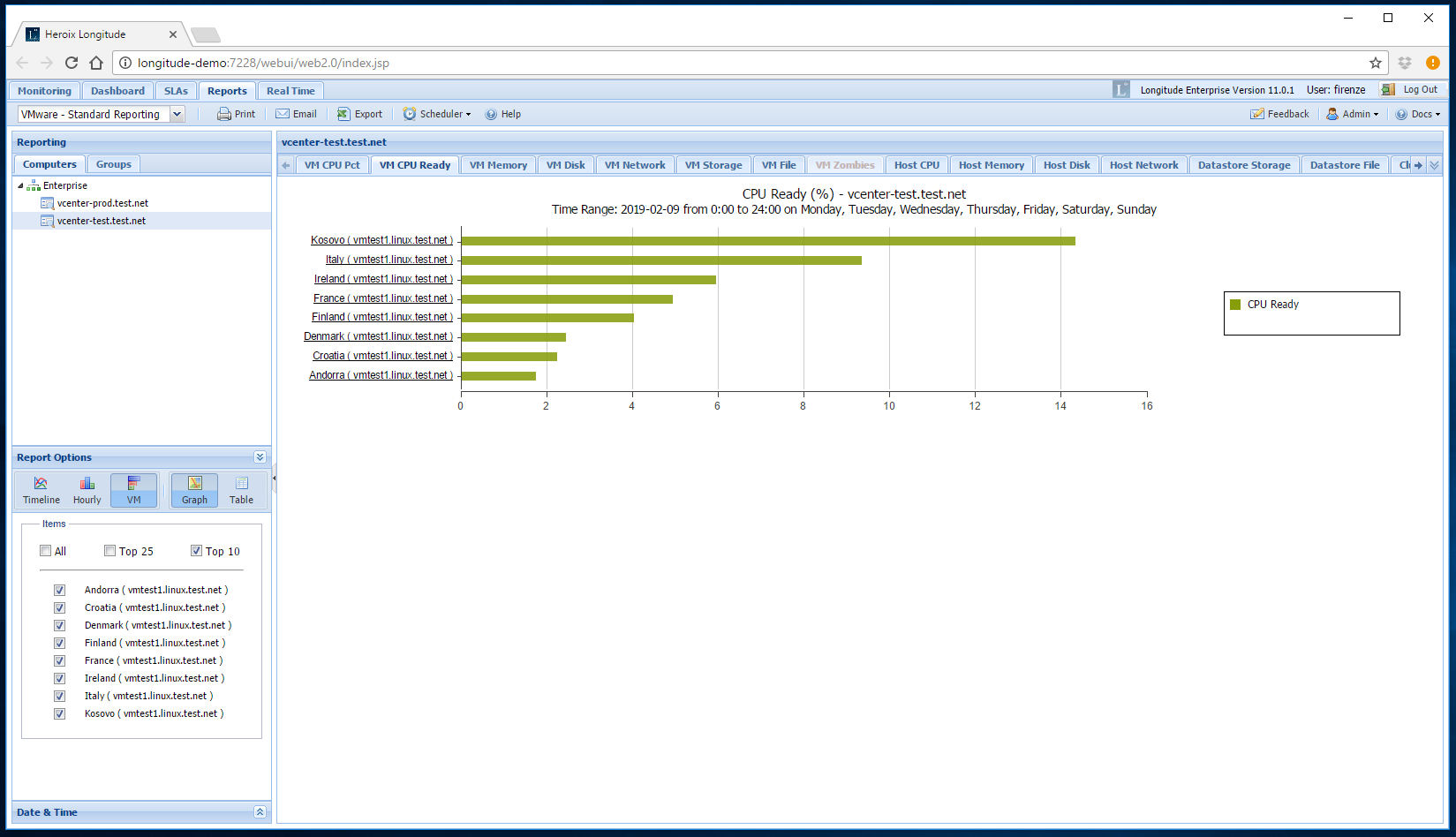
Vmware Workstation Number Of Cores Per Processor Ropotqking
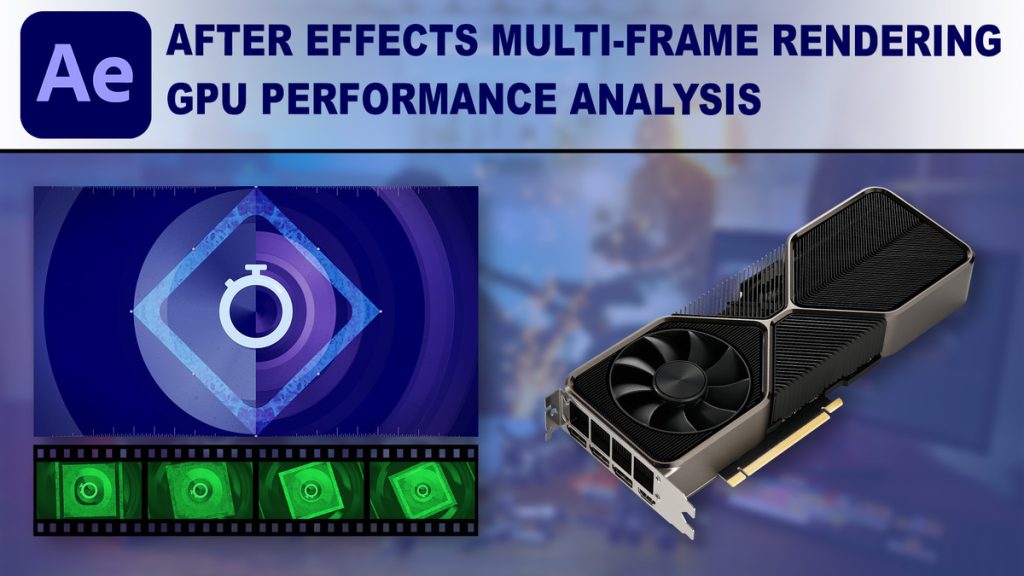
After Effects Multi Frame Rendering GPU Performance Analysis Puget

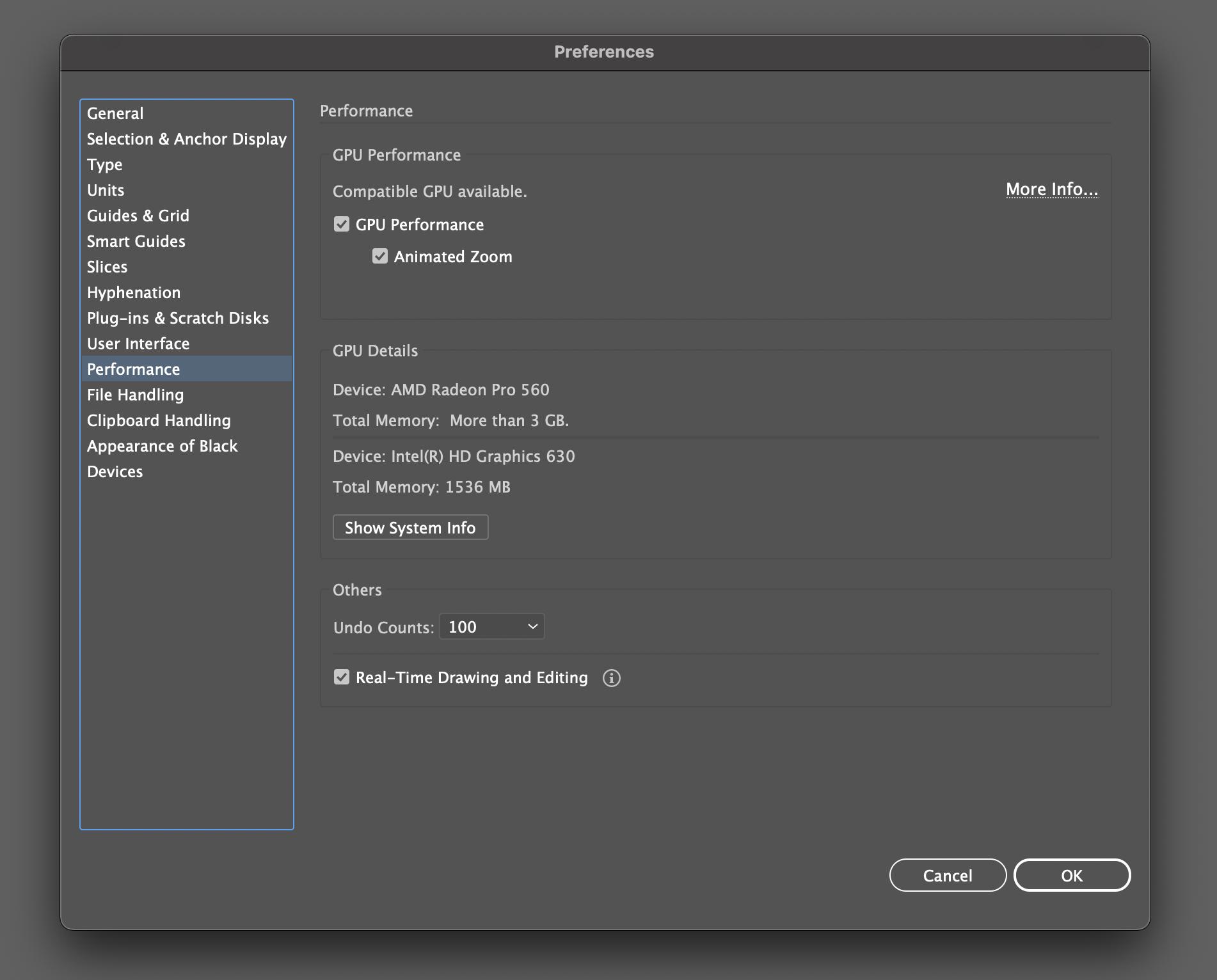
Dedicated GPU Performance Issues Autodesk Community

4 960 Nov 12 2018 Solution 4 So here your card perform normally because it s saying utilisation limit 1 because it s used logical Power limit 0 because it doesn t reach the max power usage allowed by the card so I think that using afterburner you should see voltage limit at 1 Rodolphe

In other words you re not placing a heavy load on the GPU so it does not need to boost its performance This is absolutely normal and a good indication that your GPU is trying to economize on electric power usage Source HWINFO forum Performance Limit Utilization permanently on Yes

I Noticed that in HWINFO64 on the GPU section it sometimes says YES Sometimes NO on these sections Performance Limit Power YES NO Performance Limit Reliability Voltage YES NO Performance Limit Max Operating Voltage YES NO Performance Limit Utilization YES NO What does Yes Mean on these values and is it safe

Gpu performance limit utilization gpu performance limit utilization By BerserkHealer December 3 2021 in Graphics Cards gtx2080 perf limit utilization hwinfo 64 Share The 56 couldn t possibly be a throttle temp 70 might be though depending on the video card GPU usage should be 100 unless your cpu is maxing out Low settings
Performance limit Utilization was up all the time 2 There were spikes in the Performance Limit Power graph Max GPU Power during all this monitoring was 258W during the FPS drops in the game the power usage went to under 100W GPU RTX 2080S gv n208sgaming oc 8gc 2 0 250W TDP
Figure 3 Utilization of an 8 SM GPU when 12 thread blocks with an occupancy of 1 block SM at a time are launched for execution Here the blocks execute in 2 waves the first wave utilizes 100 of the GPU while the 2nd wave utilizes only 50 Incorrect settings may limit the GPU s performance and utilization 7 Memory Allocation Insufficient memory allocation for GPU tasks can lead to low utilization Review your GPU memory allocation settings and increase it if necessary This can be done through the GPU control panel or by modifying application specific settings
In some cases these limits can restrict GPU utilization If the GPU reaches its power or thermal limit it may dynamically reduce its clock speed or performance to prevent exceeding these limits If high GPU utilization leads to performance issues or overheating it may be necessary to optimize application settings upgrade hardware