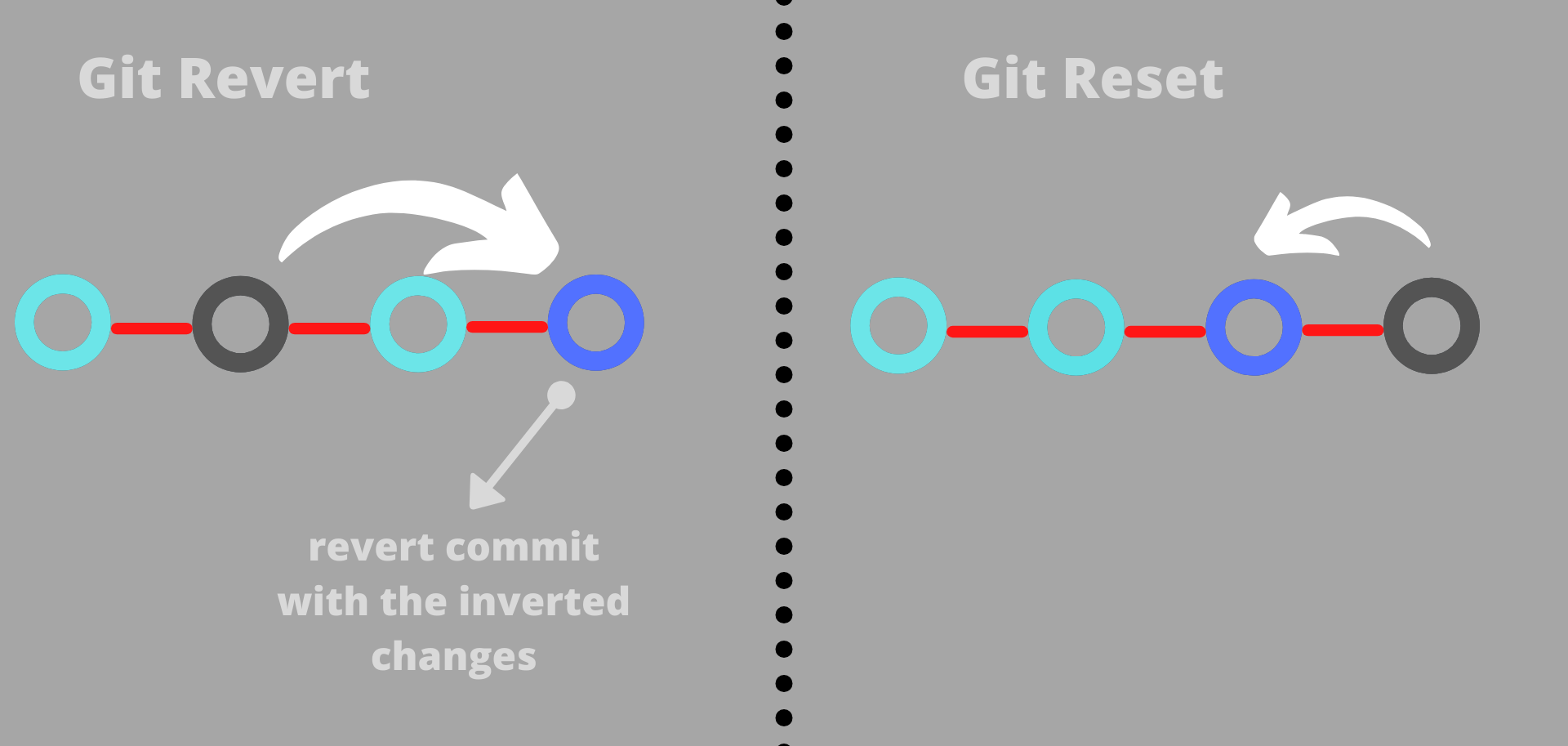
Github Desktop Reset Commit 24 Open source Free Git Clients And GitHub Desktop Apps Git How Do I undo Undo In Github Desktop Stack Overflow Install GitHub Desktop CityU TA Center Committing Changes To GitHub Desktop How To Install A GitHub Repository For A PowerShell Module Web Feb 16 2023 nbsp 0183 32 The reset command has three different options two of which we ll describe here git reset hard lt hash or ref gt Using the hard option everything is reverted back to the specific commit This includes the commit history reference pointers the staging index and your working directory
Web Oct 19 2022 nbsp 0183 32 How to Revert to a Previous Commit Using the git reset Command In this section we ll go through the process of creating a new file and making three commits You ll then see how you can revert to either the last commit or any other commit using the commit ID To get started I ve created a file called tasks txt The file has this in it 1 code Web Sep 19 2020 nbsp 0183 32 65 19K views 3 years ago The Git with GitHub Guide Series In this video we ll learn how to Revert Commits solve Merge Conflicts and delete repositories using the GitHub Desktop
How To Install A GitHub Repository For A PowerShell Module Git What Are Differences Between Revert Revert Commit And Reset Hot Unable To Commit Changes On Github Desktop Issue 8650 Desktop How To Download Install Git GitHub Desktop Git Beginner Tutorial Upgrade Your GitHub App In Your Slack Workspace The GitHub Blog Reverting A Commit GitHub Docs Windows HamsterBase Can AI Commit Libel We re About To Find Out Showbiz Khabri How To Find The Exact Time Of A GitHub Commit GitHub Or GitHub
Github Desktop Reset Commit
 Github Desktop Reset Commit
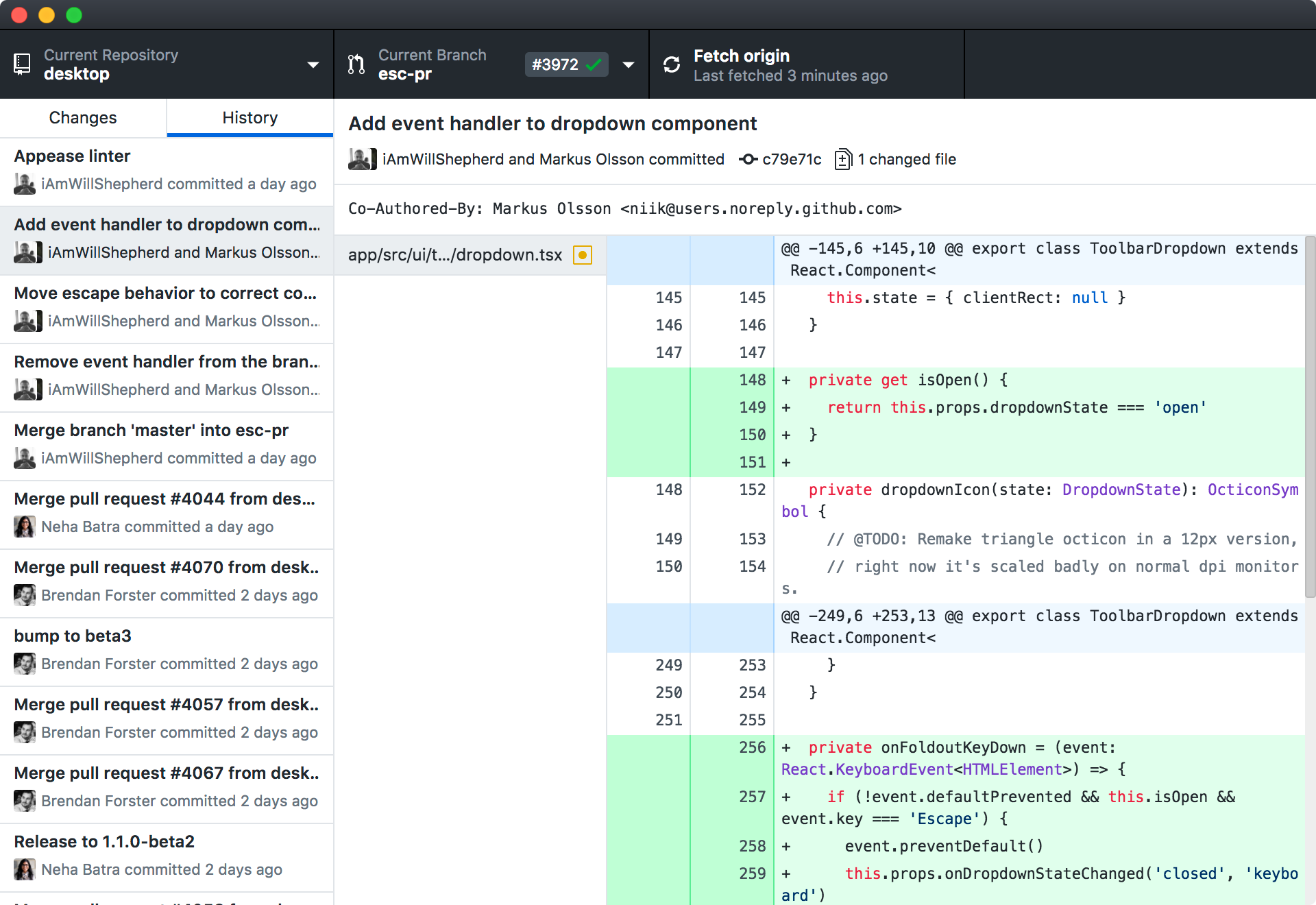
https://medevel.com/content/images/2022/11/github-desktop-screenshot-mac.png
Web Jul 14 2020 nbsp 0183 32 I much prefer GitHub Desktop to using the CLI and with basic rebasing functionality I can do 90 of what I need in Desktop The remaining 10 almost always involves resetting to a previous commit and cleaning up my changes using git reset It d be great if this relatively simple functionality could be baked into the desktop application
Templates are pre-designed documents or files that can be used for different purposes. They can conserve time and effort by supplying a ready-made format and layout for creating different sort of material. Templates can be used for personal or expert jobs, such as resumes, invites, leaflets, newsletters, reports, presentations, and more.
Github Desktop Reset Commit

Using Grav With GitHub Desktop Exploring And Building Open Source
Git What Are Differences Between Revert Revert Commit And Reset Hot

Unable To Commit Changes On Github Desktop Issue 8650 Desktop
How To Download Install Git GitHub Desktop Git Beginner Tutorial
Reverting A Commit GitHub Docs

Windows HamsterBase

Web Jan 15 2016 nbsp 0183 32 git reset f7823ab Have in mind that by default the option mixed is passed to git reset So all changes made since that commit you reset to will still be there To get the original state of the commit that you want to revert you have to pass hard For example git reset f7823ab hard

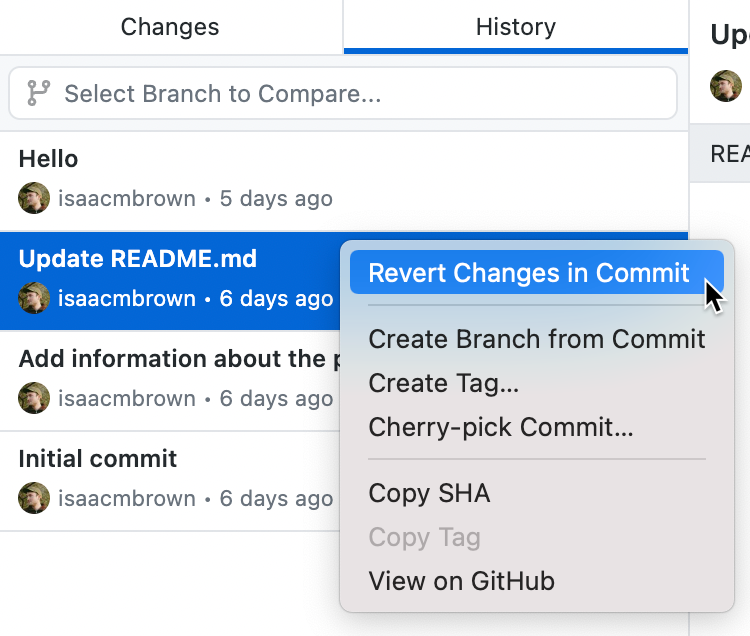
Web If you made a mistake in your changes you can undo a commit in GitHub Desktop Undoing a commit restores the changes in the commit to your working directory and resets the branch to the previous commit so you can make further changes before committing again You can undo multiple sequential commits until you reach a commit that has
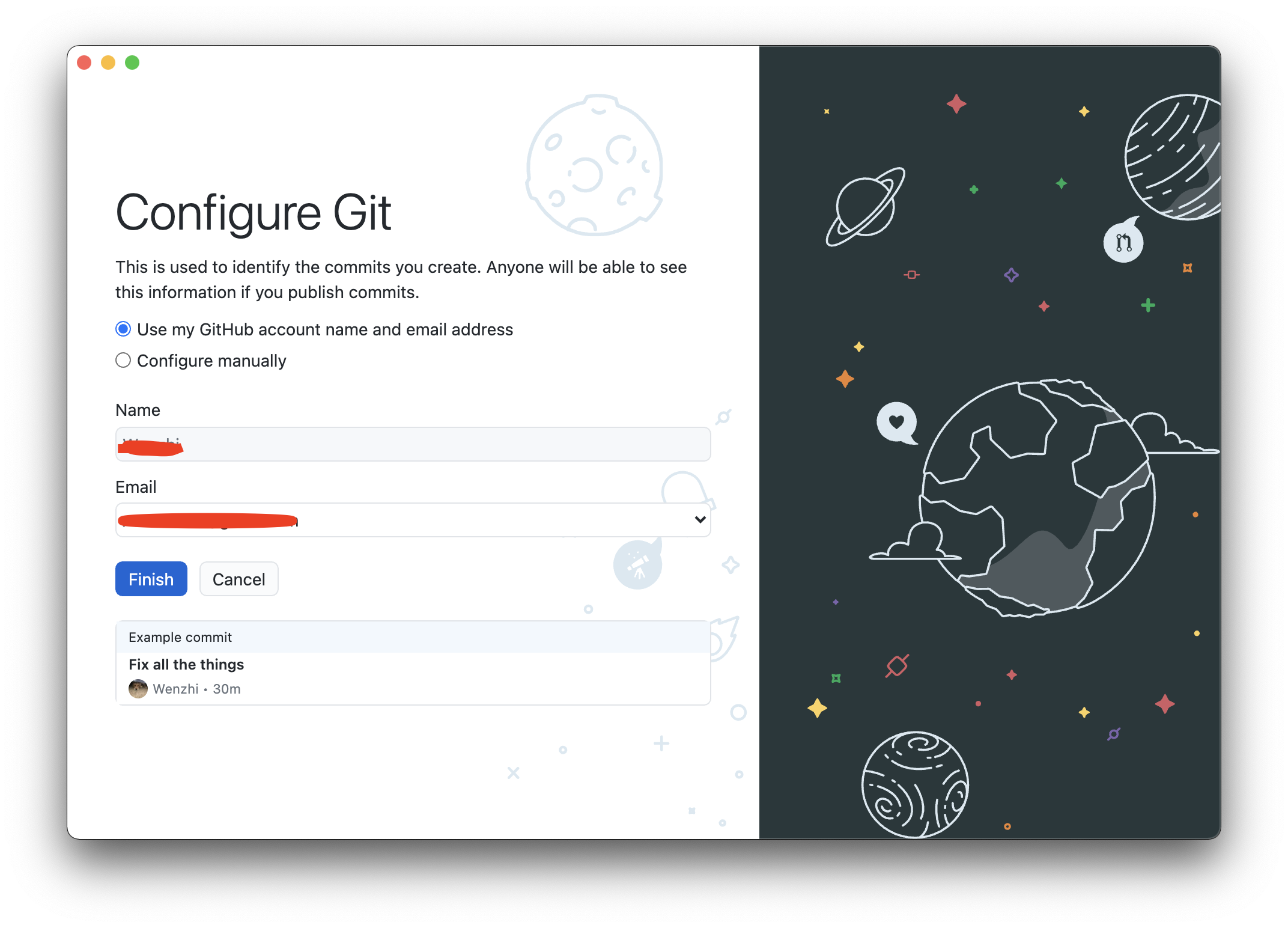
Web Mar 7 2019 nbsp 0183 32 From there you can type git reset hard to revert files modified since the last commit and then git clean fd to remove all files added since the last commit Obviously you may enter other git commands here as well
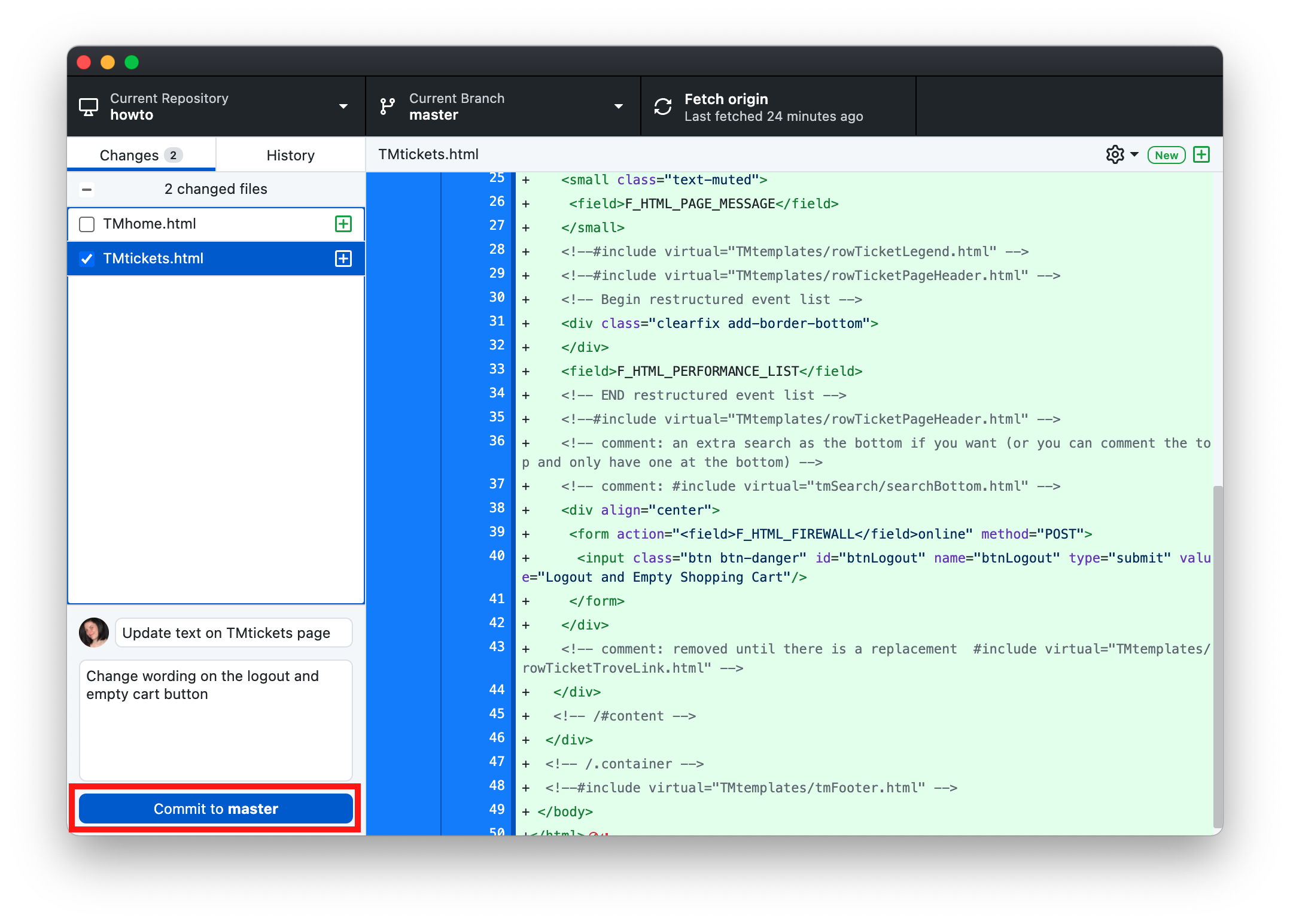
Web Options for managing commit history in GitHub Desktop Restores the changes from a commit to your working directory so you can make further changes before re committing Useful if you made a mistake in the changes you included Not possible if you have already pushed the commit to the remote repository
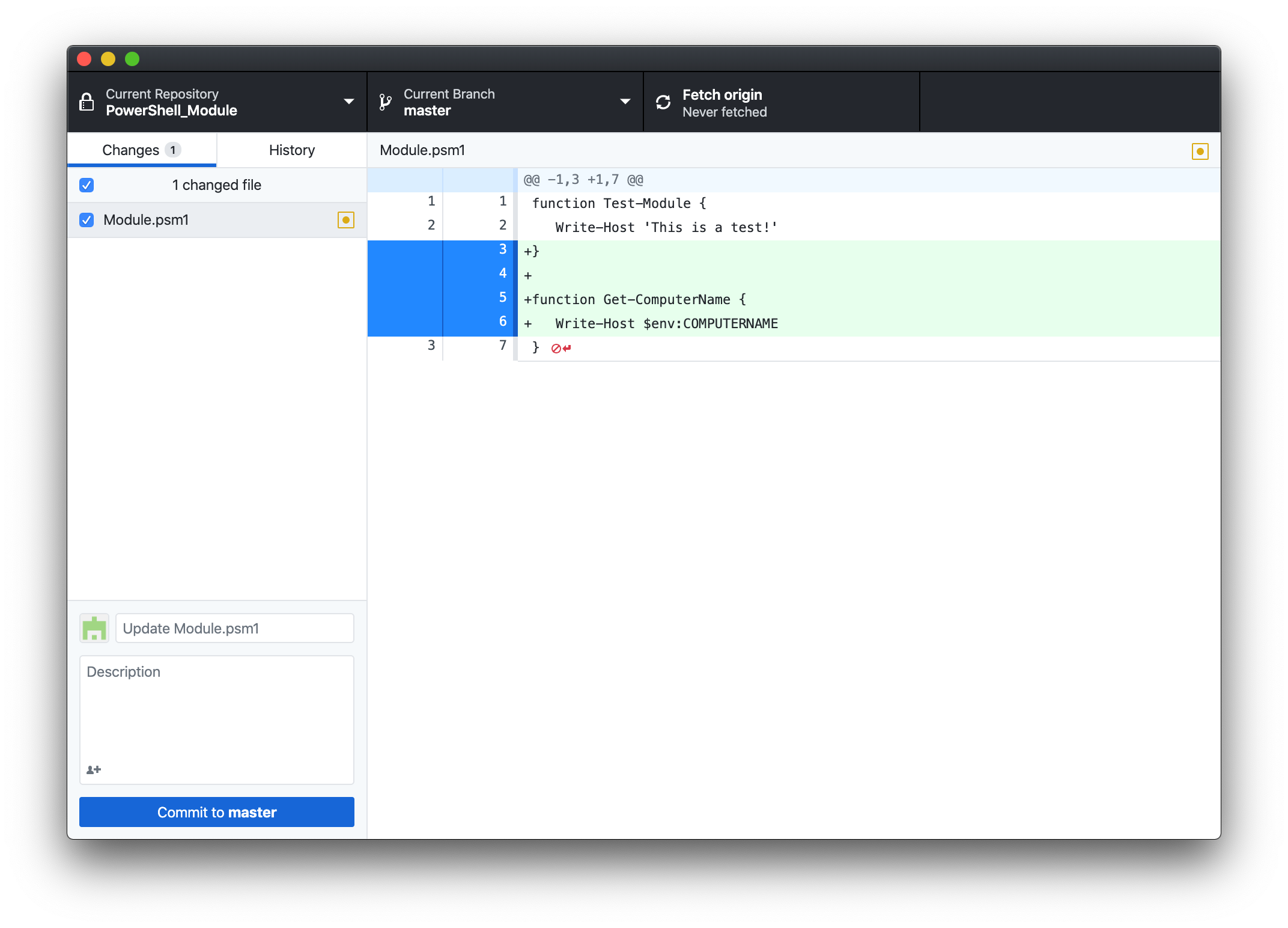
Web Jan 16 2009 nbsp 0183 32 2050 This question already has answers here Undoing a git push 17 answers Closed 4 years ago The community reviewed whether to reopen this question 6 months ago and left it closed Original close reason s were not resolved I quot accidentally quot pushed a commit to GitHub Is it possible to remove this commit
Web Option 1 git reset hard You want to destroy commit C and also throw away any uncommitted changes You do this git reset hard HEAD 1 The result is F A B master Now B is the HEAD Because you used hard your files are reset to their state at commit B Option 2 git reset Maybe commit C wasn t a disaster but just a bit off Web Further reading About amending a commit Amending a commit is a way to modify the most recent commit you have made in your current branch This can be helpful if you need to edit the commit message or if you forgot to include changes in the commit When you amend a commit you replace the previous commit with a new commit to your current
Web Oct 9 2018 nbsp 0183 32 desktop desktop Public Notifications Fork 9 1k Star 19 1k Resetting HEAD To a Previous Commit in Time 5860 Closed say25 opened this issue Oct 9 2018 183 14 comments Member say25 commented Oct 9 2018 edited The ability reset my head to a previous state would be great Please describe the problem you think should be