Github Desktop Undo Merge Commit Git How Do I undo Undo In Github Desktop Stack Overflow GitHub Enters ECommerce How To Close A Pull Request Merge Commit Vs Squash Vs Rebase On How To Undo Pushed Commits With Git Sciencx How To Install A GitHub Repository For A PowerShell Module Next find the commit hash of the merge with git log That will generate a list of commits that looks something like this git log oneline The commit hash is the seven character string in the beginning of each line In this case 52bc98d is our merge s hash Once you have that you can pass it to the git revert command to undo the merge
December 1 2023 You can undo a Git merge using the git reset merge command This command changes all files that are different between your current repository and a particular commit There is no git undo merge command but the git reset command works well to undo a merge How to Undo a Git Merge To undo a Git merge in the CLI you will start by checking out the branch where you have merged your changes into git checkout branch name From here you will need to obtain the ref of the commit you need to reset the branch back You will do this using git reflog git reflog show all
How To Install A GitHub Repository For A PowerShell Module Git Un Merge Deferred Procrastination How To Download Install Git GitHub Desktop Git Beginner Tutorial 2 Ways To Undo Merge Commits YouTube Git Commit Template GitHub Codespaces Visual Studio Code And Remote Containers Cloud Resolving A Merge Conflict On Github Docs Version Control With Git GitHub Acquires JavaScript Developer Platform Npm TechRadar Einsteigerguide Was Ist GitHub Pages
Github Desktop Undo Merge Commit
 Github Desktop Undo Merge Commit
https://i.stack.imgur.com/nd9pr.png
2029 This question already has answers here Undoing a git push 17 answers Closed 4 years ago The community reviewed whether to reopen this question 2 months ago and left it closed Original close reason s were not resolved I accidentally pushed a commit to GitHub Is it possible to remove this commit
Templates are pre-designed files or files that can be used for numerous purposes. They can save effort and time by supplying a ready-made format and layout for developing various type of content. Templates can be used for personal or expert projects, such as resumes, invitations, leaflets, newsletters, reports, discussions, and more.
Github Desktop Undo Merge Commit

Upgrade Your GitHub App In Your Slack Workspace The GitHub Blog
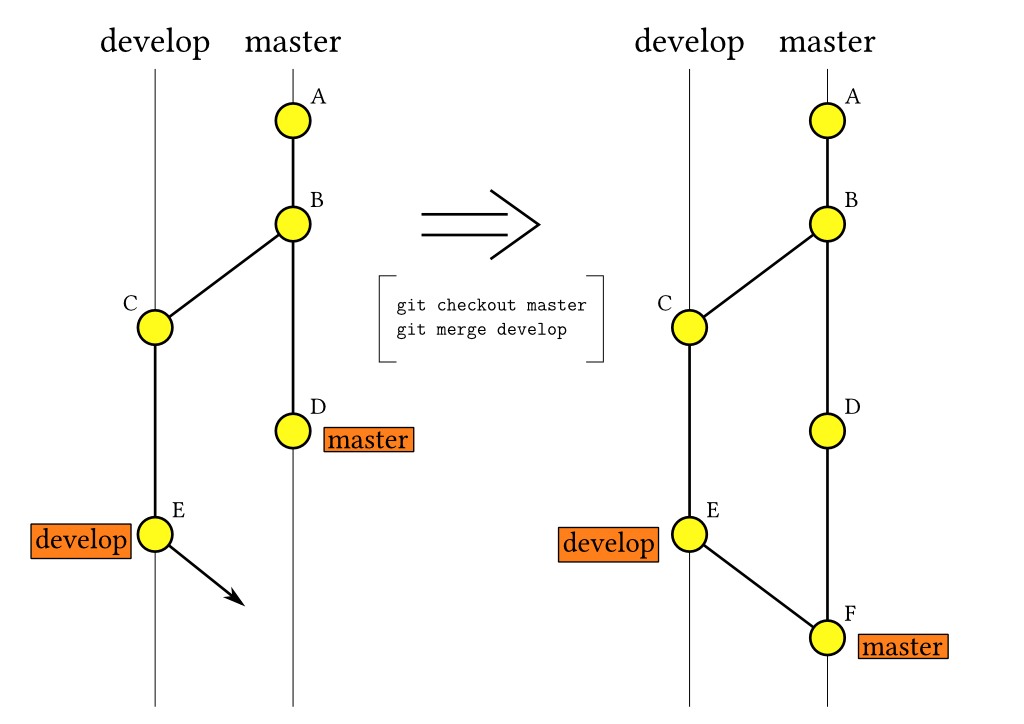
Git Un Merge Deferred Procrastination
How To Download Install Git GitHub Desktop Git Beginner Tutorial
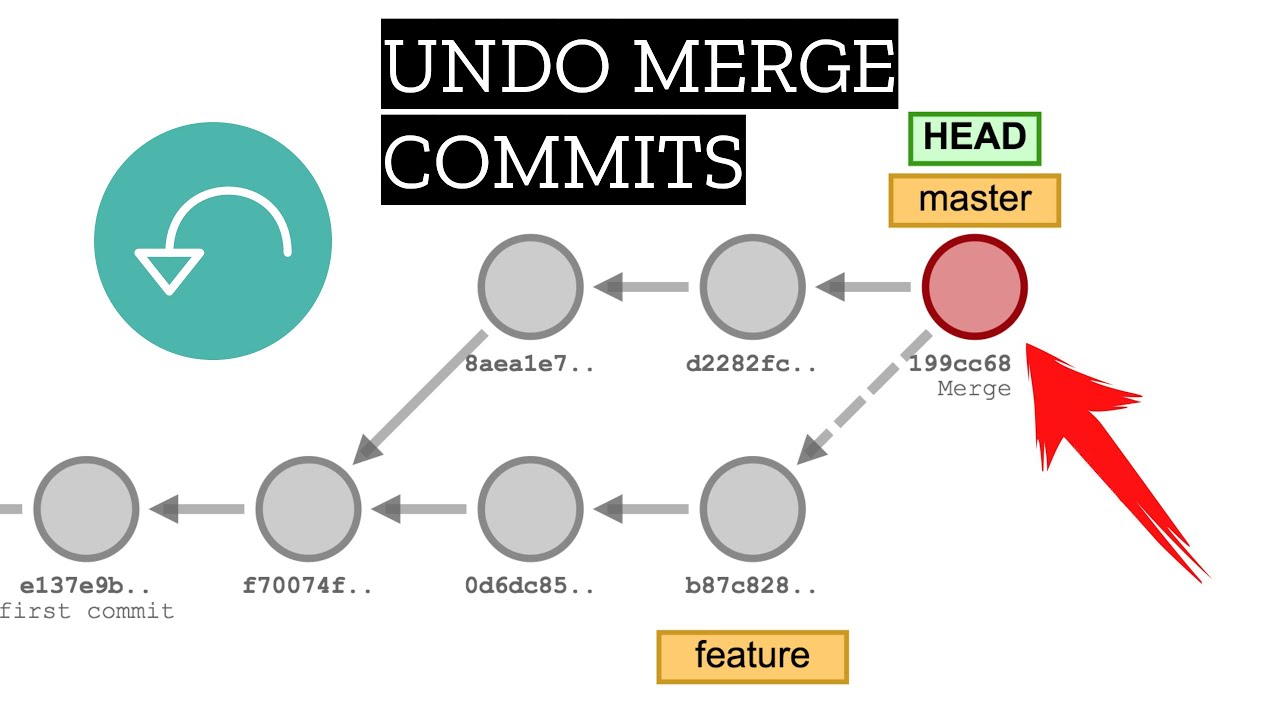
2 Ways To Undo Merge Commits YouTube

GitHub Codespaces Visual Studio Code And Remote Containers Cloud
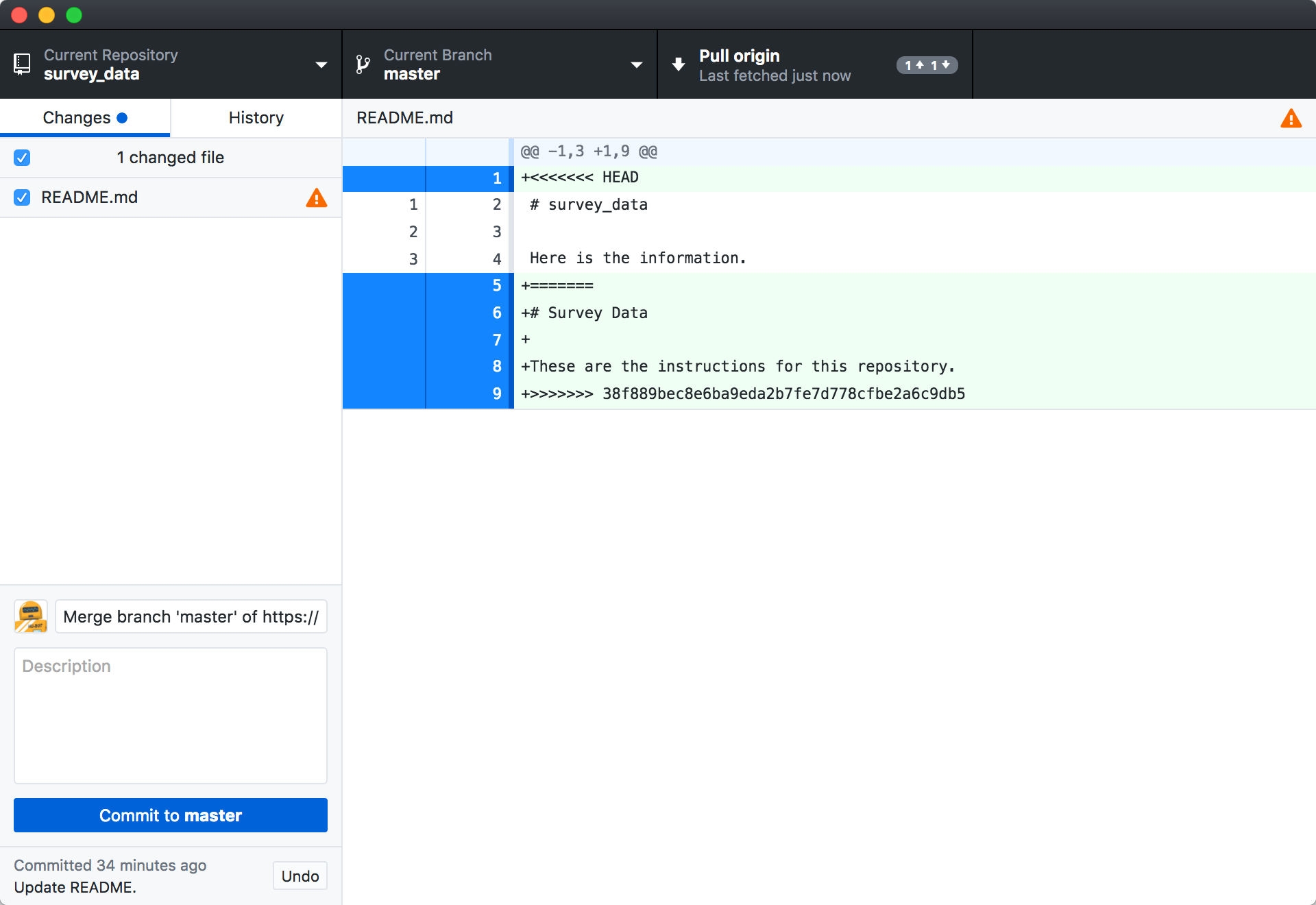
Resolving A Merge Conflict On Github Docs Version Control With Git

2 Answers Sorted by 2 If you ve already reverted the merge locally you can do git push force origin master to forcibly overwrite the master branch with your local changes However you should only do this if you re the only person using this branch or if there are very few contributors

A Better Way to Undo a Merge in Git Since the methods discussed above will revert uncommitted changes Git provides a safer flag which is merge To undo a merge with the merge flag run git reflog to see the hashes of commits then run git reset merge previous commit

In case you are using the Tower Git client undoing a merge is really simple just press CMD Z or CTRL Z on Windows afterwards and Tower will undo the merge for you In Tower you can easily revert nearly everything using this convenient keyboard shortcut How to Undo a Pushed Merge

In this video we ll learn how to Revert Commits solve Merge Conflicts and delete repositories using the GitHub Desktop easily and how it works in a better
6 Answers Sorted by 157 To revert a merge commit you need to use git revert m parent number So for example to revert the recent most merge commit using the parent with number 1 you would use git revert m 1 HEAD To revert a merge commit before the last commit you would do git revert m 1 HEAD
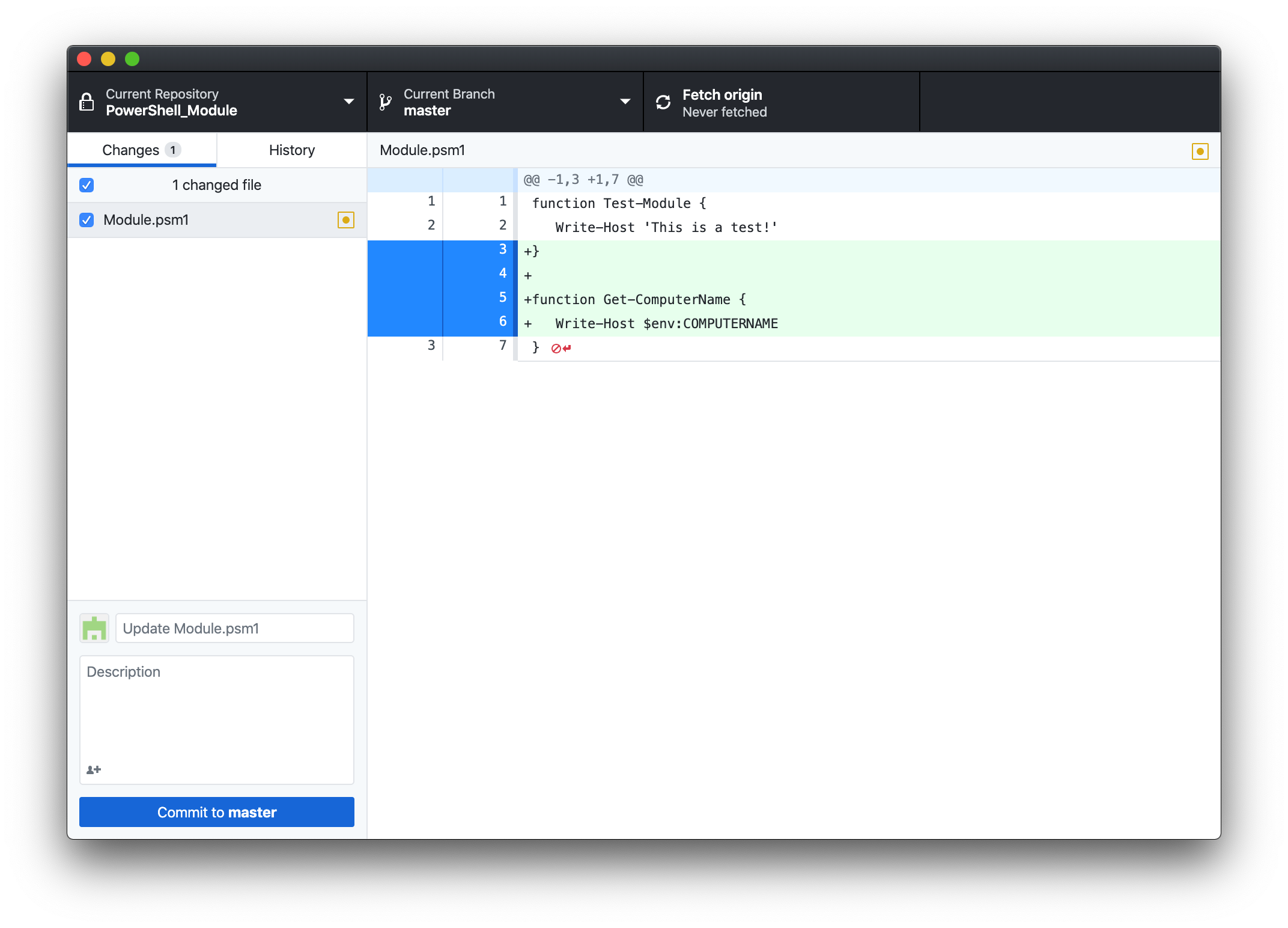
GitHub Desktop tracks all changes to all files as you edit them You can decide how to group the changes to create meaningful commits About commits Similar to saving a file that s been edited a commit records changes to one or more files in your branch Git assigns each commit a unique ID called a SHA or hash that identifies GitHub Desktop 1 1 1 Operating system Mac OS 10 12 6 Steps to Reproduce Merge master into an existing branch with commits Make some changes Commit those changes Hit undo your changes the user attempts to undo a merge commit that is you previously pulled other work into your branch
Open GitHub desktop Open git BASH Run git reset HEAD to undo a commit while keeping the changes of the commit Tab over to GitHub desktop and dismiss the All conflicts resolved dialog window Continue rebase Go over to GitHub desktop Try to reorder commits by dragging to join this conversation on GitHub