Github Desktop Revert Commit Git How Do I undo Undo In Github Desktop Stack Overflow How Do I Revert A Git Repo To A Previous Commit O Reilly Git What Are Differences Between Revert Revert Commit And Reset Hot Git Revert Git Revert Commit Revert Last Commit StormIT pl Dark And Dimmed Themes Are Now Generally Available The GitHub Blog Web Jan 19 2021 nbsp 0183 32 1 GitHub Desktop Git History 2 Revert this commit 3 commit push GitHub 4 GitHub
Web Jun 8 2015 nbsp 0183 32 What s happening git revert will create a new commit that s the opposite or inverse of the given SHA If the old commit is matter the new commit is anti matter anything removed in the old commit will be added in the new commit and anything added in the old commit will be removed in the new commit Web Mar 6 2024 nbsp 0183 32 GitHub Desktop reverted the commit but without any interface asking me to manually sign off and the reverted commits failed the DCO test The repo I was working in forbade the recommended git push force action
Dark And Dimmed Themes Are Now Generally Available The GitHub Blog Git Revert File Reverting A File To A Previous Commit Install GitHub Desktop CityU TA Center Committing Changes To GitHub Desktop Git Revert Commit Solutions To Git Problems How To Undo Pushed Commits With Git DEV Community Reverting Changes From Remote Branch Mastering Visual Studio 2017 Book Reverting A Commit GitHub Docs Revert Git Repository To Prior Commit Using Github GUI Stack Overflow
Github Desktop Revert Commit
 Github Desktop Revert Commit
https://i.stack.imgur.com/nd9pr.png
Web Jan 16 2009 nbsp 0183 32 2050 This question already has answers here Undoing a git push 17 answers Closed 4 years ago The community reviewed whether to reopen this question 6 months ago and left it closed Original close reason s were not resolved I quot accidentally quot pushed a commit to GitHub Is it possible to remove this commit
Templates are pre-designed files or files that can be utilized for different purposes. They can conserve effort and time by offering a ready-made format and layout for developing various sort of content. Templates can be used for personal or expert tasks, such as resumes, invitations, flyers, newsletters, reports, presentations, and more.
Github Desktop Revert Commit
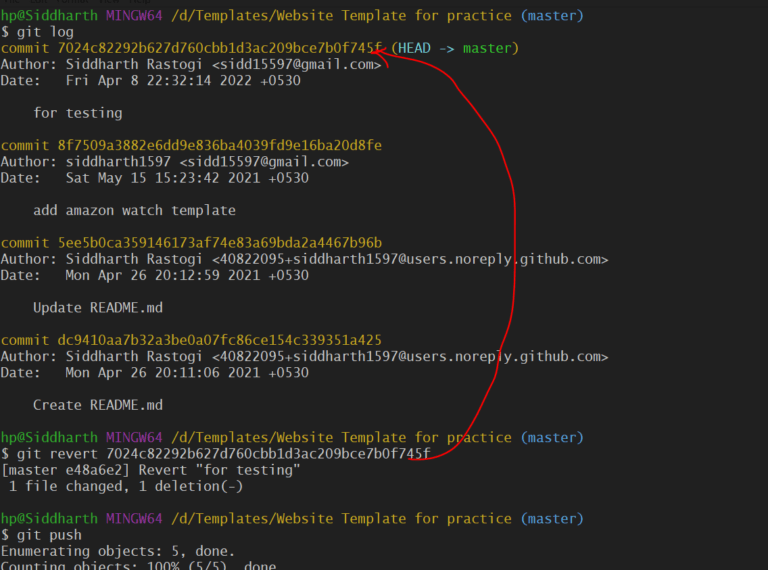
How To Revert Or Undo Last Commit In Git SidTechTalks

Git Revert File Reverting A File To A Previous Commit
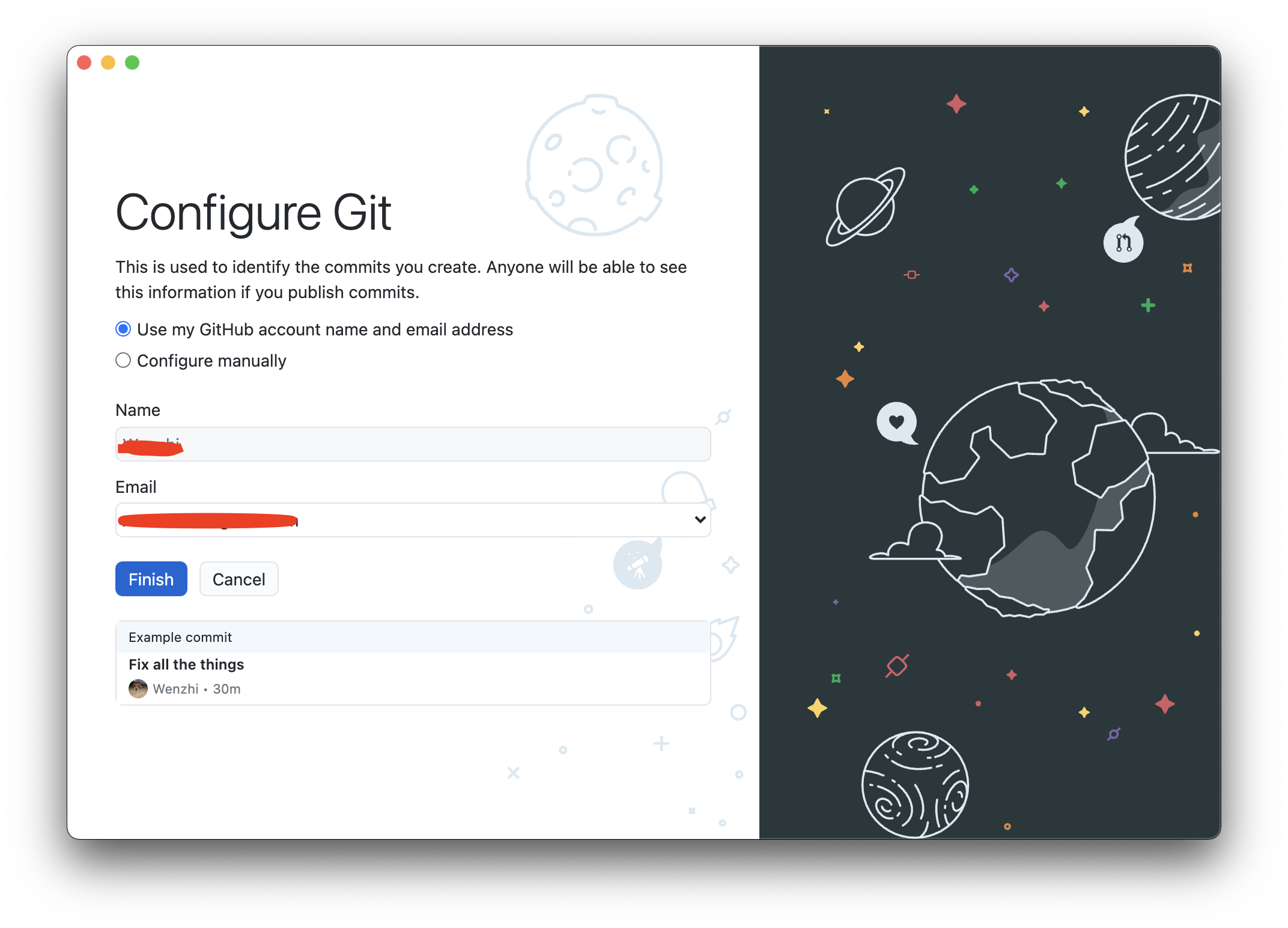
Install GitHub Desktop CityU TA Center
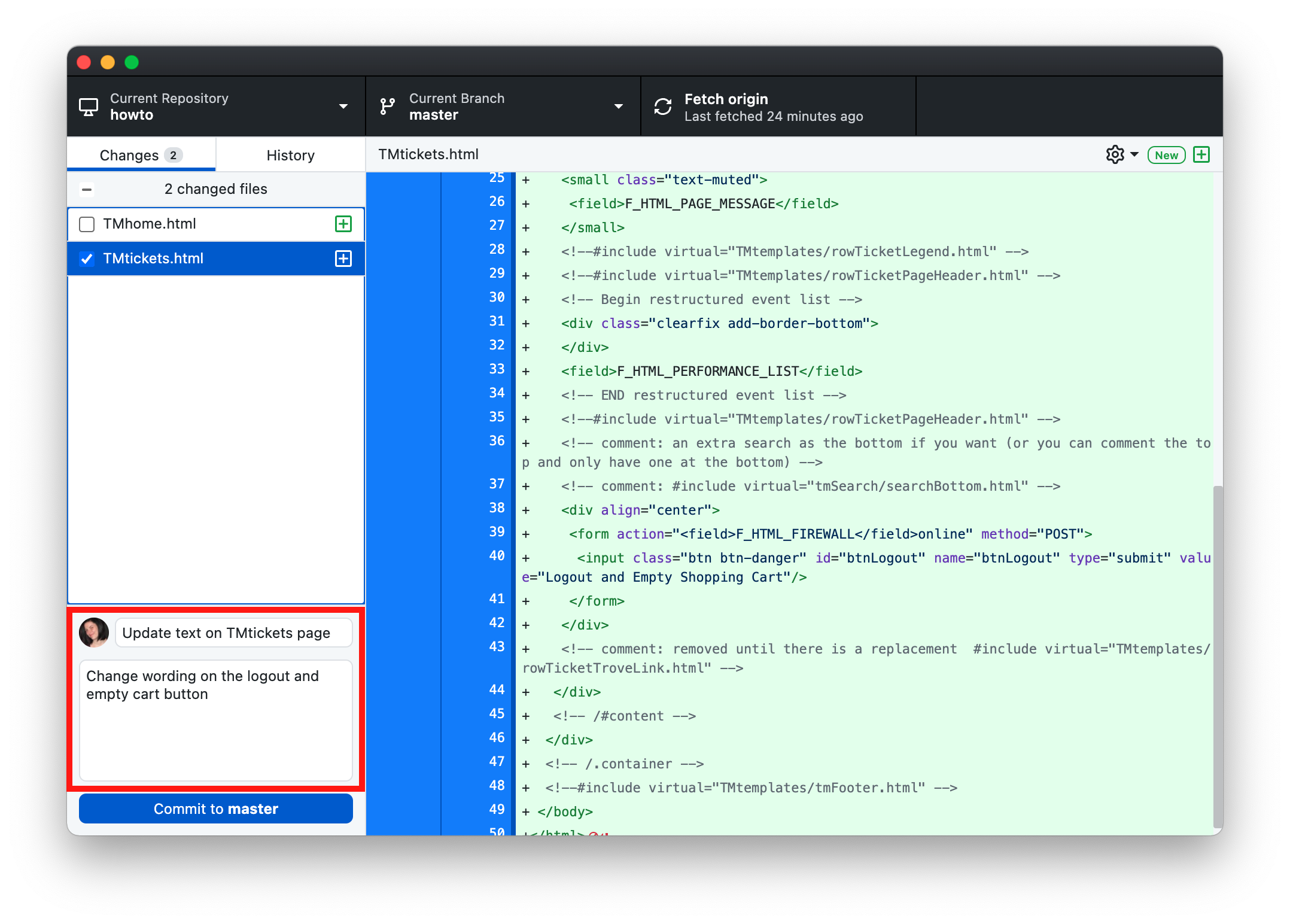
Committing Changes To GitHub Desktop
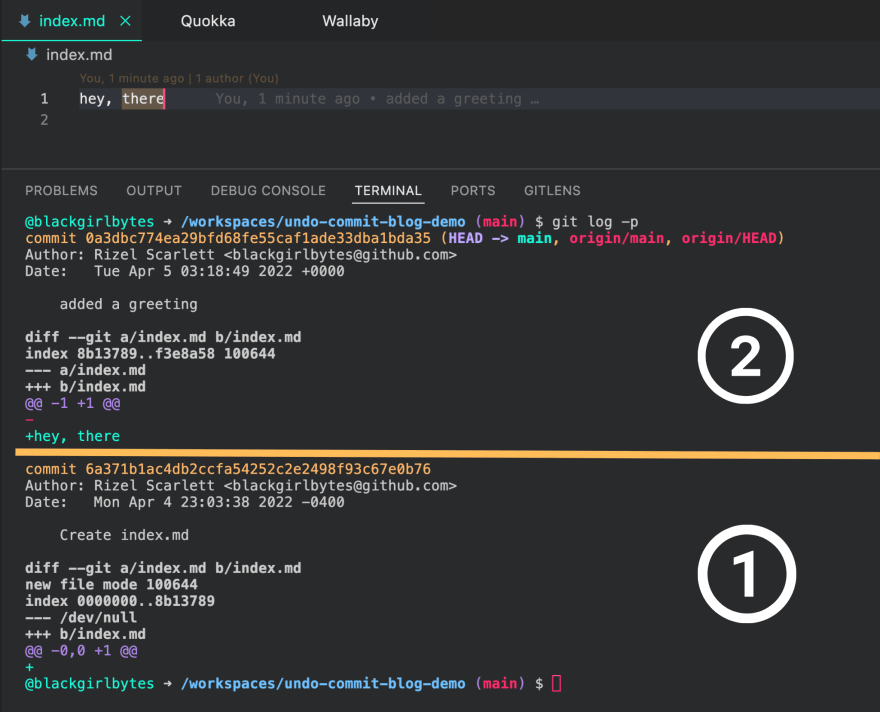
How To Undo Pushed Commits With Git DEV Community

Reverting Changes From Remote Branch Mastering Visual Studio 2017 Book

Web Jan 15 2016 nbsp 0183 32 EDIT Github Desktop lacks the requested command below are instructions for a somewhat different action that you may find useful 1 Click History 2 In the commit history list click the commit you d like to revert 3 Right click the commit and click Revert This Commit Documentation from GitHub

Web Revert a commit Creates a new commit that reverses the changes of another commit in your history Useful if a commit has already been pushed to the remote repository and you don t want to remove the commit from the repository s history quot Reverting a commit in GitHub Desktop quot Cherry pick a commit

Web Apr 23 2018 nbsp 0183 32 4 Answers Sorted by 70 No that feature isn t directly available on the GitHub web interface as opposed to the quot Revert quot button recently added for GitHub for Mac Windows Actually it is for pull requests only since June 24th 2014 Introducing the Revert Button you can easily revert a pull request on GitHub by clicking Revert

Web Mar 7 2019 nbsp 0183 32 From there you can type git reset hard to revert files modified since the last commit and then git clean fd to remove all files added since the last commit Obviously you may enter other git commands here as well

Web Sep 19 2020 nbsp 0183 32 65 19K views 3 years ago The Git with GitHub Guide Series In this video we ll learn how to Revert Commits solve Merge Conflicts and delete repositories using the GitHub Desktop
Web To undo a pushed commit without disrupting commit history for other contributors you can revert the commit For more information see quot Reverting a commit in GitHub Desktop quot If you want to edit your most recent commit message or combine new changes with your most recent commit you can amend a commit Web Feb 6 2024 nbsp 0183 32 Reverting a Commit With git revert We can revert a commit in Git by using the git revert command It s important to remember that this command isn t a traditional undo operation Instead it inverts changes introduced by the commit and generates a new commit with the inverse content
Web Dec 1 2021 nbsp 0183 32 All developers need to do is issue the git revert command and provide the ID of the commit to undo git commit c revert example git revert 4945db2 A git revert commit example To really understand how to undo Git commits look at this git revert example We will start with a git init command to create a completely clean repository