Git Username In Command Line Github Git Prompts For Username And Password For Git Push Origin Github New Repository From WampServer WWW Folder Not Publishing How To Get Git Config Username And Email GitHub Command Line Git YouTube Set Up With Git And GitHub Codecademy The first thing you should do when you install Git is to set your user name and email address This is important because every Git commit uses this information and it s immutably baked into the commits you start creating git config global user name John Doe git config global user email johndoe example
If you d like to keep your real name private you can use any text as your Git username p n p dir auto Changing the name associated with your Git commits using code git config code will only affect future commits and will not change the name used for past commits p n h2 tabindex 1 dir auto a id user content setting your If you want to work with Git locally but do not want to use the command line you can download and install the GitHub Desktop client For more information see About GitHub Desktop If you do not need to work with files locally GitHub lets you complete many Git related actions directly in the browser including Quickstart for repositories
Set Up With Git And GitHub Codecademy How To Use Notepad To Run Java Daxaholic How To Build Flutter App To Run On Desktop By Anton Kuznetsov Medium Solved How To Change My Git Username In Terminal 9to5Answer Sprette Anger Canada Heldig Forsone Under Set Git User Name And Email Microsoft Apps Change Username That Pushes To Your Github Repo RStudio IDE Posit How To Change My Git Username In Terminal Programming Cube MicroPython VSCode IntelliSense Autocompletion Linting Capabilities
Git Username In Command Line
 Git Username In Command Line
https://i.stack.imgur.com/FZnqR.png
14 Answers Sorted by 112 Make sure you are using the SSH URL for the GitHub repository rather than the HTTPS URL It will ask for username and password when you are using HTTPS and not SSH
Pre-crafted templates provide a time-saving option for producing a varied range of documents and files. These pre-designed formats and layouts can be utilized for different individual and expert jobs, including resumes, invitations, leaflets, newsletters, reports, presentations, and more, improving the content creation procedure.
Git Username In Command Line

Documentation 0 0 1 Documentation

How To Use Notepad To Run Java Daxaholic
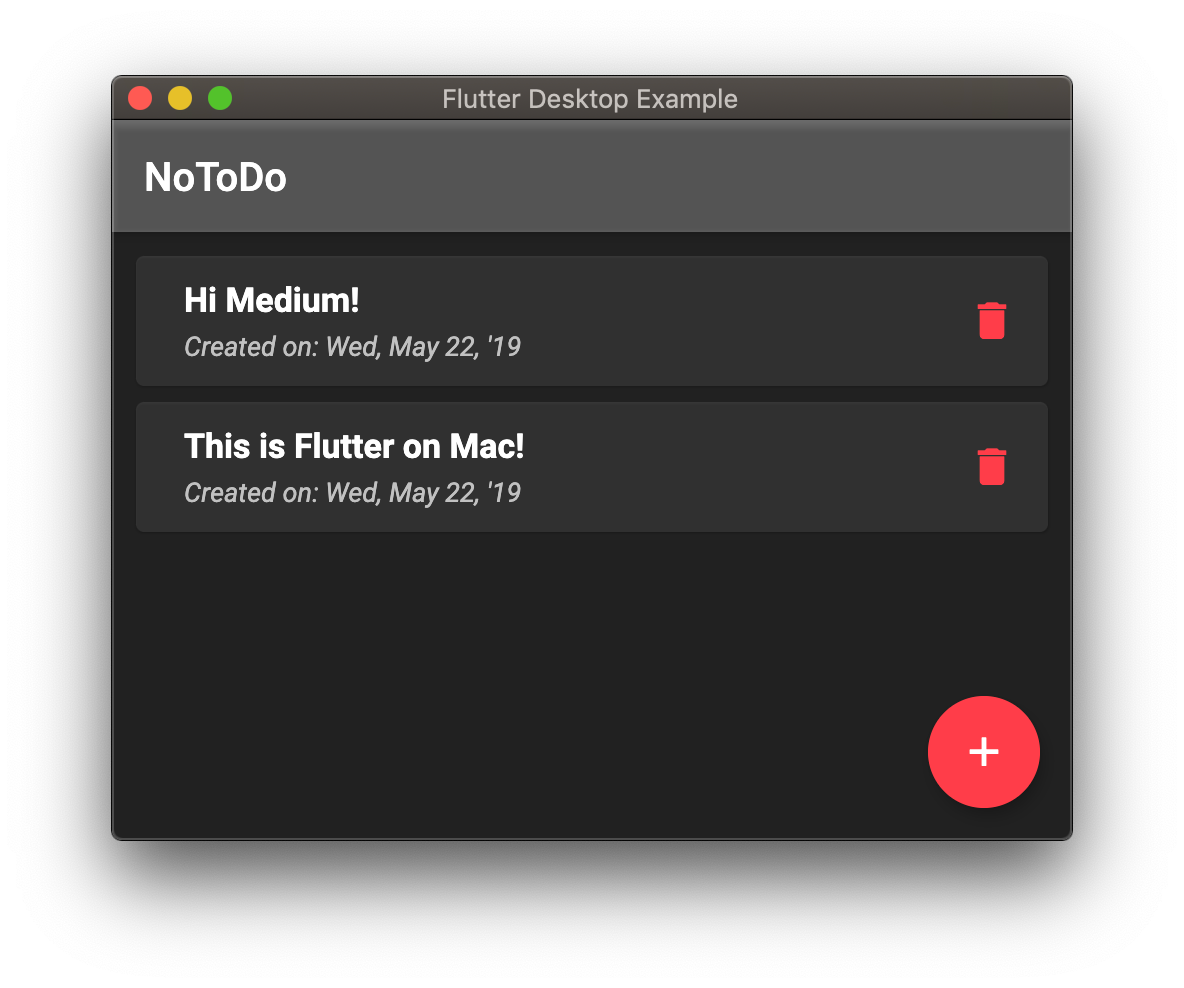
How To Build Flutter App To Run On Desktop By Anton Kuznetsov Medium

Solved How To Change My Git Username In Terminal 9to5Answer

Microsoft Apps
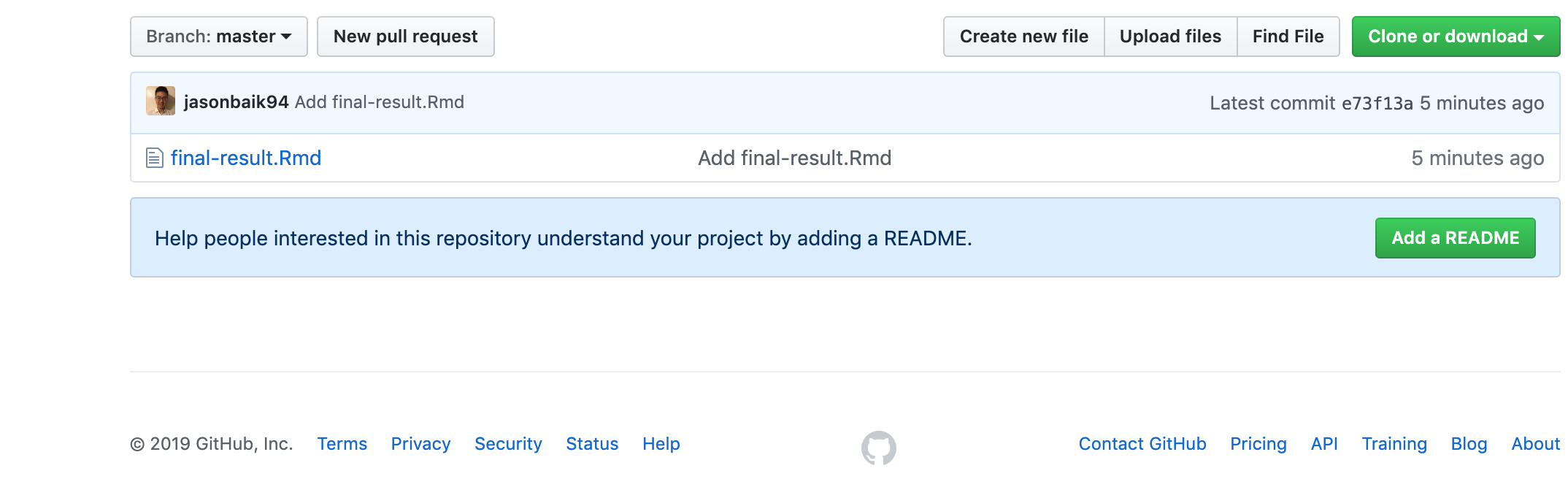
Change Username That Pushes To Your Github Repo RStudio IDE Posit

How to know the git username and email saved during configuration Ask Question Asked 6 years 2 months ago Modified 1 month ago Viewed 1 2m times 615 While configuring git I ran these two commands git config global user name My Name git config global user email myemail example However I doubt whether I made a typo or not

Step 1 After the successful installation of Git on your system you have to right click wherever you want to open the Git tab Click on the Git Bash Here icon Now here we will see the location of where the program is opened when the window opens Git Bash opened on Desktop Step 2 In the Git Bash window type the below command and press enter

First switch the repository root directory cd Code myapp Set a Git username and email address git config user name Your Name git config user email youremail yourdomain Verify that the changes were made correctly git config list user name Your Name user email youremail yourdomain

Is there a way to get the name of the user given only their username Something like this output git show username username username name First Last email email address I know I can do this with a GitHub api call but would prefer to keep it within the CLI github api Share Improve this question Follow this question to receive notifications

1 4 Getting Started The Command Line The Command Line There are a lot of different ways to use Git There are the original command line tools and there are many graphical user interfaces of varying capabilities For this book we will be using Git on the command line
To save credentials you can clone Git repository by setting a username and password on the command line git clone https USERNAME PASSWORD github path to repo git The username and password will be stored in git config file as a part of the remote repository URL git config global user name John Doe git config global user email johndoe example Now you ll learn a few of the more interesting options that you can set in this manner to customize your Git usage First a quick review Git uses a series of configuration files to determine non default behavior that you may want
There are plenty of answers out there how to use a GIT credentials manager to save your password and not have it entered every time But I need something in the opposite direction I want to pass the username password in the command line no user interaction possible but I only want to do it ONCE and not store it anywhere