Git In Command Line Install AGIKgqN6WXRV1cPyxDPV8Gxi7lPl6bqmfpPtEgsBLvqalA s900 c k c0x00ffffff no rj How To Install The Git CLI In Windows 10 11 YouTube How To Clone A Github Repository YouTube How To List Printers In Command Line List Installed Printers In C How To Tell If A File Was Edited Best Sale Fast lisa unibo it The easiest way to install Git on a Mac is via the stand alone installer 1 Download the latest Git for Mac installer 2 Follow the prompts to install Git 3 Open a terminal and verify the installation was successful by typing git version related material
11 28 2022 3 contributors Feedback In this article Install Git for Windows Install Git for macOS Install Git for Linux Configure Git on Linux Git isn t yet a default option on computers so it must be manually installed and configured And like other software it s important to keep Git up to date Once Chocolatey is installed restart the CMD or PowerShell Now enter the command below and hit Enter to install Git on your computer choco install git install Follow the prompts to finish the
C How To Tell If A File Was Edited Best Sale Fast lisa unibo it Servers RedSwitches Blooming Command line Utility In Rust Lib rs Se ora Mezcla Ordenar Git Tree Console C lculo Tender Ba os Microsoft vivainsights py Python Package For Analyzing And Visualizing How To Install Git Bash On Windows Mastering Mlflow Git In Simple Steps Show Git Branch From Command Line Git Bash Commands In Cheat Sheet Datacademy ai
Git In Command Line Install

https://yt3.googleusercontent.com/ytc/AGIKgqN6WXRV1cPyxDPV8Gxi7lPl6bqmfpPtEgsBLvqalA=s900-c-k-c0x00ffffff-no-rj
To use Git on the command line you will need to download install and configure Git on your computer You can also install GitHub CLI to use GitHub from the command line For more information see About GitHub CLI
Templates are pre-designed files or files that can be utilized for numerous functions. They can conserve time and effort by supplying a ready-made format and layout for producing various type of content. Templates can be used for individual or professional jobs, such as resumes, invitations, leaflets, newsletters, reports, presentations, and more.
Git In Command Line Install

GitHub Cli cli GitHub s Official Command Line Tool

Servers RedSwitches

Blooming Command line Utility In Rust Lib rs

Se ora Mezcla Ordenar Git Tree Console C lculo Tender Ba os
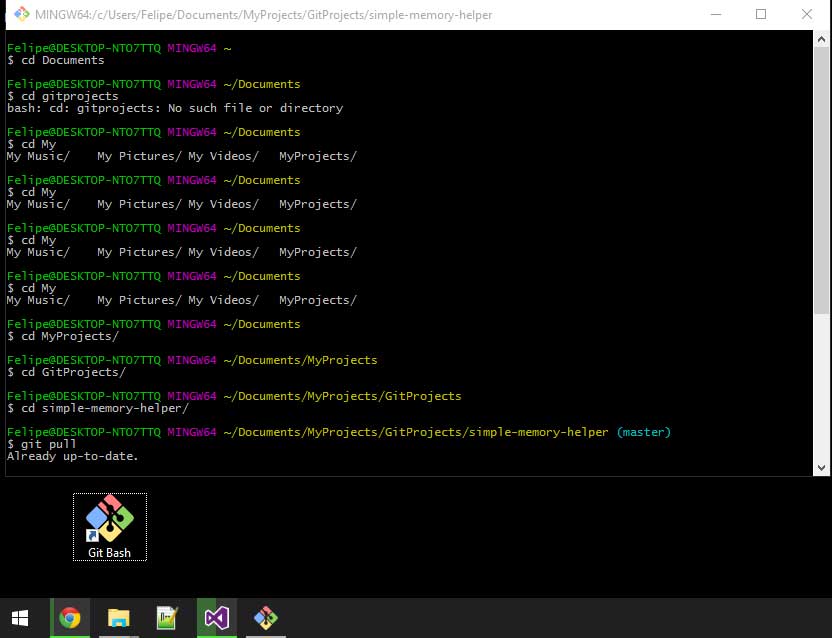
How To Install Git Bash On Windows
Mastering Mlflow Git In Simple Steps

With GitHub Desktop you get a command line version of Git with a robust GUI Regardless of if you have Git installed or not GitHub Desktop offers a simple collaboration tool for Git You can learn more here Install Git on Windows Navigate to the latest Git for Windows installer and download the latest version

1 4 Getting Started The Command Line The Command Line There are a lot of different ways to use Git There are the original command line tools and there are many graphical user interfaces of varying capabilities For this book we will be using Git on the command line

Quick Links Install Git with the Windows Executable Use Winget to Download Git Key Takeaways Download the Git installer from the official Git website at git scm and then run the executable You may also install Git by running winget install id Git Git e source winget in PowerShell Git is an essential tool if you re going to be coding

The best way of downloading and installing Git on the windows command line is to download it from its official site Lets learn the step for the same Steps to download and install Git on Windows Downloading Step 1 Go to the official website https git scm Step 2 Click on 64 bit Git for Windows Setup and allow the download to complete
The first thing you should do when you install Git is to set your user name and email address This is important because every Git commit uses this information and it s immutably baked into the commits you start creating git config global user name John Doe git config global user email johndoe example
Git comes with built in GUI tools git gui gitk but there are several third party tools for users looking for a platform specific experience View GUI Clients Logos Access to a command line terminal window Ctrl Alt T Installing Git on Ubuntu There are two ways to install Git on Ubuntu Use apt to install Git from the official Ubuntu repository The official Ubuntu package manager offers a straightforward installation process but the version in the repository may not be the latest
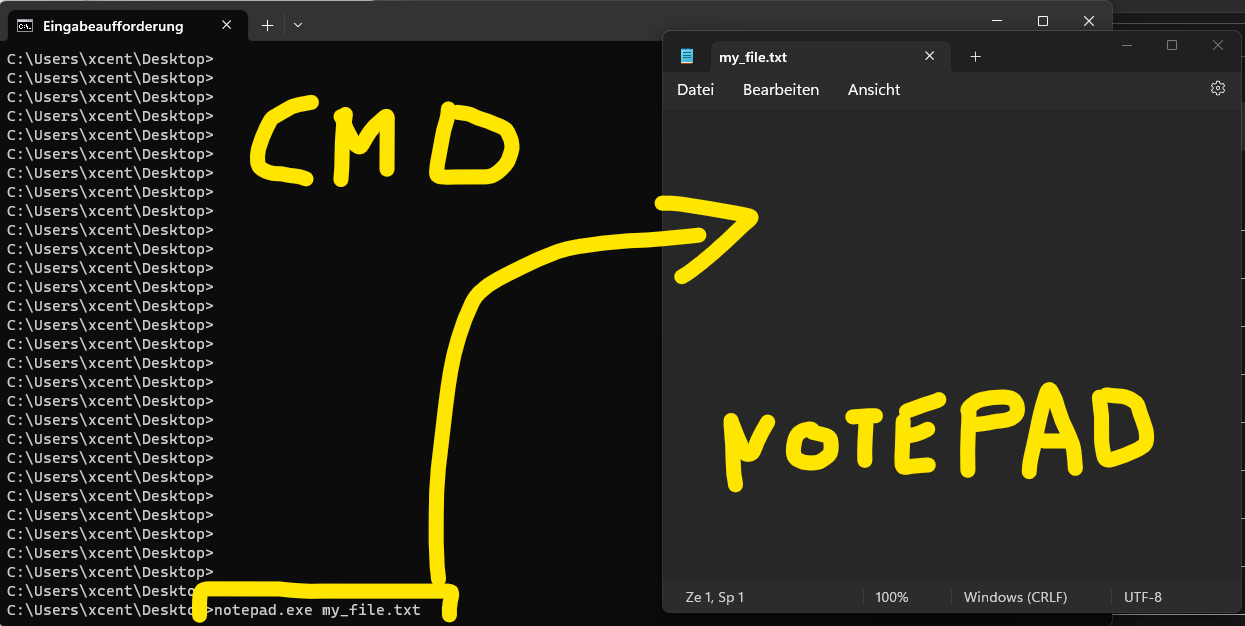
For Windows users Built in command line On the Windows taskbar select the search icon and type cmd PowerShell Git Bash It is built into Git for Windows For Linux users Built in Linux Terminal Confirm Git is installed You can determine if Git is already installed on your computer by opening a terminal and running this command