Git In Command Line Windows Part 4 Git For Data Science Applications A Top Skill For 2020 Using Git On CommandLine GeeksforGeeks GIT Commands Basic To Advanced GIT Commands List That You Should Know How To Use The GIT Stash Command For Saving Temporary Changes 9 Basic GIT Commands Tutorial For Beginners Learn To Master If you are using version 2 x or later of Git for Windows there is also a system level config file at C Documents and Settings All Users Application Data Git config on Windows XP and in C ProgramData Git config on Windows Vista and newer This config file can only be changed by git config f file as an admin
11 28 2022 3 contributors Feedback In this article Install Git for Windows Install Git for macOS Install Git for Linux Configure Git on Linux Git isn t yet a default option on computers so it must be manually installed and configured And like other software it s important to keep Git up to date Launched Git Bash from Win 7 Start button Used CTRL ALT DEL to identify the process as sh exe Launched sh exe from batch file using start command start sh exe However this does not launch the full Git Bash environment Git Bash usually has MINGW32 in the title bar but sh exe has a full path to Git bin sh exe
9 Basic GIT Commands Tutorial For Beginners Learn To Master Git 5 git CSDN GIT Commands Basic To Advanced GIT Commands List That You Should Know How To Install Git On Windows Command Line GeeksforGeeks 10 Git Commands Every Developer Should Know How To Use Git On Windows Command Line Draw public Git Commands Recap Add Rm Commit Diff Git In The Command Line AguaClara Tutorial V0 1 0 Documentation Useful Git Commands That Can Help You In Your Open Source Journey
Git In Command Line Windows
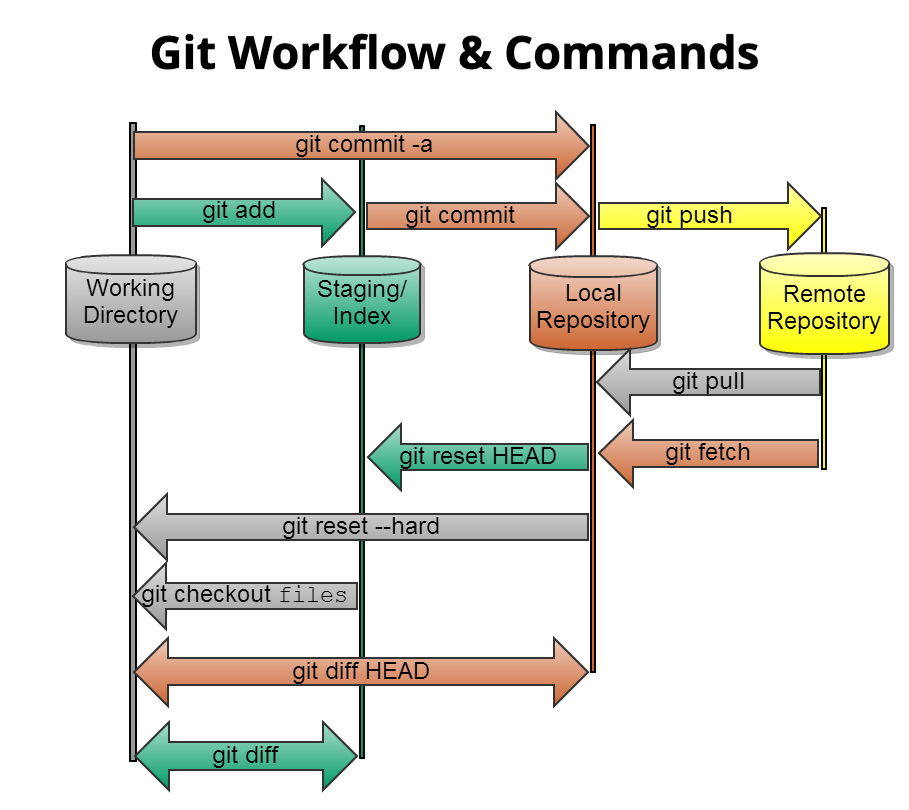 Git In Command Line Windows
https://www.business-science.io/assets/2019-12-16-git/git_commands.png
Extract and Launch Git Installer 3 Browse to the download location or use the download shortcut in your browser Double click the file to extract and launch the installer 4 Allow the app to make changes to your device by clicking Yes on the User Account Control dialog that opens 5
Pre-crafted templates provide a time-saving service for producing a varied series of files and files. These pre-designed formats and layouts can be used for various individual and expert jobs, consisting of resumes, invites, leaflets, newsletters, reports, presentations, and more, enhancing the content creation process.
Git In Command Line Windows

Beginner s Guide To Git Engineering Education EngEd Program Section
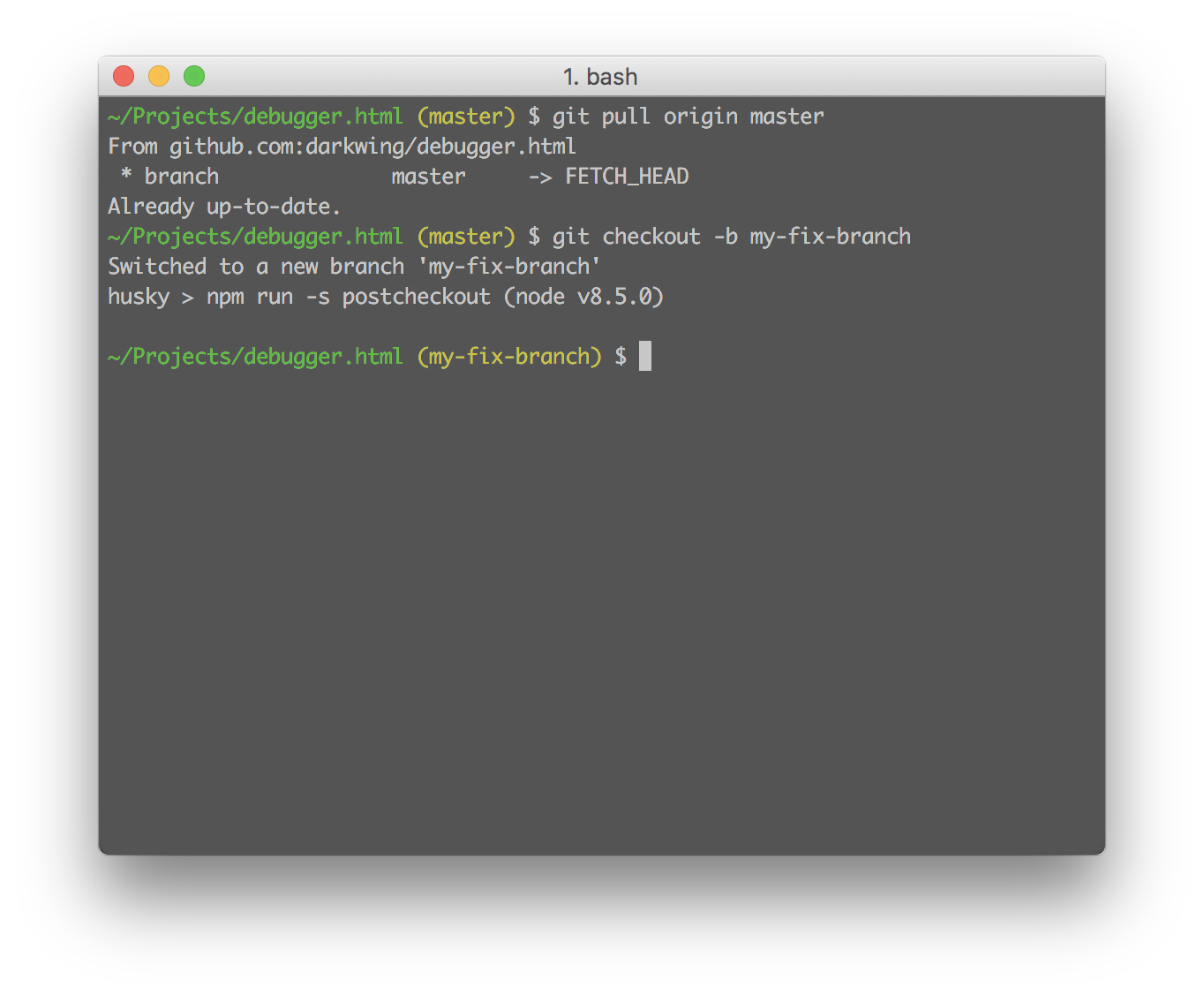
Git 5 git CSDN
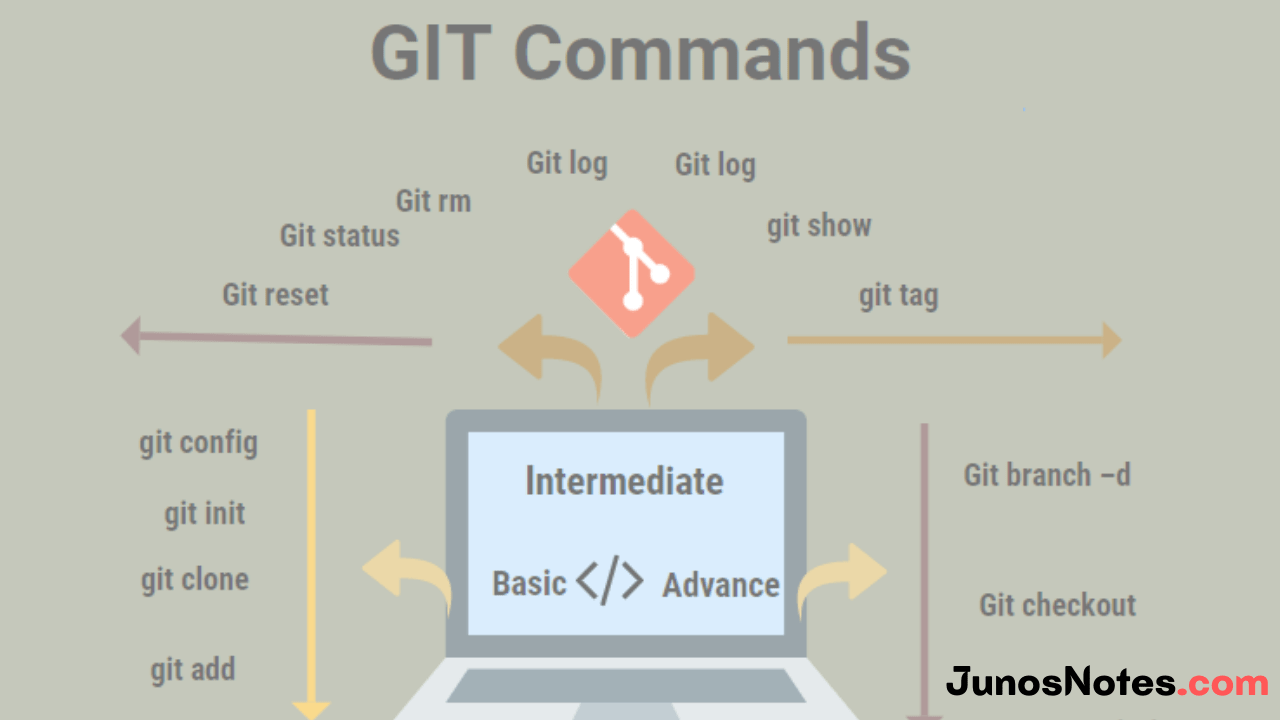
GIT Commands Basic To Advanced GIT Commands List That You Should Know

How To Install Git On Windows Command Line GeeksforGeeks
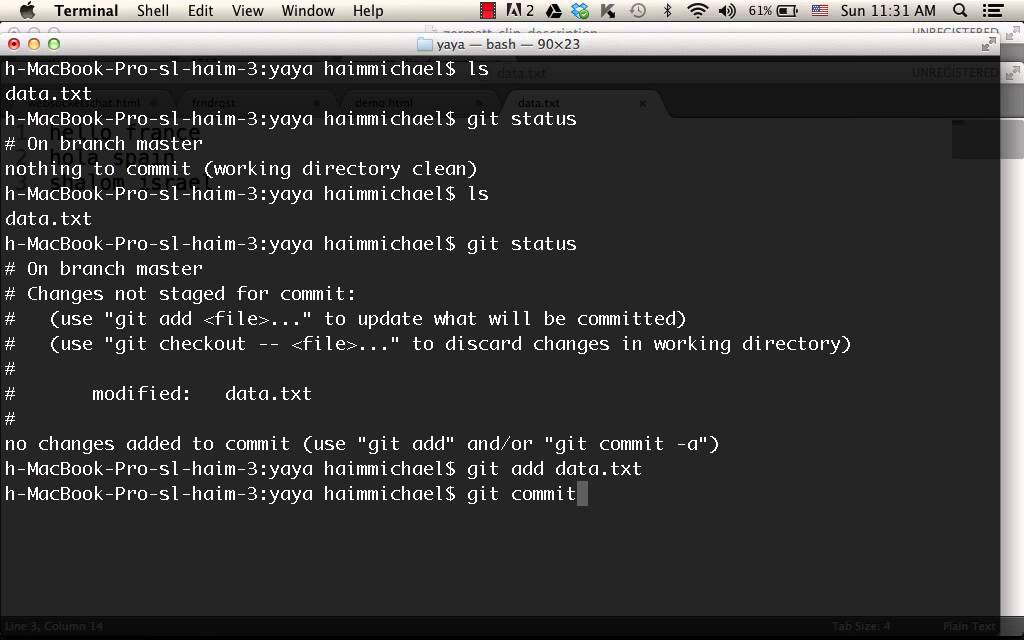
How To Use Git On Windows Command Line Draw public
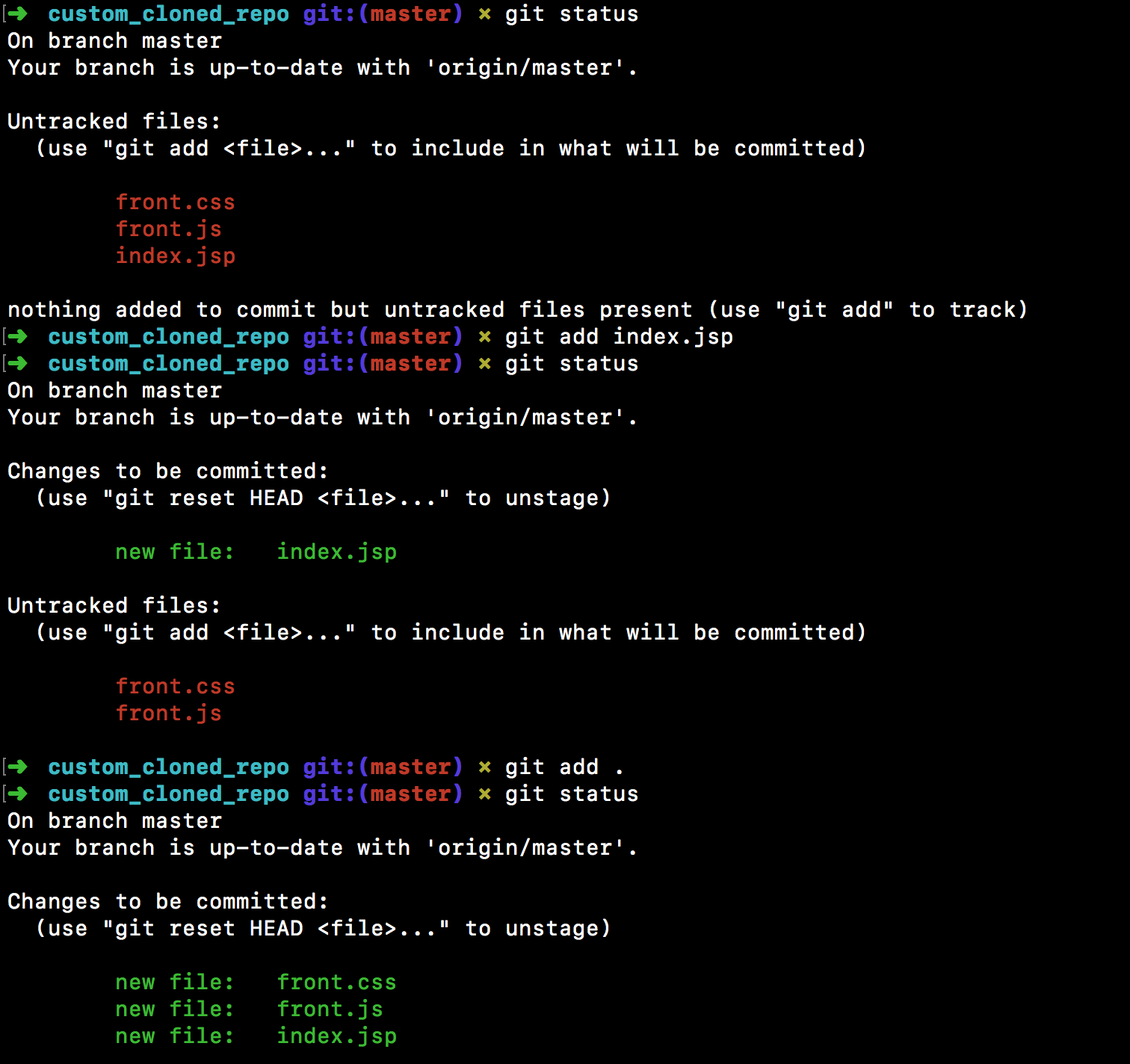
Git Commands Recap Add Rm Commit Diff

Open the command prompt terminal and type git version to verify Git was installed
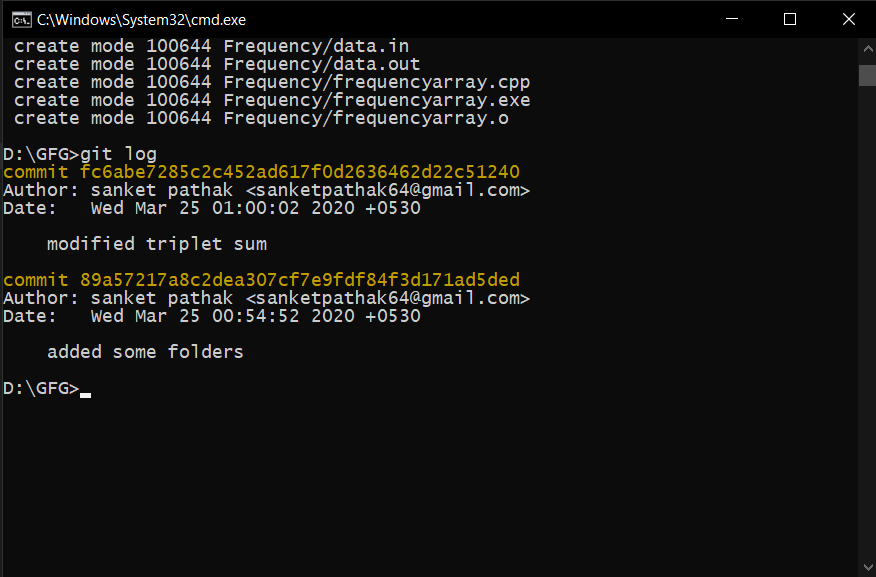
Press command space and type terminal iTerm2 You can integrate it with Zsh and Oh My Zsh for color highlighting and other advanced features For Windows users Built in command line On the Windows taskbar select the search icon and type cmd PowerShell Git Bash It is built into Git for Windows For Linux users
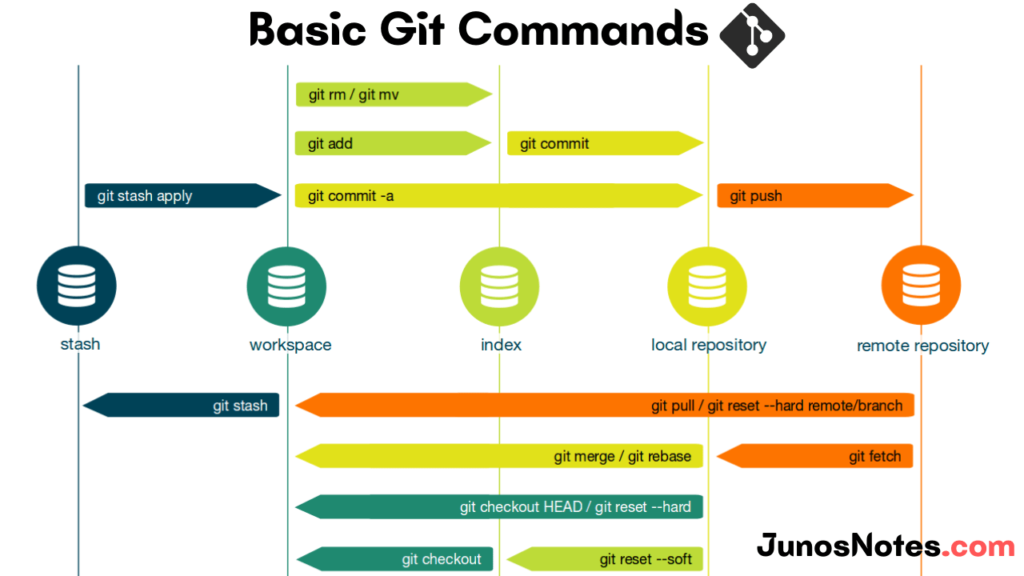
Go to Control Panel System System Protection Advanced Environment Variables Choose PATH click edit and paste the bin path there If there are already any values in your PATH paste your Git path at the end separated with a semi colon Now you can access Git command from CMD Share

If you want to work with Git locally but do not want to use the command line you can download and install the GitHub Desktop client For more information see About GitHub Desktop If you do not need to work with files locally GitHub lets you complete many Git related actions directly in the browser including Quickstart for repositories
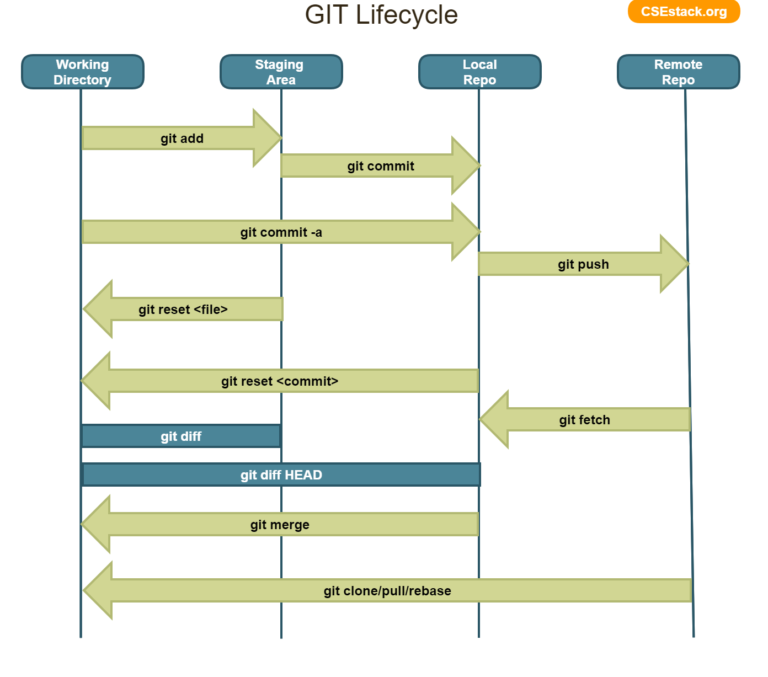
Step 1 Go to the official website https git scm Step 2 Click on 64 bit Git for Windows Setup and allow the download to complete Extract and Launch Git Installer Step 3 Go to your download location and double click the file to launch the installer
Download for Windows Click here to download the latest 2 43 0 32 bit version of Git for Windows This is the most recent maintained build It was released 28 days ago on 2023 11 20 Other Git for Windows downloads Standalone Installer 32 bit Git for Windows Setup 64 bit Git for Windows Setup Portable thumbdrive edition Open terminal git version To check version of git To set your username git config global user name FIRST NAME LAST NAME To set your email git config global user email MY NAME example Working with GIT commandline Initializing a local repository git init This command will initialise our local repository
Here are a few ways to install Git on Windows Install Git with the Windows Executable The easiest way to get Git is to download the executable from the Git website Click 64 bit Git for Windows Setup to start the download and then wait a moment the download is only about 50 megabytes so it shouldn t take very long