Git Checkout New Branch From Remote How To Create A Git Branch Learn Git Create New Branch From Current Git Checkout Git Create Branch From Remote Branch Shedvvti What Is Git Checkout Remote Branch Benefits Best Practices More Create A Branch From A Previous Commit In Git Techie Delight Web The syntax for making git checkout quot remote ready quot is rather easy simply add the quot track quot flag and the remote branch s ref like in the following example git checkout track origin newsletter Branch newsletter set up to track remote branch newsletter from origin Switched to a new branch newsletter
Web Jan 16 2012 nbsp 0183 32 If you don t already have a local branch of that name it will checkout the remote branch and track it As an alternative to this you can use git pull lt remote gt lt branch gt but this will with default settings merge the remote branch into your current which is probably not what you want Web Oct 5 2009 nbsp 0183 32 If you want to create a branch from the current branch git checkout b your local branch name you want a branch from a remote branch you can try git checkout b your local branch name origin lt remote branch name gt If you are done with changes you can add the file git add A or git add lt each file names gt
Create A Branch From A Previous Commit In Git Techie Delight Git Checkout Branch YouTube Atilamaps Blog Git Create Branch And Checkout One Command Naxregg How To Create A New Branch And Checkout In Git YouTube Visual Studio Git Microsoft Learn Git Easily Perform Git Checkout Remote Branch Step by Step T m N p C c Commit l nh Git Fetch Trong Git Minh Quan Doan
Git Checkout New Branch From Remote
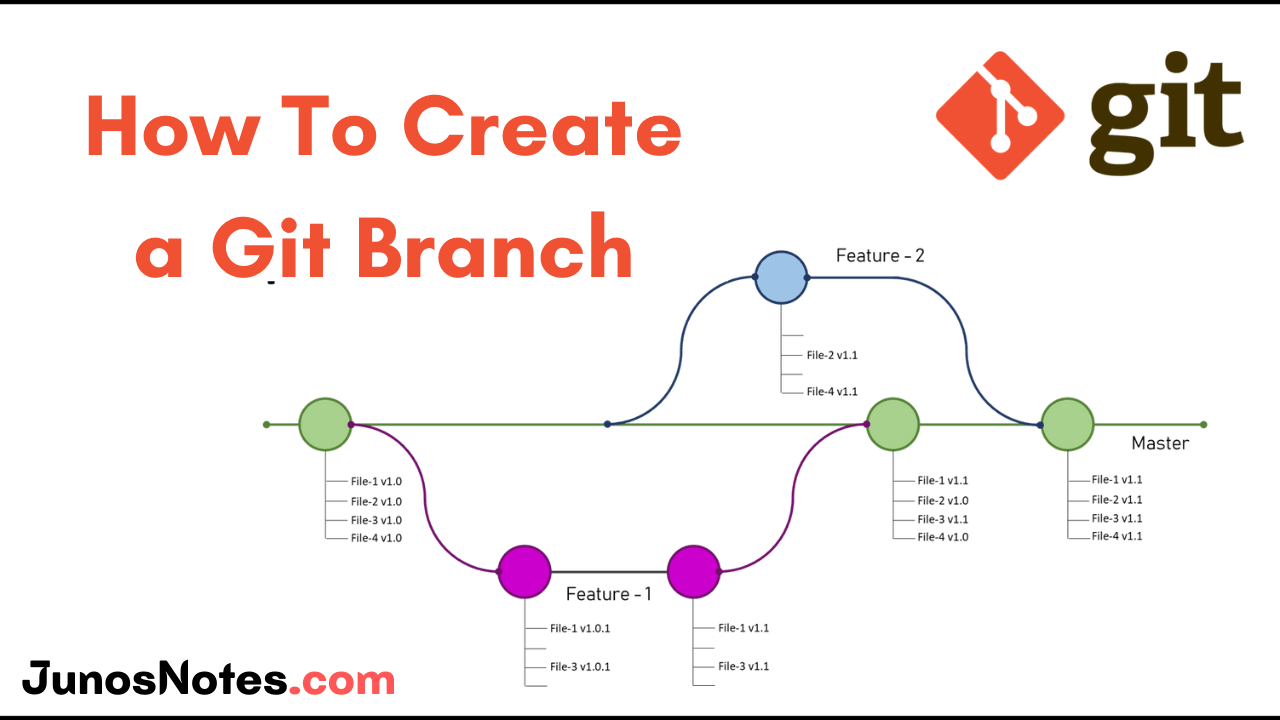 Git Checkout New Branch From Remote
https://www.junosnotes.com/wp-content/uploads/2021/07/How-To-Create-a-Git-Branch.png
Web Feb 17 2023 nbsp 0183 32 How Does It Work Git checkout remote branch lets us switch and work on a remote branch just like switching to a local one For the latest versions of Git you can simply use git fetch
Pre-crafted templates offer a time-saving solution for creating a diverse variety of documents and files. These pre-designed formats and designs can be used for numerous individual and professional tasks, including resumes, invites, leaflets, newsletters, reports, discussions, and more, improving the material development procedure.
Git Checkout New Branch From Remote
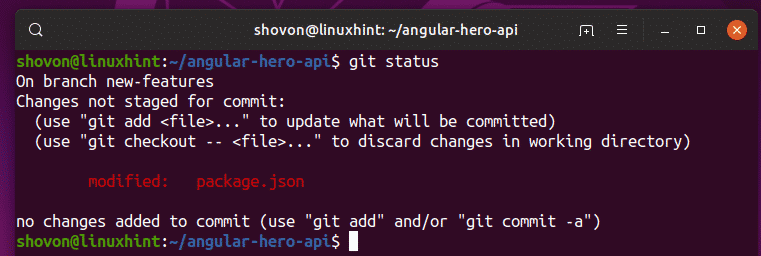
Git Create Branch From Current Local Branch Naxretalking
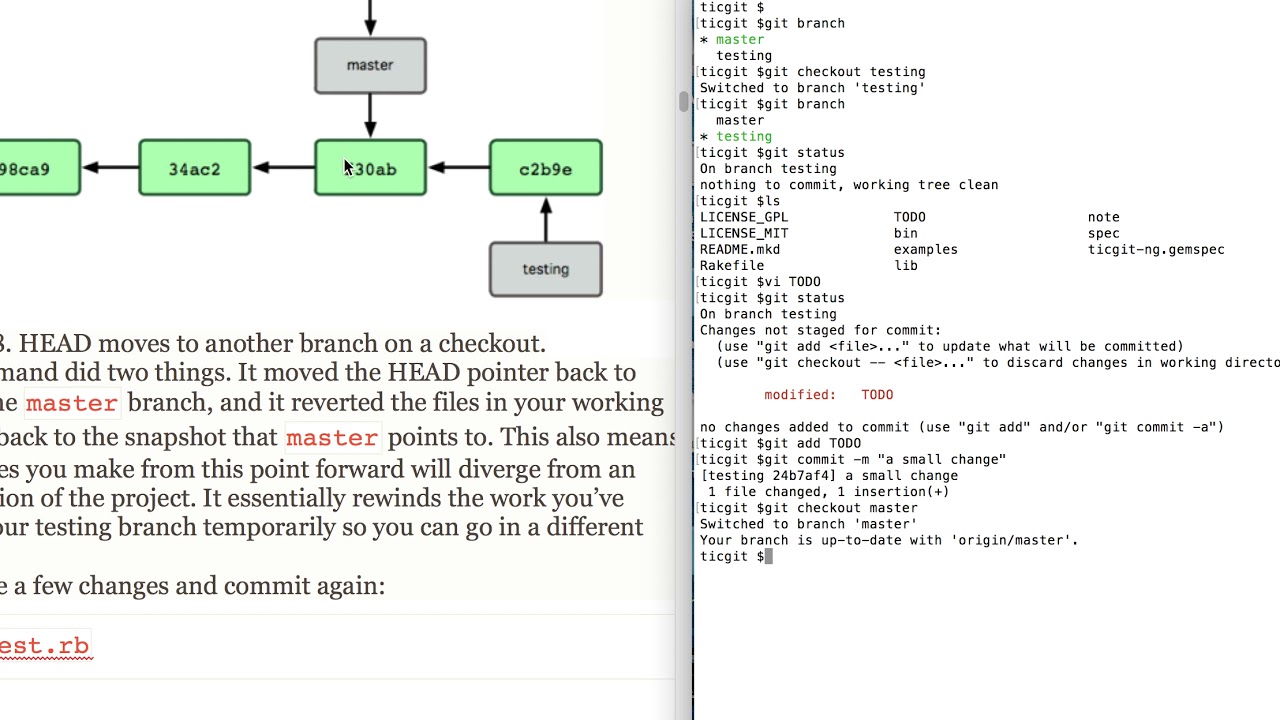
Git Checkout Branch YouTube

Atilamaps Blog

Git Create Branch And Checkout One Command Naxregg
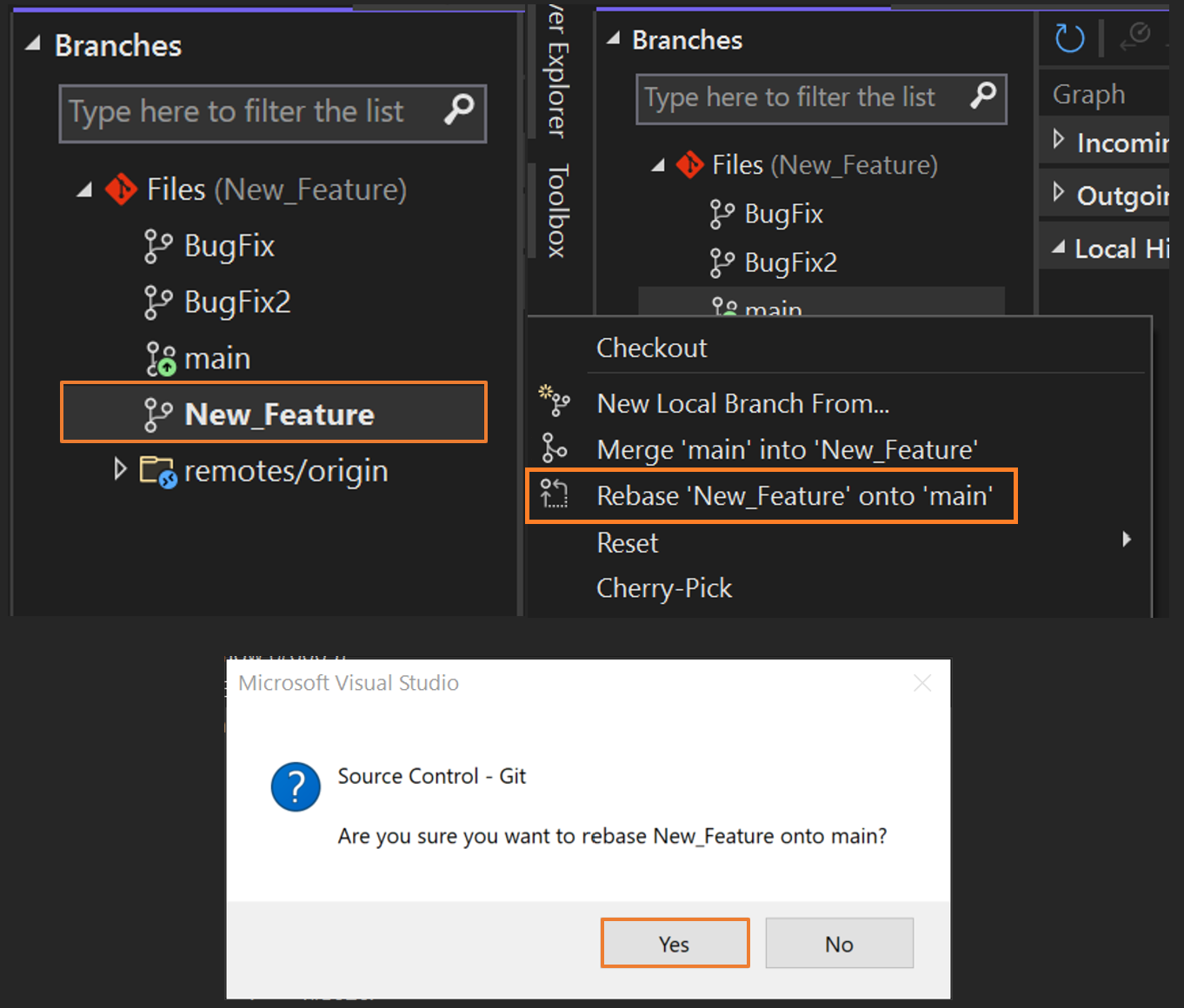
Visual Studio Git Microsoft Learn
Git
Web Jan 21 2023 nbsp 0183 32 To checkout a branch from a remote repository use the git fetch command and then git branch r to list the remote branches Pick the branch you need and use a command of the form git checkout b

Web Jul 8 2015 nbsp 0183 32 If git branch a doesn t show the branch you want it doesn t exist on the remote either the origin branch name which can not be resolved message confirms that First run git fetch origin to sync your local snapshot of the remote and see if the remote branch appears in git branch a

Web Apr 26 2013 nbsp 0183 32 1 785 1 14 25 Add a comment 2 Answers Sorted by 7 After you have done git fetch and gotten the new remote branch origin branchname you can do git checkout t origin branchname This creates a local branch called branchname that
Web git fetch all In modern versions of Git you can then checkout the remote branch like a local branch git checkout remotebranch Older versions of Git require the creation of a new branch based on the remote git checkout b remotebranch origin remotebranch

Web Jan 12 2021 nbsp 0183 32 What does Git Checkout Remote Branch mean When you begin a project with Git you get two environments the local master branch which exists in your computer and the remote master branch which exists in a Git supported platform like GitHub
Web May 4 2010 nbsp 0183 32 Aug 20 2020 at 21 05 13 my workflow is git checkout b branch git push gt it prints an error message containing the command you need to run then copy paste that command Kip Feb 21 2022 at 13 48 Add a comment 18 Answers Sorted by Web Here are the steps you should take to checkout a single remote branch Fetching a Remote The first step is fetching a remote branch by using the git fetch command like this git fetch Displaying Branches The second step is displaying the branches to choose which one you want to checkout by acting as follows git branch v a
Web Jul 4 2015 nbsp 0183 32 I have seen different ways to checkout existing remote branch Suppose my friend has pushed new branch bigbug and I want to check out and switched my local working copy to that branch I have below options 1 git checkout b bigbug origin bigbug 2 git checkout t origin bigbug 3 git fetch git checkout bigbug