Git Clone New Branch From Remote Git Clone Branch Git Create Branch From Remote Branch Shedvvti Update Local Branch From Remote In Git Delft Stack Git Clone Branch Como Clonar Um Branch Espec fico Git Create A Branch From Another Branch Stack Overflow 28296 Hot Sex Currently this is used by git switch 1 and git checkout 1 when git checkout something or git switch something will checkout the something branch on another remote and by git worktree 1 when git worktree add refers to a remote branch This setting might be used for other checkout like commands or functionality in the future
When you run git clone the following actions occur A new folder called repo is made It is initialized as a Git repository A remote named origin is created pointing to the URL you cloned from All of the repository s files and commits are downloaded there The default branch is checked out Git how to turn a clone into a new branch Stack Overflow git how to turn a clone into a new branch duplicate Ask Question Asked 10 years 10 months ago Modified 10 years 10 months ago Viewed 5k times 11 This question already has answers here Move the most recent commit s to a new branch with Git 22 answers
Git Create A Branch From Another Branch Stack Overflow 28296 Hot Sex What Is Git Checkout Remote Branch Benefits Best Practices More Example Git Branching Diagram Github Gambaran How To Create New Branch GIT Branch And GIT Merge Git Create Branch From Another Popdase Kadidlo Ust pi Menova Git Switch To Remote Branch Poskytn Puberta Git Clone How To Use Git Clone W3Docs Git Online Tutorial Apuntes De Git David Poza Create A Branch From A Previous Commit In Git Techie Delight
Git Clone New Branch From Remote
 Git Clone New Branch From Remote
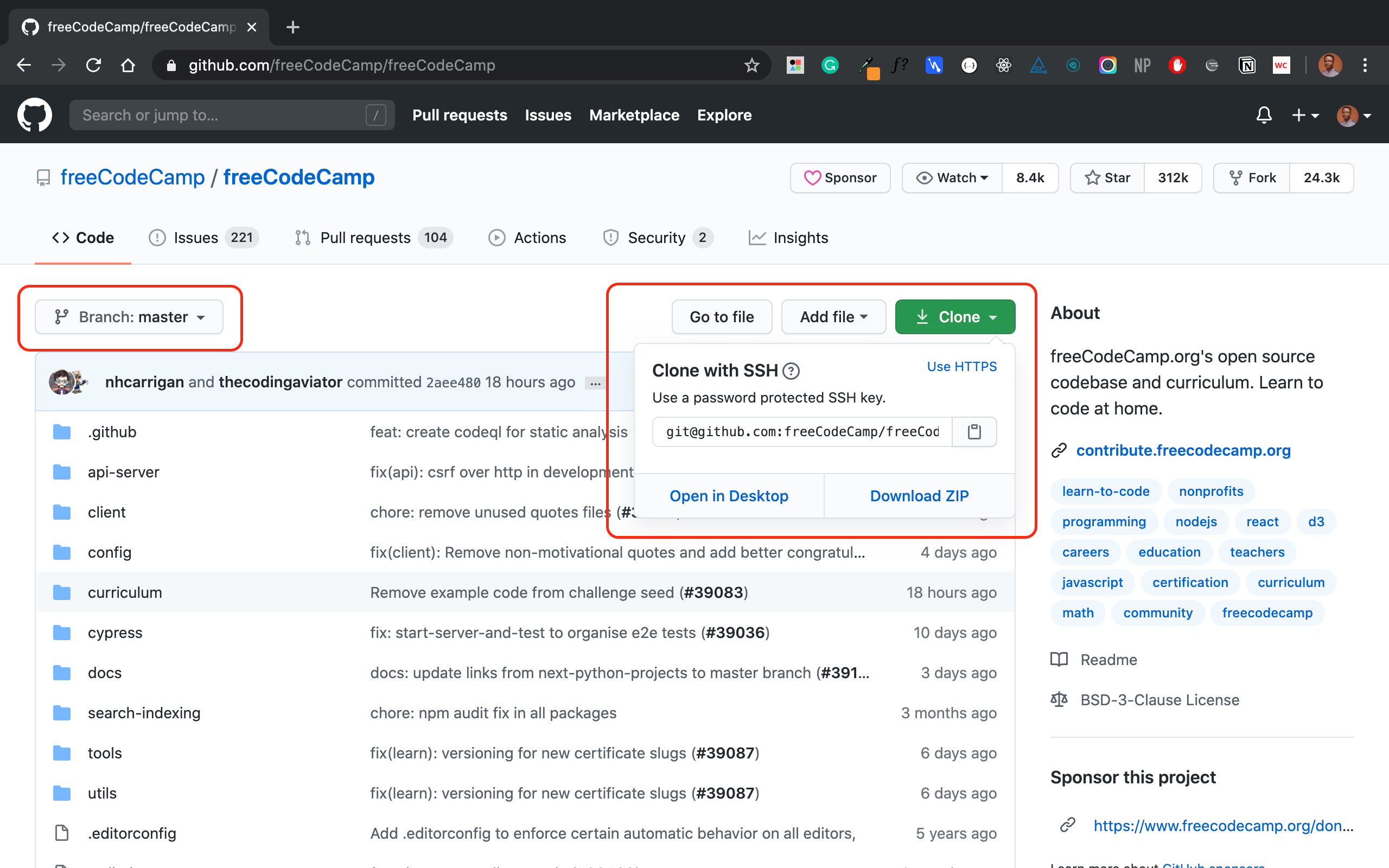
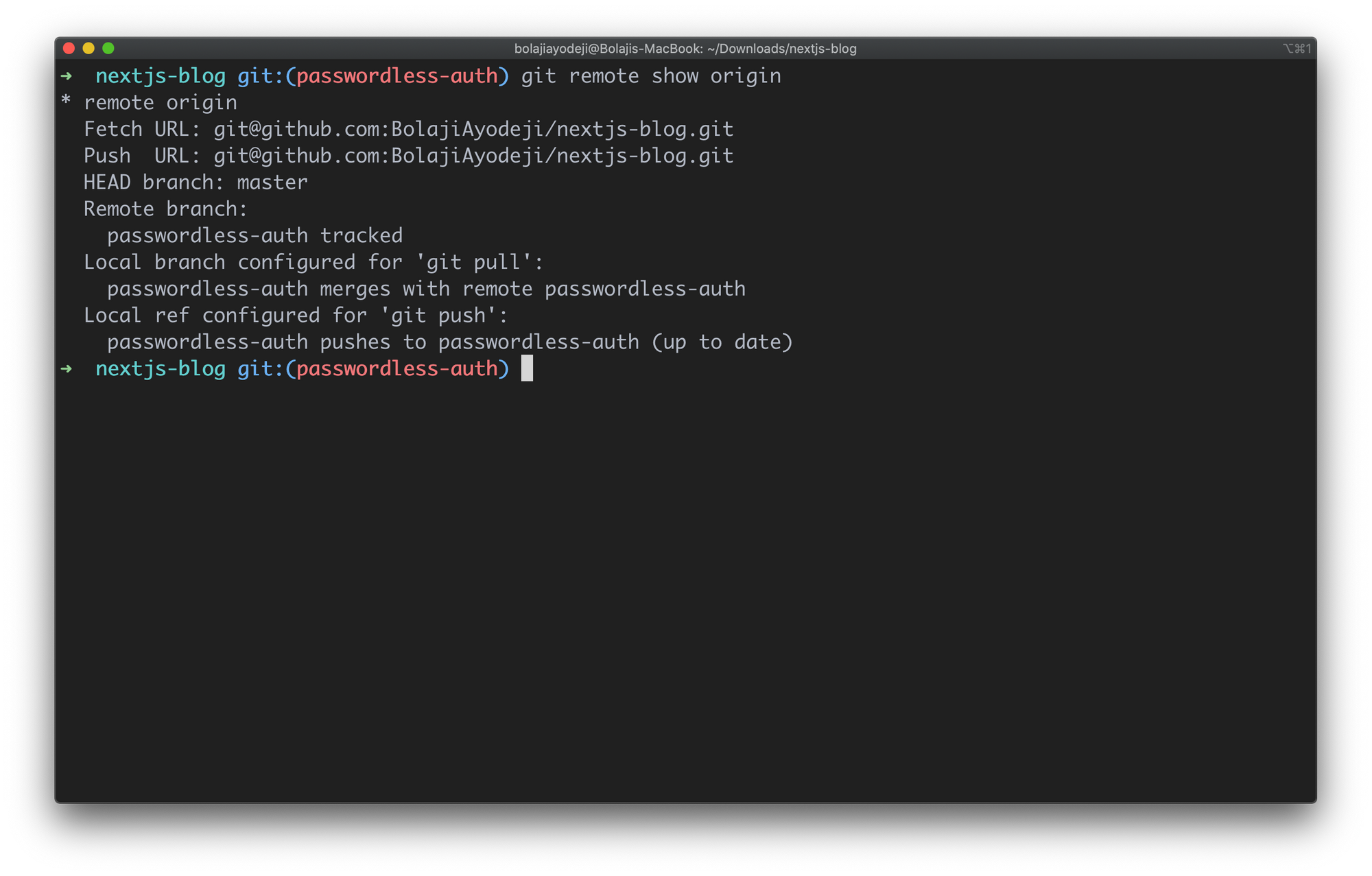
https://www.freecodecamp.org/japanese/news/content/images/2022/01/Screenshot-2020-06-23-at-5.47.48-AM.png
The git clone command clones and copies of an existing repository into a new directory It is also used to create remote tracking branches for each branch in the cloned repository It also allows users to get a development copy of an existing central repository Remote Branches
Pre-crafted templates offer a time-saving option for creating a diverse range of documents and files. These pre-designed formats and layouts can be used for different individual and expert jobs, consisting of resumes, invitations, leaflets, newsletters, reports, presentations, and more, simplifying the material creation process.
Git Clone New Branch From Remote

Git Create Branch From Terminal Lasopachristian
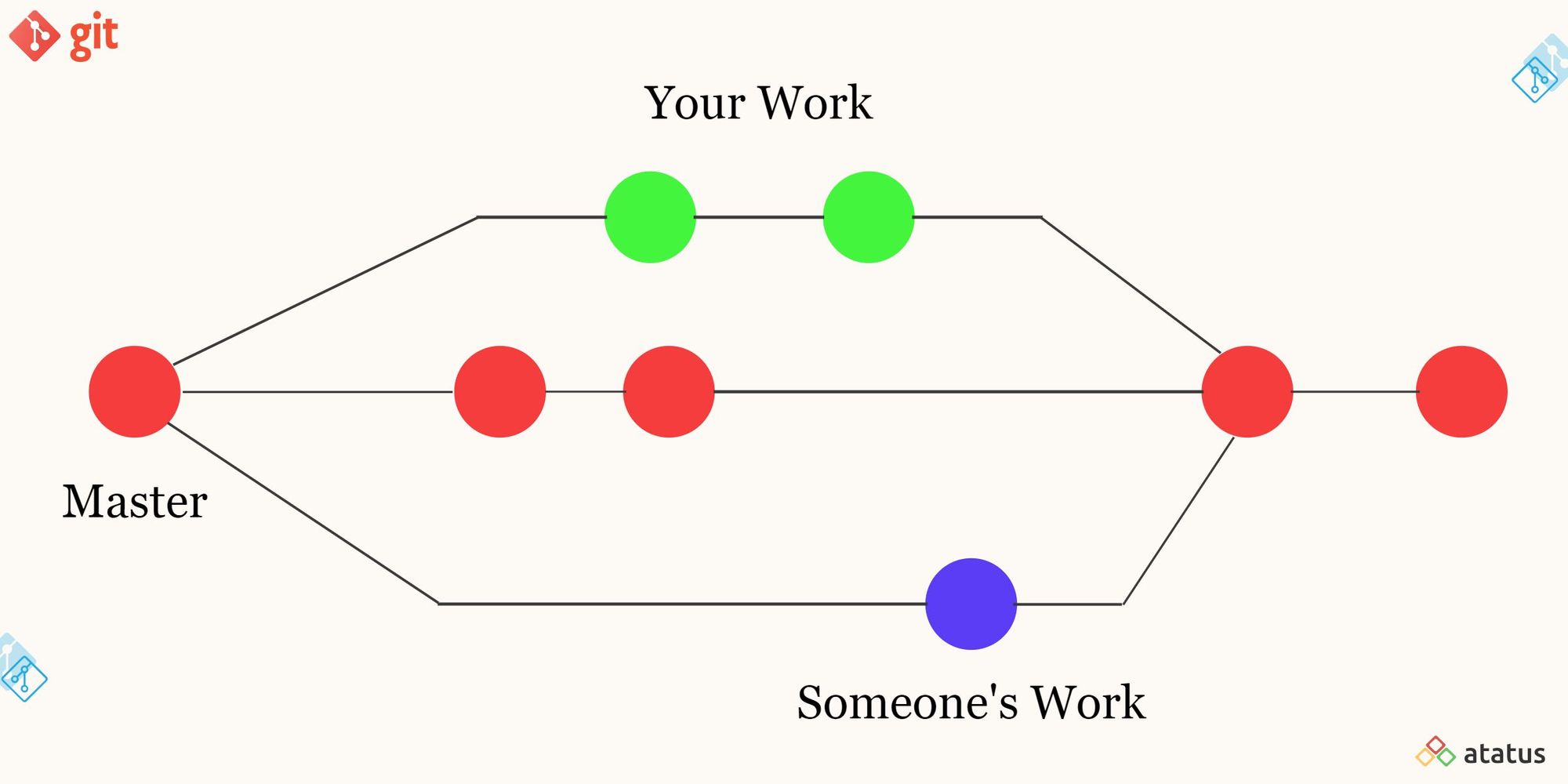
What Is Git Checkout Remote Branch Benefits Best Practices More

Example Git Branching Diagram Github Gambaran How To Create New Branch
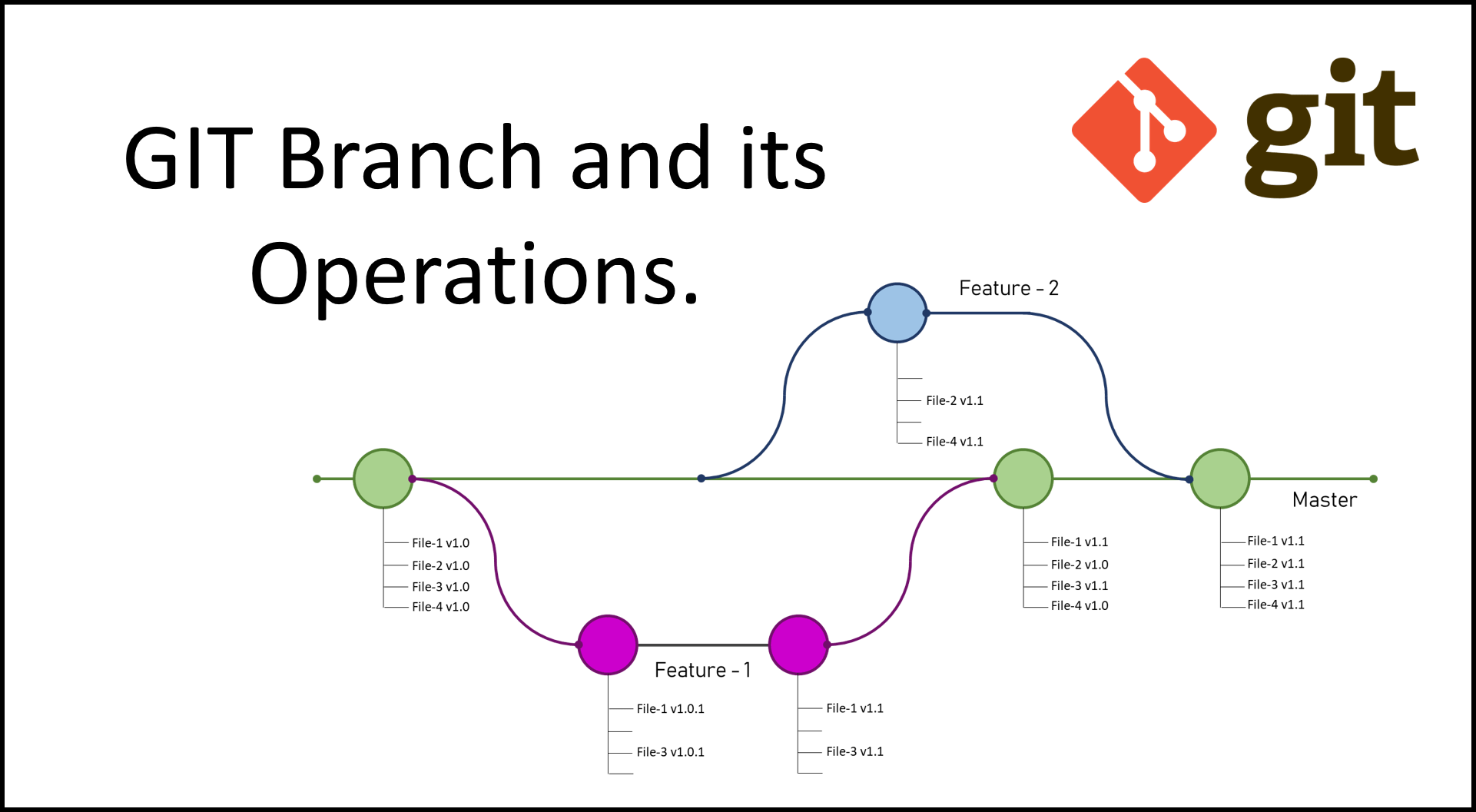
GIT Branch And GIT Merge
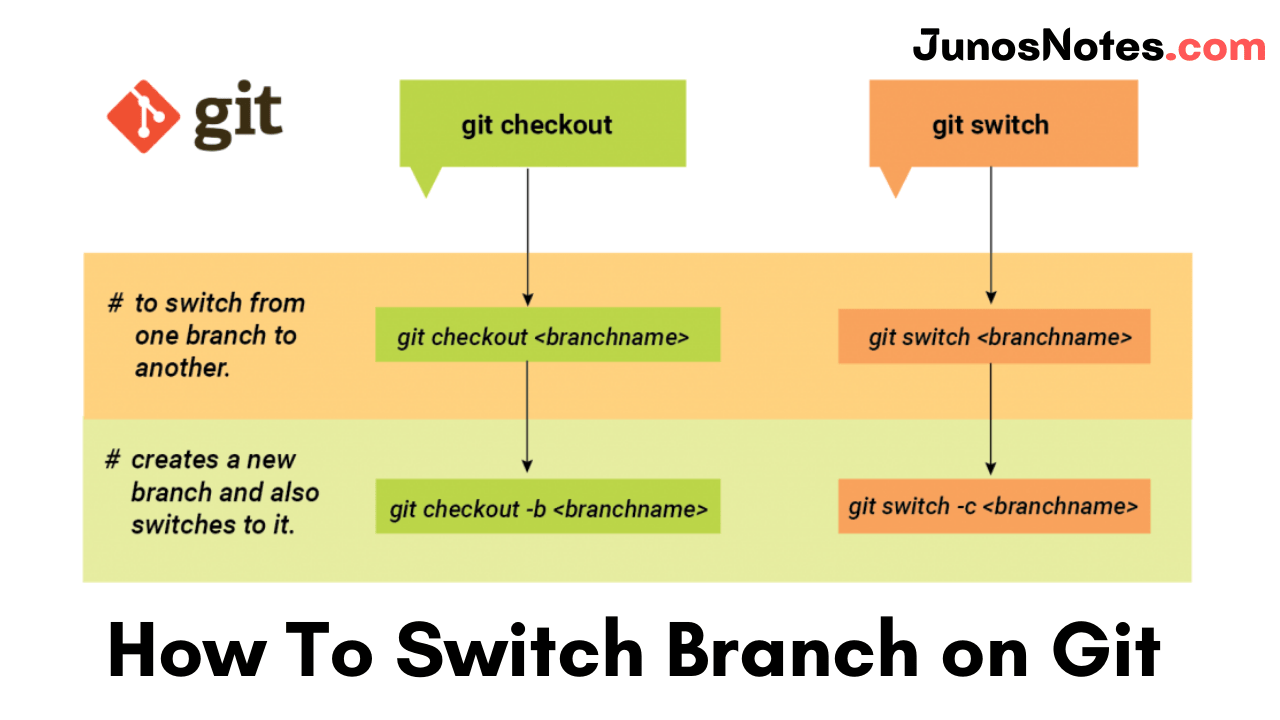
Kadidlo Ust pi Menova Git Switch To Remote Branch Poskytn Puberta

Git Clone How To Use Git Clone W3Docs Git Online Tutorial
So let s create a new branch from the terminal called develop by typing the following commands github repo git checkout b develop github repo git push origin develop The above code creates a new branch moves you to that branch and then copies and pushes the existing project files into the newly created develop branch

Clones a repository into a newly created directory creates remote tracking branches for each branch in the cloned repository visible using git branch remotes and creates and checks out an initial branch that is forked from the cloned repository s currently active branch

In this article I ll introduce you to the Git clone and Git branch workflows and I ll show you how you can clone a specific branch based on your needs Let s begin Prerequisites Basic knowledge of the terminal Ability to type commands in the terminal Git installed I ll still show you how A GitHub account
Git clone remote branch Share Improve this question Follow edited Sep 9 2022 at 9 30 asked Sep 15 2008 at 22 42 Peter Coulton 55 1k 12 54 72 161 The accepted answer here git branch a shows you the branches in the remote but if you attempt to check any of those out you will be in a detached HEAD state

Git allows us to specify a branch name using the b flag when we clone from a remote repo Cloning a Specific Remote Branch In the following example we are going to clone the official WordPress repository WordPress creates a branch for every version and if we were only interested in 5 2 release we could pull down that branch instead of master
Let s pretend you want to switch to the remotes origin develop branch Type following git checkout remotes origin develop Then type git branch all again to find this detached from remotes origin develop master remotes origin develop remotes origin master remotes origin web remotes origin app And then just do 4 Click the Clone button Step 2 Create a branch and pull in locally Now that your repository is all set up next comes the fun part Because branches aren t only a Bitbucket concept you can create one locally However we re going to create one from Bitbucket for the purposes of this tutorial Click Branches from the left navigation You
Fixing a Repo Downloaded From Master Branch If you re reading this because you already ran git clone without the branch flag don t worry you can simply switch to the other branch git switch dev If you made changes on the master branch without realizing you can move those changes to the new branch by using git checkout instead with the b flag