Date Code In Excel Ms Excel How To Use The Date Function Ws Hot Sex Picture How To Get Vba On The Latest Version Of Excel Campingcaqwe Louis Vuitton Date Code M51127 The Art Of Mike Mignola How To Check Louis Vuitton Bag Authenticity Codehs Semashow Louis Vuitton Date Code Th Paul Smith Web Feb 2 2012 nbsp 0183 32 When you enter some text into a cell such as quot 2 2 quot Excel assumes that this is a date and
Web Insert a static date or time into an Excel cell On a worksheet select the cell into which you want to insert the current date or time Do one of the following To insert the current date press Ctrl semi colon To insert the current time Web Click File gt Options In Excel 2007 click the Microsoft Office Button and then click Excel Options Click Advanced Under When calculating this workbook select or clear Use 1904 date system Need more help
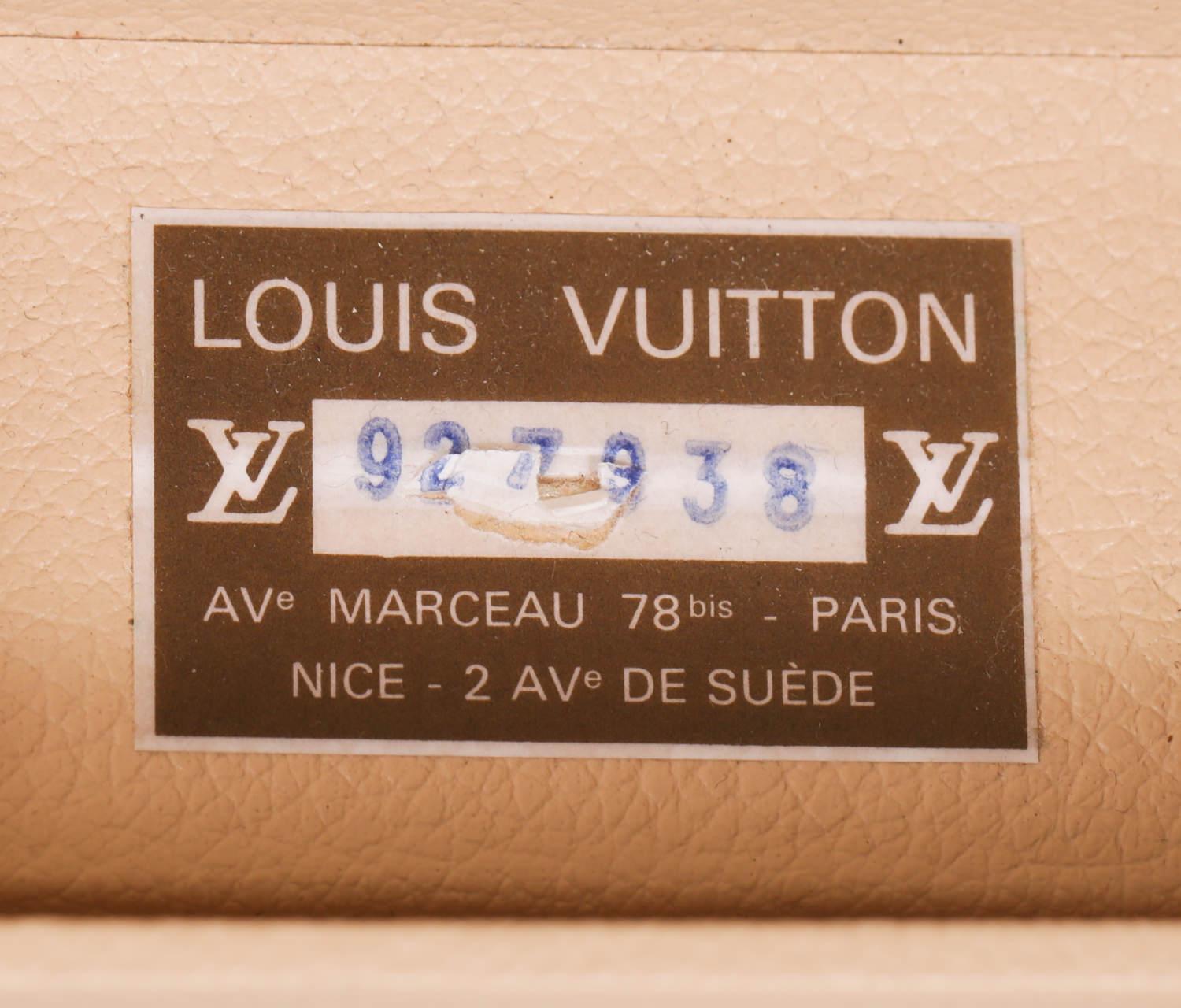
Louis Vuitton Date Code Th Paul Smith Louis Vuitton Date Code Gi Paul Smith Actual Date In PowerShell Archives Data Cornering VBA Date How To Use Excel VBA Date Function With Examples Lv Date Code Chart 2019 Paul Smith Can You Color Code In Excel Psoriasisguru Excel Excel How To Check Lv Bag Date Code Paul Smith What Does The Inside Of A Neverfull Look Like Paul Smith
Date Code In Excel
 Date Code In Excel
https://3.bp.blogspot.com/-keK1voc8E60/XIi1PYkJEjI/AAAAAAAAAM4/cMIOs_P_Twk5hZx7jdH8G6u2Mtp8freQgCLcBGAs/s640/Date%2Bfunction%2Bin%2BExcel_Techworld.JPG
Web The serial number is the date time code used by Excel for date and time calculations If the cell format was General before the function was entered Excel changes the cell format to Date If you want to view the serial number you must
Templates are pre-designed documents or files that can be utilized for various purposes. They can conserve effort and time by offering a ready-made format and layout for developing various sort of material. Templates can be used for personal or expert projects, such as resumes, invitations, flyers, newsletters, reports, presentations, and more.
Date Code In Excel

Changer Le Format D une Date Excel 2013
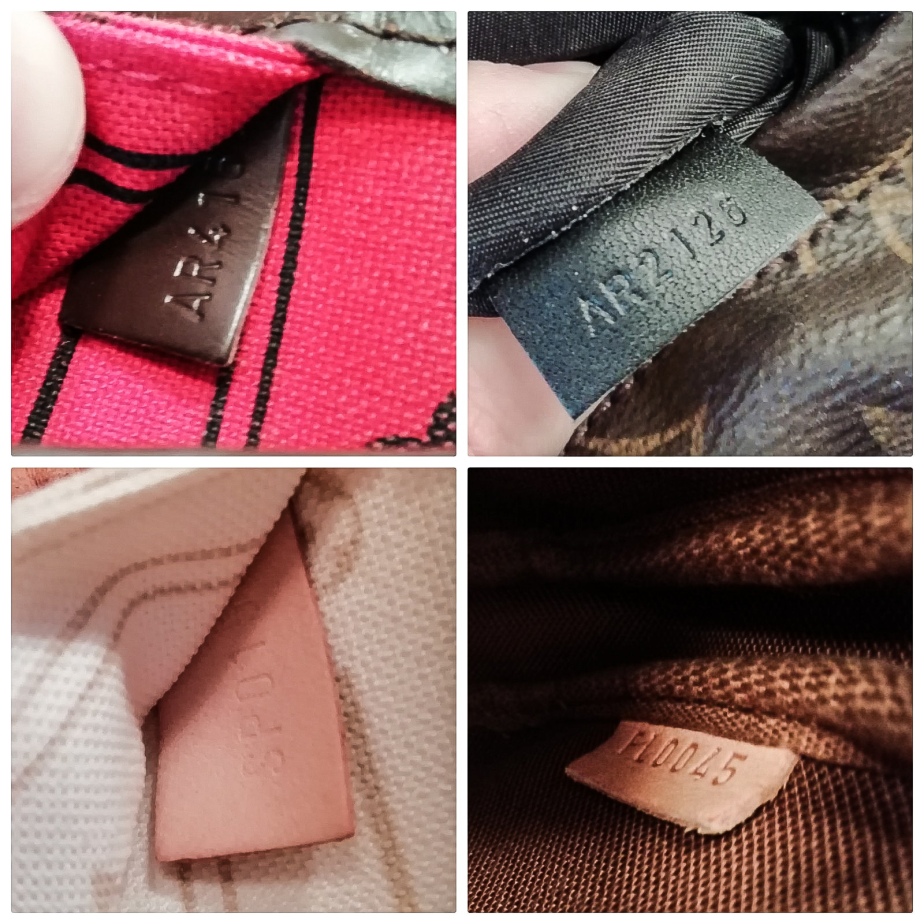
Louis Vuitton Date Code Gi Paul Smith

Actual Date In PowerShell Archives Data Cornering
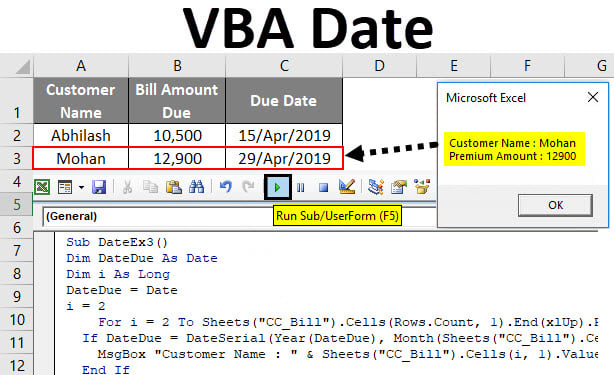
VBA Date How To Use Excel VBA Date Function With Examples
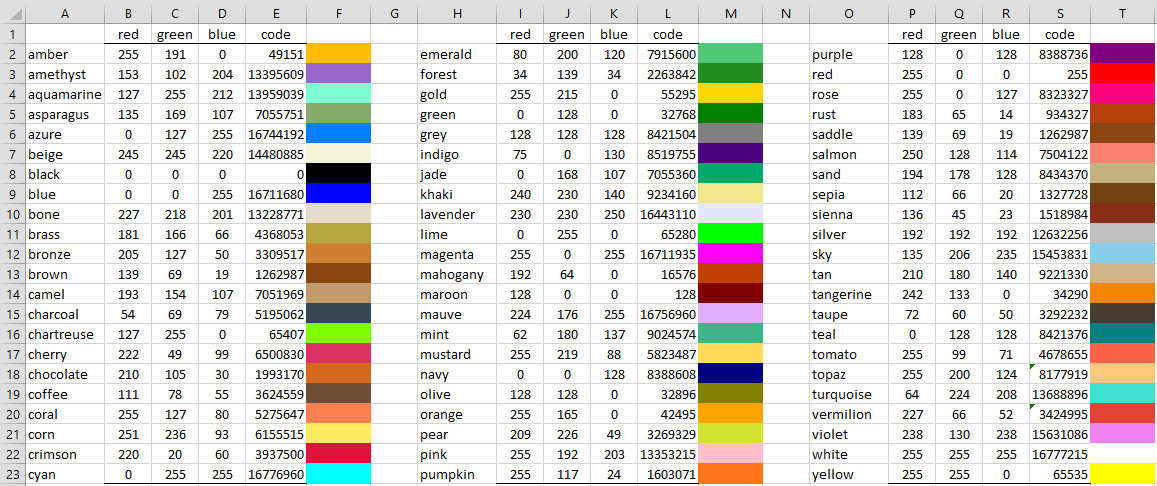
Can You Color Code In Excel Psoriasisguru

Excel Excel

Web Jan 1 2008 nbsp 0183 32 The DATEVALUE function converts a date that is stored as text to a serial number that Excel recognizes as a date The DATEVALUE function is helpful in cases where a worksheet contains dates in a text format that you want to filter sort or format as dates or use in date calculations
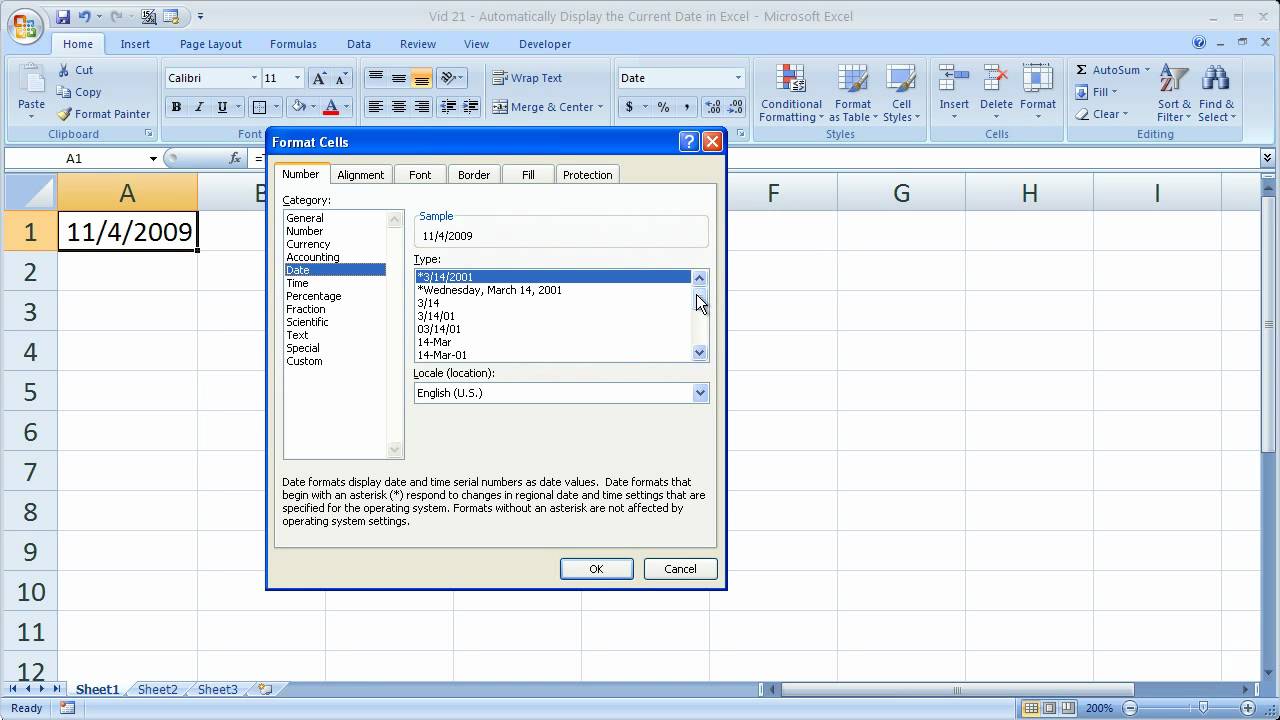
Web Mar 22 2023 nbsp 0183 32 Let s try this now Add the first date in some cell Select that cell right click on the fill handle drag it down or across several cells and then release In the context menu click Series In the Series dialog box choose the appropriate Date unit and enter the Step value Click OK

Web Mar 21 2023 nbsp 0183 32 It can be a cell reference a date entered by using the DATE function or returned by other formulas Here are a few formula examples DAY A2 returns the day of the month from a date in A2 DAY DATE 2015 1 1 returns the day of 1 Jan 2015 DAY TODAY returns the day of today s date

Web Converts a date in the form of text to a serial number DAY function Converts a serial number to a day of the month DAYS function Returns the number of days between two dates DAYS360 function Calculates the number of days between two dates based on a 360 day year EDATE function
Web DATE Function Related functions Summary The Excel DATE function creates a valid date from individual year month and day components The DATE function is useful for assembling dates that need to change dynamically based on other values in a worksheet Purpose Create a date with year month and day Return value A valid Excel date
Web This tutorial demonstrates how to use the Excel DATE Function in Excel to create a date Web The quickest way to know what date functions are offered by your version of Excel is to click Formulas on the Excel ribbon and select the Date amp Time dropdown menu from the Function Library Let s take a look at each date function its purpose and how to use it Table of contents 1 DATE Available in Excel 2007 and subsequent versions
Web May 3 2023 nbsp 0183 32 The Excel DATE function returns the serial number that represents a certain date It has the following arguments DATE year month day Where Year represents the year of the date Month an integer representing the month of the year from 1 January to 12 December Day an integer corresponding to the day of the month from 1 to 31