Insert Date Code In Excel QR QR Code In Excel YouTube Another Way To Creat QR Code In Excel YouTube GST State Code List In Excel Download For Free ExcelDemy Learn To Code In Excel To Maximize Doctors Profit YouTube How To Create QR Code In Excel shorts exceltricks YouTube The problem here is with your INSERT INTO statement which is looking for VALUES or SELECT syntax INSERT INTO statement can be used in 2 ways by providing VALUES explicitly or by
Jan 17 2009 nbsp 0183 32 2787 In SQL Server 2008 you can insert multiple rows using a single INSERT statement INSERT INTO MyTable Column1 Column2 VALUES Value1 Value2 One small factor INSERT INTO has two key words select amp into right up front that let the world know this is no ordinary SQL statement while SELECT INTO begins at least to look like
How To Create QR Code In Excel shorts exceltricks YouTube Baar Code In Excel excel exceltutorial YouTube How To Add Country Code In Excel Shorts Simplilearn YouTube Excel QR Code How To Generate QR Code In Excel YouTube shorts How To Create A QR CODE In Excel YouTube How To Get Code In Excel excel shorts YouTube How To Generate QR Code In Excel excel exceltips YouTube How To Generate Bar Code In Excel 2023 YouTube How To Create The Bar Code In Excel Step by Step Guide For Beginners
Insert Date Code In Excel
 Insert Date Code In Excel
https://i.ytimg.com/vi/t0s3wIeaTB0/maxresdefault.jpg
Feb 14 2009 nbsp 0183 32 If you use both INSERT IGNORE and ON DUPLICATE KEY UPDATE in the same statement the update will still happen if the insert finds a duplicate key In other words the
Templates are pre-designed files or files that can be used for various functions. They can conserve time and effort by providing a ready-made format and design for creating different sort of material. Templates can be used for personal or expert jobs, such as resumes, invitations, flyers, newsletters, reports, discussions, and more.
Insert Date Code In Excel
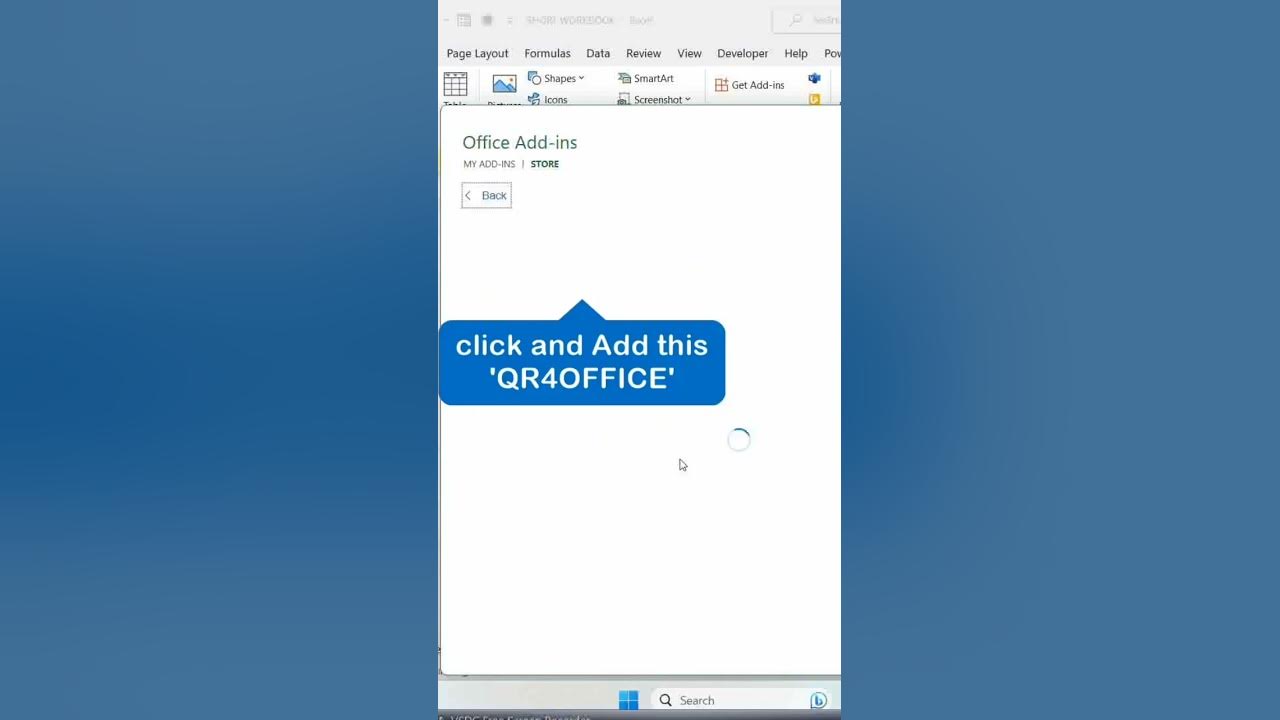
Use Add Ins To Add QR Code In Excel shorts short viral trending

Baar Code In Excel excel exceltutorial YouTube
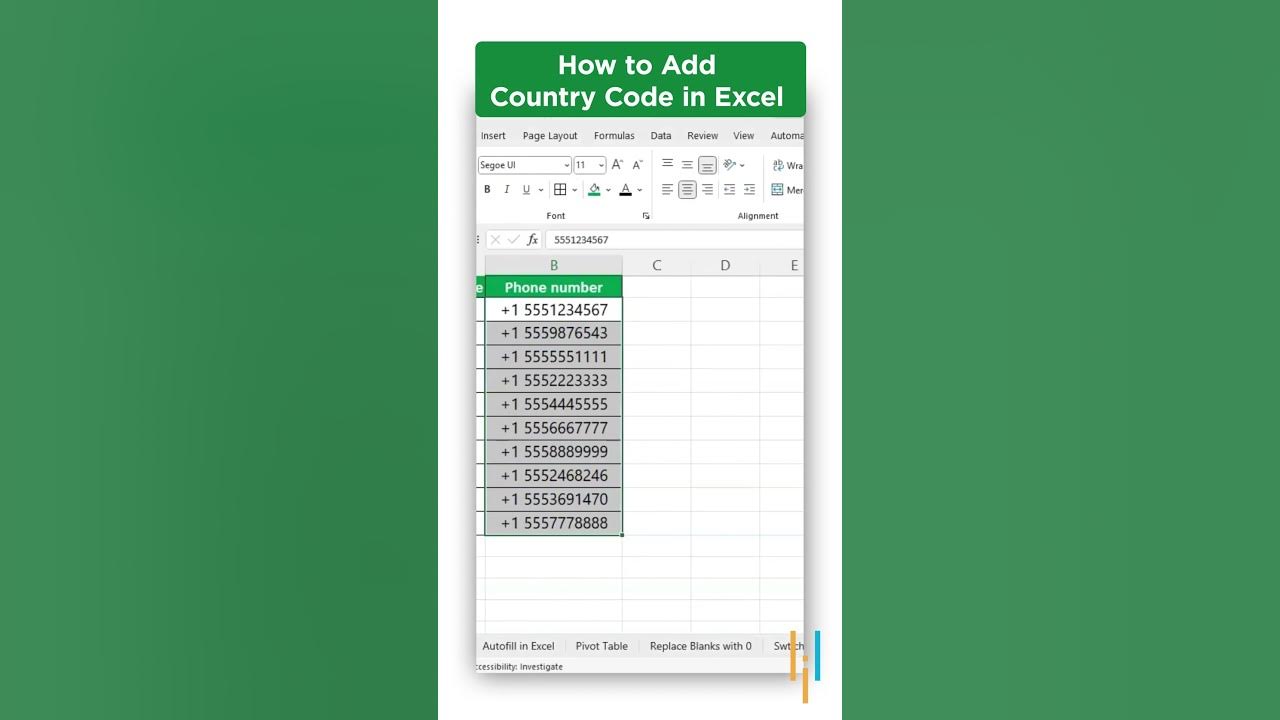
How To Add Country Code In Excel Shorts Simplilearn YouTube

Excel QR Code How To Generate QR Code In Excel YouTube
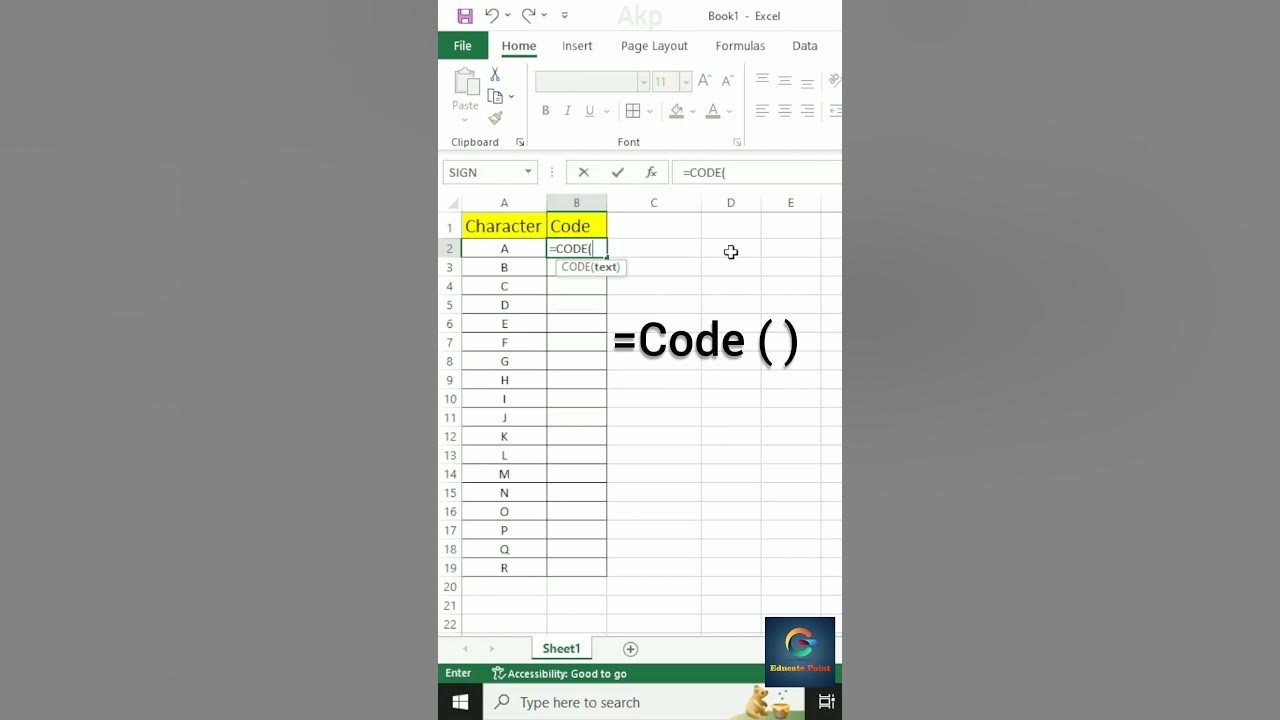
How To Get Code In Excel excel shorts YouTube

How To Generate QR Code In Excel excel exceltips YouTube

insert insert
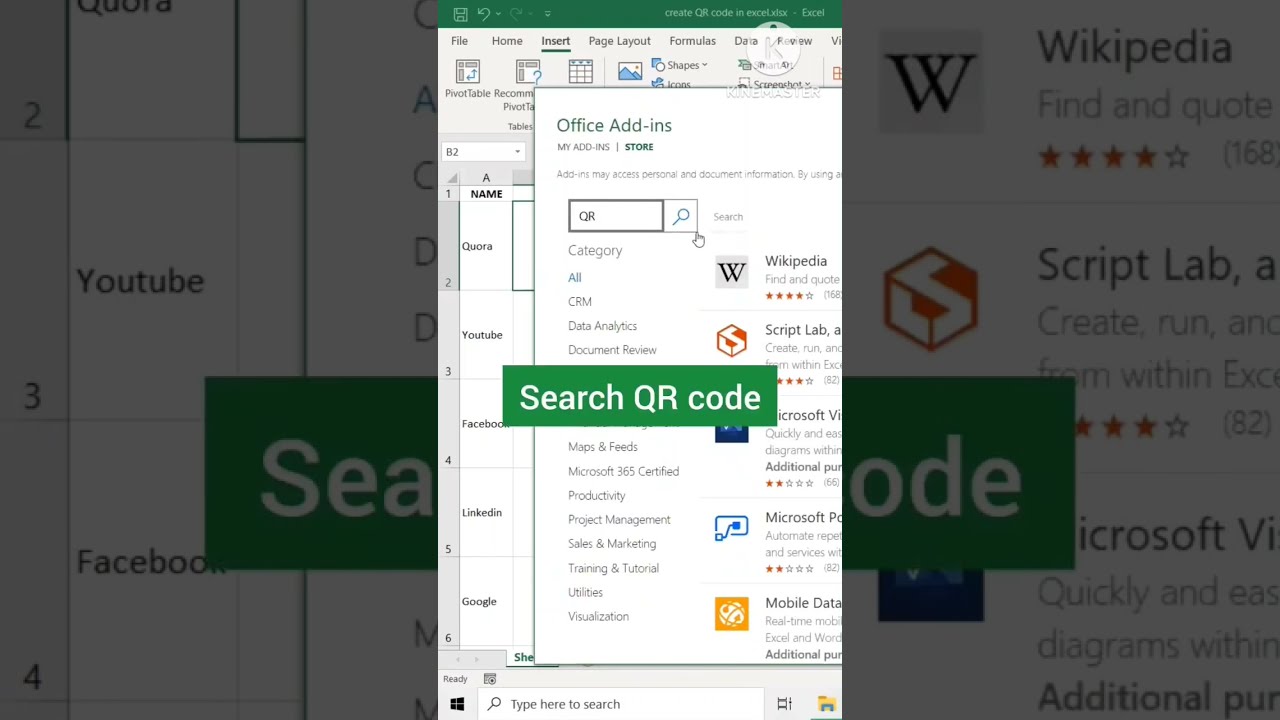
Apr 25 2019 nbsp 0183 32 insert Page Down insert

Feb 1 2018 nbsp 0183 32 If you wants to insert primary key by query even it is auto increment then you have to set IDENTITY INSERT ON as below it will allow you to insert unique value by query SET

Aug 25 2008 nbsp 0183 32 I am trying to INSERT INTO a table using the input from another table Although this is entirely feasible for many database engines I always seem to struggle to remember the

I m trying to insert some mock payment info into a dev database with this query INSERT INTO Payments Amount VALUES 12 33 WHERE Payments CustomerID 145300 How can
[desc-11] [desc-12]
[desc-13]