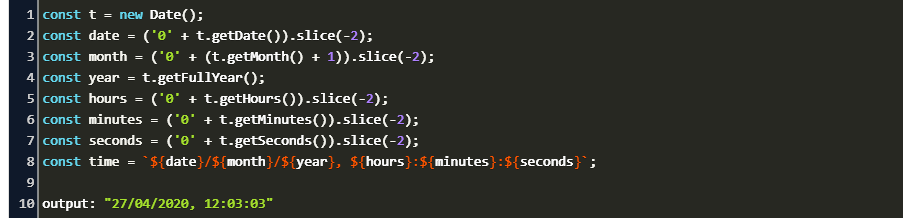
Date Format Code In Excel Typescript Custom Date Format Code Example How To Format Code In VS Code Visual Studio Code KindaCode How To Format Code In Gmail How To Use Number Format Code In Excel 13 Ways ExcelDemy How To Properly Format Code In OneNote Web 10 apr 2022 nbsp 0183 32 To format a date you just write the parameter d m or y a different number of times For example dd mm yyyy will display 01 01 2016 dd mmm yyyy gt 01 Jan 2016 mmmm yyyy gt January 2016 dddd dd
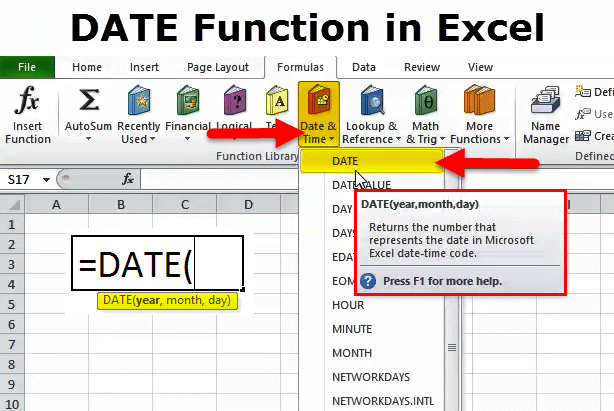
Web You will need to change the number format Format Cells in order to display a proper date Syntax DATE year month day For example DATE C2 A2 B2 combines the year from cell C2 the month from cell Web Overview In its simplest form the TEXT function says TEXT Value you want to format quot Format code you want to apply quot Here are some popular examples which you can copy directly into Excel to experiment with on
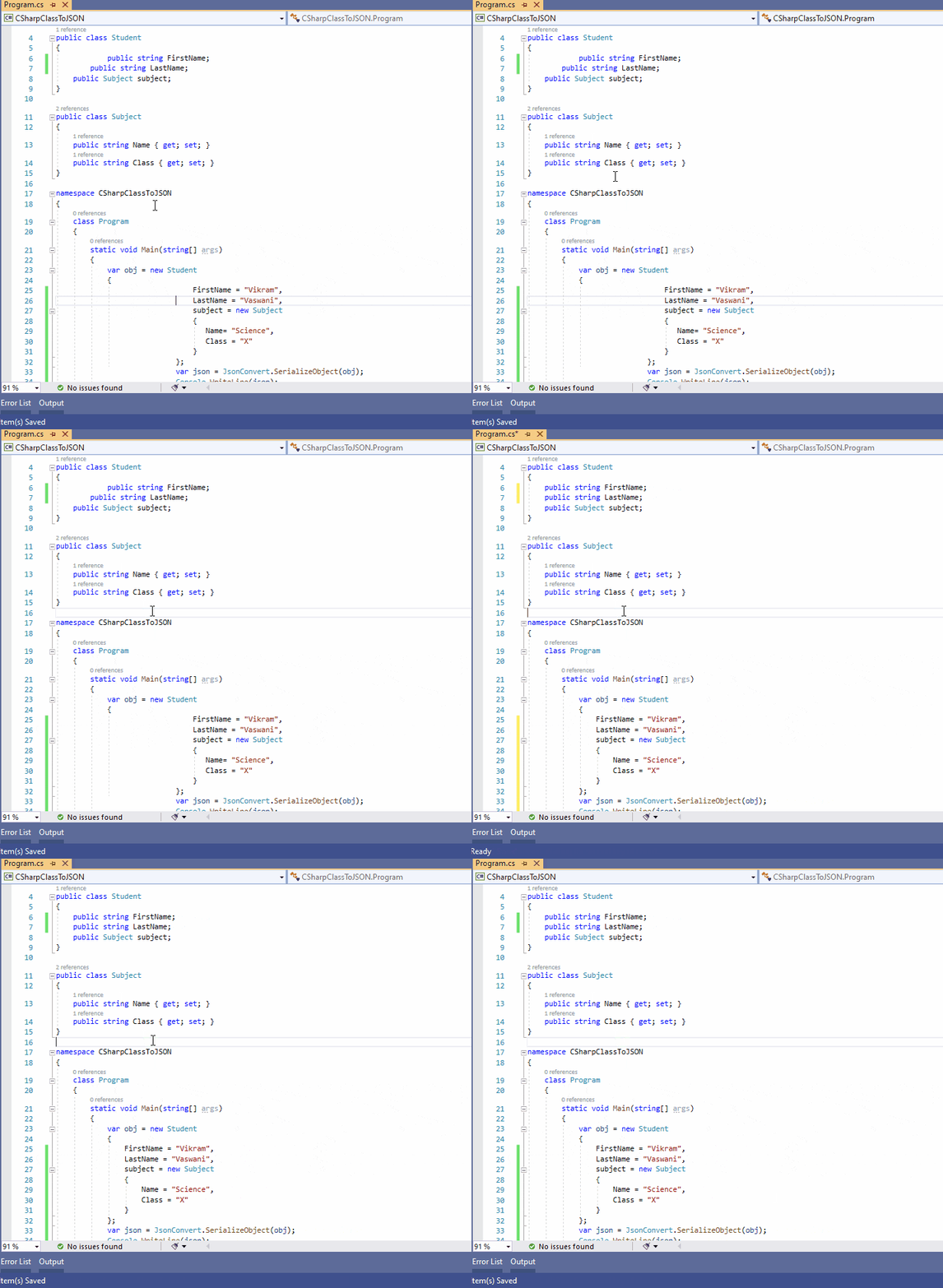
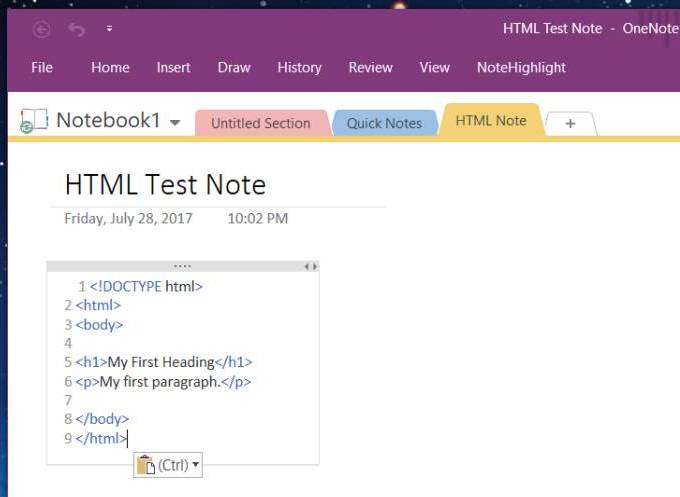
How To Properly Format Code In OneNote Javascript Date Format Vehicleberlinda Kor How To Auto Format Code In Visual Studio Code TechObservatory Javascript Date Format Vehicleberlinda Format Code In Visual Studio With Indentation QA With Experts DATE In Excel Formula Examples How To Use DATE Function Date Format In Excel Customize The Display Of Your Date Using SQL CONVERT Date Formats And Functions Database Management
Date Format Code In Excel
 Date Format Code In Excel
https://www.codegrepper.com/codeimages/typescript-custom-date-format.png
Web To convert a text date in a cell to a serial number use the DATEVALUE function Then copy the formula select the cells that contain the text dates and use Paste Special to apply a date format to them Follow these
Templates are pre-designed files or files that can be utilized for various functions. They can save time and effort by offering a ready-made format and design for developing various kinds of material. Templates can be utilized for personal or professional jobs, such as resumes, invites, leaflets, newsletters, reports, presentations, and more.
Date Format Code In Excel

Oracle To date Format Complete Guide DatabaseFAQs

Javascript Date Format Vehicleberlinda

Kor

How To Auto Format Code In Visual Studio Code TechObservatory
Format Code In Visual Studio With Indentation QA With Experts
DATE In Excel Formula Examples How To Use DATE Function

Web 11 mrt 2015 nbsp 0183 32 When it comes to changing date format of a given cell or range of cells the easiest way is to open the Format Cells dialog and

Web 18 sep 2023 nbsp 0183 32 Steps Type the following formula in cell D5 TEXT C5 quot mm dd yyyy quot Here we re converting the date value into a text value using the TEXT function For the format we re providing the

Web 4 jul 2023 nbsp 0183 32 Excel understands the date July 4 2023 as serial number 45111 This is known as the Microsoft Excel date time code As a user you don t see dates this way

Web 27 nov 2021 nbsp 0183 32 There are two date format options to choose from in this menu Short Date 1 17 2021 and Long Date Sunday January 17 2021 You can select either of those or if that s not the format you re looking
Web 2 feb 2009 nbsp 0183 32 When you try to undo a date or time format by selecting General in the Category list Excel displays a number code When you enter a date or time again
Web In the Control Panel window click on the Change date time or number formats option In the Region dialog box that opens up make sure the Formats tab is selected Change Web Below are the steps to quickly change the format of the date in Excel First select the cell or range of cells where you would like to change the date format Next go to the Home
Web Accessibility center Use date and time functions to create formulas that return serial numbers display a specific date or time or that calculate the difference between dates