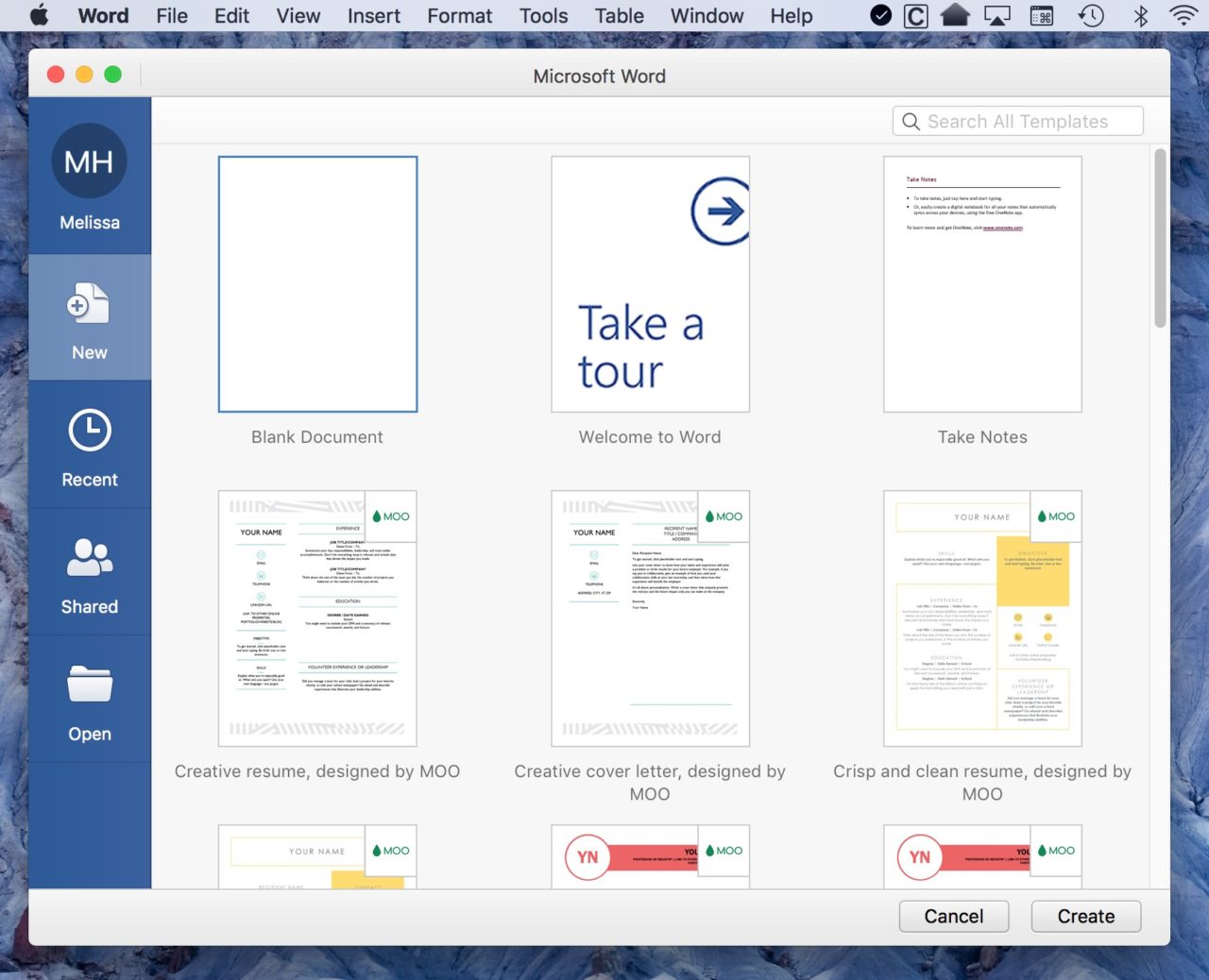
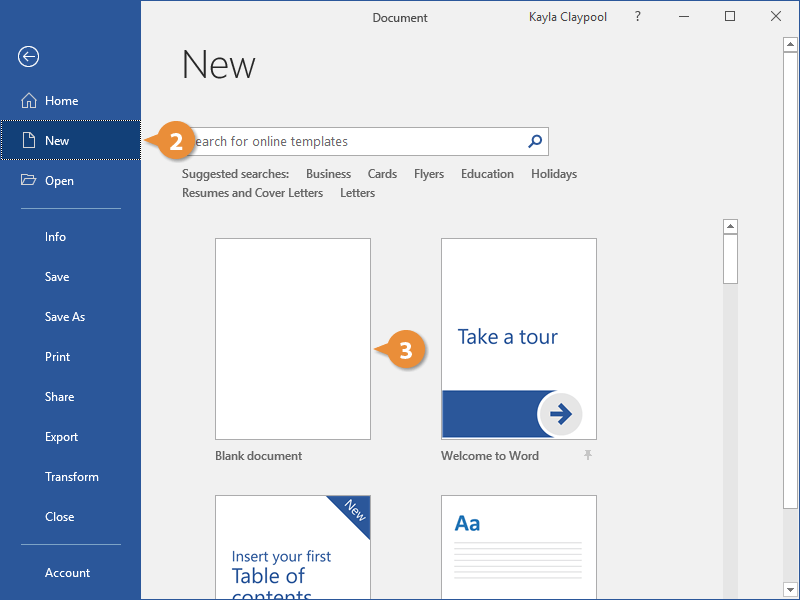
Create New Word Document 74 Create Animated Png Online Free Download 4kpng Getting Started With Word Utkal IIT Education Microsoft Word Blank Table My XXX Hot Girl Create A New Document In Word 2013 2010 A Tutorial Create Word Document In Windows 10 Vbnew Click New Select Blank document A new blank document is created in a new window Press Ctrl N to open a new blank document Create a Document from a Template Click the File tab Click New The New screen has a few ways for you to select a template First several featured templates will appear after the Blank document template
Create and edit web based documents spreadsheets and presentations Store documents online and access them from any computer 01 of 06 Microsoft Word Online What We Like Available for any operating system Sharing and collaboration features similar to Google Docs Multiple templates to choose from What We Don t Like Lacks some features of the desktop version Must upload images to OneDrive to use in documents
Create Word Document In Windows 10 Vbnew Lesson 1 How To Create A New Word Document And Save It Properly YouTube Download Word Documents On Mac Treesquad Creating A Template In Word Playbestonlinegames 01 Create New Word Document YouTube Creating A New Document In Microsoft Word 2007 Tutorial MS Word How To Create A Word Document CustomGuide Create A New Word Document Microsoft YouTube How To Create And Save As A New Document In Ms Word with Shortcut new
Create New Word Document
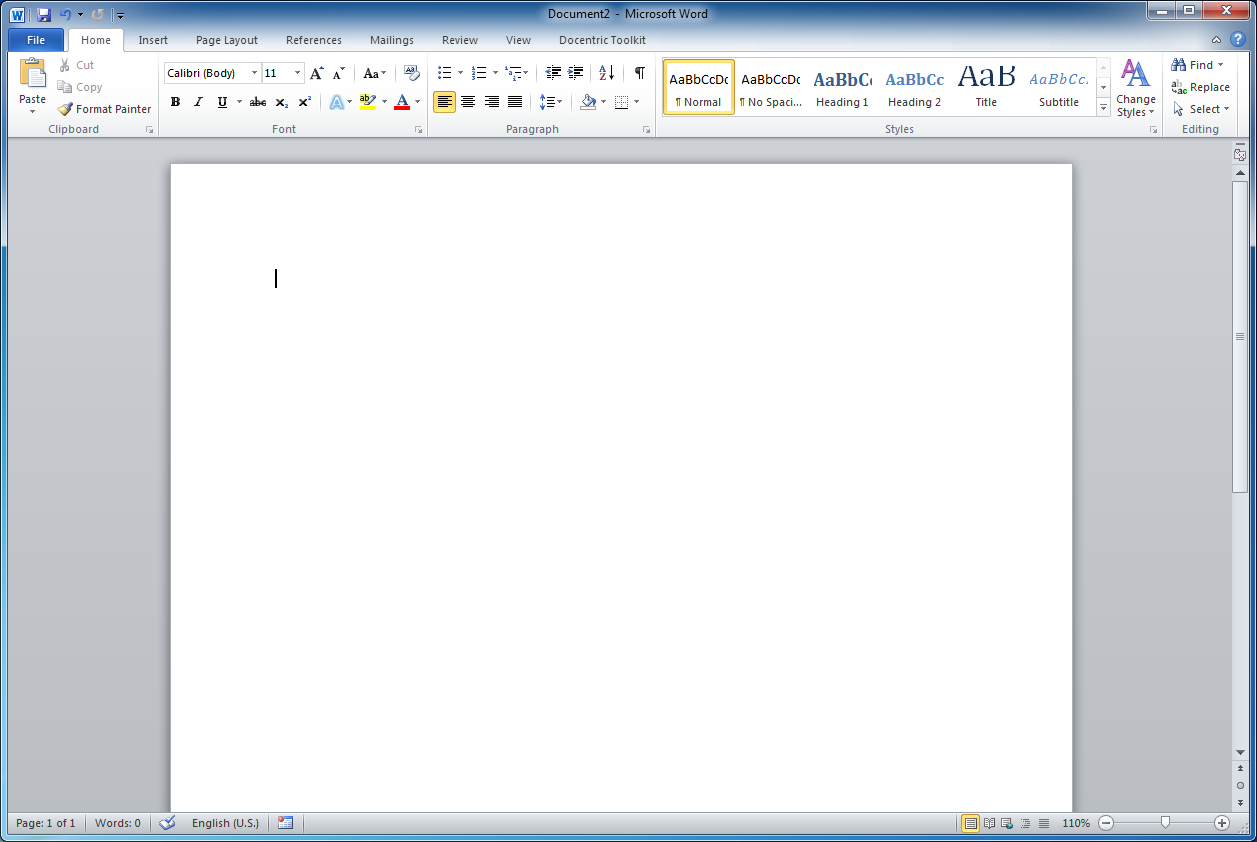 Create New Word Document
https://www.docentric.com/Content/Images/Product/HowToUse/CreateNewDocument1.png
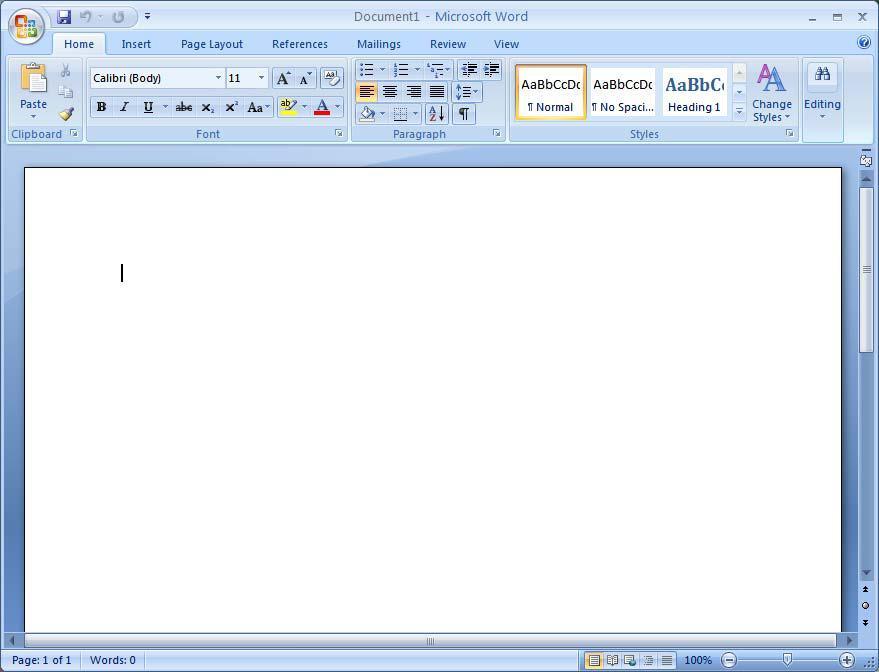
Create a new Word document in just a few simple steps This feature works the same in all modern versions of Microsoft Word 2010 2013 and 2016 When you open Microsoft Word a document is automatically opened as well As you can see in the screenshot below the default document is named Document1
Templates are pre-designed documents or files that can be utilized for numerous purposes. They can conserve time and effort by providing a ready-made format and design for creating different type of material. Templates can be utilized for personal or professional tasks, such as resumes, invitations, flyers, newsletters, reports, presentations, and more.
Create New Word Document
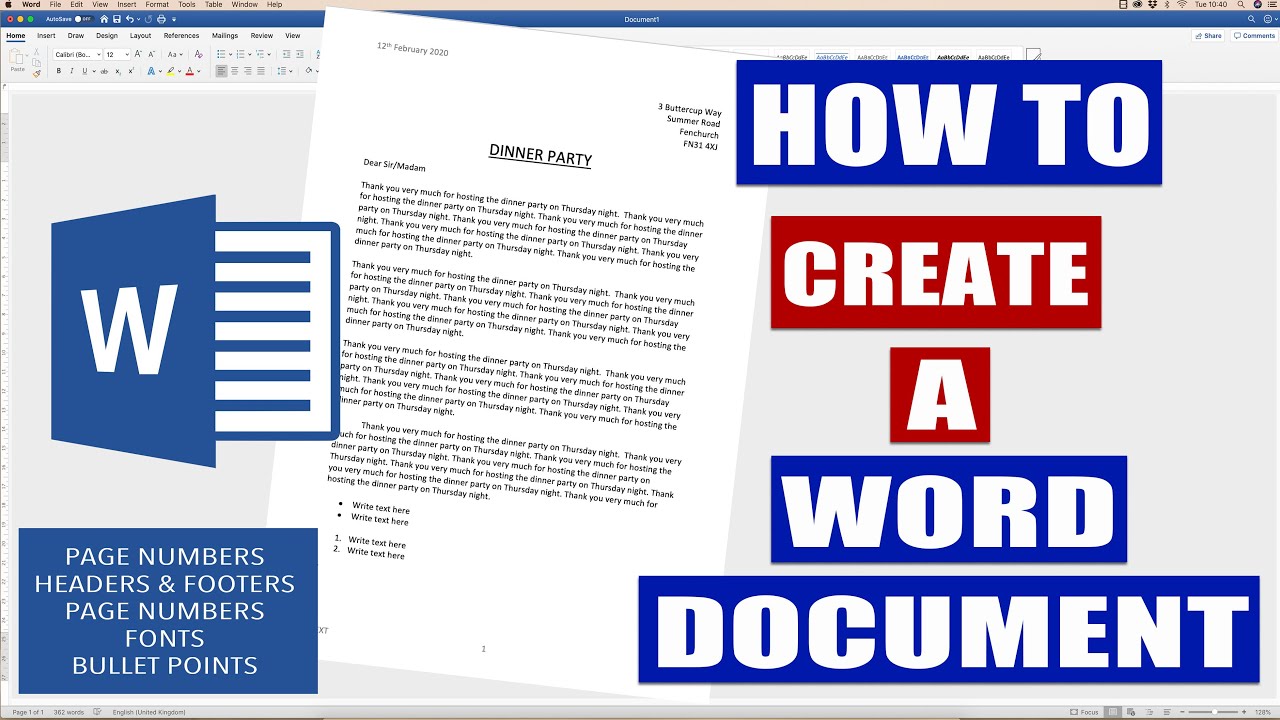
How To Create A Word Document Microsoft Word Tutorial 2020 YouTube

Lesson 1 How To Create A New Word Document And Save It Properly YouTube
Download Word Documents On Mac Treesquad

Creating A Template In Word Playbestonlinegames
Creating A New Document In Microsoft Word 2007 Tutorial MS Word
How To Create A Word Document CustomGuide
Create a new Word document Microsoft Microsoft Helps 88 1K subscribers Subscribe Subscribed Share 67K views 1 year ago Tips and Tricks With Microsoft Word you can create a document

Create and collaborate on online documents in real time and from any device Try Docs for Work Go to Docs Don t have an account See what you can do with Google Docs Seamless collaboration

How to create a Word document How do you save a file on Microsoft Word How to open a new file in MS Word How do you use a Word template How do you copy a Word document By the end of the tutorial you ll be able to create your own document using Microsoft Word Launch Microsoft Word Start by launching Microsoft Word

Word Online Google Docs Zoho Writer Libre Office There was a time when you had to have Microsoft Office installed to create edit or even view a Microsoft Word document Thankfully that s no longer the case There are a number of free alternatives for working with those Word documents people occasionally send you

A computer with Microsoft Word installed Follow these step by step instructions to create a new document in Microsoft Word Step 1 To open Microsoft Word click on the Windows Start Button at the bottom left hand side of the screen or bottom left hand side on your keyboard The following screen will appear
To save your document in Word follow these steps Choose the file format you want to save your document as The default file format for Word documents is docx but you can also choose to save your document as a pdf txt or another file format If you want to save your Word document to OneDrive Microsoft s cloud storage service Below are the steps on how to create a document with AbiWord Open AbiWord Click File and New or press the shortcut Ctrl N to create a new document Type the document you want to create Save the document by clicking File Save or pressing the keyboard shortcut Ctrl S
Open the File menu and then click the Save As command Select where you want to save your document After typing a name for your template open the dropdown menu underneath the name field and then choose the Word Template dotx option Click the Save button