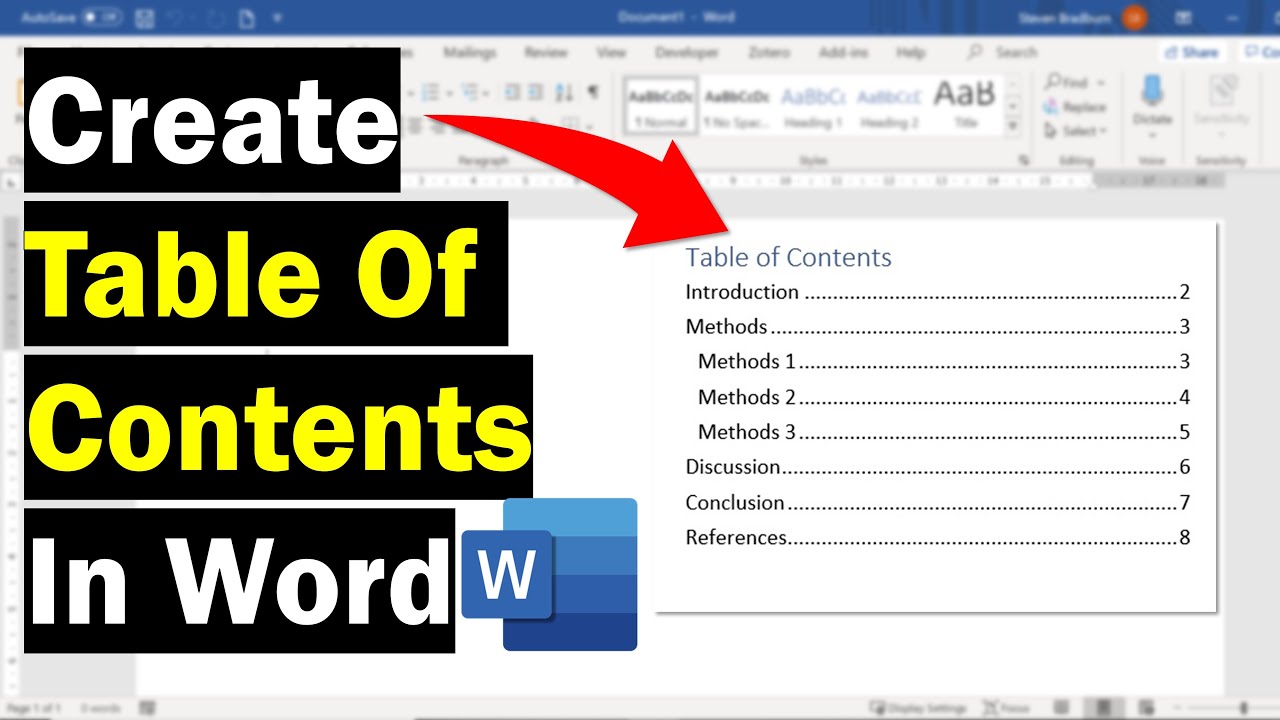
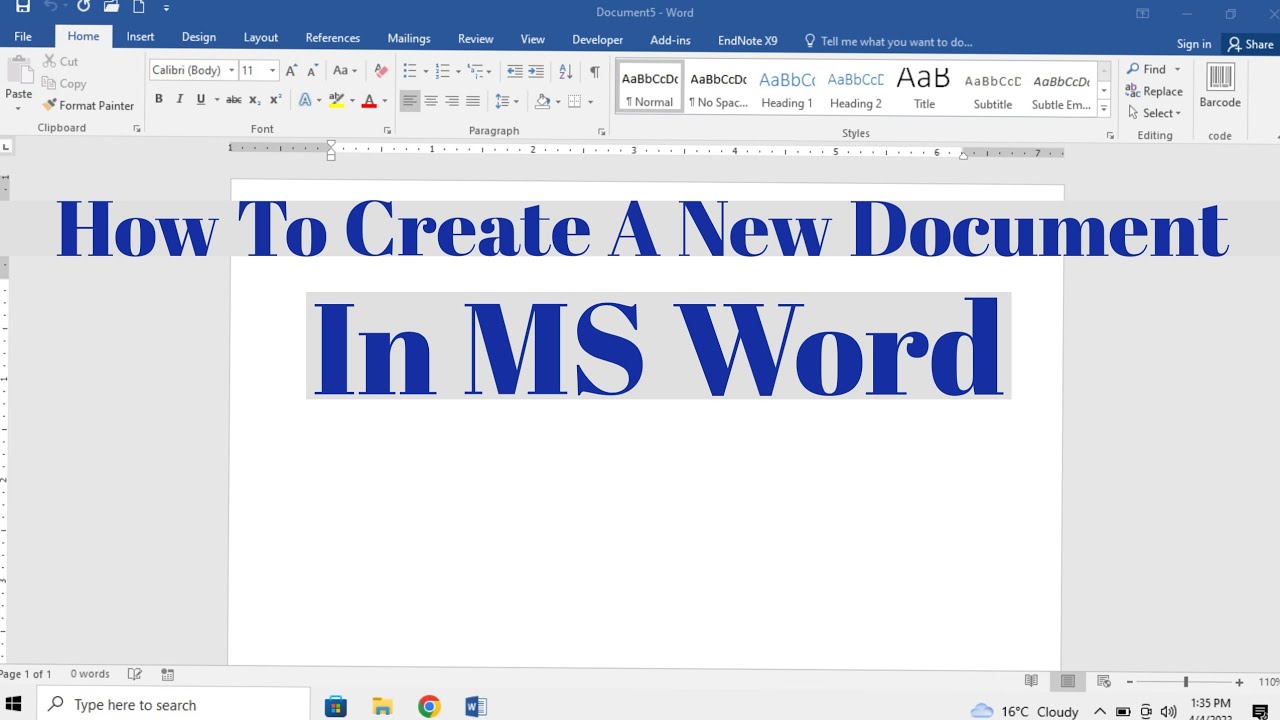
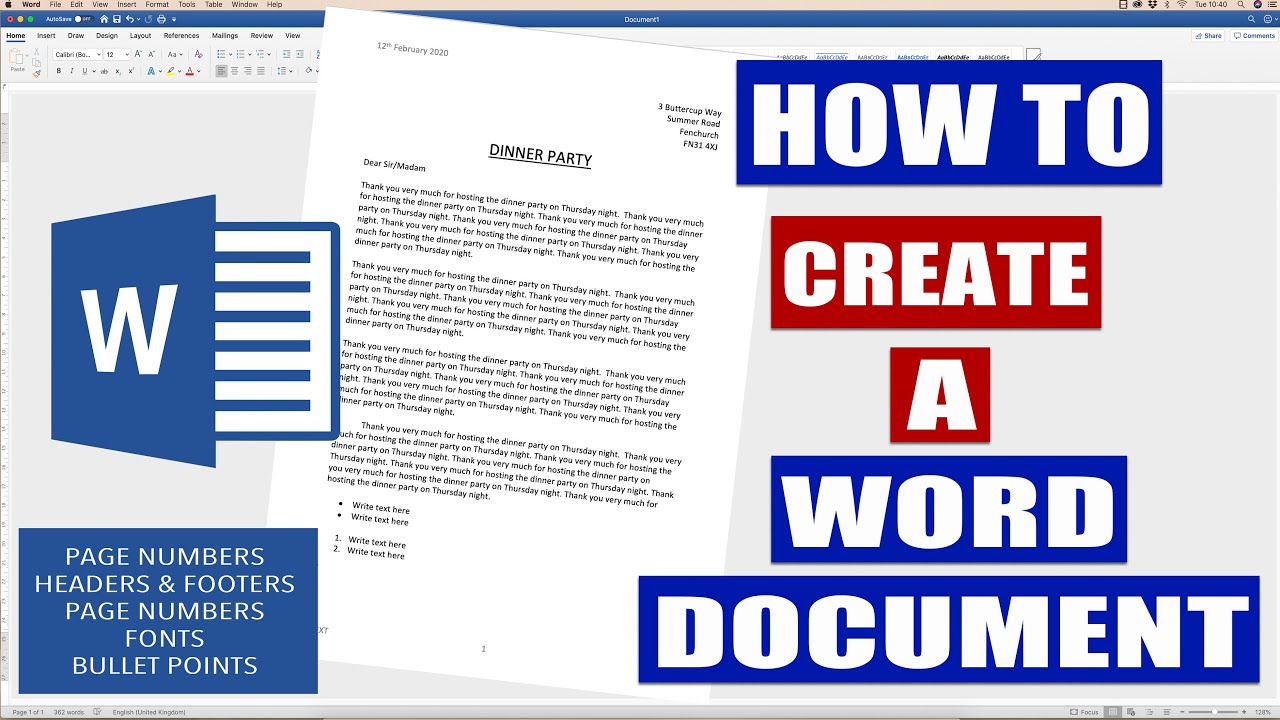
How Do You Create A New Word Document Create A New Word Document Microsoft YouTube How To Create A Table Of Contents In Microsoft Word YouTube How To Create Outlook Email Account Step By Step Guide YouTube How To Create A New Document In MS Word YouTube How To Create A Word Document Microsoft Word Tutorial 2020 YouTube Web Jun 20 2018 nbsp 0183 32 Open the quot File quot menu and then click the quot Save As quot command Select where you want to save your document After typing a name for your template open the dropdown menu underneath the name field and then choose the quot Word Template dotx quot option Click the quot Save quot button That s it You have now saved your custom Word template
Web Google Docs Online document editor Google Workspace Build your best ideas together in Google Docs Create and collaborate on online documents in real time and from any device Try Web Click File gt Open Double click Computer or This PC Browse to the Custom Office Templates folder that s under My Documents Click your template and click Open Make the changes you want then save and close the template Use your template to make a new document
How To Create A Word Document Microsoft Word Tutorial 2020 YouTube More Survival Games Should Adopt Infinite Craft s Haphazard Experimentation First Session Of Mastering Adobe Acrobat Get Ready To Elevate Your How To Use Zemlja Project V Architecture Sipgross Blog Create A Word Document New Updates In Cheating Chelsea Affair Coaching Lawsuit I Thought I Ms Word Fillable Form Template Image To U
How Do You Create A New Word Document
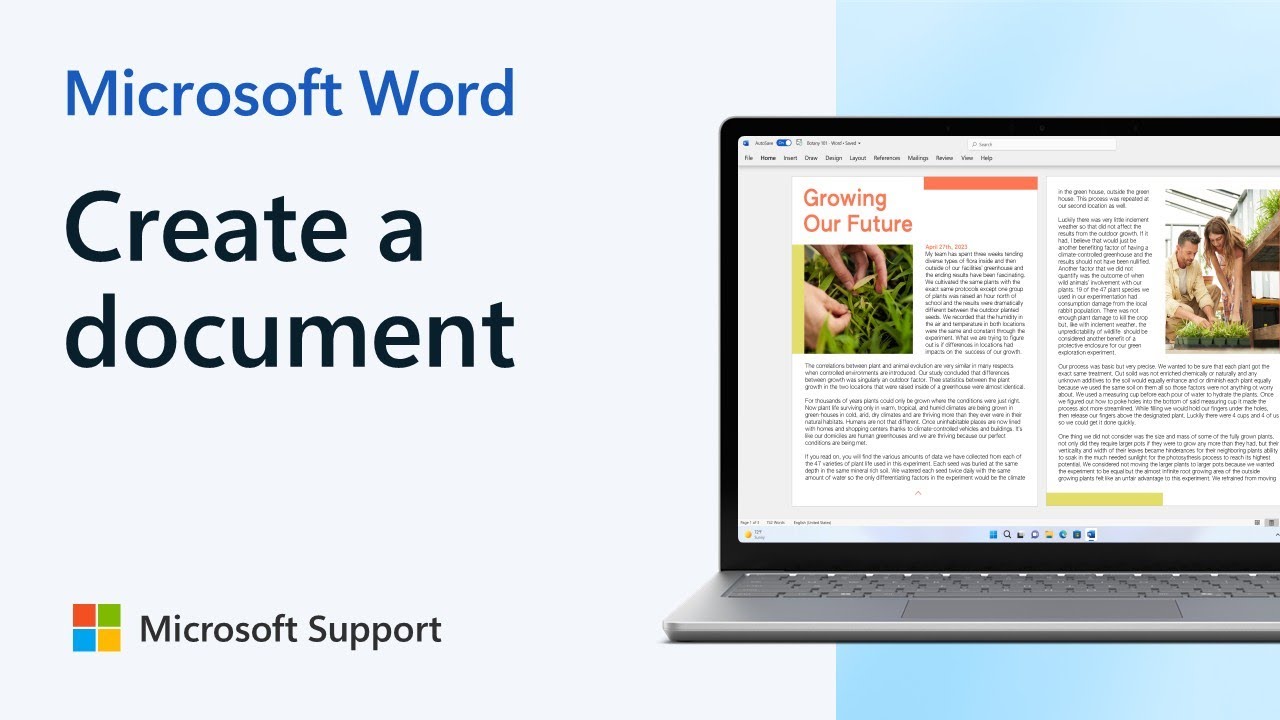 How Do You Create A New Word Document
https://i.ytimg.com/vi/TTAkyQfuIk8/maxresdefault.jpg
Web Aug 7 2023 nbsp 0183 32 Step 2 Enable the Developer tab Open the Word template file At this point the document appears to be blank To see and add customer engagement apps XML data you need to enable the Word Developer tab Go to File gt Options gt Customize Ribbon and then enable Developer Click OK
Templates are pre-designed files or files that can be used for different purposes. They can save effort and time by offering a ready-made format and design for creating different type of content. Templates can be utilized for individual or expert jobs, such as resumes, invites, flyers, newsletters, reports, discussions, and more.
How Do You Create A New Word Document

How To Draw A Flow Chart In Microsoft Word How To Create A Flowchart
More Survival Games Should Adopt Infinite Craft s Haphazard Experimentation

First Session Of Mastering Adobe Acrobat Get Ready To Elevate Your
How To Use
Sipgross Blog

Create A Word Document
Web Oct 16 2019 nbsp 0183 32 When you launch Microsoft Word for the first time it automatically opens a new blank Word document From here you can proceed to make your business letter Otherwise when prompted select New gt Blank Document gt Create Learn how to create a new Word document using a template or by creating a file from scratch
Web Sep 19 2023 nbsp 0183 32 Open Microsoft Word Step 2 Create a New Document Once Word is open you ll typically see a blank document If not select quot File quot from the top left corner of the screen Step 3 Start Your Document Whether you ve chosen a template or decided to start with a blank document you re now ready to begin creating your Word document
Web Open Word Or if Word is already open select File gt New In the Search for online templates box enter a search word like letter resume or invoice Or select a category under the search box like Business Personal or Education Click a template to see a
Web Jan 7 2021 nbsp 0183 32 Select the quot Create From File quot tab and then click quot Browse quot The quot Create From File quot option will appear as a button in the bottom left corner of the window on Mac File Explorer Finder on Mac will appear Find the file you
Web Nov 18 2022 nbsp 0183 32 Open Google Drive If prompted log into your Google account In the upper left corner of the window click the button In the drop down menu move your mouse cursor over the arrow next to Google Docs Choose Blank document from the box that appears Create a document using a template Complete steps 1 3 in the previous section
Web Click the File tab Click New Select Blank document A new blank document is created in a new window Press Ctrl N to open a new blank document Create a Document from a Template Click the File tab Click New The New Web To start creating a document simply begin typing Note that in Microsoft Word 2007 you do this by clicking the Microsoft Office button and selecting Save As How to Check Spelling and Grammar in Microsoft Word How to Use Mail Merge in Microsoft Word How to Add Picture Borders in Microsoft Word How to Remove Metadata from Microsoft Word Files
Web Nov 6 2023 nbsp 0183 32 Online pictures To add a picture from your files click on This device or press D on the keyboard A file browser will pop up Find the image you wish to add or add multiple images by holding Ctrl when you click on a file When you re happy with your selection click Insert The image will appear where the cursor was