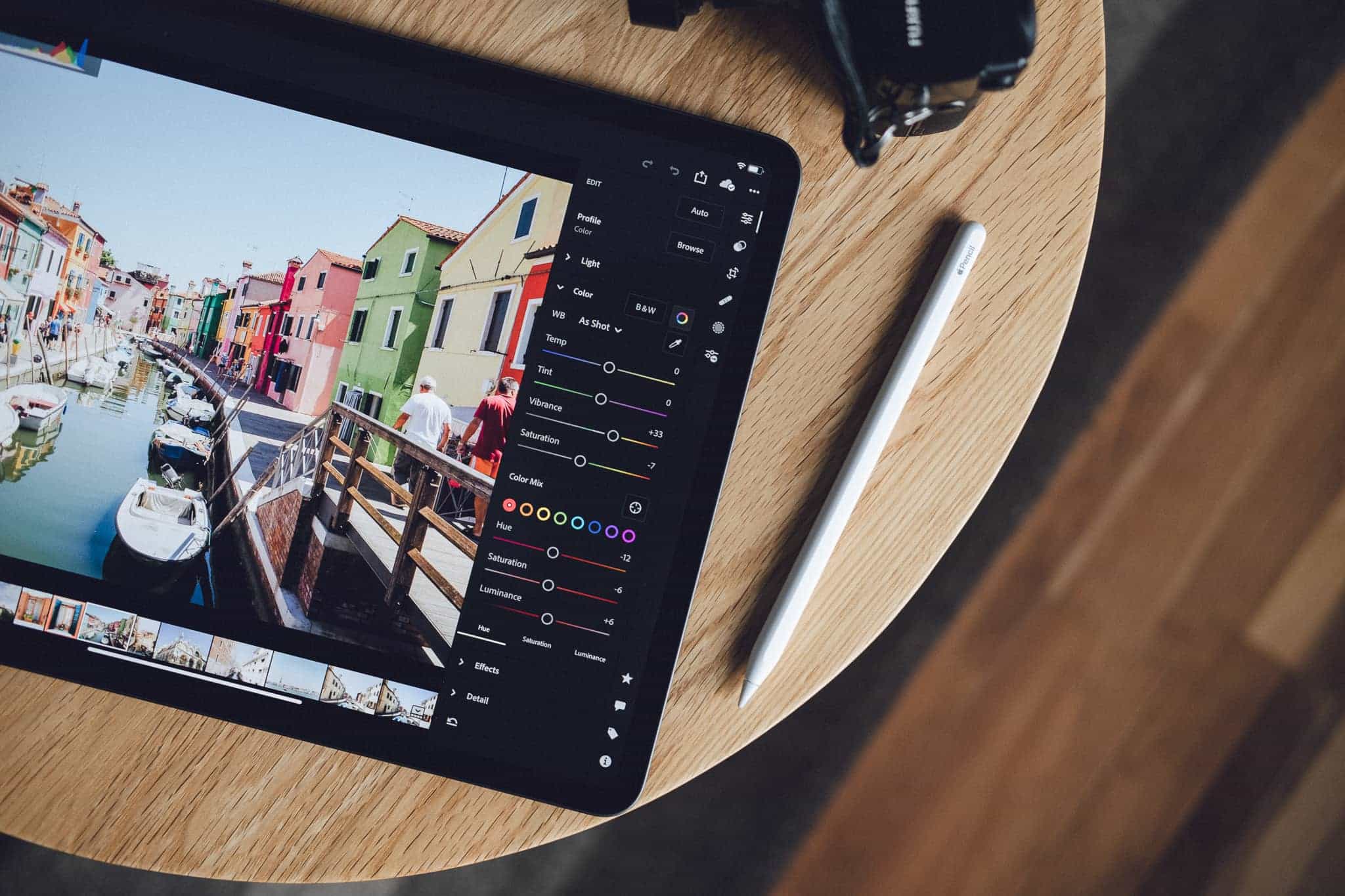
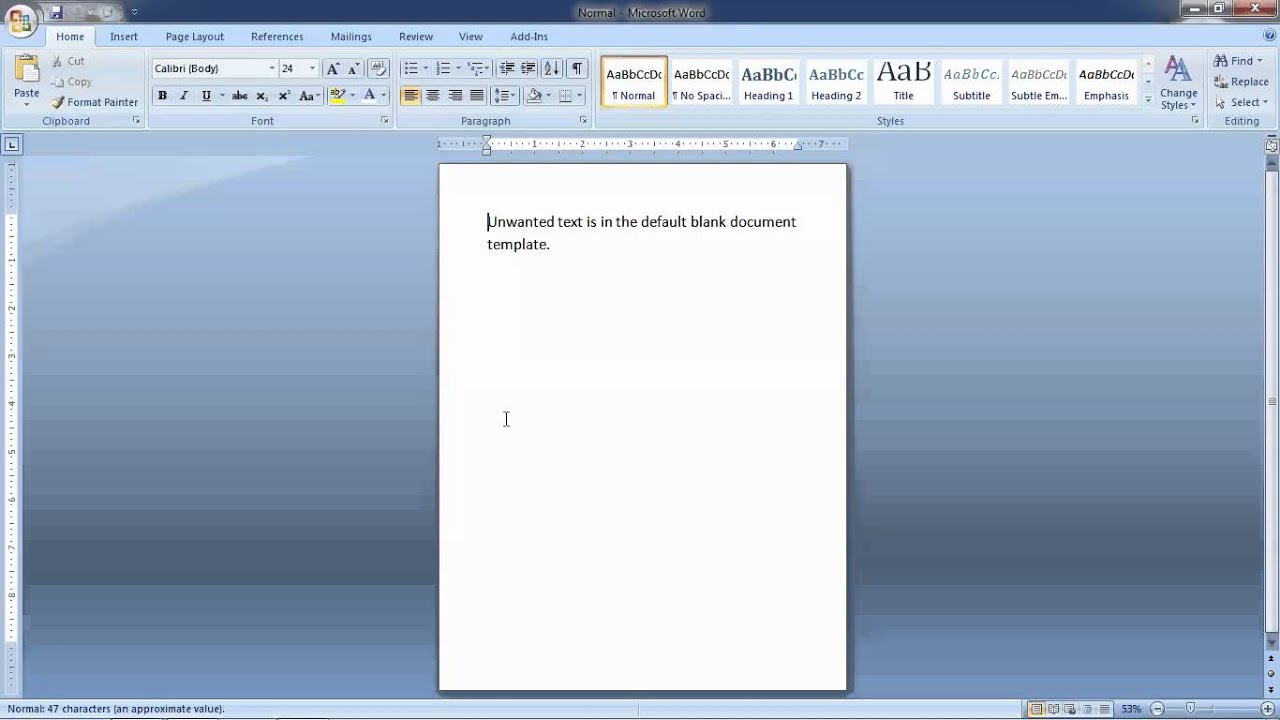
Create New Word Document On Ipad Lesson 1 How To Create A New Word Document And Save It Properly YouTube The Best App For Editing Photos On The IPad The Sweet Setup Microsoft Word Blank Table My XXX Hot Girl Changing Default New Blank Document Template In Word 2007 YouTube Create And Open Your Document In Microsoft Word 2016 Tutorials Tree Fill out forms and add signatures Tap the file to open the document If prompted open the document in the Files app then tap Save Tap then tap a blank field to enter text using the onscreen keyboard To fill out another field tap it then enter text To add additional text or add your signature tap then do one of the following
Lists Word for iPad help topics and provides links to them The app offers new ways to keep everyone on the same page Microsoft Word Create a Resume Essay or PDF View Want to collaborate on To create and edit documents on an iPad Pro you ll need an Office 365 subscription Those using an iPhone iPad or iPad mini just need a free Microsoft account
Create And Open Your Document In Microsoft Word 2016 Tutorials Tree How To Scan A Document On Your IPhone Or IPad Quick Guide Word Documents On Ipad Dietfasr Create A Word Document Best Document Editing Apps For IPad Pages Google Drive Microsoft Pages For IPad Adding Text To Word Documents On IPad YouTube Create A New Document In Word 2013 2010 A Tutorial How To Create Custom Microsoft Word Templates In Office Windows Central Getting Started With Word 2016 Tutorial Office Word
Create New Word Document On Ipad
 Create New Word Document On Ipad
https://i.ytimg.com/vi/lXMJaoRdmvs/maxresdefault.jpg
One easy option for editing Word documents is Apple s 10 iWork app Pages It can import and export documents in Microsoft Word format and offers a powerful and easy to use environment
Pre-crafted templates offer a time-saving service for creating a varied series of documents and files. These pre-designed formats and layouts can be utilized for numerous individual and expert projects, including resumes, invites, flyers, newsletters, reports, presentations, and more, streamlining the content production process.
Create New Word Document On Ipad
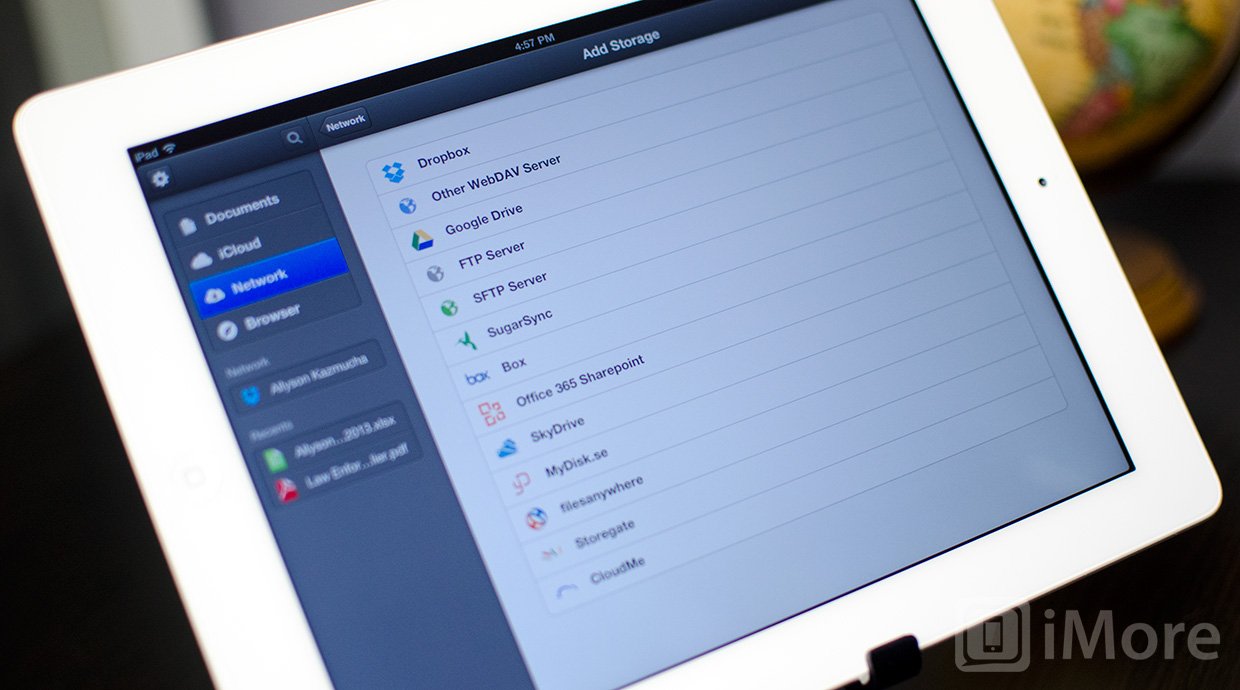
Documents By Readdle Updated For IPad With Fresh Look And Better
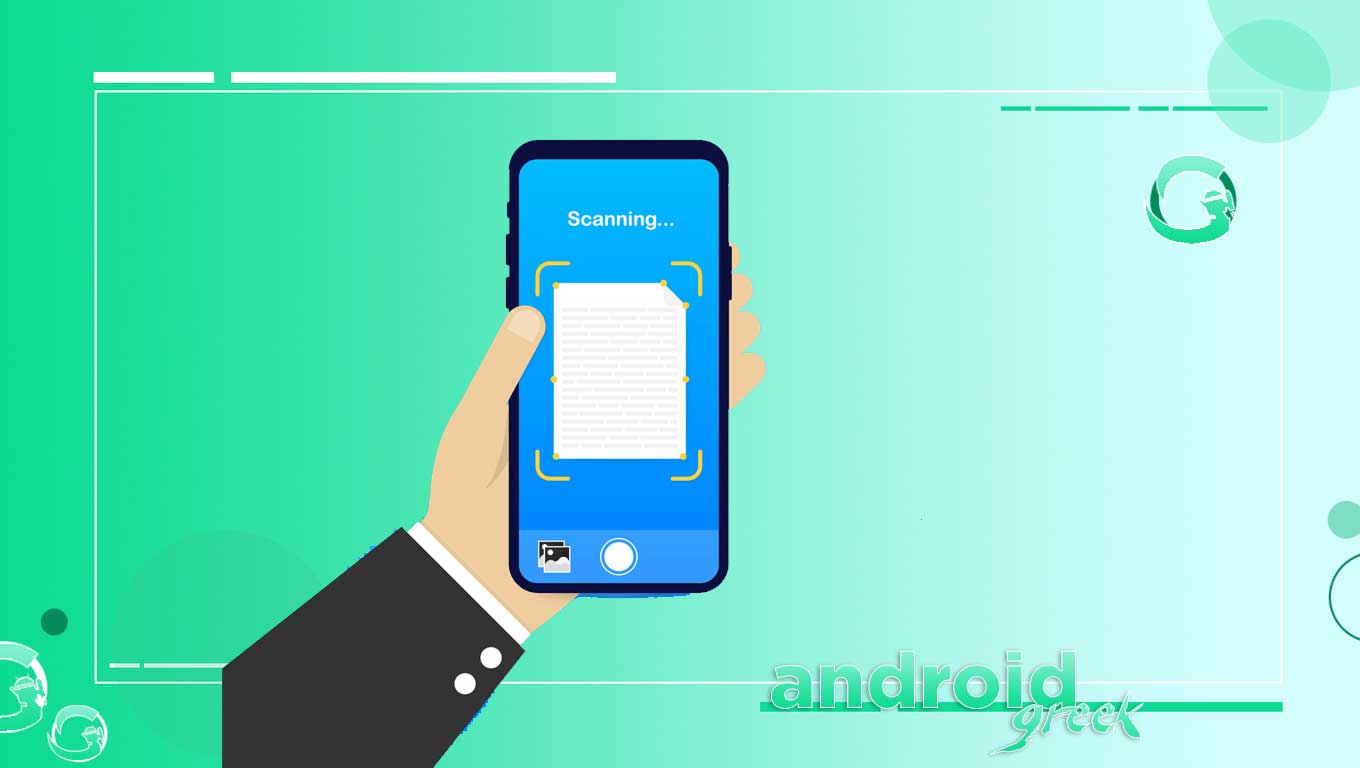
How To Scan A Document On Your IPhone Or IPad Quick Guide
Word Documents On Ipad Dietfasr

Create A Word Document
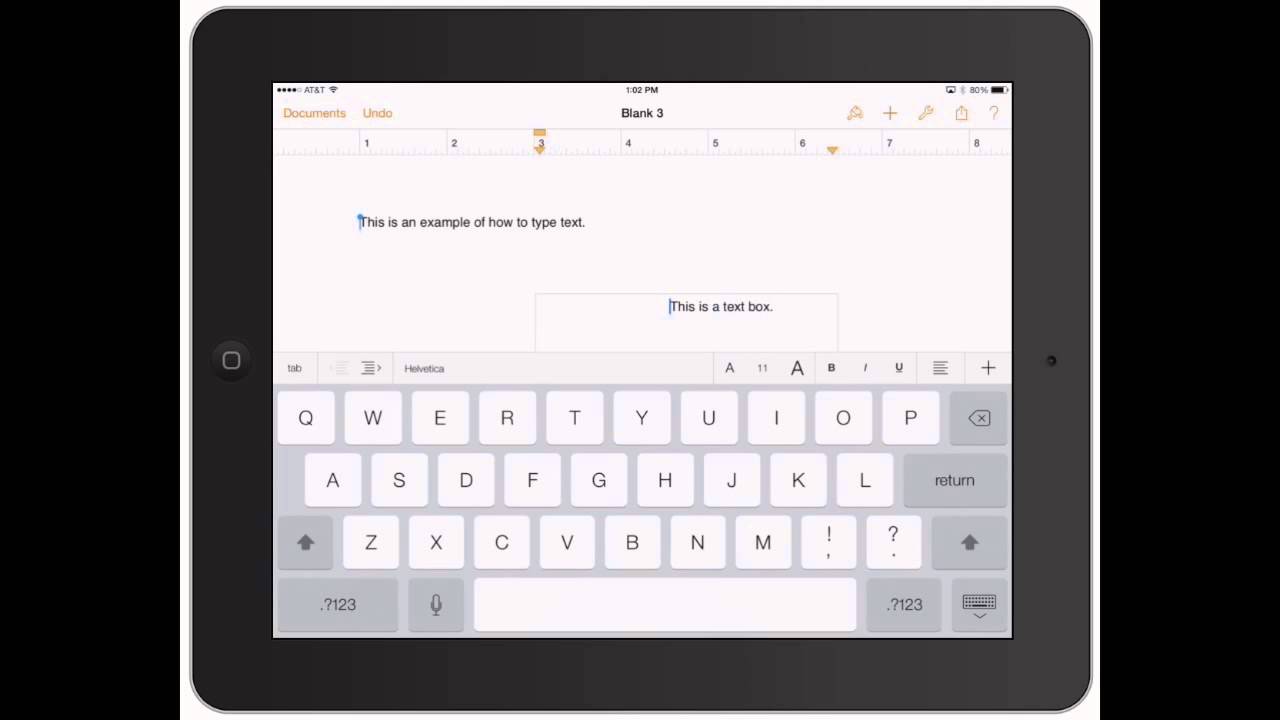
Pages For IPad Adding Text To Word Documents On IPad YouTube
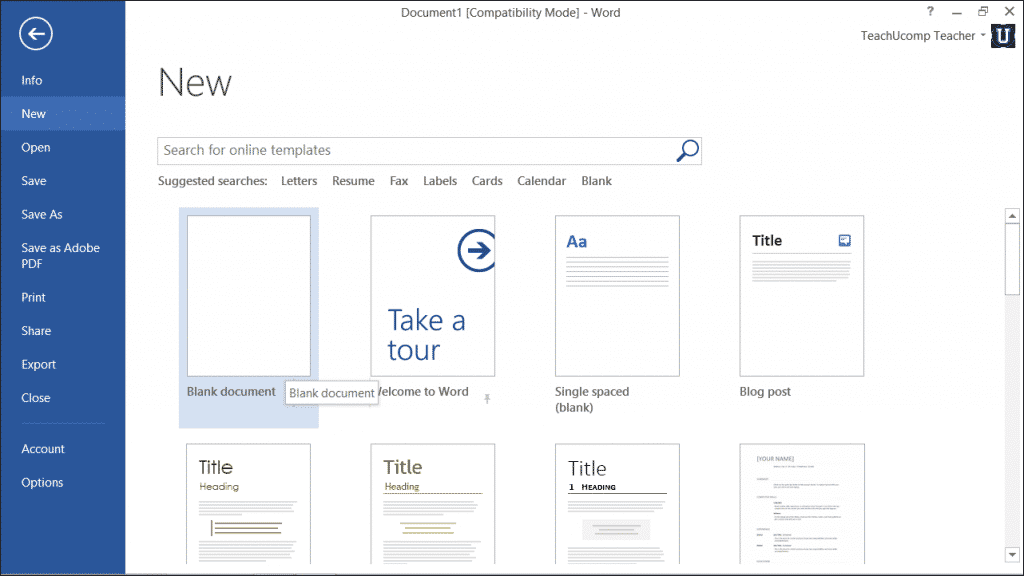
Create A New Document In Word 2013 2010 A Tutorial

To create a new document within Microsoft Word for iPad tap the button at the top right corner of the screen then select Blank Document from the drop down menu that appears this will create an untitled blank page without any formatting or content present
Tap the button below to install the new Office app for iOS that combines Word Excel and PowerPoint into a single app which introduces new mobile centric features to view edit and share files without the need to switch between multiple apps From the Word Excel or PowerPoint app open or create a document tap the triple dot icon and

Pages is a powerful word processor that lets you create stunning documents and comes included with most Apple devices And with real time collaboration your team can work together from anywhere whether they re on Mac iPad iPhone or a PC See what s new in Pages
You can use Pages to create any kind of document you want from a simple word processing document that s mainly text to a page layout document with graphics interesting font treatments and more To create any document you always start with a template then modify it however you like

Create a new document On the File tab select New Select Blank document or double click a template image or type the kind of document into the Search for online templates box and press Enter Tip For practice using Word features try a learning guide like Welcome to Word or Insert your first table of contents
When you convert a file you create a copy in the new format The original file remains intact Convert a Pages Numbers or Keynote file on iPhone iPad or Mac With the file open tap or click the Share button in the toolbar then tap or click Export and Send Choose a format for your document To convert a Pages document to Word choose Word How to Create Documents on the iPad By Anne Hirsh The iPad relies on apps for document creation You can create documents in many common formats using the iPad including Microsoft Office and Apple iWork compatible documents PDFs plain text and rich text files
You can get Microsoft Office on your iPad or iPhone and you don t even have to pay We explain how to view and edit Word Excel Powerpoint documents in iOS