Computer Owner Name Portal Punxsy Computer Computer Business Gdpr Free Stock Photo Public Domain Pictures Registered Business Clip Art Library Computer And Software Engineering Quick Takeaways Use the Winver command to check Windows 11 owner details To edit organization or owner details you can use the Windows Registry Editor tool Check the Registered Owner and
WinBuzzer Tips Windows 11 How to Change the Windows Owner Name and Organization Name We show you how to change your registered owner name and Open Start Search for regedit and click the top result to open the Registry Editor Browse the following path HKEY LOCAL MACHINE SOFTWARE Microsoft Windows
Computer And Software Engineering JS Computer Rajshahi Bangladesh PCLaptopBD Who Is The Current Owner Of Microsoft Computer Sales Center Colombo Owner Manual Manualzz What Is An Attorney Schooling Online Business Owner Computer Byte Bodega How To Change Your Computer Owner Name Easily YouTube Apple CEO Tim Cook Explains Why He Spoke Out About Immigration
Computer Owner Name
 Computer Owner Name
https://www.punxsycomputer.com/wp-content/uploads/logo-1.png
Click Start type Control Panel click User Accounts and then click Change your account name Alternatively you can change the user name using
Templates are pre-designed files or files that can be utilized for numerous purposes. They can conserve effort and time by providing a ready-made format and layout for developing various type of material. Templates can be used for individual or expert jobs, such as resumes, invites, leaflets, newsletters, reports, discussions, and more.
Computer Owner Name

Dive Computer Owner s Manual I470tc DocsLib

JS Computer Rajshahi Bangladesh PCLaptopBD

Who Is The Current Owner Of Microsoft
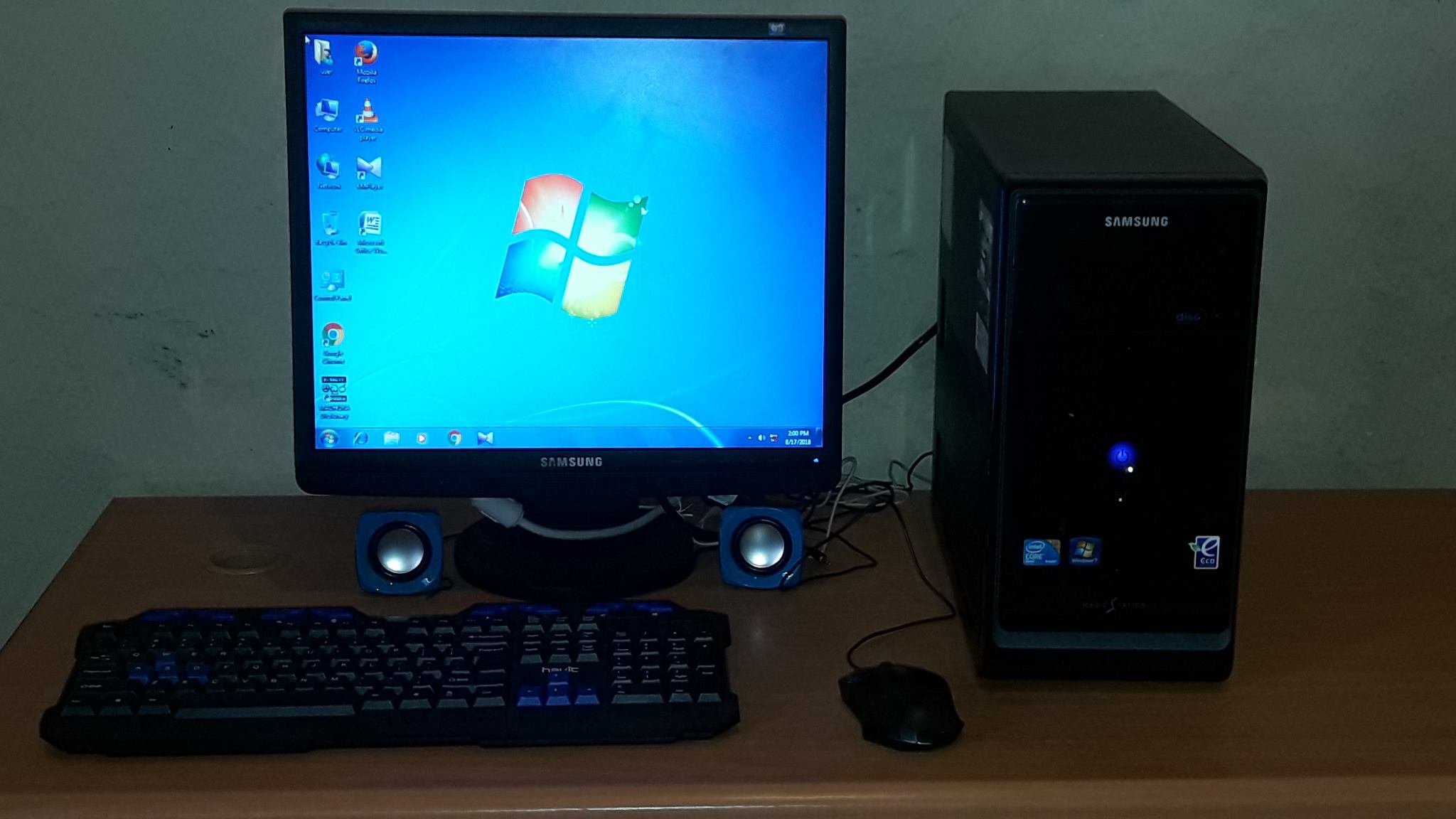
Computer Sales Center Colombo

What Is An Attorney Schooling

Online Business Owner Computer Byte Bodega
Change the Name of the Registered Owner To change the name of the registered owner of the Windows license begin by click on

1 Press the Win R keys to open Run type regedit into Run and click tap on OK to open Registry Editor 2 Navigate to the key below

Open Start Search for regedit and click the top result to open the Registry Browse the following path HKEY LOCAL MACHINE SOFTWARE Microsoft Windows

Open up regedit exe through the start menu search box or by pressing WIN R to open the Run box and typing it there and then locate the following registry key

By Ryan Maskell May 27 2021 9 13 am CEST 648 0 When you perform a fresh install of Windows 10 you may notice that the registered owner is set to Windows User and the organization
Key notes Registered owner refers to the user or entity ownership rights over the Windows registry It is possible for users who are selling or buying a new PC to alter Step 1 Download Windows Tweaker free and launch it Step 2 Click the System tab in the left pane and then switch to the Registration tab on the right side Step
By Mauro Huculak published 20 June 2022 Do you need to update your account name Here s how on Windows 11 Windows 11 change account name Image