Computer User Name And Password Usernames And Passwords Digital Printable Etsy How To Get Username And Password Fields In Windows 10 And 11 YouTube 4 Ways To Find Computer Username And Password In Windows 10 EaseUS How To Change Username And Computer Name On Windows 10 Guide 2019 YouTube Login Interface Username And Password Royalty Free Vector Web Insert the password reset disk or USB flash drive into the computer and then click Reset password The Password Reset Wizard opens Click Next select the password key location from the drop down menu and then click Next Follow the on screen instructions to create a new password and password hint
Web May 9 2023 nbsp 0183 32 Launch Control Panel in icon view then click the User Accounts applet Click the Create a password reset disk link to open the Forgotten Password Wizard menu and click Next Confirm the USB drive Web Oct 10 2019 nbsp 0183 32 It essentially sends you to Bing which provides instructions on how to change your password online First sign in to your Microsoft account on the company s website using the current password Once the site loads click the quot Security quot option listed along the top You ll see a quot Change Password quot option on the following page and a quot Change quot link
Login Interface Username And Password Royalty Free Vector How To Change Another User S Password In Windows Riset HTML Tutorial User Name And Password Box YouTube Facilitating Input Of User Name And Password From Device Having Keypad EVSEMaster Charging APP Tutorial Changing Name And Password Login Interface Username And Password Royalty Free Vector Top 29 Websites To Get Free Usernames And Passwords TechyEverything HOW TO HACK USERNAME AND PASSWORD OF A WEBSITE How To Change The User Profile Folder Name In Windows 11 Vrogue
Computer User Name And Password
 Computer User Name And Password
https://i.etsystatic.com/26917264/r/il/7f0cde/2775319274/il_794xN.2775319274_jqtl.jpg
Web May 17 2022 nbsp 0183 32 Source Windows Central Image credit Source Windows Central Specify a password hint that won t make it easier for others to guess your secret phrase Click the Next button Click the Finish
Templates are pre-designed files or files that can be utilized for numerous functions. They can conserve effort and time by supplying a ready-made format and layout for producing various sort of content. Templates can be used for personal or professional jobs, such as resumes, invitations, flyers, newsletters, reports, presentations, and more.
Computer User Name And Password
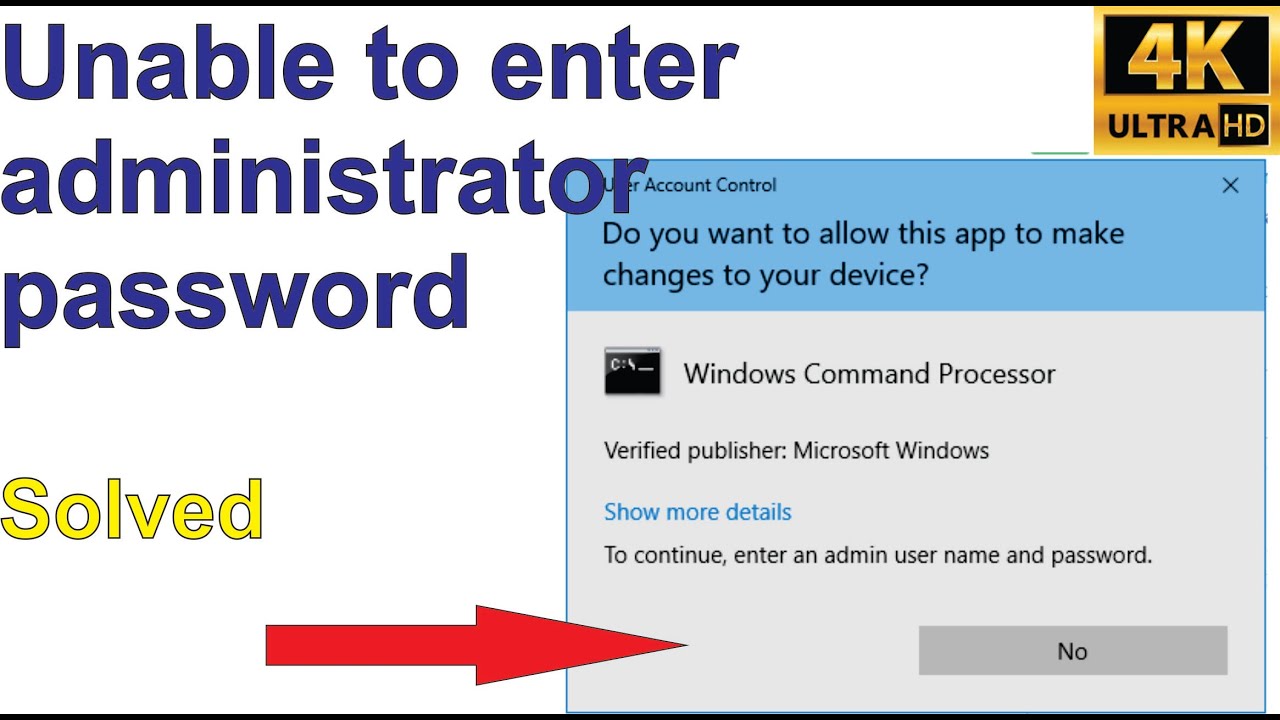
Mathworksheets4kids Username And Password
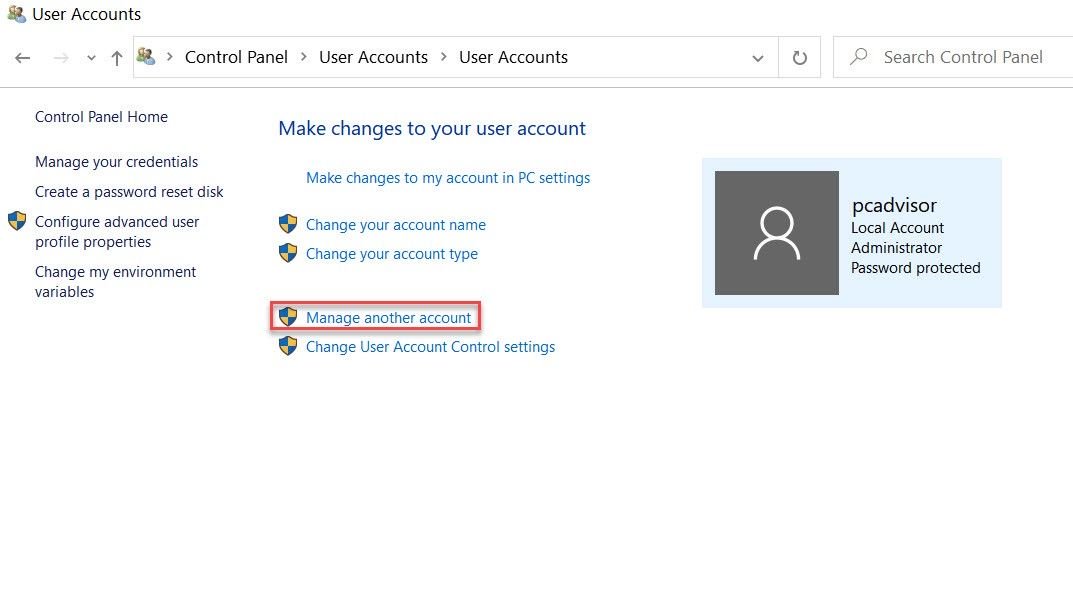
How To Change Another User S Password In Windows Riset

HTML Tutorial User Name And Password Box YouTube

Facilitating Input Of User Name And Password From Device Having Keypad
Login Interface Username And Password Royalty Free Vector

Top 29 Websites To Get Free Usernames And Passwords TechyEverything
Web Mar 10 2024 nbsp 0183 32 Select the user account you want to change Click Reset Password or Change Password In the New Password and Verify fields type the new password After entering the new password click the Reset Password or Change Password button again If a dialog window pops up click OK

Web Feb 29 2024 nbsp 0183 32 Use the Echo Command In computing the echo command is used to display its arguments on the standard output We can use this feature to display our username Press Win R to open the Run dialog box Type cmd in the box next to open and press Enter Type echo USERNAME and press Enter Your username will appear in the

Web Dec 14 2023 nbsp 0183 32 Method 2 using Netplwiz Step 1 Search netplwiz in start menu search box of windows 10 Step 2 Now from the list of users click on the user you want to know the username for If you have come here trying to find username of your Windows 10 PC then you have come at the right place Below are 2 most effective ways to know your PC

Web Nov 8 2023 nbsp 0183 32 The netplwiz method works on both Windows 10 and Windows 11 To start hit Windows r and type quot netplwiz quot into the run box then hit Enter or click quot Ok quot Select the user name you want to change and then click quot Properties quot Type the new user name in the box click quot Apply quot and then click quot Ok quot Whether you re using a Microsoft account or a local

Web To turn on Windows Hello Go to Start gt Settings gt Accounts gt Sign in options Select the Windows Hello method that you want to set up Select Set up If you don t see Windows Hello in Sign in options then it may not be available for your device Windows Hello does require a compatible camera or fingerprint reader
Web 4 Select quot Users quot This will display your account name and permissions If your account has a password you will see quot Password Protected quot under your account details Web Oct 4 2023 nbsp 0183 32 Hit the Windows key on your keyboard Type Control Panel then click on it Look at the User Accounts option then click on Change account type Select the desired account Click on Change the password Type the current and the new password
Web Mar 23 2024 nbsp 0183 32 Find stored Usernames amp Passwords in Windows 11 10 To directly access the Stored User Names and Passwords Control Panel applet via WinX Menu open Command Prompt Admin type the following