Alt Symbol Codes Check Mark What Is Alt Code For Checkmark Using Alt Code For Checkmark Symbol In Word Software Accountant Windows Check Mark Shortcut Aspoyvu How To Create A Checkmark Using Notepad What Is Mark Down Pin Alt Codes For Bullets Symbols And Other Special Characters Pictures You can easily insert a check mark also known as a tick mark in Word Outlook Excel or PowerPoint These marks are static symbols If you re looking for an interactive
Mac Option Code Word Alt X Check Mark Alt 10003 Option 2713 2713 Alt X Heavy Check Mark Alt 10004 Option 2714 2714 Alt X White Heavy Check Mark Alt 9989 Option Open your Word document Place your insertion pointer where you need to type the symbol Press and hold the Alt key on your keyboard While holding the Alt
Pin Alt Codes For Bullets Symbols And Other Special Characters Pictures List Of Alt Key Codes Alt Symbols Alt Codes Symbols Check Mark BEST GAMES WALKTHROUGH Image Result For All Alt Key Codes Symbols Simboli Della Tastiera How To Type Check Mark Checkbox Symbols In Word Alt Code The ALT Codes How To Get Special Characters Using Alt Key Codes Or The Word Symbols How To Make Symbols Special Characters Using Your Keyboard 2023 ALT Codes Local Fonts
Alt Symbol Codes Check Mark
 Alt Symbol Codes Check Mark
https://yunarwinardi.com/wp-content/uploads/2021/01/wingdings.png
The alt code to type the checkbox symbol in Word is 10003 Use 10004 for a heavy checkmark To use this alt code type the check mark symbol in Word obey the following instructions Place the cursor where you want
Templates are pre-designed files or files that can be utilized for various functions. They can conserve time and effort by offering a ready-made format and design for creating different type of material. Templates can be utilized for personal or expert projects, such as resumes, invitations, leaflets, newsletters, reports, discussions, and more.
Alt Symbol Codes Check Mark
How To Get Special Characters Using Alt Key Codes Or The Word Symbols
List Of Alt Key Codes Alt Symbols
Alt Codes Symbols Check Mark BEST GAMES WALKTHROUGH

Image Result For All Alt Key Codes Symbols Simboli Della Tastiera
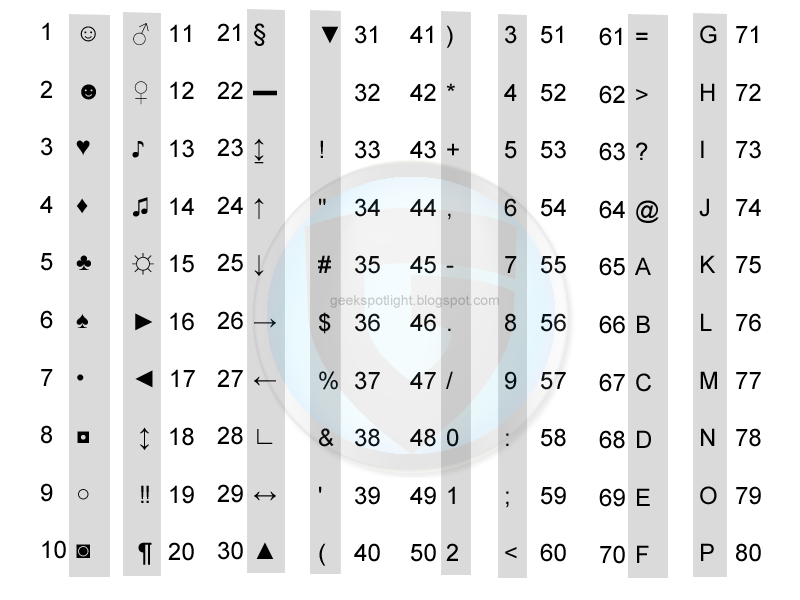
The ALT Codes
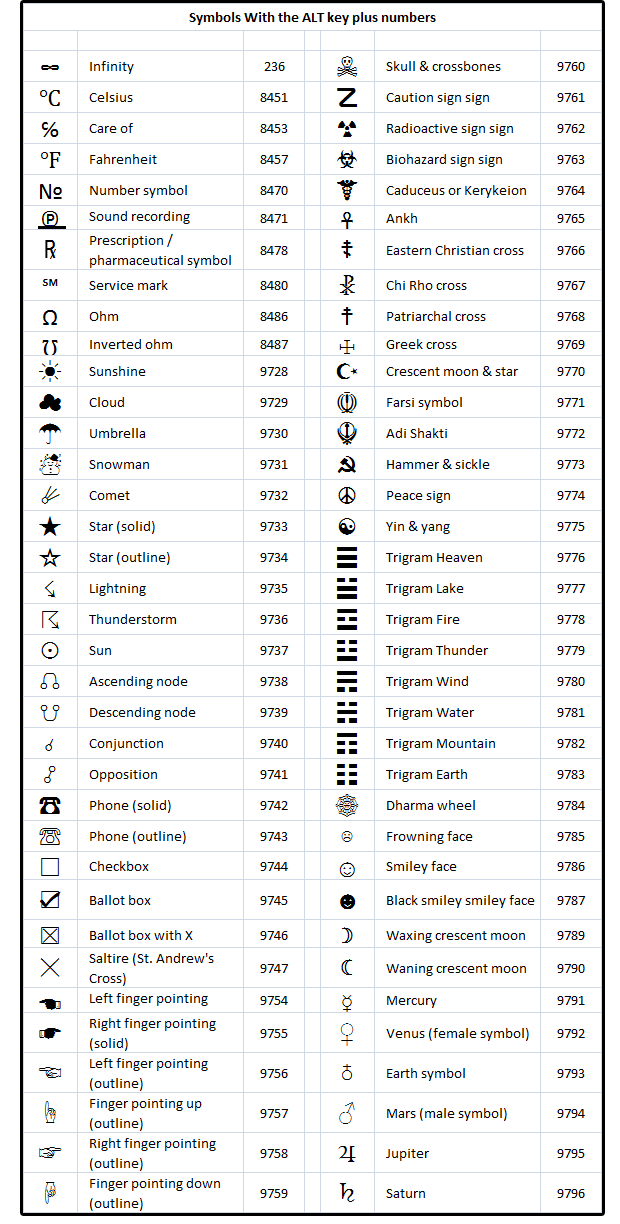
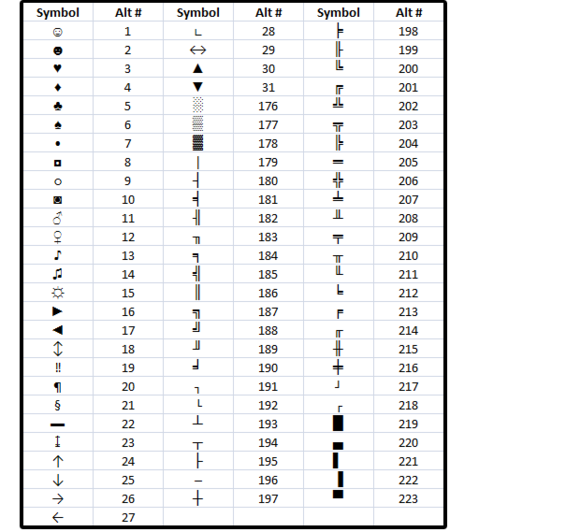
How To Get Special Characters Using Alt Key Codes Or The Word Symbols

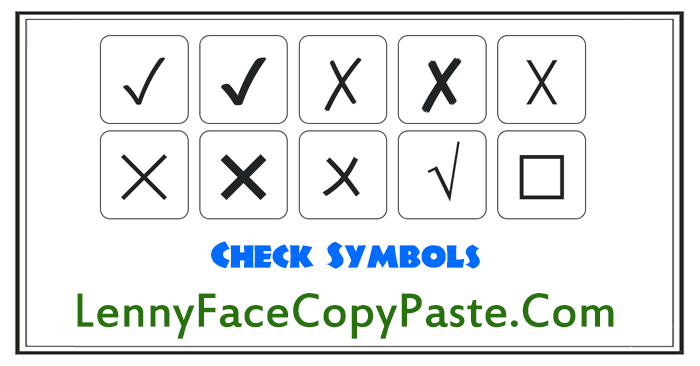
ALT Codes for Check Mark and Cross Mark Symbols Below is the complete list of Windows ALT codes for check mark tick mark cross mark ballot box symbols

According to https www alt codes check mark symbols php I should be able to type the text 2 7 0 5 select it and
253 rowsALT 0249 Latin small letter u with grave U 00F9 ALT 250 Middle dot

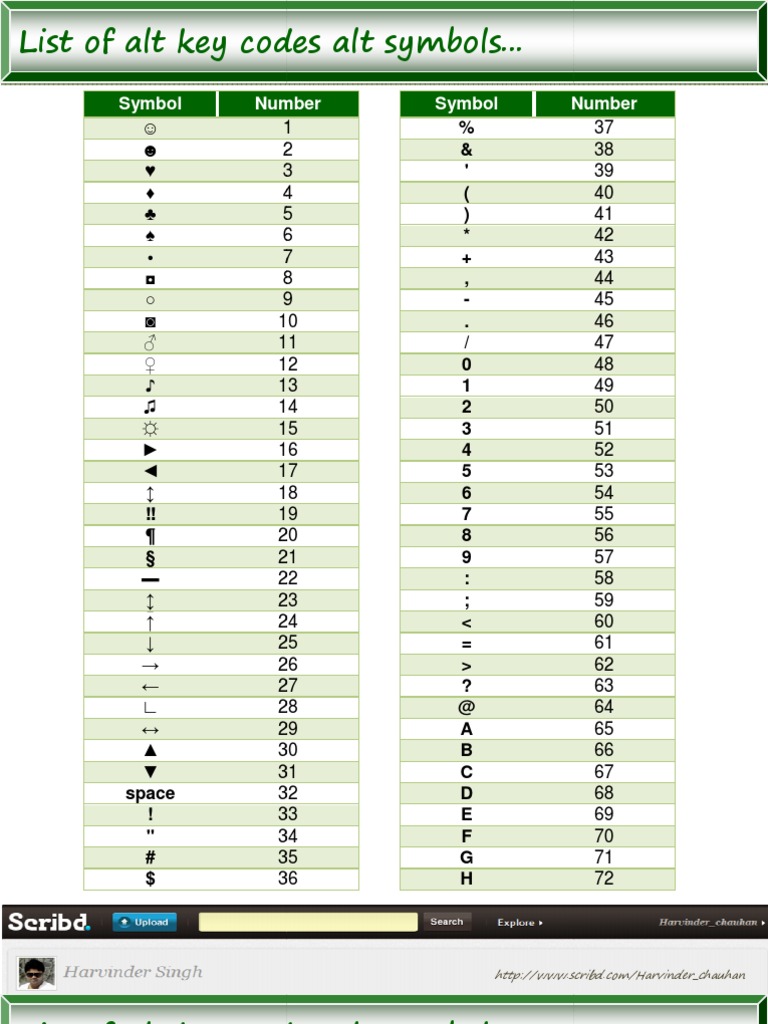
Place the cursor where the check mark symbol is required and then press and hold the Alt key and type the required alt code value from the above list and release the alt key

Alt Codes Copy Check Mark Text Symbols to Copy and Paste There are 17 symbols To copy the specific symbol to your clipboard just click on it
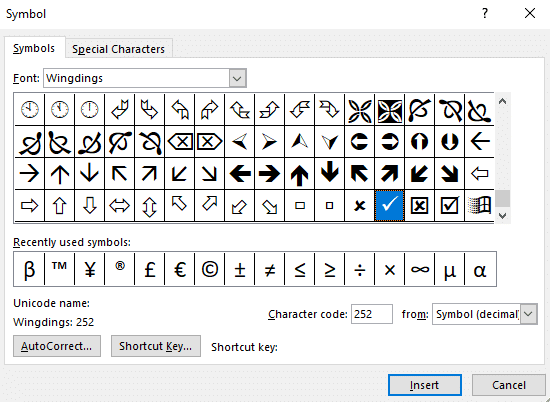
Press the Alt key and type 10003 on the numeric keypad Release both the keys and the check mark will show up Check mark symbol alt codes and html code with one click In this article we ll review 5 ways to insert a check mark symbol in a Word document Insert check marks as bullets Use the Insert Symbol command Add and
Method 1 Insert Symbols Navigating Insert Tab Symbols and select More Symbols Navigate to Symbols in Word 2 Select Symbol Tab Wingdings Font